

Roblox Piano Practice Online
Loading piano...
Practice Guide
Quick guide on how to use the online piano practice tool.
What is this?
This tool allows you to practice playing virtual piano sheets directly in your browser. It simulates a piano keyboard and helps you learn the notes and rhythm before playing in Roblox.
How to Practice Online
Use your computer keyboard or mouse to play the virtual piano keys directly. As the sheet music plays, the corresponding keys on the virtual piano will light up to help you follow along. You can also copy the sheet code to use directly in Roblox.
Discover Sheets
Random Shuffle: Click the Shuffle button in the center of the top control bar to instantly load a random new song without reloading the page.
Search: Click the Search button next to Shuffle to open the search window. Type a song title or artist name to quickly find and switch to the sheet you want to practice.
Playback Controls
- Play/Pause: Start or stop playback.
- 1xSpeed: Adjust tempo (0.5x - 2.0x).
- KTranspose: Shift the pitch up or down.
- SSustain: Toggle sustain pedal effect.
Easy Mode

Easy
Mockingbird
Eminem

Easy
Fur Elise
Beethoven

Easy
Cupid (Twin Version)
Fifty Fifty

Easy
Harvey
Alex G

Easy
LET ME SEE YA MOVE!
Lumi Athena

Easy
Nice To Know - BFDIA 19 Cake At Stake Intro
BFDIA 19

Easy
If You Love These People (Man of Steel)
Hans Zimmer

Easy
Where You Lead
Carole King

Easy
Pimp Hoe
Mike Sherm

Easy
Balcony
Cave Story
Normal Mode

Normal
Victory Day (Soviet Songs)
Lev Leshchenko
Normal
L5 - Lilac announcement sound
ViaMobilidade
Normal
Untitled 6
Jaydes
Normal
Wildfire - Star Rail - Of Snow and Ember
HOYO-MiX
Normal
That’s So True
Gracie Abrams

Normal
Legendary Lovers
Katy Perry
Normal
Trance
Metro Boomin and Travis Scott
Normal
Uwa!! So Temperate
Toby Fox
Normal
Valencina & Lucio Battle Theme - Limbus Company
Studio EIM

Normal
The Promised Love
Jay Chou
Hard Mode

Recommended Sheets

La Distancia Para Un Duelo (From Bleach)
LucasGitanoFamily
Hard
Rises the Moon
Liana Flores
Normal
Peaches (The Super Mario Bros. Movie)
Jack Black
Normal
Haydn Surprise Symphony No. 94 Movement 2
Haydn
Hard
i like the way you kiss me
Artemas
Hard
Goddess
Laufey
Normal
Kimetsu no Yaiba OP - 紅蓮華
LiSA
Normal
Moonlight on the River
Mac DeMarco
Normal
The Lost Soul Down
NBSPLV
Normal
Shape of You
Ed Sheeran
Normal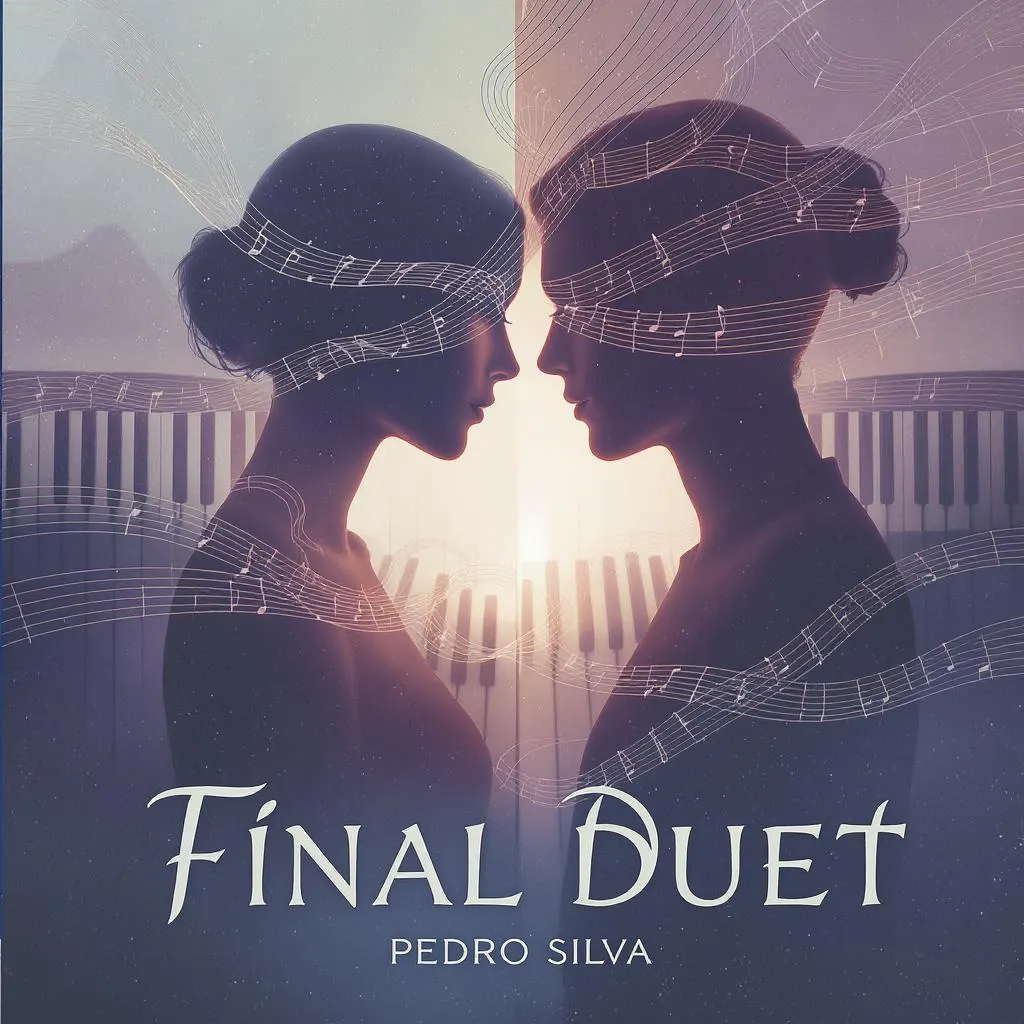
Final Duet (Omori)
Pedro Silva
Normal
Bubble Pop Electric
Gwen Stefani
Hard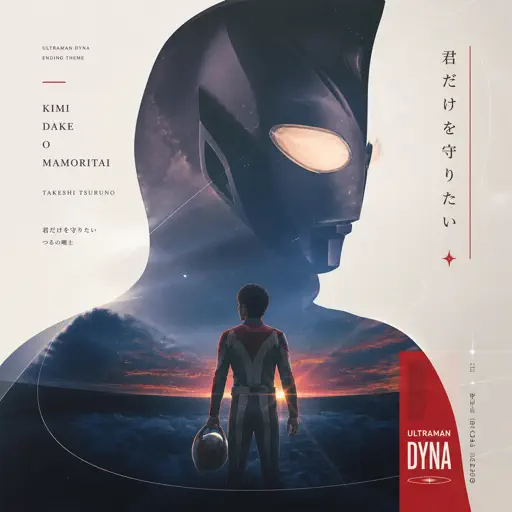
Kimi Dake O Mamoritai (Ultraman Dyna Ending)
Takeshi Tsuruno
Normal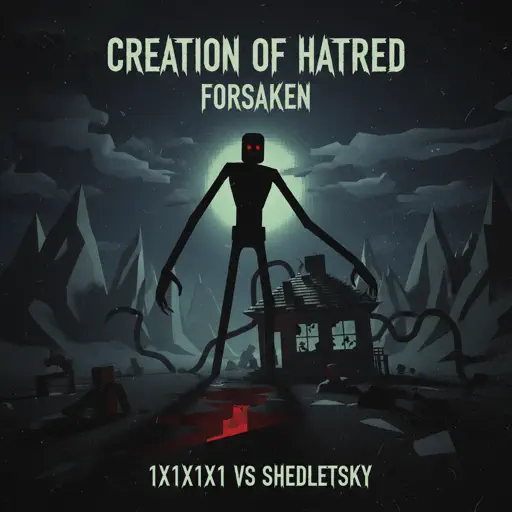
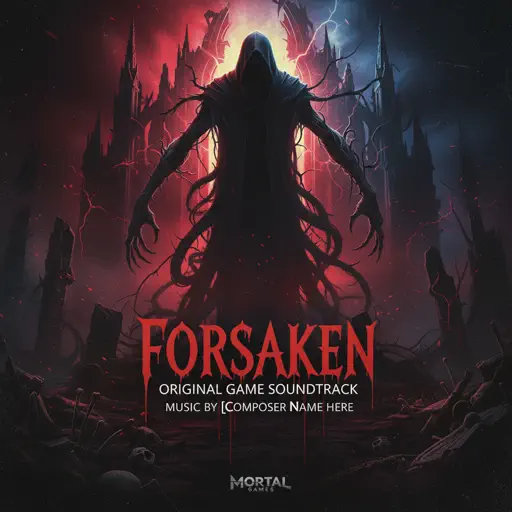
Creation of Hatred
Forsaken
Normal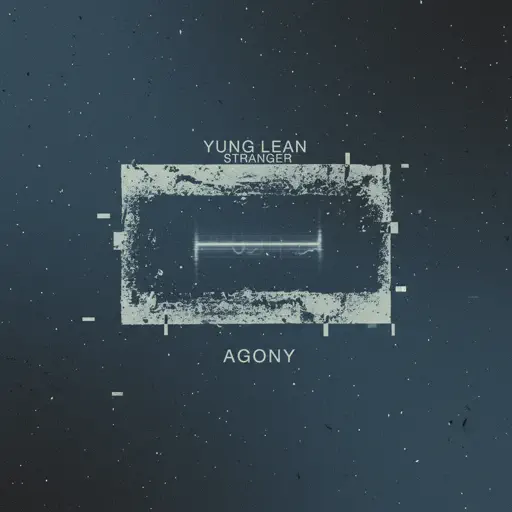
Agony
Yung Lean
Hard
A Tender Feeling (Sword Art Online)
Yuki Kajiura
Normal
Dan Dan Kokoro Hikareteku (Dragon Ball GT)
Jann-Aron JP
Hard
seasons
wave to earth
Normal
Dexter - The blood theme
The blood theme
Normal
Die On This Hill
Sienna Spiro
NormalFrequently Asked Questions
What is Roblox Piano Practice Online?
This is a free online tool that lets you practice Roblox virtual piano sheets in your browser. No downloads required - just pick a song and start practicing.
How do I use this online practice tool?
1. Select a song from the recommendations or use the search function. 2. Click play and the sheet will auto-scroll with highlighted notes. 3. Watch the virtual piano keyboard for highlighted keys and practice along. 4. Use speed control to slow down playback - perfect for beginners.
Can I play using my keyboard?
Yes! The virtual piano supports computer keyboard input. The keys correspond to the standard Roblox piano layout (1234567890qwerty...). You can practice on your keyboard while following the sheet.
What does the Transpose feature do?
Transpose raises or lowers the pitch of the sheet. Some Roblox piano games have different default tunings, so transpose helps match the correct pitch. Usually adjusting by +12 or -12 semitones works.
Does this tool work on mobile?
Yes, but desktop provides the best experience. On mobile you can view the sheet and virtual piano demo, but keyboard input requires a computer. We recommend using a desktop for the best practice experience.
How do I find sheets suitable for my level?
Below you'll find recommendations sorted by difficulty: Easy for beginners, Normal for intermediate players, and Hard/Expert for advanced challenges. You can also use the search function to find songs by title or artist.