

Roblox Piano Practice Online
Loading piano...
Practice Guide
Quick guide on how to use the online piano practice tool.
What is this?
This tool allows you to practice playing virtual piano sheets directly in your browser. It simulates a piano keyboard and helps you learn the notes and rhythm before playing in Roblox.
How to Practice Online
Use your computer keyboard or mouse to play the virtual piano keys directly. As the sheet music plays, the corresponding keys on the virtual piano will light up to help you follow along. You can also copy the sheet code to use directly in Roblox.
Discover Sheets
Random Shuffle: Click the Shuffle button in the center of the top control bar to instantly load a random new song without reloading the page.
Search: Click the Search button next to Shuffle to open the search window. Type a song title or artist name to quickly find and switch to the sheet you want to practice.
Playback Controls
- Play/Pause: Start or stop playback.
- 1xSpeed: Adjust tempo (0.5x - 2.0x).
- KTranspose: Shift the pitch up or down.
- SSustain: Toggle sustain pedal effect.
Easy Mode

Easy
Mist
EsDeeKid

Easy
If You Love These People (Man of Steel)
Hans Zimmer

Easy
Immortal
Playboi Carti

Easy
Fur Elise
Beethoven

Easy
LET ME SEE YA MOVE!
Lumi Athena

Easy
Pimp Hoe
Mike Sherm

Easy
Gravity Falls Main Title Theme
Brad Breeck

Easy
Nice To Know - BFDIA 19 Cake At Stake Intro
BFDIA 19

Easy
Harvey
Alex G

Easy
Mockingbird
Eminem
Normal Mode
Normal
Clubstep - Geometry Dash
dj-Nate

Normal
Don't Stop Believin'
Journey
Normal
Hypercharged
Electric Callboy
Normal
Same Blue
Blue Box OP
Normal
Ecstacy
SUICIDAL-IDOL
Normal
Fluxxwave
Clovis Reyes

Normal
Everything I Wanted
Billie Eilish
Normal
Futile Devices
Sufjan Stevens
Normal
Oscillation - Deepwoken OST
Naktigonis
Normal
Windows XP Shutdown
Windows
Hard Mode
Hard
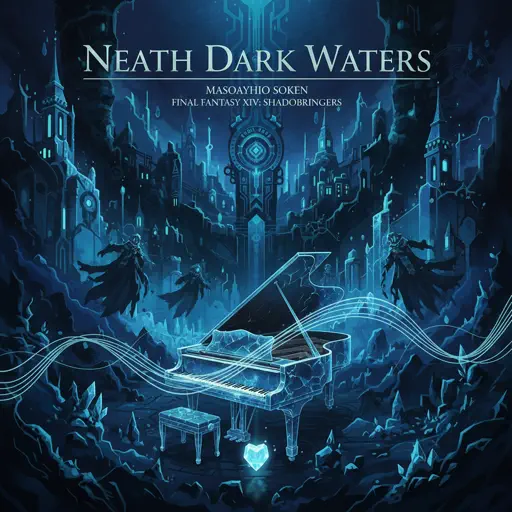
Neath Dark Waters - Final Fantasy XIV
Masayoshi Soken
Hard
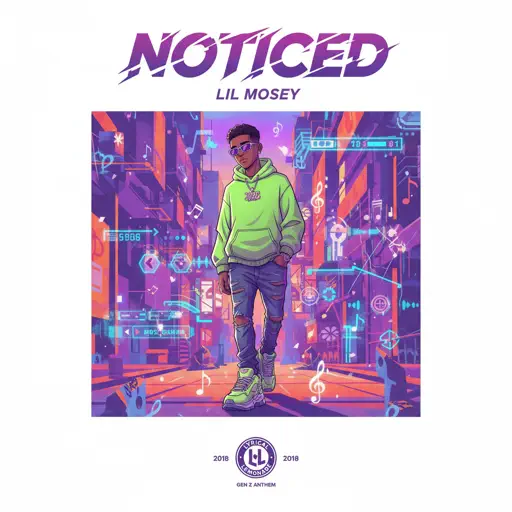
Noticed
Lil Mosey
Hard
Engeki
Nanou
Hard
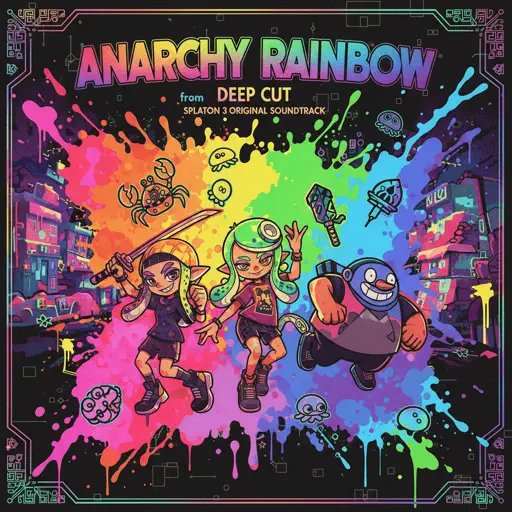
Anarchy Rainbow (from "Splatoon 3")
Splatoon 3
Hard
Czardas
Vittorio Monti

Hard
STAR☆T☆RAIN - 推しの子 Oshi no Ko
Yusuke Onodera

Hard
Lemon - Unnatural
Kenshi Yonezu
Hard
Papaoutai
Stromae
Hard
Succession (Main Title Theme)
Nicholas Britell
Hard
Attack of the Killer Queen (from Deltarune)
Toby Fox
Recommended Sheets
Touch-Tone Telephone
Lemon Demon
Hard
Sa Susunod na Habang Buhay
Ben&Ben
Hard
Israel Circles
geometry dash
Hard
Interstellar Main Theme (Cornfield Chase)
Hans Zimmer
Normal
Escape
Nemzzz
Normal
Sweden
C418
Normal
Eyes Without A Face
Billy Idol
Normal
Murder on My Mind
YNW Melly
Hard
Windows XP Startup
Windows
Normal
Die On This Hill
Sienna Spiro
Normal
Final Duet Omori - Violin
OMOCAT143
Normal
Hotaru no Hikari
Naruto Shippuden
Normal
Một Bước Yêu Vạn Dặm Đau
Mr. Siro
Normal
Signalling - 次元通信
AnythingBecomeMoe
Hard
Right Behind You (From "Team Fortress 2")
Sheet Music Boss
Normal
Better When I'm Dancin'
Meghan Trainor
Normal
Trouble
Coldplay
Normal
Toxic
BoyWithUke
Normal
Hey There Delilah
Plain White T's
Normal
Sunroof
Nicky Youre
NormalFrequently Asked Questions
What is Roblox Piano Practice Online?
This is a free online tool that lets you practice Roblox virtual piano sheets in your browser. No downloads required - just pick a song and start practicing.
How do I use this online practice tool?
1. Select a song from the recommendations or use the search function. 2. Click play and the sheet will auto-scroll with highlighted notes. 3. Watch the virtual piano keyboard for highlighted keys and practice along. 4. Use speed control to slow down playback - perfect for beginners.
Can I play using my keyboard?
Yes! The virtual piano supports computer keyboard input. The keys correspond to the standard Roblox piano layout (1234567890qwerty...). You can practice on your keyboard while following the sheet.
What does the Transpose feature do?
Transpose raises or lowers the pitch of the sheet. Some Roblox piano games have different default tunings, so transpose helps match the correct pitch. Usually adjusting by +12 or -12 semitones works.
Does this tool work on mobile?
Yes, but desktop provides the best experience. On mobile you can view the sheet and virtual piano demo, but keyboard input requires a computer. We recommend using a desktop for the best practice experience.
How do I find sheets suitable for my level?
Below you'll find recommendations sorted by difficulty: Easy for beginners, Normal for intermediate players, and Hard/Expert for advanced challenges. You can also use the search function to find songs by title or artist.