
Roblox Piano Practice Online
Loading piano...
Practice Guide
Quick guide on how to use the online piano practice tool.
What is this?
This tool allows you to practice playing virtual piano sheets directly in your browser. It simulates a piano keyboard and helps you learn the notes and rhythm before playing in Roblox.
How to Practice Online
Use your computer keyboard or mouse to play the virtual piano keys directly. As the sheet music plays, the corresponding keys on the virtual piano will light up to help you follow along. You can also copy the sheet code to use directly in Roblox.
Discover Sheets
Random Shuffle: Click the Shuffle button in the center of the top control bar to instantly load a random new song without reloading the page.
Search: Click the Search button next to Shuffle to open the search window. Type a song title or artist name to quickly find and switch to the sheet you want to practice.
Playback Controls
- Play/Pause: Start or stop playback.
- 1xSpeed: Adjust tempo (0.5x - 2.0x).
- KTranspose: Shift the pitch up or down.
- SSustain: Toggle sustain pedal effect.
Easy Mode

Easy
LET ME SEE YA MOVE!
Lumi Athena

Easy
Harvey
Alex G

Easy
Nice To Know - BFDIA 19 Cake At Stake Intro
BFDIA 19

Easy
Pimp Hoe
Mike Sherm

Easy
Mockingbird
Eminem

Easy
Where You Lead
Carole King

Easy
Balcony
Cave Story

Easy
Sleeping City Funk
Emotional Recycling Bin

Easy
Cupid (Twin Version)
Fifty Fifty

Easy
Fur Elise
Beethoven
Normal Mode
Normal
Ecstacy
SUICIDAL-IDOL
Normal
Bloody Mary
Lady Gaga
Normal
Silksong Theme
kohto
Normal
Cry For Me
Michita
Normal
PLEAD - LMS (c00lkidd vs 007n7)
Forsaken Sound Team
Normal
Hey Kids
Molina

Normal
Die On This Hill
Sienna Spiro
Normal
You're Mine (Baldi's Basics)
Dagames
Normal
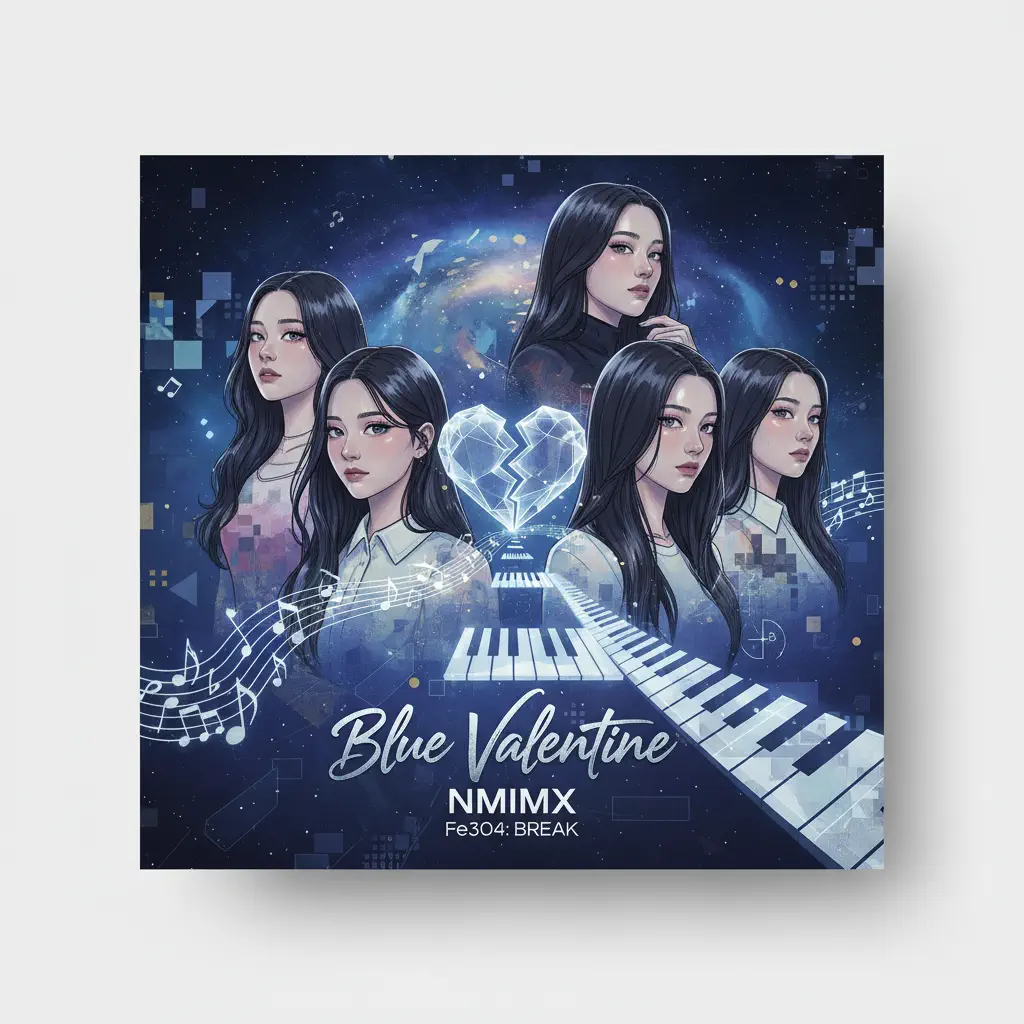
Blue Valentine
NMIXX
Normal
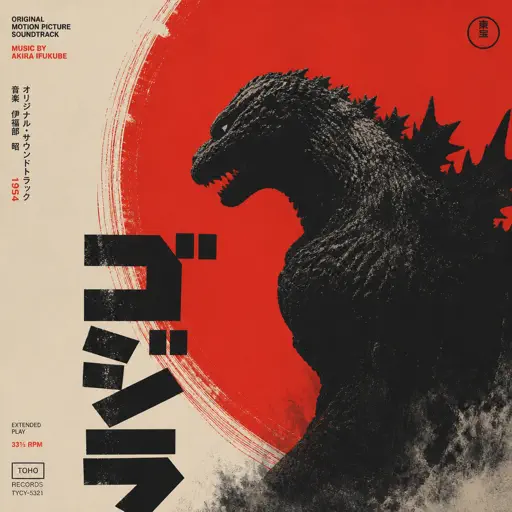
Godzilla Theme
Akira Ifukube
Hard Mode
Hard
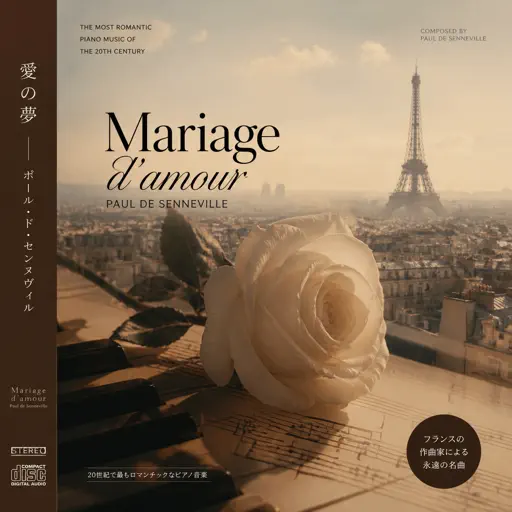
Mariage d'amour
Paul de Senneville
Hard
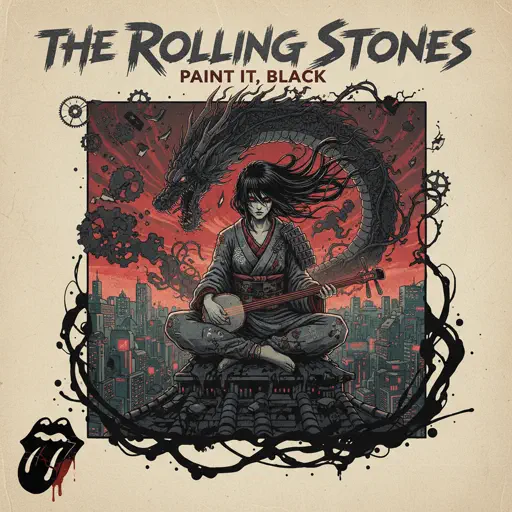
Paint It, Black
The Rolling Stones
Hard
Nope your too late i already died
wifiskeleton

Hard
Dan Dan Kokoro Hikareteku (Dragon Ball GT)
Jann-Aron JP
Hard
Anarchy Rainbow (from "Splatoon 3")
Splatoon 3
Hard
Cornfield Chase (interstellar)
Hans Zimmer
Hard
Those Who Remain
DirectorMusic
Hard
Sign of the Times
Harry Styles

Hard
It's over but Not for Me
Mrnick LEC

Hard
U.N. Owen Was Her?
Flandre's Theme
Recommended Sheets
Subwoofer Lullaby
C418
Normal
Thunderstruck
AC/DC
Normal
Guanshan Wine
Deng Shen Me Jun
Hard
Daylight
David Kushner
NormalCupid (Twin Version)
Fifty Fifty
Easy
Jožin Z Bažin
Ivan Mládek
Normal
back to friends
sombr
Hard
Brain Rot ブレインロット
Tokya Manaka
Hard
Po Atarau - Project Hail Marry
Turakina Maori Girls Choir
Normal
Anything
Adrianne Lenker
Normal
Oceans & Engines
NIKI
Hard
Life Goes On
Oliver Tree
Normal
the perfect pair
beabadoobee
Normal
Purple Rain
Prince
Normal
Voyager
Xdinary Heroes
NormalDan Dan Kokoro Hikareteku (Dragon Ball GT)
Jann-Aron JP
Hard
Star Shopping
Lil Peep
Normal
Mia & Sebastian’s Theme - La La Land
Justin Hurwitz
Normal
Lush Life
Zara Larsson
Normal
Grasswalk - Plants vs. Zombies
Laura Shigihara
NormalFrequently Asked Questions
What is Roblox Piano Practice Online?
This is a free online tool that lets you practice Roblox virtual piano sheets in your browser. No downloads required - just pick a song and start practicing.
How do I use this online practice tool?
1. Select a song from the recommendations or use the search function. 2. Click play and the sheet will auto-scroll with highlighted notes. 3. Watch the virtual piano keyboard for highlighted keys and practice along. 4. Use speed control to slow down playback - perfect for beginners.
Can I play using my keyboard?
Yes! The virtual piano supports computer keyboard input. The keys correspond to the standard Roblox piano layout (1234567890qwerty...). You can practice on your keyboard while following the sheet.
What does the Transpose feature do?
Transpose raises or lowers the pitch of the sheet. Some Roblox piano games have different default tunings, so transpose helps match the correct pitch. Usually adjusting by +12 or -12 semitones works.
Does this tool work on mobile?
Yes, but desktop provides the best experience. On mobile you can view the sheet and virtual piano demo, but keyboard input requires a computer. We recommend using a desktop for the best practice experience.
How do I find sheets suitable for my level?
Below you'll find recommendations sorted by difficulty: Easy for beginners, Normal for intermediate players, and Hard/Expert for advanced challenges. You can also use the search function to find songs by title or artist.