
Roblox Piano Practice Online
Loading piano...
Practice Guide
Quick guide on how to use the online piano practice tool.
What is this?
This tool allows you to practice playing virtual piano sheets directly in your browser. It simulates a piano keyboard and helps you learn the notes and rhythm before playing in Roblox.
How to Practice Online
Use your computer keyboard or mouse to play the virtual piano keys directly. As the sheet music plays, the corresponding keys on the virtual piano will light up to help you follow along. You can also copy the sheet code to use directly in Roblox.
Discover Sheets
Random Shuffle: Click the Shuffle button in the center of the top control bar to instantly load a random new song without reloading the page.
Search: Click the Search button next to Shuffle to open the search window. Type a song title or artist name to quickly find and switch to the sheet you want to practice.
Playback Controls
- Play/Pause: Start or stop playback.
- 1xSpeed: Adjust tempo (0.5x - 2.0x).
- KTranspose: Shift the pitch up or down.
- SSustain: Toggle sustain pedal effect.
Easy Mode

Easy
LET ME SEE YA MOVE!
Lumi Athena

Easy
Where You Lead
Carole King

Easy
Fur Elise
Beethoven

Easy
Mist
EsDeeKid

Easy
Mockingbird
Eminem

Easy
If You Love These People (Man of Steel)
Hans Zimmer

Easy
Pimp Hoe
Mike Sherm

Easy
Cupid (Twin Version)
Fifty Fifty

Easy
Immortal
Playboi Carti

Easy
Nice To Know - BFDIA 19 Cake At Stake Intro
BFDIA 19
Normal Mode

Normal
Kimetsu no Yaiba OP - 紅蓮華
LiSA
Normal
Self Control - GTA Vice City
Laura Branigan

Normal
Made In Japan
Buck Owens

Normal
Blue Tequila
Táo
Normal
Prairies
BoyWithUke
Normal
Case Closed (From Detective Conan)
Gosho Aoyama
Normal
Final Duet (Omori)
Pedro Silva
Normal
Aphrodite
The Ridleys
Normal
Beautiful Girl
INXS

Normal
Sunny Day 晴天
Jay Chou 周杰倫
Hard Mode

Hard
Beanie
Chezile

Hard
Racing Into The Night
YOASOBI
Hard
Mr. Sandman
The Chordettes
Hard
Otherside
Red Hot Chili Peppers

Hard
Dan Dan Kokoro Hikareteku (Dragon Ball GT)
Jann-Aron JP
Hard
Dead Wrong
Shinobi
Hard
Resonance
Home
Hard
Apoplexy - Geometry Dash
Bee Hunter
Hard
What pumpkin - homestuck- MS Paint Adventures
Alexander Rosetti
Hard
Not Like Us
Kendrick Lamar
Recommended Sheets
Le Monde - From Talk to Me
Richard Carter
Hard
Angels
Robbie Williams
Hard
Stephanie
Nafeesisboujee
Normal
Married Life (Carl and Ellie) - Pixar's Up Theme
Michael Giacchino
NormalNot Like Us
Kendrick Lamar
Hard
The Cruel Angel's Thesis (Evangelion)
Yoko Takahashi
Normal
Moog City 2 - Minecraft
C418
Normal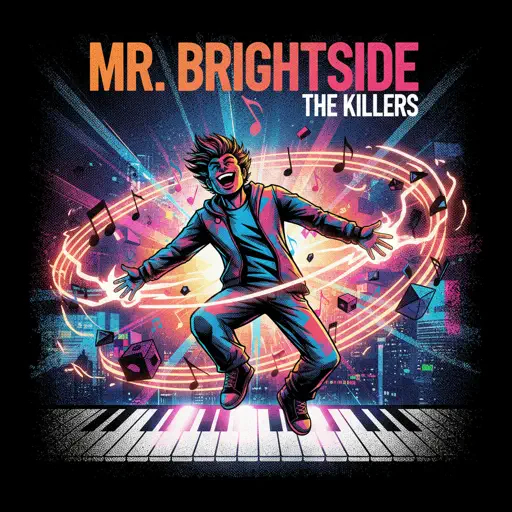
Mr. Brightside
The Killers
Hard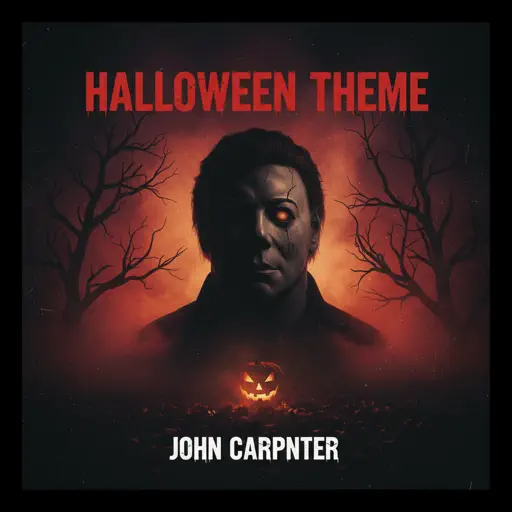
Halloween Theme
Michael Myers
Normal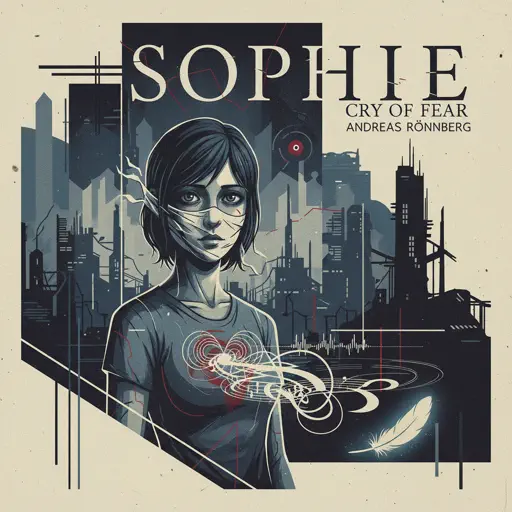
Sophie (Cry of Fear)
Andreas Rönnberg
Normal
It's A Dream
Snow Strippers
Normal
Hidden In the Sand
Tally Hall
Normal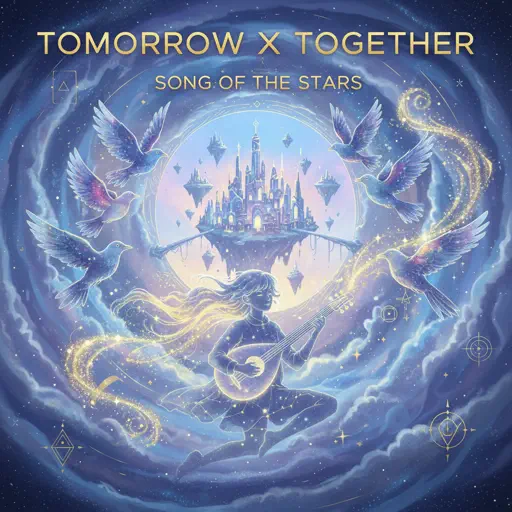
Song of the Stars
TOMORROW X TOGETHER
Hard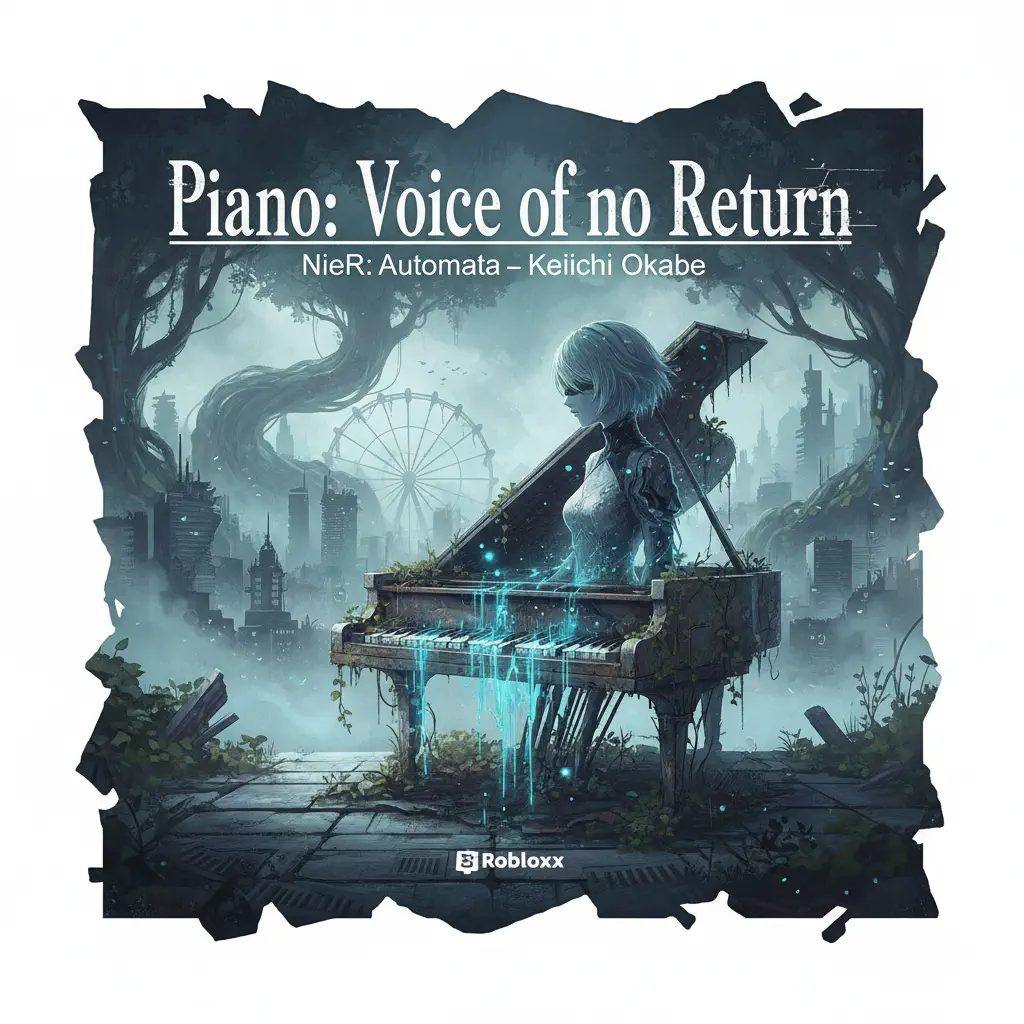
Piano: Voice of no Return – NieR: Automata
岡部啓一
Normal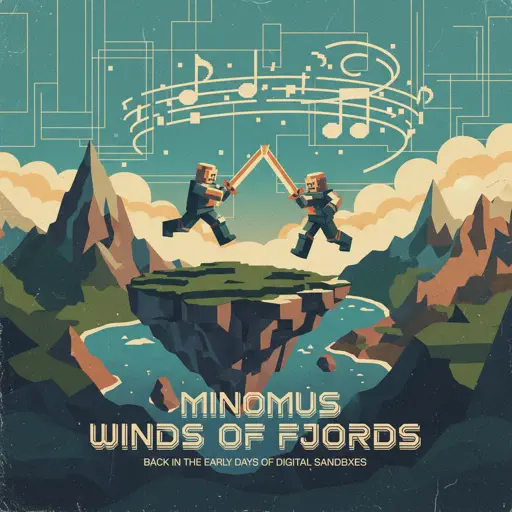
Winds Of Fjords
minomus
Normal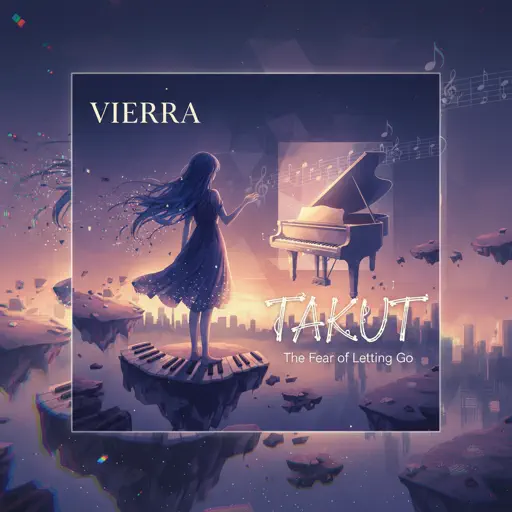
Takut
Vierra
Normal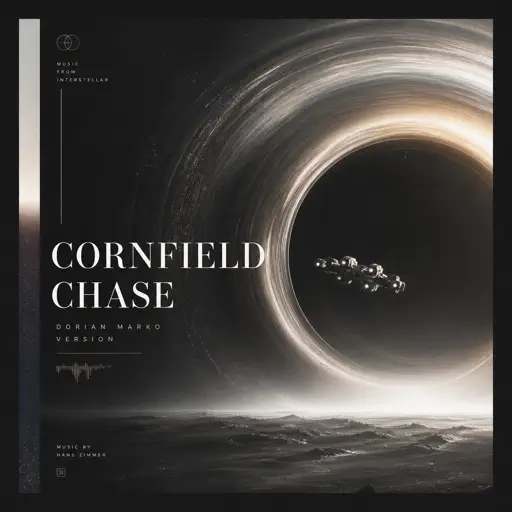
Cornfield Chase (Interstellar)
Dorian Marko
Hard
Slash Inferno
Boom Kitty
Hard
Looping the Rooms
rusino
Hard
Port Ormos (Day)
Yu-Peng Chen
HardFrequently Asked Questions
What is Roblox Piano Practice Online?
This is a free online tool that lets you practice Roblox virtual piano sheets in your browser. No downloads required - just pick a song and start practicing.
How do I use this online practice tool?
1. Select a song from the recommendations or use the search function. 2. Click play and the sheet will auto-scroll with highlighted notes. 3. Watch the virtual piano keyboard for highlighted keys and practice along. 4. Use speed control to slow down playback - perfect for beginners.
Can I play using my keyboard?
Yes! The virtual piano supports computer keyboard input. The keys correspond to the standard Roblox piano layout (1234567890qwerty...). You can practice on your keyboard while following the sheet.
What does the Transpose feature do?
Transpose raises or lowers the pitch of the sheet. Some Roblox piano games have different default tunings, so transpose helps match the correct pitch. Usually adjusting by +12 or -12 semitones works.
Does this tool work on mobile?
Yes, but desktop provides the best experience. On mobile you can view the sheet and virtual piano demo, but keyboard input requires a computer. We recommend using a desktop for the best practice experience.
How do I find sheets suitable for my level?
Below you'll find recommendations sorted by difficulty: Easy for beginners, Normal for intermediate players, and Hard/Expert for advanced challenges. You can also use the search function to find songs by title or artist.