
Roblox Piano Practice Online
Loading piano...
Practice Guide
Quick guide on how to use the online piano practice tool.
What is this?
This tool allows you to practice playing virtual piano sheets directly in your browser. It simulates a piano keyboard and helps you learn the notes and rhythm before playing in Roblox.
How to Practice Online
Use your computer keyboard or mouse to play the virtual piano keys directly. As the sheet music plays, the corresponding keys on the virtual piano will light up to help you follow along. You can also copy the sheet code to use directly in Roblox.
Discover Sheets
Random Shuffle: Click the Shuffle button in the center of the top control bar to instantly load a random new song without reloading the page.
Search: Click the Search button next to Shuffle to open the search window. Type a song title or artist name to quickly find and switch to the sheet you want to practice.
Playback Controls
- Play/Pause: Start or stop playback.
- 1xSpeed: Adjust tempo (0.5x - 2.0x).
- KTranspose: Shift the pitch up or down.
- SSustain: Toggle sustain pedal effect.
Easy Mode

Easy
Cupid (Twin Version)
Fifty Fifty

Easy
Mist
EsDeeKid

Easy
Mockingbird
Eminem

Easy
Immortal
Playboi Carti

Easy
Sleeping City Funk
Emotional Recycling Bin

Easy
Pimp Hoe
Mike Sherm

Easy
Where You Lead
Carole King

Easy
If You Love These People (Man of Steel)
Hans Zimmer

Easy
Nice To Know - BFDIA 19 Cake At Stake Intro
BFDIA 19

Easy
Harvey
Alex G
Normal Mode
Normal
The World Looks White, The World Looks Red
Heaven Pierce Her
Normal
Daylight
David Kushner
Normal
Green Onions
Booker T. & the M.G.'s

Normal
FEAR
NF
Normal
Golden Brown
The Stranglers

Normal
Jožin Z Bažin
Ivan Mládek
Normal
Coffin Dance
Vicetone
Normal
Sparkle - From Your Name
RADWIMPS
Normal
if looks could kill
Destroy Lonely
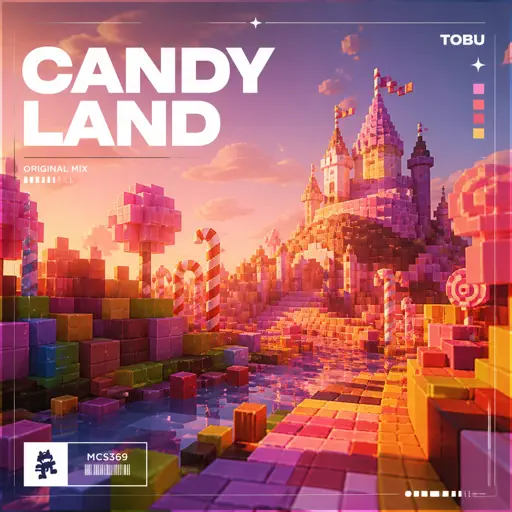
Normal
Candyland
Tobu
Hard Mode
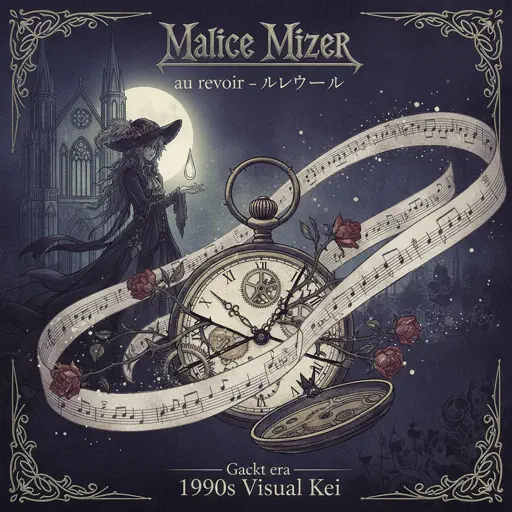
Hard
au revoir
Malice Mizer
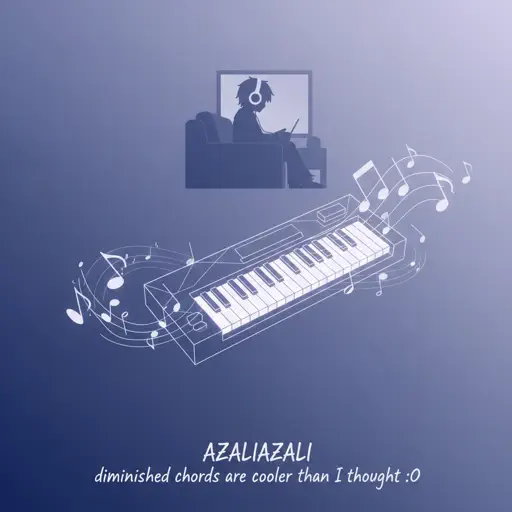
Hard
diminished chords are cooler than I thought :0
AZALI
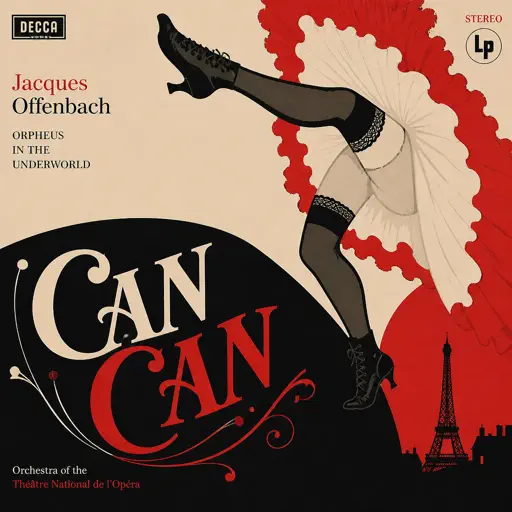
Hard
CanCan
Jacques Offenbach
Hard
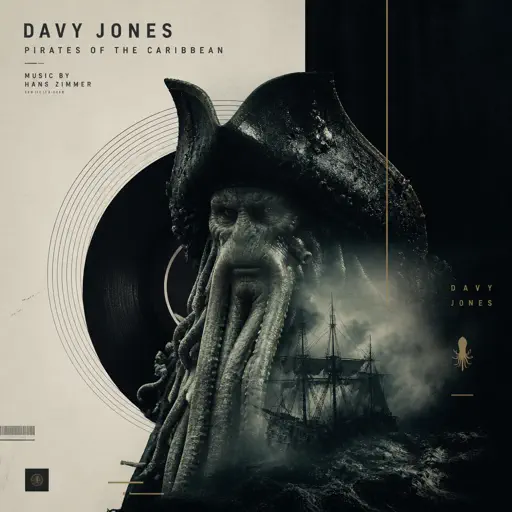
Davy Jones - Pirates of the Carribean
Hans Zimmer
Hard
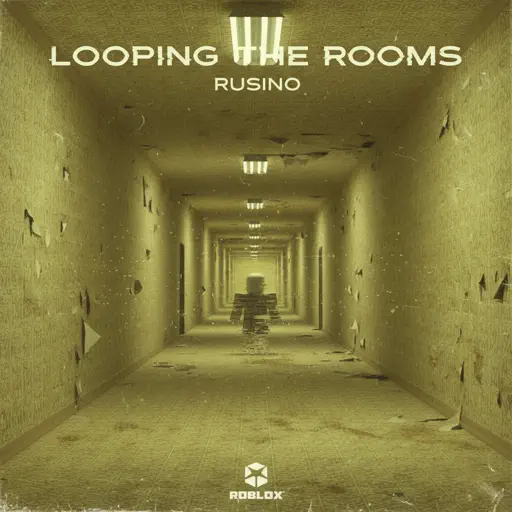
Looping the Rooms
rusino
Hard
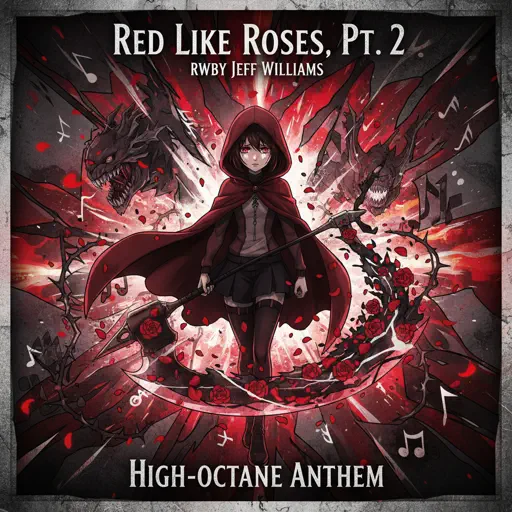
Red Like Roses, Pt. 2 - RWBY
Jeff Williams

Hard
Sweet Hibiscus Tea
Penelope Scott

Hard
Wielder Volo Battle (Pokemon Legends: Arceus)
The Greatest Bits
Hard
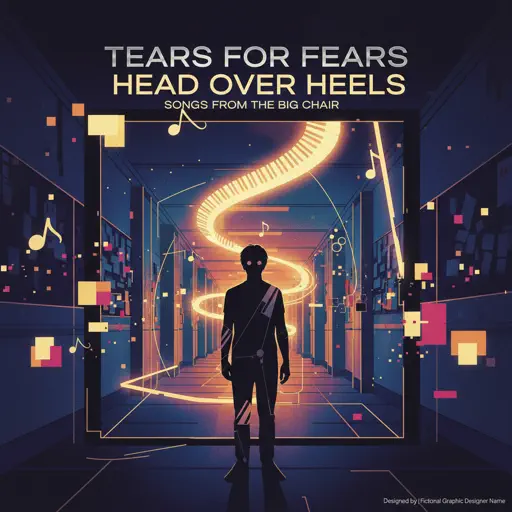
Head Over Heels
Tears For Fears
Hard
Passacaglia
Handel/Halvorsen
Recommended Sheets
Mangu
Fourtwnty ft. Charita Utami
Hard
SCP This is Your Last Warning
SCP
Normal
Zoo - From Zootopia 2
Shakira
Hard
Nope your too late i already died
wifiskeleton
Hard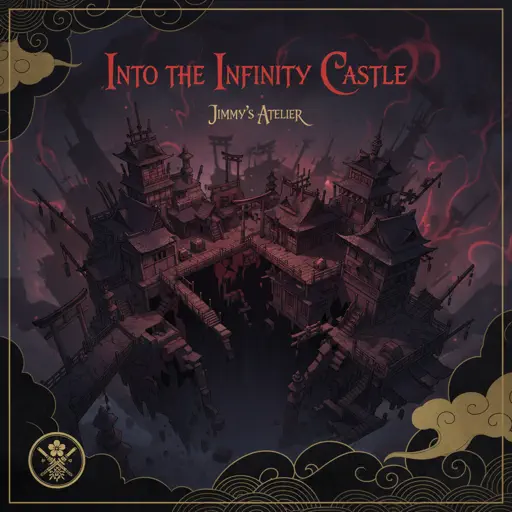
Into the Infinity Castle (From "Demon Slayer")
Jimmy's Atelier
Normal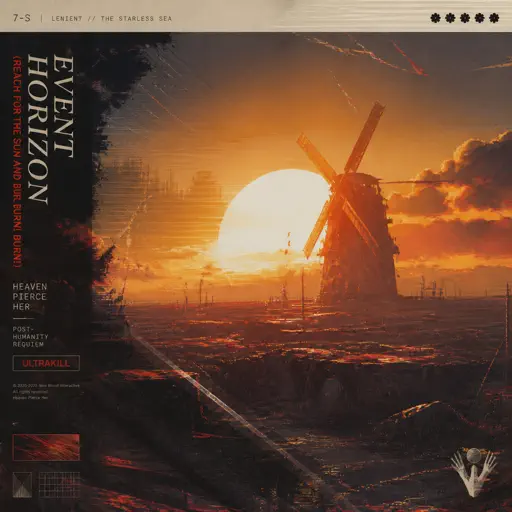
Event Horizon (Reach for the Sun and Burn! Burn! Burn!)
Heaven Pierce Her
Hard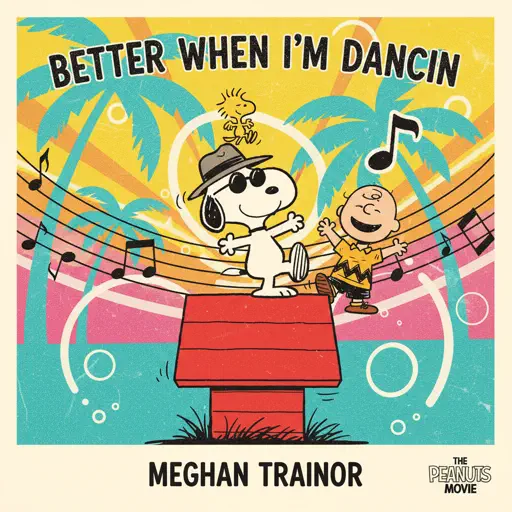
Better When I'm Dancin'
Meghan Trainor
Normal
Wildberry Lillet
Nina Chuba
Hard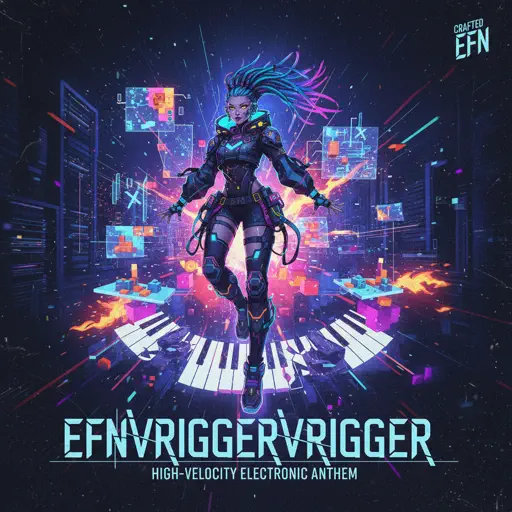
EFN
VRIGGER
Normal
BOUNCY (K-HOT CHILLI PEPPERS)
ATEEZ
Hard
Still D.R.E.
Dr. Dre
Hard
Suzume すずめ
RADWIMPS
Normal
L5 - Lilac announcement sound
ViaMobilidade
Normal
Whole Lotta Red
Playboi Carti
Normal
HOMAGE FUNK
KIXIA & KREZUS
Normal
High School Sweethearts
Melanie Martinez
Normal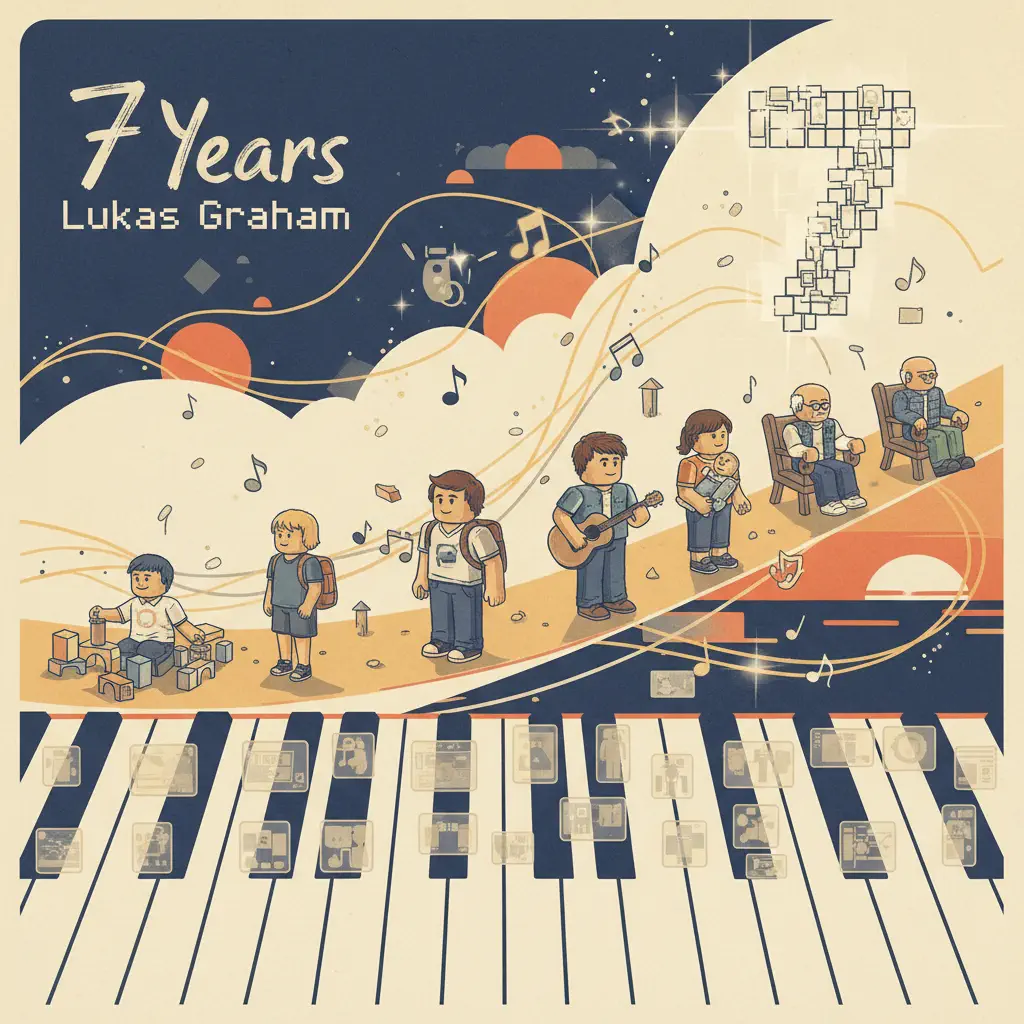
7 Years
Lukas Graham
Normal
Young And Beautiful
Lana Del Rey
Normal
What Was I Made For
Billie Eilish
Normal
Gravity Falls Main Title Theme
Brad Breeck
EasyFrequently Asked Questions
What is Roblox Piano Practice Online?
This is a free online tool that lets you practice Roblox virtual piano sheets in your browser. No downloads required - just pick a song and start practicing.
How do I use this online practice tool?
1. Select a song from the recommendations or use the search function. 2. Click play and the sheet will auto-scroll with highlighted notes. 3. Watch the virtual piano keyboard for highlighted keys and practice along. 4. Use speed control to slow down playback - perfect for beginners.
Can I play using my keyboard?
Yes! The virtual piano supports computer keyboard input. The keys correspond to the standard Roblox piano layout (1234567890qwerty...). You can practice on your keyboard while following the sheet.
What does the Transpose feature do?
Transpose raises or lowers the pitch of the sheet. Some Roblox piano games have different default tunings, so transpose helps match the correct pitch. Usually adjusting by +12 or -12 semitones works.
Does this tool work on mobile?
Yes, but desktop provides the best experience. On mobile you can view the sheet and virtual piano demo, but keyboard input requires a computer. We recommend using a desktop for the best practice experience.
How do I find sheets suitable for my level?
Below you'll find recommendations sorted by difficulty: Easy for beginners, Normal for intermediate players, and Hard/Expert for advanced challenges. You can also use the search function to find songs by title or artist.