
Roblox Piano Practice Online
Loading piano...
Practice Guide
Quick guide on how to use the online piano practice tool.
What is this?
This tool allows you to practice playing virtual piano sheets directly in your browser. It simulates a piano keyboard and helps you learn the notes and rhythm before playing in Roblox.
How to Practice Online
Use your computer keyboard or mouse to play the virtual piano keys directly. As the sheet music plays, the corresponding keys on the virtual piano will light up to help you follow along. You can also copy the sheet code to use directly in Roblox.
Discover Sheets
Random Shuffle: Click the Shuffle button in the center of the top control bar to instantly load a random new song without reloading the page.
Search: Click the Search button next to Shuffle to open the search window. Type a song title or artist name to quickly find and switch to the sheet you want to practice.
Playback Controls
- Play/Pause: Start or stop playback.
- 1xSpeed: Adjust tempo (0.5x - 2.0x).
- KTranspose: Shift the pitch up or down.
- SSustain: Toggle sustain pedal effect.
Easy Mode

Easy
Balcony
Cave Story

Easy
Nice To Know - BFDIA 19 Cake At Stake Intro
BFDIA 19

Easy
If You Love These People (Man of Steel)
Hans Zimmer

Easy
Fur Elise
Beethoven

Easy
Sleeping City Funk
Emotional Recycling Bin

Easy
Mist
EsDeeKid

Easy
Gravity Falls Main Title Theme
Brad Breeck

Easy
Harvey
Alex G

Easy
Mockingbird
Eminem

Easy
LET ME SEE YA MOVE!
Lumi Athena
Normal Mode

Normal
Sóng Gió
Jack & K-ICM
Normal
Feel Good Inc
Gorillaz

Normal
Tum Hi Ho
Arijit Singh
Normal
Red Like Roses, Pt. 1 - RWBY
Jeff Williams

Normal
Kaiju no Hanauta
Vaundy
Normal
We Are Charlie Kirk
Spalexma
Normal
Ievan Polkka
Hatsune Miku
Normal
Take Me Home, Country Roads
John Denver
Normal
Amazing Grace (My Chains Are Gone)
Chris Tomlin
Normal
Malování
Divokej Bill
Hard Mode
Hard
Tomorrow (Konosuba)
Miura Jam
Hard
Le Monde - From Talk to Me
Richard Carter
Hard
Engeki
Nanou

Hard
IFHY
Tyler, The Creator
Hard
MONTAGEM RUGADA
cape
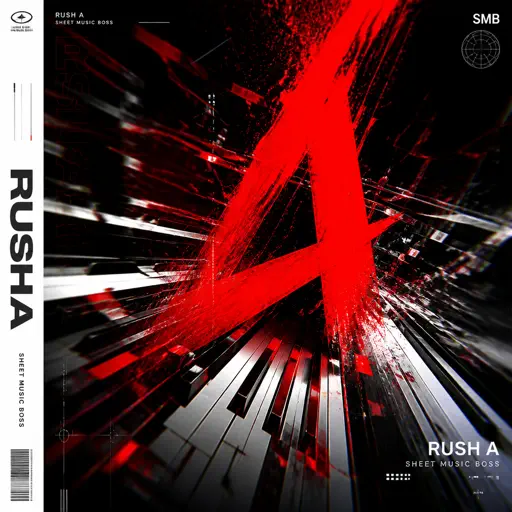
Hard
Rush A
Sheet Music Boss
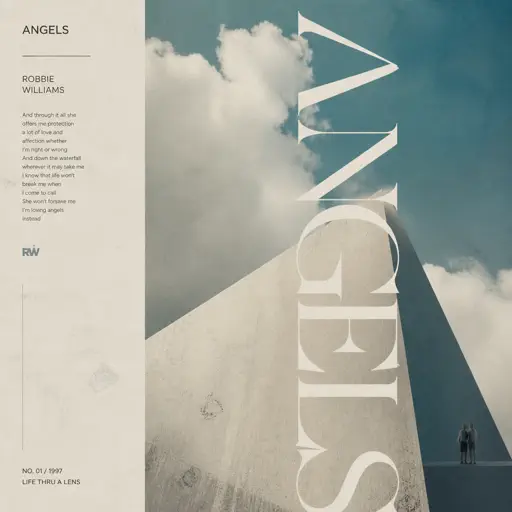
Hard
Angels
Robbie Williams
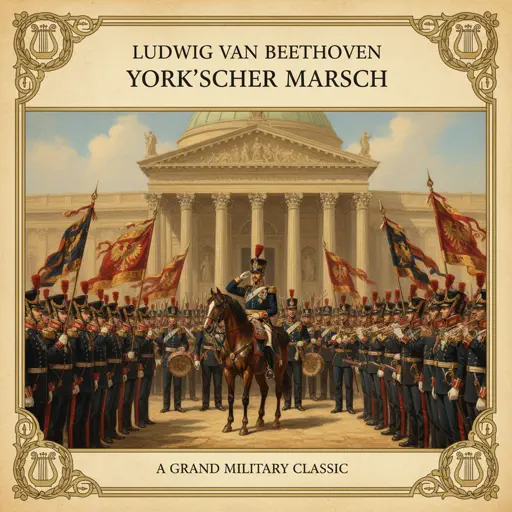
Hard
York'scher Marsch
Beethoven
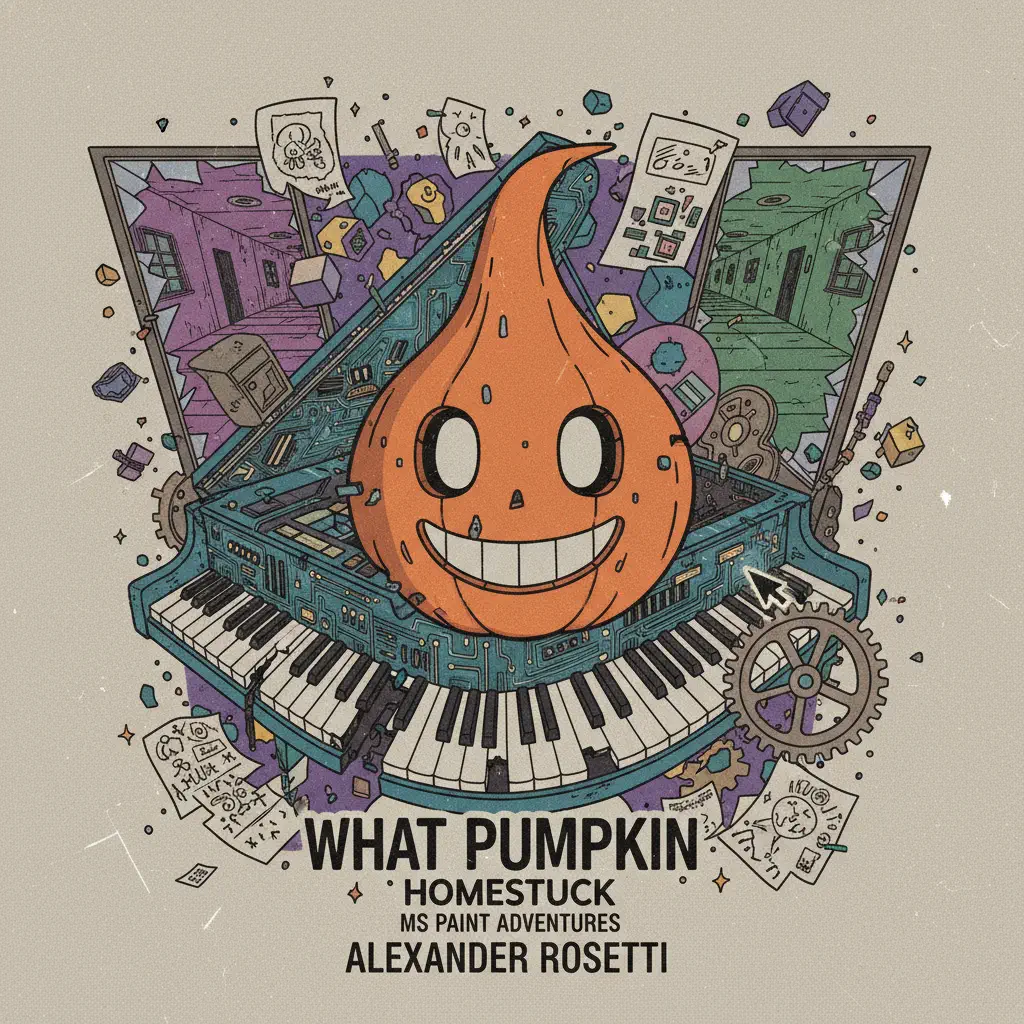
Hard
What pumpkin - homestuck- MS Paint Adventures
Alexander Rosetti

Hard
There's a Feller in the Moon
John W Dick
Recommended Sheets
Dead Wrong
Shinobi
Hard
Marigold
Aimyon
Hard
Restless
untitled
Normal
Rein Me In
Sam Fender
Hard
Dracula
Tame Impala
Hard
Angela
Flower Face
Normal
Running the Show - The Amazing Digital Circus
John Michael Hopkins
Hard
November Rain
Guns N' Roses
Hard
All Girls Are The Same
Juice WRLD
Normal
OG - untitled tag game ost
untitled tag game
Hard
L no Theme - Death Note
Hideki Taniuchi
Normal
I'm so crazy for youuu </3
Rebzyyx
Normal
Chest Pain (I Love)
Malcolm Todd
Normal
Resonanse -
Heaven's Secret Requiem
Djinotan
Normal
Counting Stars
One Republic
Normal
Final Duet Omori - Violin
OMOCAT143
Normal
Toxic Gossip Train
Colleen Ballinger
Normal
Self Aware
Temper City
Normal
Diamond City Lights
LazuLight
Hard
Haydn Surprise Symphony No. 94 Movement 2
Haydn
HardFrequently Asked Questions
What is Roblox Piano Practice Online?
This is a free online tool that lets you practice Roblox virtual piano sheets in your browser. No downloads required - just pick a song and start practicing.
How do I use this online practice tool?
1. Select a song from the recommendations or use the search function. 2. Click play and the sheet will auto-scroll with highlighted notes. 3. Watch the virtual piano keyboard for highlighted keys and practice along. 4. Use speed control to slow down playback - perfect for beginners.
Can I play using my keyboard?
Yes! The virtual piano supports computer keyboard input. The keys correspond to the standard Roblox piano layout (1234567890qwerty...). You can practice on your keyboard while following the sheet.
What does the Transpose feature do?
Transpose raises or lowers the pitch of the sheet. Some Roblox piano games have different default tunings, so transpose helps match the correct pitch. Usually adjusting by +12 or -12 semitones works.
Does this tool work on mobile?
Yes, but desktop provides the best experience. On mobile you can view the sheet and virtual piano demo, but keyboard input requires a computer. We recommend using a desktop for the best practice experience.
How do I find sheets suitable for my level?
Below you'll find recommendations sorted by difficulty: Easy for beginners, Normal for intermediate players, and Hard/Expert for advanced challenges. You can also use the search function to find songs by title or artist.