
Roblox Piano Practice Online
Loading piano...
Practice Guide
Quick guide on how to use the online piano practice tool.
What is this?
This tool allows you to practice playing virtual piano sheets directly in your browser. It simulates a piano keyboard and helps you learn the notes and rhythm before playing in Roblox.
How to Practice Online
Use your computer keyboard or mouse to play the virtual piano keys directly. As the sheet music plays, the corresponding keys on the virtual piano will light up to help you follow along. You can also copy the sheet code to use directly in Roblox.
Discover Sheets
Random Shuffle: Click the Shuffle button in the center of the top control bar to instantly load a random new song without reloading the page.
Search: Click the Search button next to Shuffle to open the search window. Type a song title or artist name to quickly find and switch to the sheet you want to practice.
Playback Controls
- Play/Pause: Start or stop playback.
- 1xSpeed: Adjust tempo (0.5x - 2.0x).
- KTranspose: Shift the pitch up or down.
- SSustain: Toggle sustain pedal effect.
Easy Mode

Easy
Mist
EsDeeKid

Easy
Fur Elise
Beethoven

Easy
Immortal
Playboi Carti

Easy
Mockingbird
Eminem

Easy
Sleeping City Funk
Emotional Recycling Bin

Easy
Pimp Hoe
Mike Sherm

Easy
Where You Lead
Carole King

Easy
If You Love These People (Man of Steel)
Hans Zimmer

Easy
Gravity Falls Main Title Theme
Brad Breeck

Easy
Cupid (Twin Version)
Fifty Fifty
Normal Mode
Normal
Sampai Jadi Debu
Banda Neira
Normal
Space Song
Beach House
Normal
CHAOS CONSTRUCT
AZALI
Normal
Creation of Hatred
Forsaken
Normal
anybody can find love (except you.)
hkmori
Normal
Peaches (The Super Mario Bros. Movie)
Jack Black
Normal
Feel Good Inc
Gorillaz
Normal
7 Years
Lukas Graham

Normal
Bad Romance
Lady Gaga
Normal
Sensiz Olmaz
Recep İvedik
Hard Mode
Hard
Still D.R.E.
Dr. Dre

Hard
Man I Need
Olivia Dean
Hard
Love Love Love
Epik High

Hard
Lover Girl
Laufey
Hard
The Interstellar Experience
Tony Ann
Hard
Oops!...I Did It Again
Britney Spears
Hard
Sacred Play Secret Place
matryoshka

Hard
It's over but Not for Me
Mrnick LEC
Hard
Nutshell
Alice In Chains
Hard
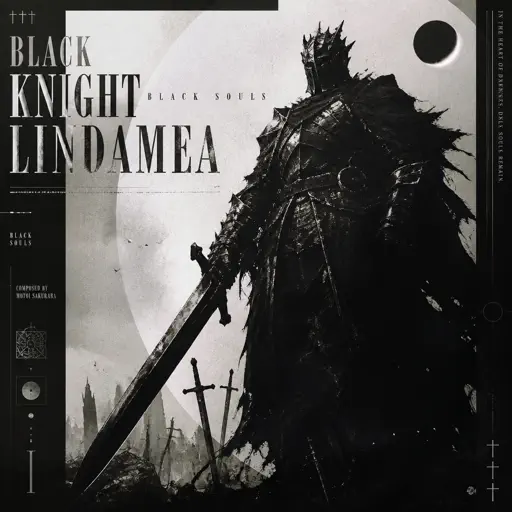
Black Knight Lindamea
Black Souls
Recommended Sheets
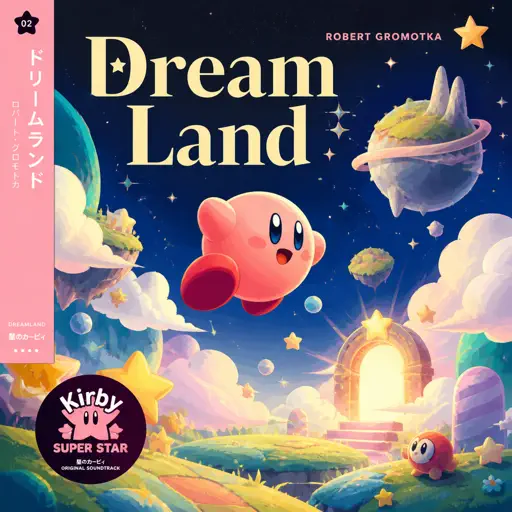
Dreamland
Robert Gromotka
Normal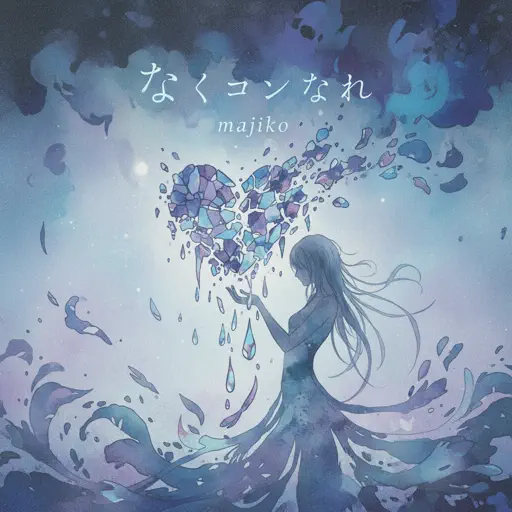
Kokoronashi (心做し)
majiko
Hard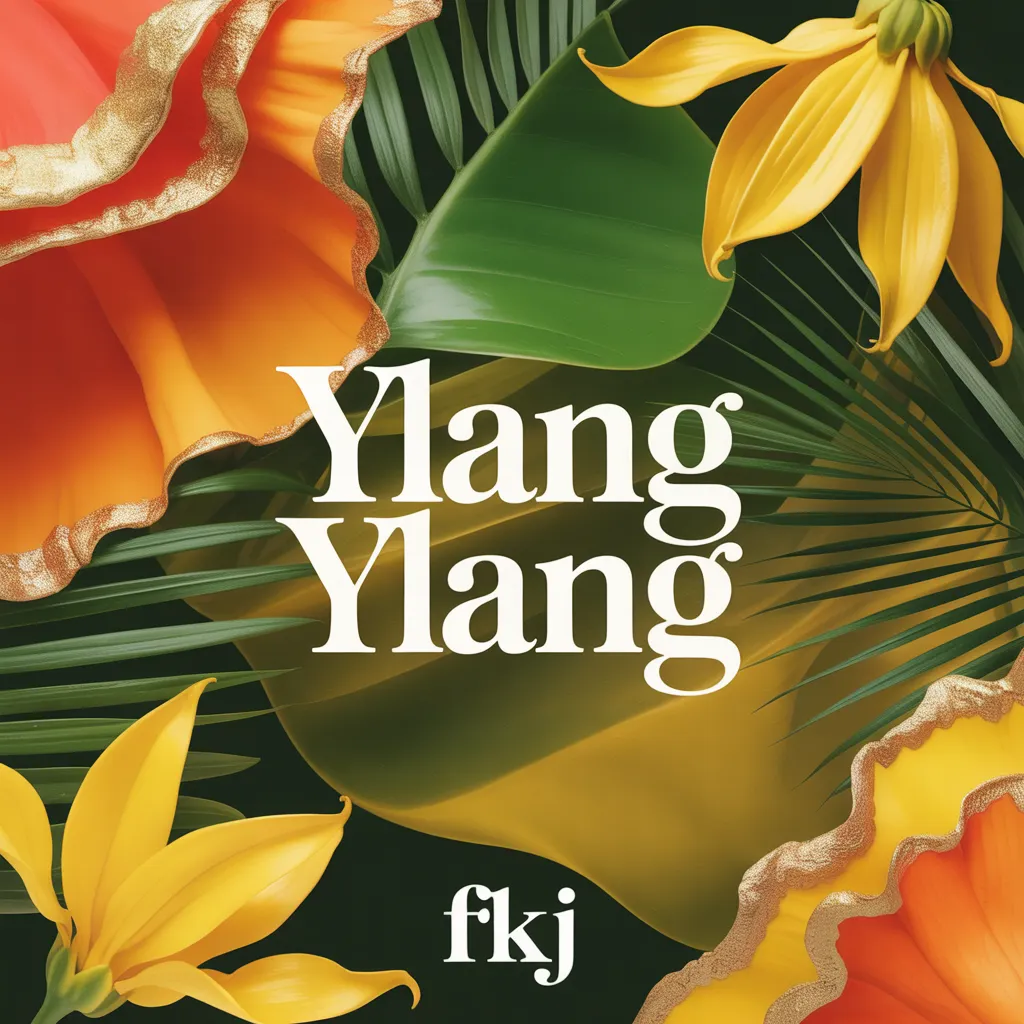
Ylang Ylang
FKJ
Normal
Kawaikute Gomen
HoneyWorks
Hard
when the devil falls in love
Hakdo
Normal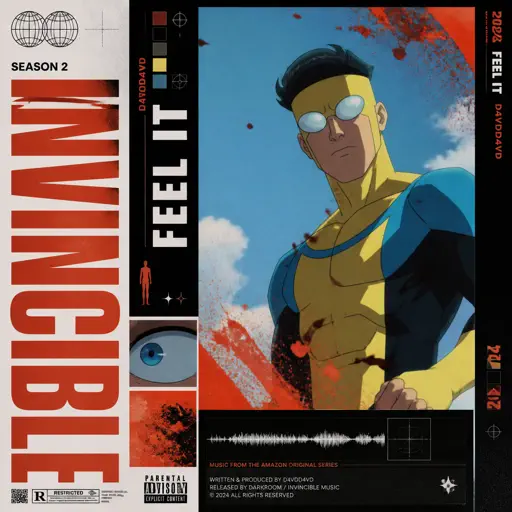
Feel It (From Invincible)
d4vd
Normal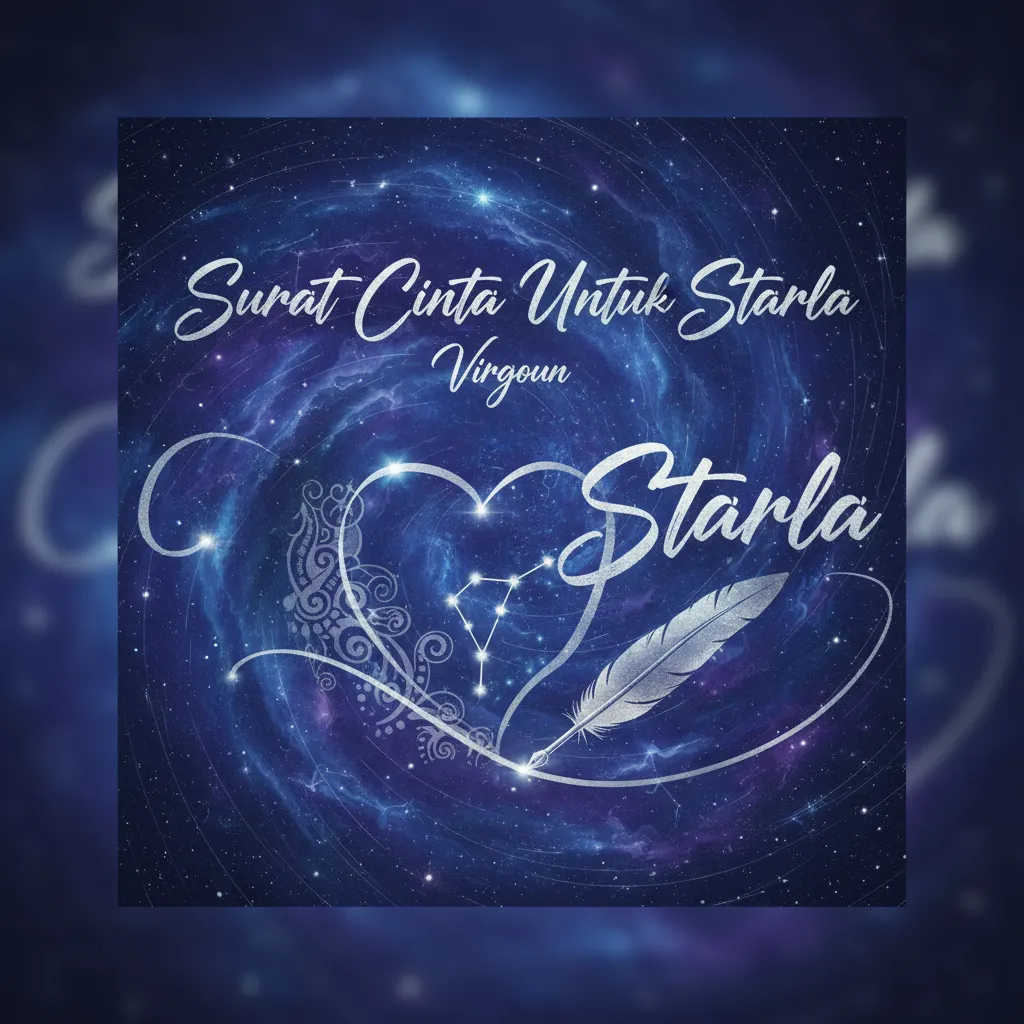
Surat Cinta Untuk Starla
Virgoun
Hard
Hidden In the Sand
Tally Hall
Normal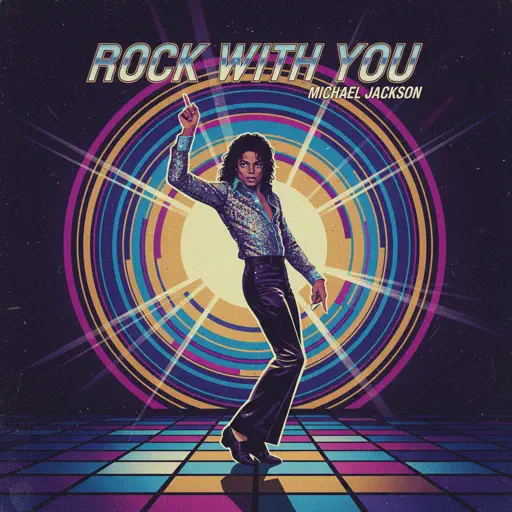
Rock With You
Michael Jackson
Normal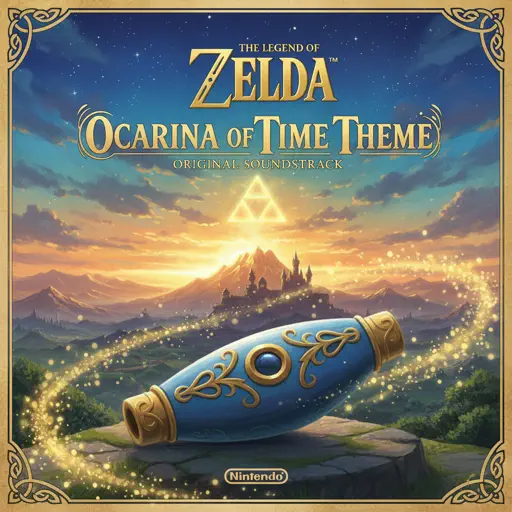
Ocarina Of Time Theme (The Legend Of Zelda)
Legend of Zelda
Normal
Agony
Yung Lean
Hard
Hallelujah
Kanye West
Hard
My Way
Frank Sinatra
Normal
Cause I Love You
Noo Phước Thịnh
Normal
This is what heartbreak feels like
JVKE
Normal
Trillium
S3RL
Normal
Snuff
Slipknot
Hard
Hey There Delilah
Plain White T's
Normal
Pure Imagination (from Wonka)
Timothée Chalamet
Hard
Sunset of Seven Suns - DELTARUNE
Toby Fox
NormalFrequently Asked Questions
What is Roblox Piano Practice Online?
This is a free online tool that lets you practice Roblox virtual piano sheets in your browser. No downloads required - just pick a song and start practicing.
How do I use this online practice tool?
1. Select a song from the recommendations or use the search function. 2. Click play and the sheet will auto-scroll with highlighted notes. 3. Watch the virtual piano keyboard for highlighted keys and practice along. 4. Use speed control to slow down playback - perfect for beginners.
Can I play using my keyboard?
Yes! The virtual piano supports computer keyboard input. The keys correspond to the standard Roblox piano layout (1234567890qwerty...). You can practice on your keyboard while following the sheet.
What does the Transpose feature do?
Transpose raises or lowers the pitch of the sheet. Some Roblox piano games have different default tunings, so transpose helps match the correct pitch. Usually adjusting by +12 or -12 semitones works.
Does this tool work on mobile?
Yes, but desktop provides the best experience. On mobile you can view the sheet and virtual piano demo, but keyboard input requires a computer. We recommend using a desktop for the best practice experience.
How do I find sheets suitable for my level?
Below you'll find recommendations sorted by difficulty: Easy for beginners, Normal for intermediate players, and Hard/Expert for advanced challenges. You can also use the search function to find songs by title or artist.