
Roblox Piano Practice Online
Loading piano...
Practice Guide
Quick guide on how to use the online piano practice tool.
What is this?
This tool allows you to practice playing virtual piano sheets directly in your browser. It simulates a piano keyboard and helps you learn the notes and rhythm before playing in Roblox.
How to Practice Online
Use your computer keyboard or mouse to play the virtual piano keys directly. As the sheet music plays, the corresponding keys on the virtual piano will light up to help you follow along. You can also copy the sheet code to use directly in Roblox.
Discover Sheets
Random Shuffle: Click the Shuffle button in the center of the top control bar to instantly load a random new song without reloading the page.
Search: Click the Search button next to Shuffle to open the search window. Type a song title or artist name to quickly find and switch to the sheet you want to practice.
Playback Controls
- Play/Pause: Start or stop playback.
- 1xSpeed: Adjust tempo (0.5x - 2.0x).
- KTranspose: Shift the pitch up or down.
- SSustain: Toggle sustain pedal effect.
Easy Mode










Normal Mode
Normal
BEASTARS -wolf and rabbit-
Satoru Kōsaki
Normal
Self Control - GTA Vice City
Laura Branigan
Normal
The Promised Love
Jay Chou
Normal
Big Iron
Marty Robbins
Normal
Go Away
Weezer
Normal
Tough Luck
Laufey
Normal
20 Min
Lil Uzi Vert
Normal
Shabby World
Akino Sakura
Normal
Cry For Me
Michita
Normal
Ocarina Of Time Theme (The Legend Of Zelda)
Legend of Zelda
Hard Mode
Hard
Sweet Boy
Malcolm Todd
Hard
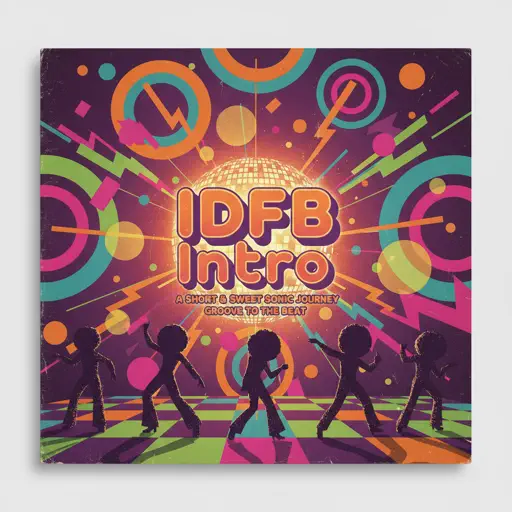
IDFB Intro
Tsskyx
Hard
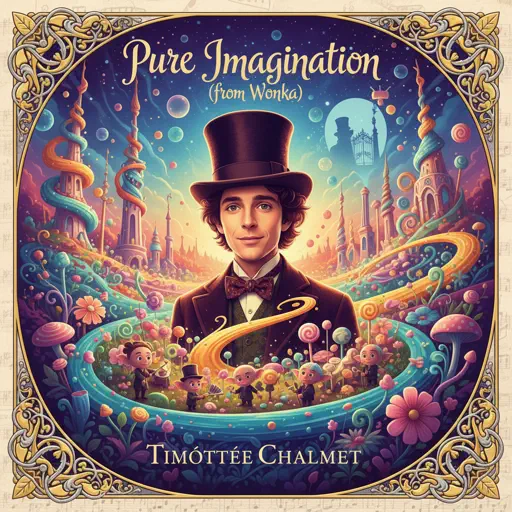
Pure Imagination (from Wonka)
Timothée Chalamet
Hard
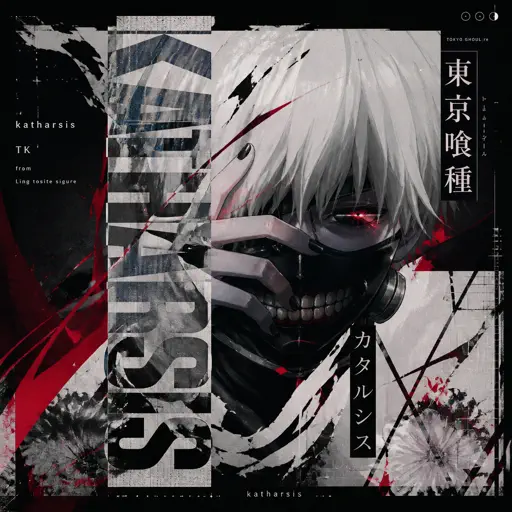
katharsis - Tokyo Ghoul
TK from Ling tosite sigure
Hard
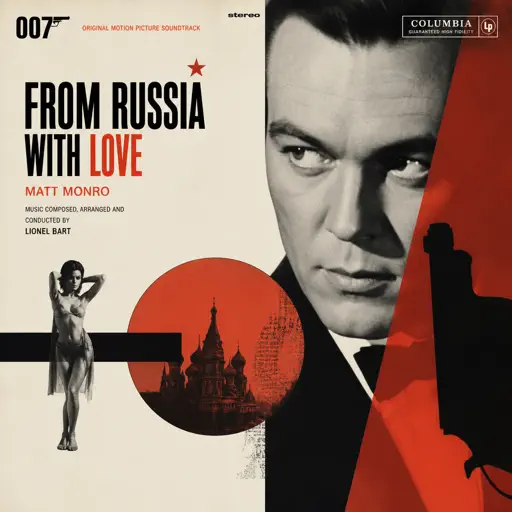
From Russia with Love
Matt Monro
Hard
Took Her To The O
King Von
Hard
Succession (Main Title Theme)
Nicholas Britell
Hard
We'll Meet Again
Laura Brehm
Hard
Those Who Remain
DirectorMusic
Hard
At the Speed of Light
Dimrain47
Recommended Sheets

We Are! - ウィーアー! - One Piece
Hiroshi Kitadani
Hard
Strange
Celeste
Normal
FUKOUNA GIRL
STOMACH BOOK
Hard
in the pool - Chainsaw Man the Movie
kensuke ushio
Normal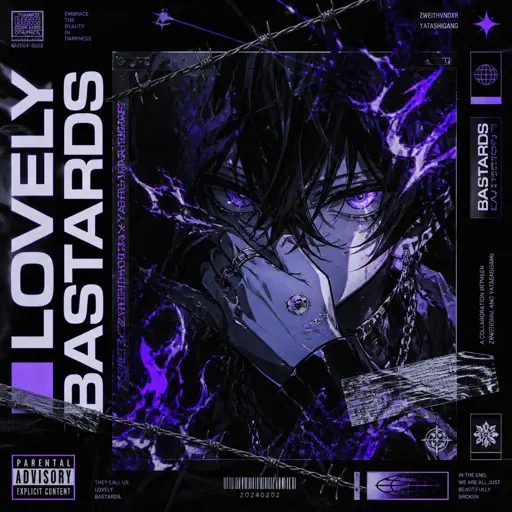
LOVELY BASTARDS
ZWE1HVNDXR
Normal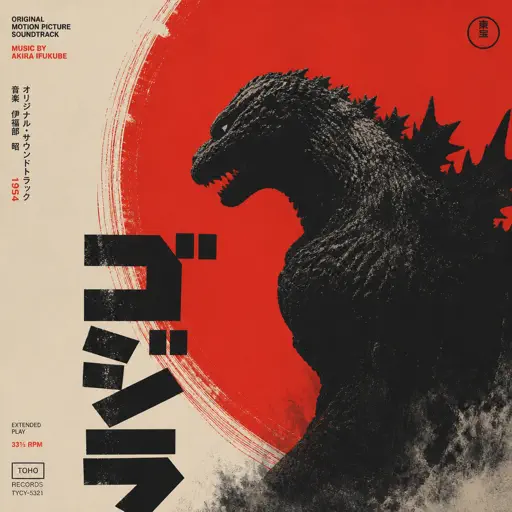
Godzilla Theme
Akira Ifukube
Normal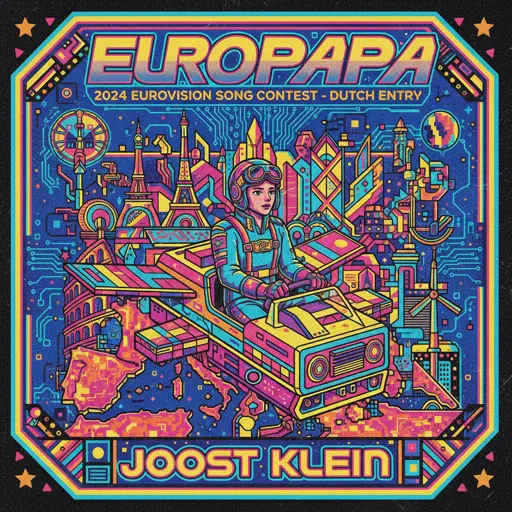
Europapa
Joost Klein
Hard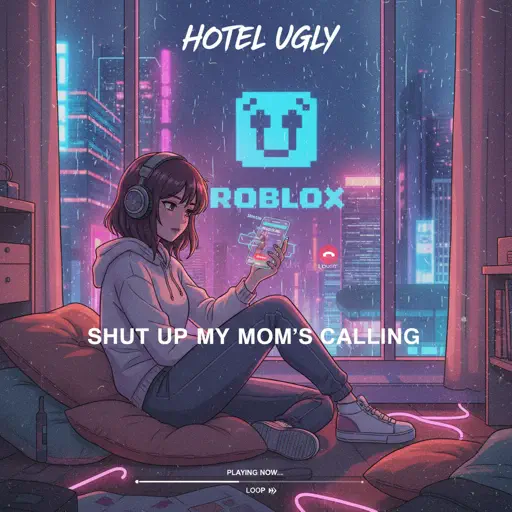
Shut up My Moms Calling
Hotel Ugly
Normal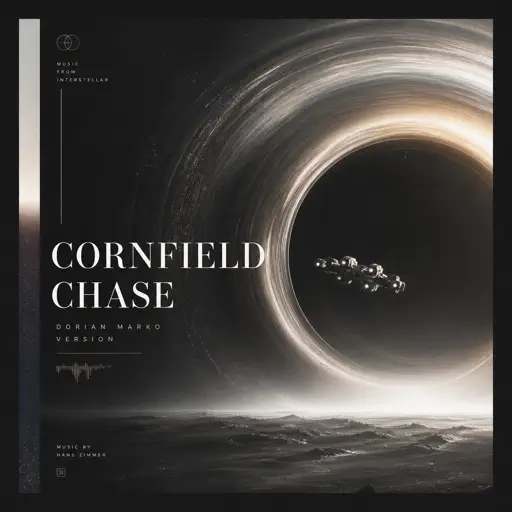
Cornfield Chase (Interstellar)
Dorian Marko
Hard
Life Goes On
Oliver Tree
Normal
NO BATIDÃO
ZXKAI
Normal
You And I (From Forsaken) - WIP
D.Meletis
Normal
I will - Ao Haru Ride
Chelsy
Normal
Babydoll
Dominic Fike
Normal
My Heart Will Go On
Céline Dion
Normal
Gravity Falls Opening Theme
Brad Breeck
Normal
Romantic Happy Birthday
Seander Alfonsus
Normal
Futura Free
Frank Ocean
Normal
Angel Of My Dreams
JADE
Normal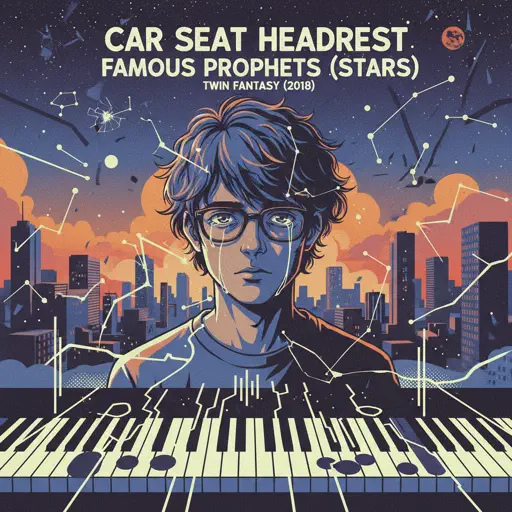
Famous Prophets (Stars)
Car Seat Headrest
NormalFrequently Asked Questions
What is Roblox Piano Practice Online?
This is a free online tool that lets you practice Roblox virtual piano sheets in your browser. No downloads required - just pick a song and start practicing.
How do I use this online practice tool?
1. Select a song from the recommendations or use the search function. 2. Click play and the sheet will auto-scroll with highlighted notes. 3. Watch the virtual piano keyboard for highlighted keys and practice along. 4. Use speed control to slow down playback - perfect for beginners.
Can I play using my keyboard?
Yes! The virtual piano supports computer keyboard input. The keys correspond to the standard Roblox piano layout (1234567890qwerty...). You can practice on your keyboard while following the sheet.
What does the Transpose feature do?
Transpose raises or lowers the pitch of the sheet. Some Roblox piano games have different default tunings, so transpose helps match the correct pitch. Usually adjusting by +12 or -12 semitones works.
Does this tool work on mobile?
Yes, but desktop provides the best experience. On mobile you can view the sheet and virtual piano demo, but keyboard input requires a computer. We recommend using a desktop for the best practice experience.
How do I find sheets suitable for my level?
Below you'll find recommendations sorted by difficulty: Easy for beginners, Normal for intermediate players, and Hard/Expert for advanced challenges. You can also use the search function to find songs by title or artist.