
Roblox Piano Practice Online
Loading piano...
Practice Guide
Quick guide on how to use the online piano practice tool.
What is this?
This tool allows you to practice playing virtual piano sheets directly in your browser. It simulates a piano keyboard and helps you learn the notes and rhythm before playing in Roblox.
How to Practice Online
Use your computer keyboard or mouse to play the virtual piano keys directly. As the sheet music plays, the corresponding keys on the virtual piano will light up to help you follow along. You can also copy the sheet code to use directly in Roblox.
Discover Sheets
Random Shuffle: Click the Shuffle button in the center of the top control bar to instantly load a random new song without reloading the page.
Search: Click the Search button next to Shuffle to open the search window. Type a song title or artist name to quickly find and switch to the sheet you want to practice.
Playback Controls
- Play/Pause: Start or stop playback.
- 1xSpeed: Adjust tempo (0.5x - 2.0x).
- KTranspose: Shift the pitch up or down.
- SSustain: Toggle sustain pedal effect.
Easy Mode

Easy
Harvey
Alex G

Easy
Cupid (Twin Version)
Fifty Fifty

Easy
Fur Elise
Beethoven

Easy
If You Love These People (Man of Steel)
Hans Zimmer

Easy
LET ME SEE YA MOVE!
Lumi Athena

Easy
Where You Lead
Carole King

Easy
Sleeping City Funk
Emotional Recycling Bin

Easy
Nice To Know - BFDIA 19 Cake At Stake Intro
BFDIA 19

Easy
Gravity Falls Main Title Theme
Brad Breeck

Easy
Mist
EsDeeKid
Normal Mode
Normal
Nathalie - Bir Günah Gibi
Julio Iglesias
Normal
Formidable
Stromae
Normal
Twins at the carousel
Kikuo

Normal
What Was I Made For
Billie Eilish
Normal
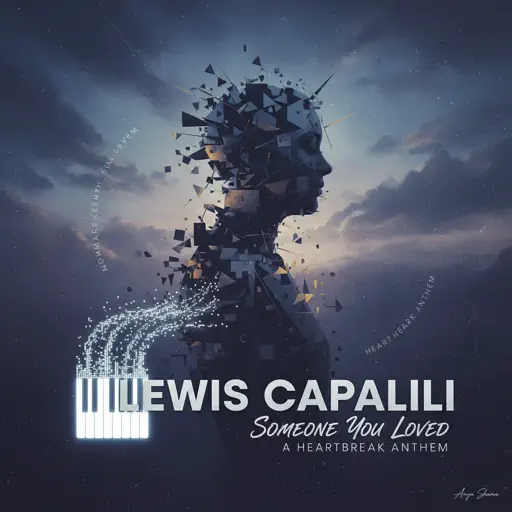
Someone You Loved
Lewis Capaldi
Normal
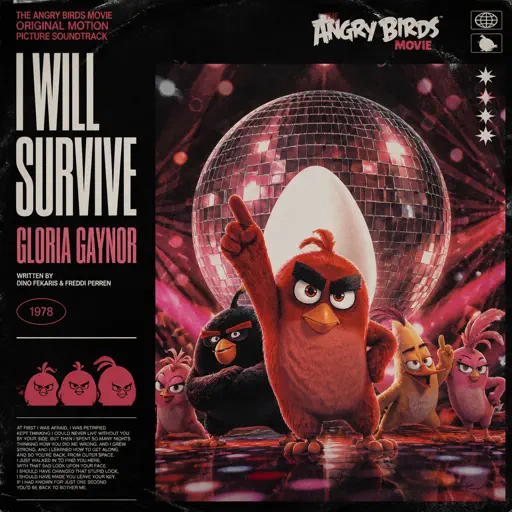
I Will Survive
Gloria Gaynor

Normal
Rises the Moon
Liana Flores
Normal
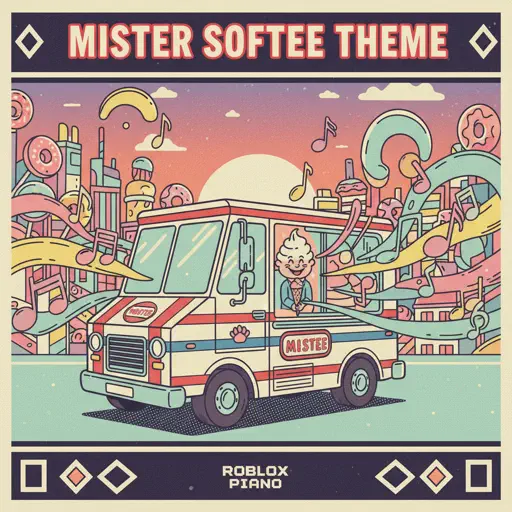
Mister Softee Theme Song
Mister Softee
Normal
Falling Down
Lil Peep & XXXTENTACION
Normal
Red Like Roses, Pt. 1 - RWBY
Jeff Williams
Hard Mode
Hard
Mangu
Fourtwnty ft. Charita Utami
Hard
Bergentrückung
Toby Fox
Hard
Israel Circles
geometry dash

Hard
At the Speed of Light
Dimrain47
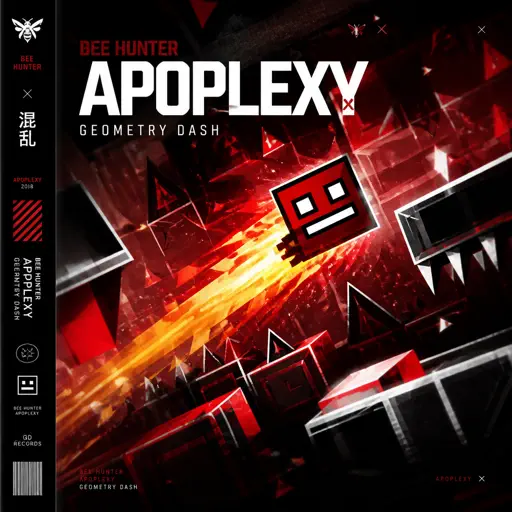
Hard
Apoplexy - Geometry Dash
Bee Hunter
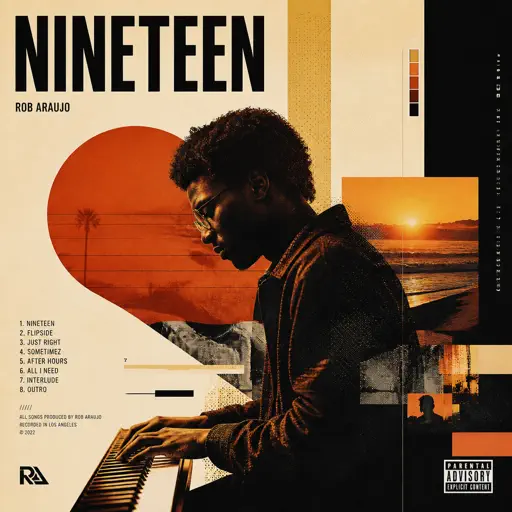
Hard
Nineteen
Rob Araujo
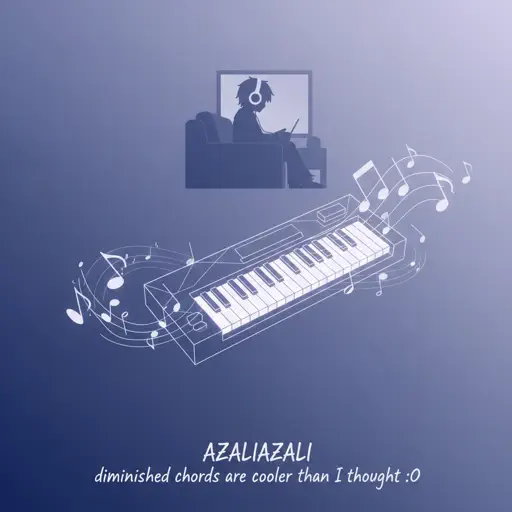
Hard
diminished chords are cooler than I thought :0
AZALI
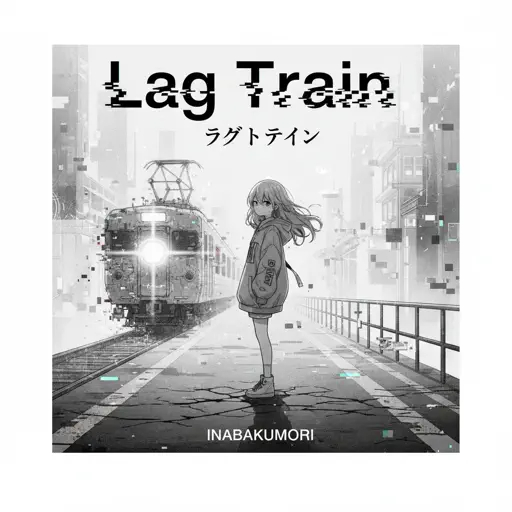
Hard
Lag Train
Inabakumori
Hard
katharsis - Tokyo Ghoul
TK from Ling tosite sigure
Hard
A Sky Full of Stars
Coldplay
Recommended Sheets
Moog City 2 - Minecraft
C418
Normal
Wet Hands
C418
Normal
Josuke's Theme (JoJo's Bizarre Adventure: Diamond is Unbreakable)
Yugo Kanno
Hard
İnsan İnsan
Fazıl Say
Normal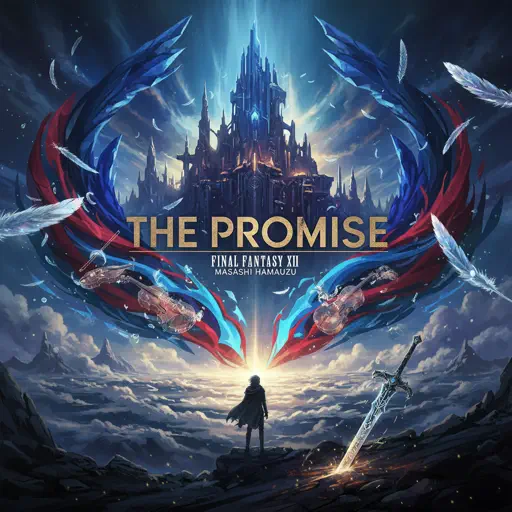
The Promise - FINAL FANTASY XIII
Masashi Hamauzu
Hard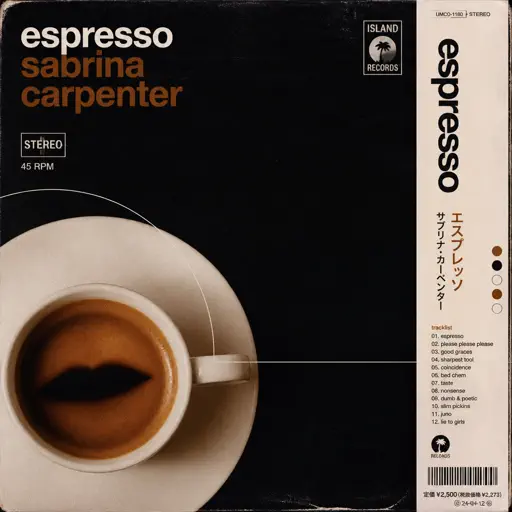
Espresso
Sabrina Carpenter
Normal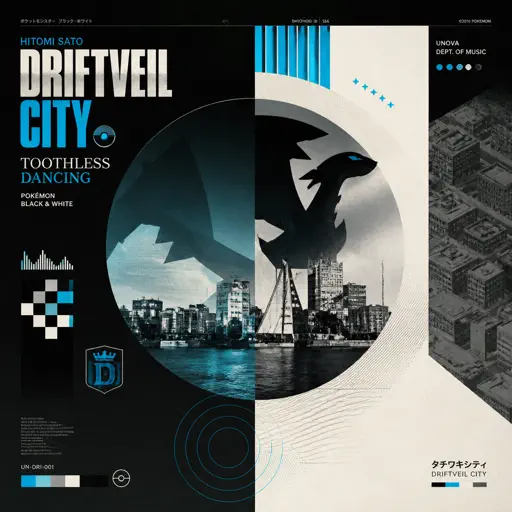
Driftveil City - Toothless Dancing
Hitomi Sato
Hard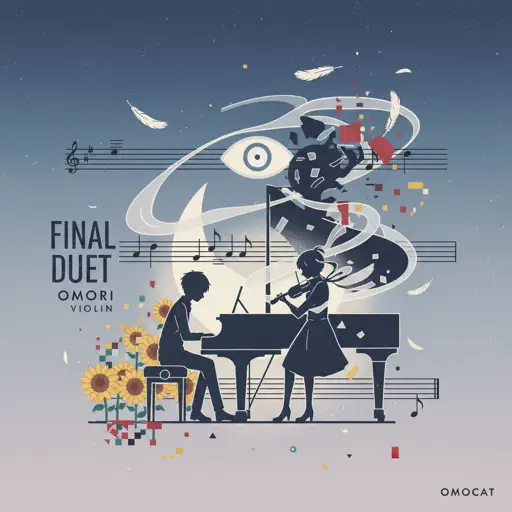
Final Duet Omori - Violin
OMOCAT143
Normal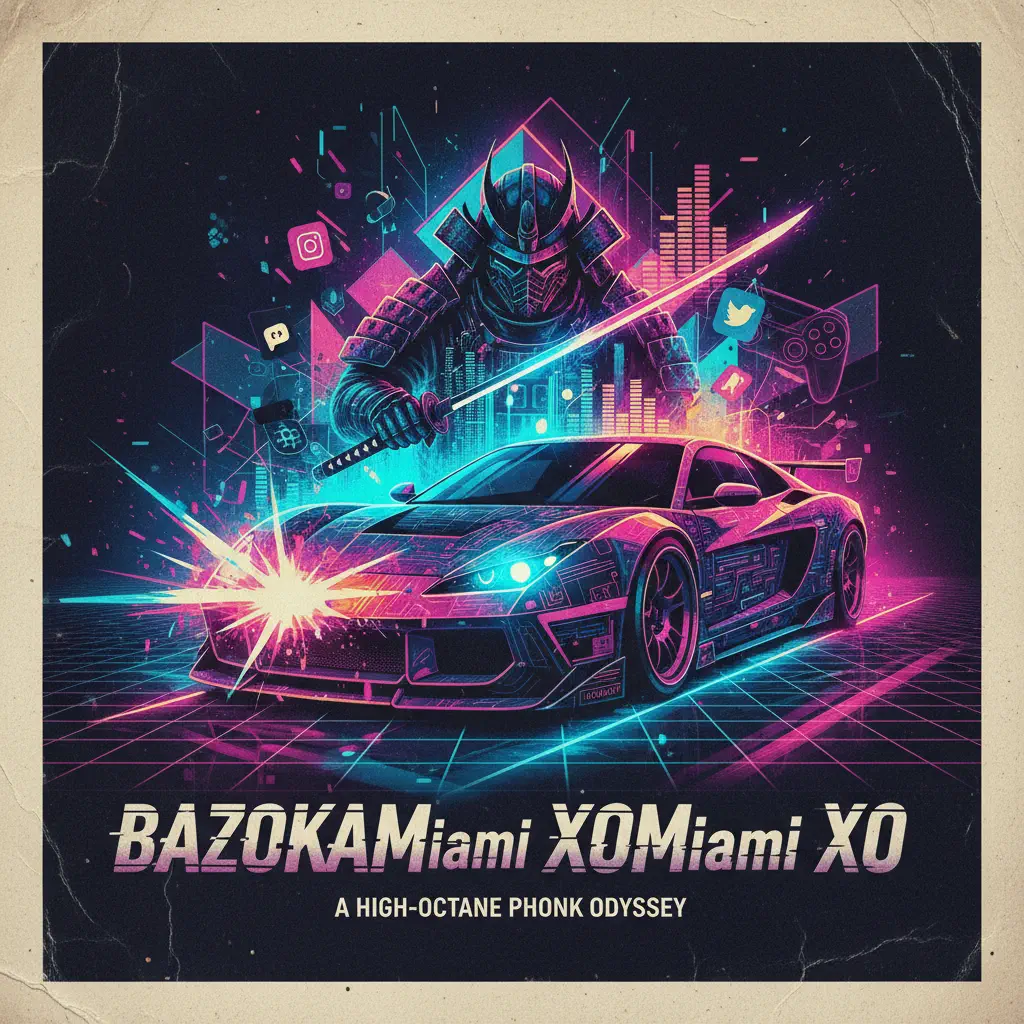
Bazooka
Miami XO
Normal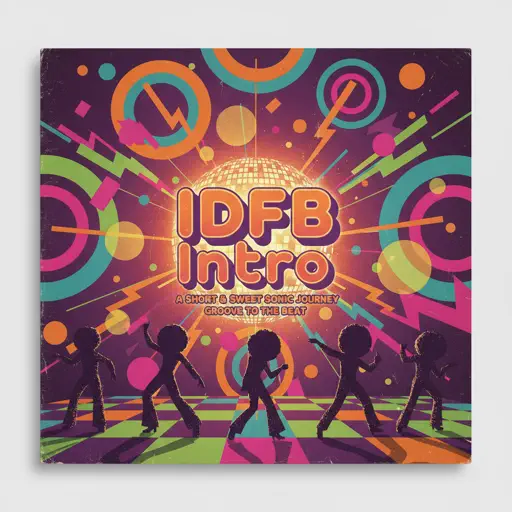
IDFB Intro
Tsskyx
HardIsrael Circles
geometry dash
HardSleeping City Funk
Emotional Recycling Bin
Easy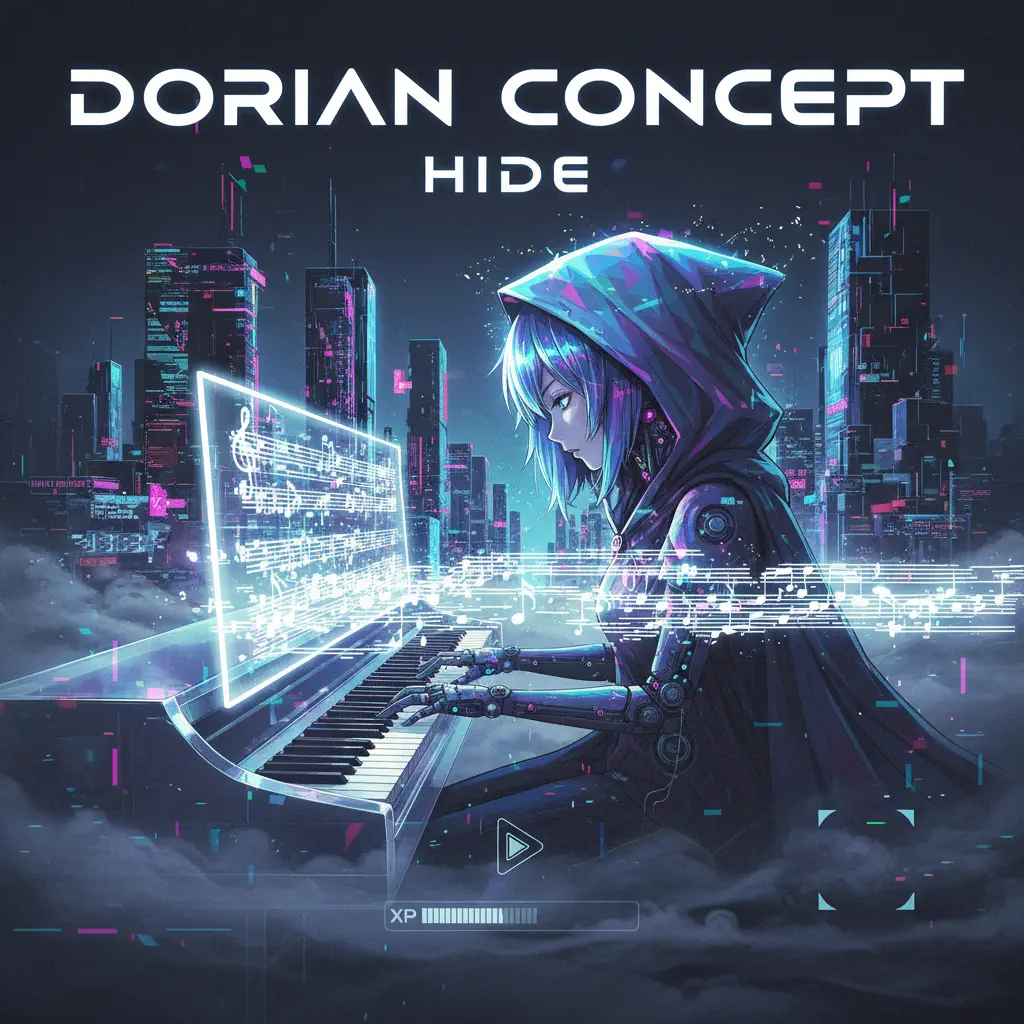
Hide
Dorian Concept
Normal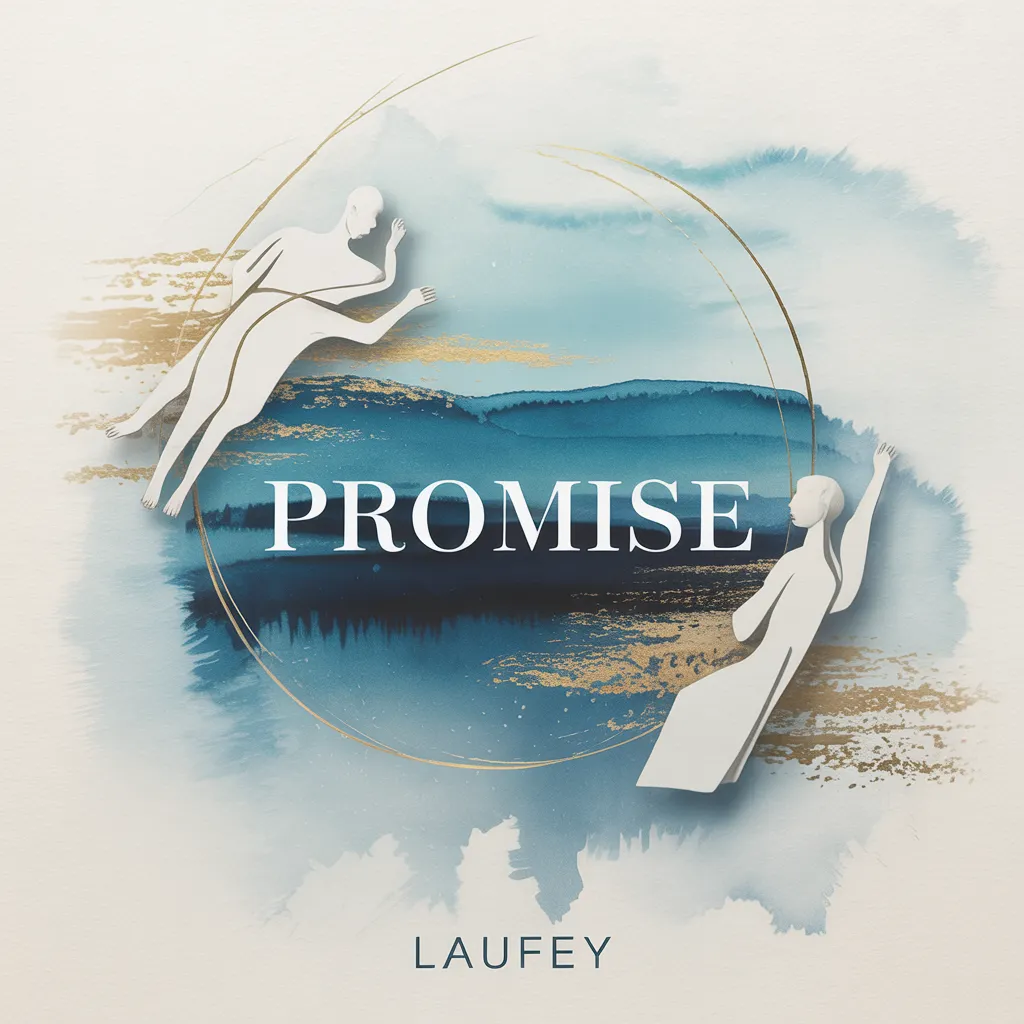
Promise
Laufey
Normal
Мама прости
Grechka
Normal
Sunroof
Nicky Youre
Normal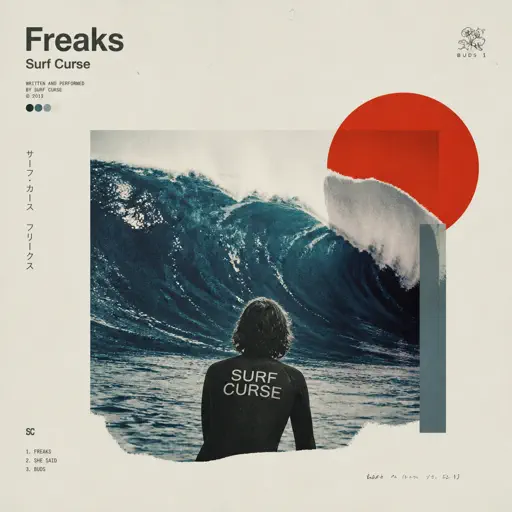
Freaks
Surf Curse
Normal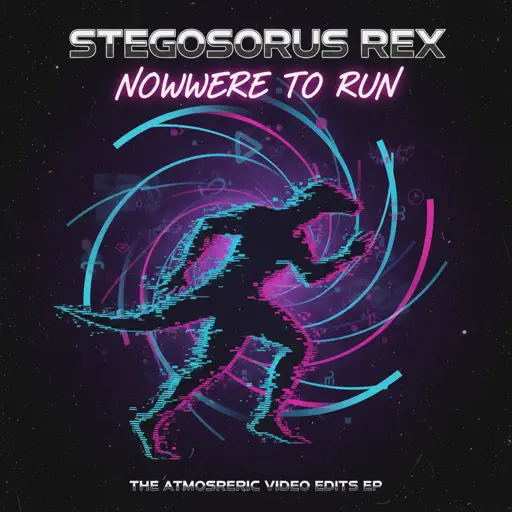
Nowhere To Run
Stegosaurus Rex
Hard
Love Love Love
Epik High
Hard
Arabella
Arctic Monkeys
NormalFrequently Asked Questions
What is Roblox Piano Practice Online?
This is a free online tool that lets you practice Roblox virtual piano sheets in your browser. No downloads required - just pick a song and start practicing.
How do I use this online practice tool?
1. Select a song from the recommendations or use the search function. 2. Click play and the sheet will auto-scroll with highlighted notes. 3. Watch the virtual piano keyboard for highlighted keys and practice along. 4. Use speed control to slow down playback - perfect for beginners.
Can I play using my keyboard?
Yes! The virtual piano supports computer keyboard input. The keys correspond to the standard Roblox piano layout (1234567890qwerty...). You can practice on your keyboard while following the sheet.
What does the Transpose feature do?
Transpose raises or lowers the pitch of the sheet. Some Roblox piano games have different default tunings, so transpose helps match the correct pitch. Usually adjusting by +12 or -12 semitones works.
Does this tool work on mobile?
Yes, but desktop provides the best experience. On mobile you can view the sheet and virtual piano demo, but keyboard input requires a computer. We recommend using a desktop for the best practice experience.
How do I find sheets suitable for my level?
Below you'll find recommendations sorted by difficulty: Easy for beginners, Normal for intermediate players, and Hard/Expert for advanced challenges. You can also use the search function to find songs by title or artist.