

Roblox Piano Practice Online
Loading piano...
Practice Guide
Quick guide on how to use the online piano practice tool.
What is this?
This tool allows you to practice playing virtual piano sheets directly in your browser. It simulates a piano keyboard and helps you learn the notes and rhythm before playing in Roblox.
How to Practice Online
Use your computer keyboard or mouse to play the virtual piano keys directly. As the sheet music plays, the corresponding keys on the virtual piano will light up to help you follow along. You can also copy the sheet code to use directly in Roblox.
Discover Sheets
Random Shuffle: Click the Shuffle button in the center of the top control bar to instantly load a random new song without reloading the page.
Search: Click the Search button next to Shuffle to open the search window. Type a song title or artist name to quickly find and switch to the sheet you want to practice.
Playback Controls
- Play/Pause: Start or stop playback.
- 1xSpeed: Adjust tempo (0.5x - 2.0x).
- KTranspose: Shift the pitch up or down.
- SSustain: Toggle sustain pedal effect.
Easy Mode

Easy
Balcony
Cave Story

Easy
Gravity Falls Main Title Theme
Brad Breeck

Easy
Mockingbird
Eminem

Easy
Sleeping City Funk
Emotional Recycling Bin

Easy
Harvey
Alex G

Easy
If You Love These People (Man of Steel)
Hans Zimmer

Easy
Pimp Hoe
Mike Sherm

Easy
Cupid (Twin Version)
Fifty Fifty

Easy
Fur Elise
Beethoven

Easy
Immortal
Playboi Carti
Normal Mode
Normal
Ballads at Sunset
Alej

Normal
Shape of You
Ed Sheeran

Normal
Guren no Yumiya 紅蓮の弓矢 - Attack on Titan
Linked Horizon
Normal
Bebe
Stayc
Normal
Ievan Polkka
Hatsune Miku
Normal
Kerosene
Crystal Castles

Normal
King of Karaoke (K歌之王)
Eason Chan
Normal
Clocks
Coldplay
Normal
Tem Shop (from Undertale)
Toby Fox
Normal
Migraine
Jaydes
Hard Mode
Hard
Jane!
The Long Faces
Hard
I Love You
OMFG

Hard
Bella Ciao - Música Original de la Serie la Casa de Papel
La Casa De Papel
Hard
My R - Yellow Cardigan
Rachie

Hard
back to friends
sombr
Hard
Wiege (VIVINOS - ALNST)
BL8M
Hard
Veridis Quo
Daft Punk
Hard
From Russia with Love
Matt Monro
Hard
Those Who Remain
DirectorMusic
Hard
Gone Angels - Library of Ruina
Mili
Recommended Sheets
Innocence
Hildir Svensson
Normal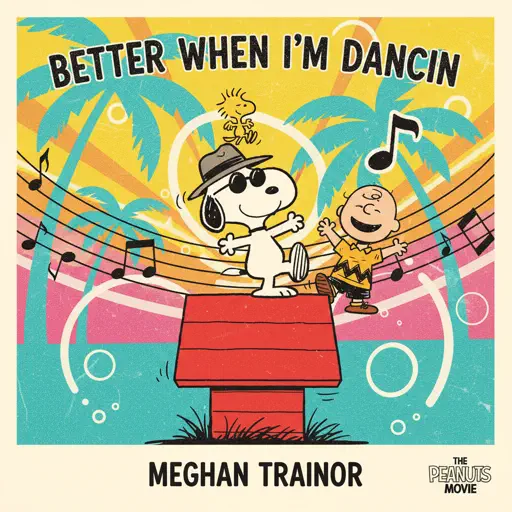
Better When I'm Dancin'
Meghan Trainor
Normal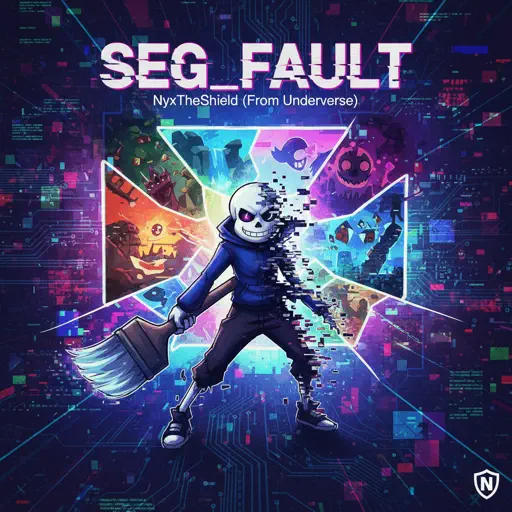
SEG_FAULT (From Underverse)
NyxTheShield
Hard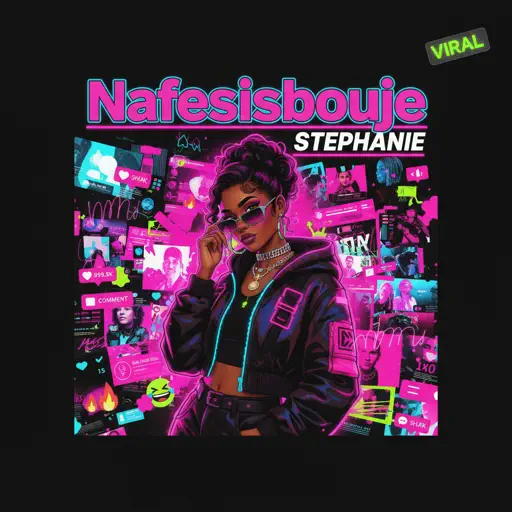
Stephanie
Nafeesisboujee
Normal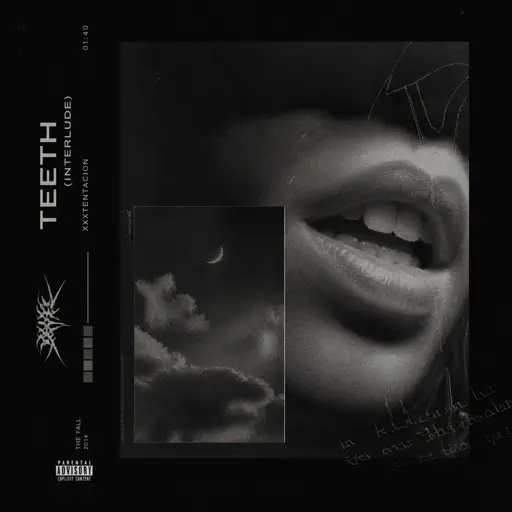
Teeth (Interlude)
XXXTENTACION
Normal
Champagne Coast
Blood Orange
Normal
MUEVELOU POCOYO MEME SONG
VAD BOYZ
Normal
Music and Me
fakemink
Normal
Jax Toy (THE AMAZING DIGITAL CIRCUS)
Jakeneutron
Normal
Paganini Étude No. 6
Franz Liszt
Hard
Initial D First Stage Sound - Admiration
Initial D
Normal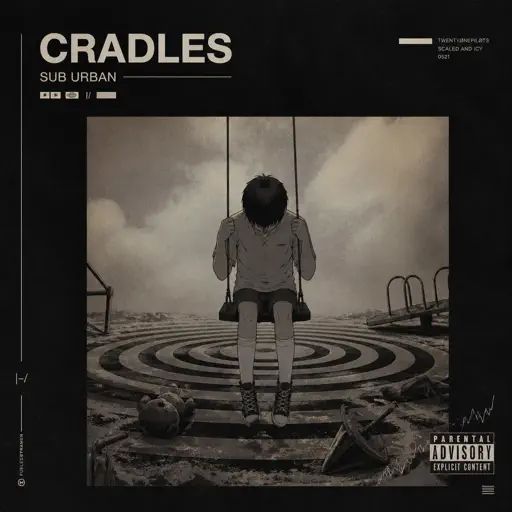
Cradles
Sub Urban
Normal
Sealed Vessel - Hollow Knight
Christopher Larkin
Hard
Brainrot Rap
Party Tunes
Normal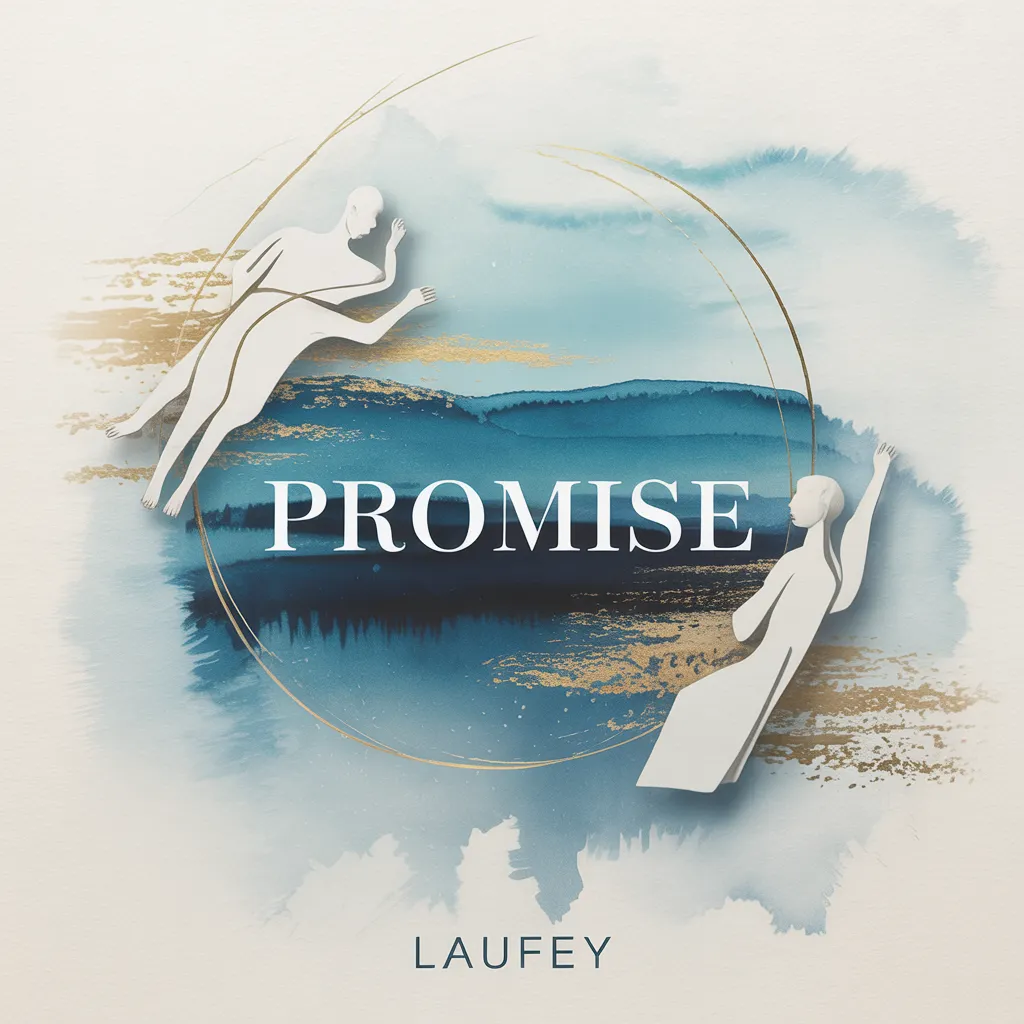
Promise
Laufey
Normal
BEASTARS -wolf and rabbit-
Satoru Kōsaki
Normal
Made In Japan
Buck Owens
Normal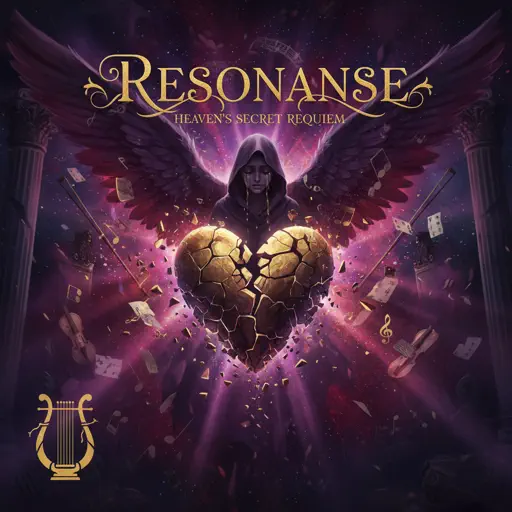
Resonanse -
Heaven's Secret Requiem
Djinotan
Normal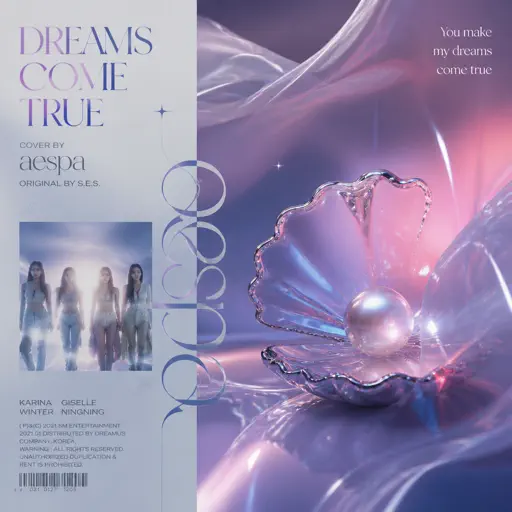
Dreams Come True
aespa
Hard
Still D.R.E.
Dr. Dre
HardFrequently Asked Questions
What is Roblox Piano Practice Online?
This is a free online tool that lets you practice Roblox virtual piano sheets in your browser. No downloads required - just pick a song and start practicing.
How do I use this online practice tool?
1. Select a song from the recommendations or use the search function. 2. Click play and the sheet will auto-scroll with highlighted notes. 3. Watch the virtual piano keyboard for highlighted keys and practice along. 4. Use speed control to slow down playback - perfect for beginners.
Can I play using my keyboard?
Yes! The virtual piano supports computer keyboard input. The keys correspond to the standard Roblox piano layout (1234567890qwerty...). You can practice on your keyboard while following the sheet.
What does the Transpose feature do?
Transpose raises or lowers the pitch of the sheet. Some Roblox piano games have different default tunings, so transpose helps match the correct pitch. Usually adjusting by +12 or -12 semitones works.
Does this tool work on mobile?
Yes, but desktop provides the best experience. On mobile you can view the sheet and virtual piano demo, but keyboard input requires a computer. We recommend using a desktop for the best practice experience.
How do I find sheets suitable for my level?
Below you'll find recommendations sorted by difficulty: Easy for beginners, Normal for intermediate players, and Hard/Expert for advanced challenges. You can also use the search function to find songs by title or artist.