

Roblox Piano Practice Online
Loading piano...
Practice Guide
Quick guide on how to use the online piano practice tool.
What is this?
This tool allows you to practice playing virtual piano sheets directly in your browser. It simulates a piano keyboard and helps you learn the notes and rhythm before playing in Roblox.
How to Practice Online
Use your computer keyboard or mouse to play the virtual piano keys directly. As the sheet music plays, the corresponding keys on the virtual piano will light up to help you follow along. You can also copy the sheet code to use directly in Roblox.
Discover Sheets
Random Shuffle: Click the Shuffle button in the center of the top control bar to instantly load a random new song without reloading the page.
Search: Click the Search button next to Shuffle to open the search window. Type a song title or artist name to quickly find and switch to the sheet you want to practice.
Playback Controls
- Play/Pause: Start or stop playback.
- 1xSpeed: Adjust tempo (0.5x - 2.0x).
- KTranspose: Shift the pitch up or down.
- SSustain: Toggle sustain pedal effect.
Easy Mode

Easy
LET ME SEE YA MOVE!
Lumi Athena

Easy
If You Love These People (Man of Steel)
Hans Zimmer

Easy
Fur Elise
Beethoven

Easy
Where You Lead
Carole King

Easy
Mist
EsDeeKid

Easy
Balcony
Cave Story

Easy
Gravity Falls Main Title Theme
Brad Breeck

Easy
Sleeping City Funk
Emotional Recycling Bin

Easy
Immortal
Playboi Carti

Easy
Harvey
Alex G
Normal Mode

Normal
Robbery
Juice WRLD

Normal
Chest Pain (I Love)
Malcolm Todd

Normal
Once More to See You
Mitski
Normal
It's Me
ILLIT

Normal
Cigarettes out the Window
TV Girl
Normal
Impostor Syndrome
Sidney Gish
Normal
Uptown Funk
Bruno Mars

Normal
Akaza Love Theme (Demon Slayer Infinity Castle)
D.Meletis

Normal
Glue Song
beabadoobee
Normal
Happier Than Ever
Billie Eilish
Hard Mode
Hard
Glued
Melanie Martinez

Hard
I Want You to Tell Me the Moon is Beautiful!
kakizaki yuta
Hard
La Distancia Para Un Duelo (From Bleach)
LucasGitanoFamily
Hard
Mrs Magic
Strawberry Guy
Hard
Murder on My Mind
YNW Melly
Hard
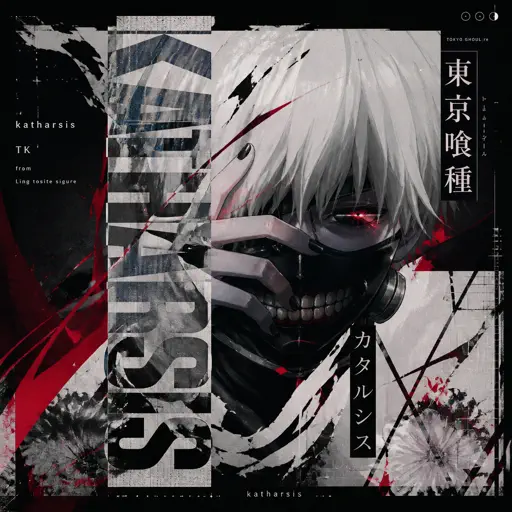
katharsis - Tokyo Ghoul
TK from Ling tosite sigure
Hard
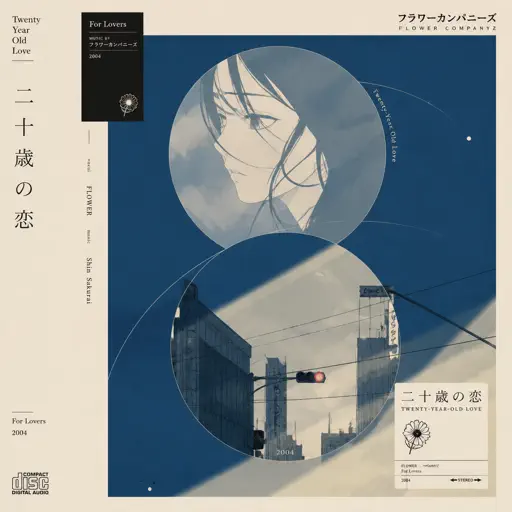
Hatachi No Koi
Lamp
Hard
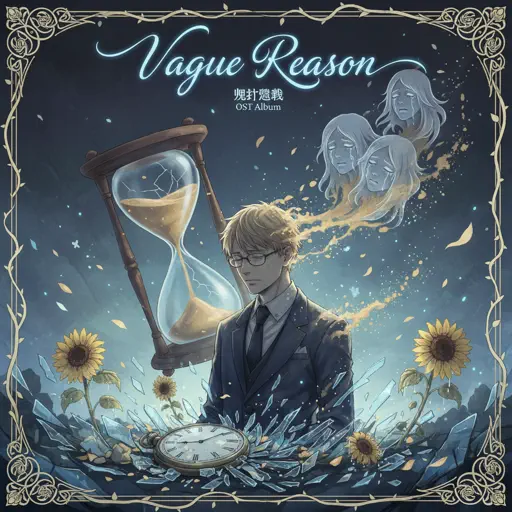
Vague Reason - Jujutsu Kaisen S2 OST (Nanami Theme)
Yoshimasa Terui
Hard
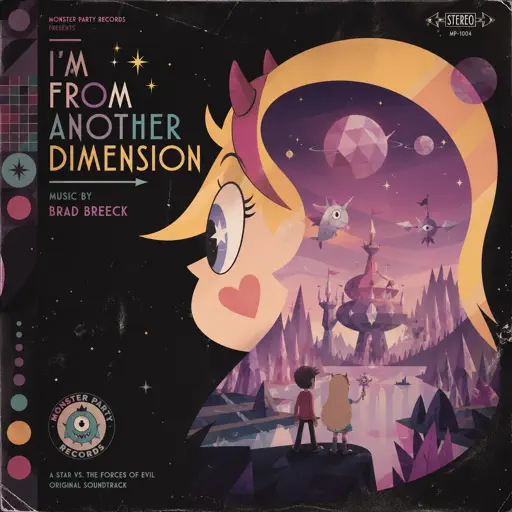
I'm From Another Dimension (Star Vs The Forces of Evil)
Brad Breeck
Hard
Dance with STEEL BALL RUN - JoJo's Bizarre Adventure
Yugo Kanno
Recommended Sheets
LET ME SEE YA MOVE!
Lumi Athena
Easy
UNDERSTAND
keshi
Normal
Your Love Is My Drug (8 Bit Slowed)
EtxrnalL
Normal
It's Been So Long
The Living Tombstone
Normal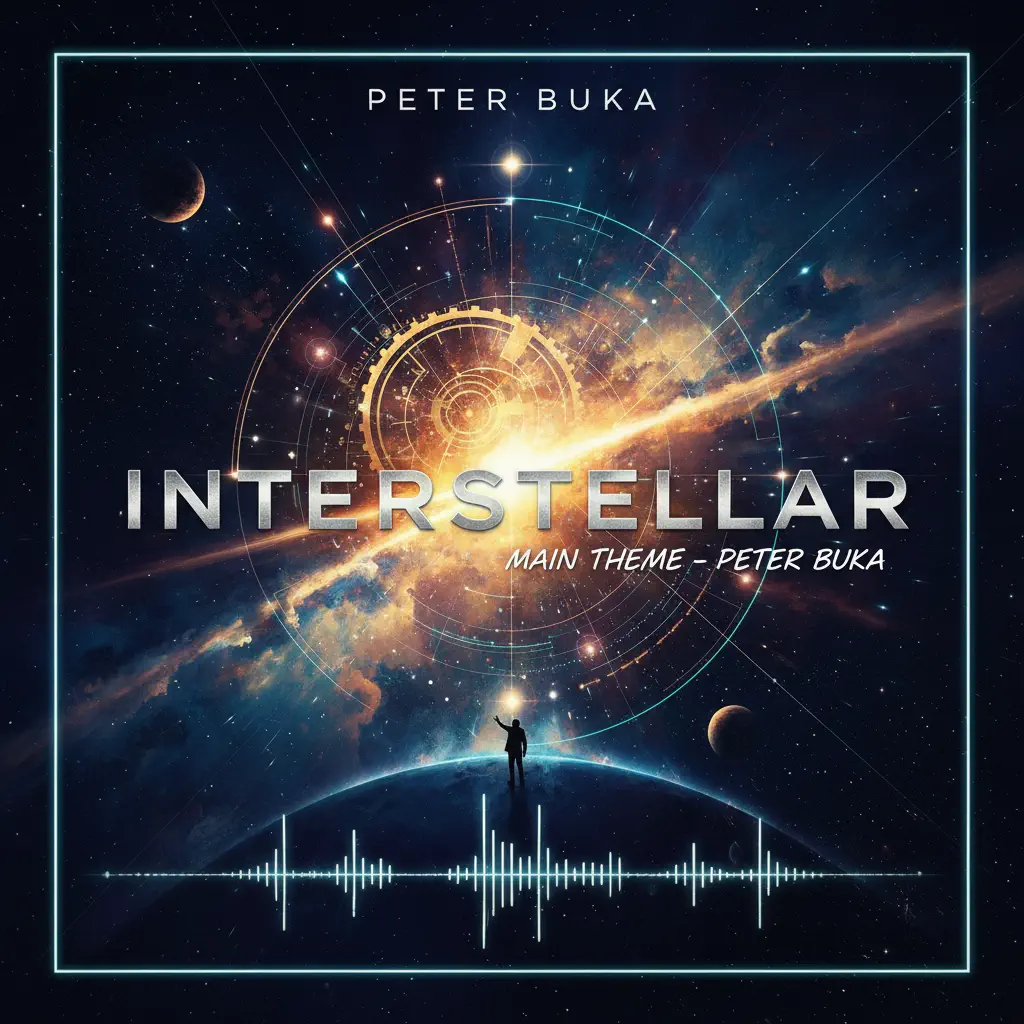
Interstellar Main Theme
Peter Buka
Hard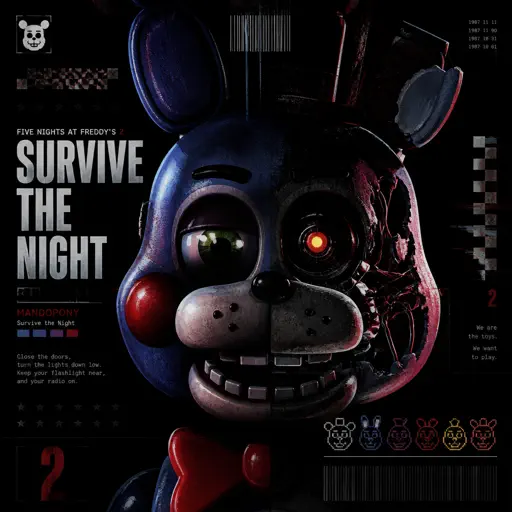
Survive the Night - Five Nights at Freddy's 2
MandoPony
Normal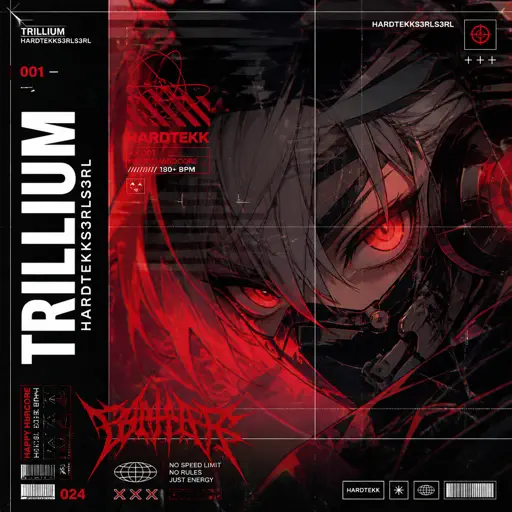
TRILLIUM HARDTEKK
S3RL
Normal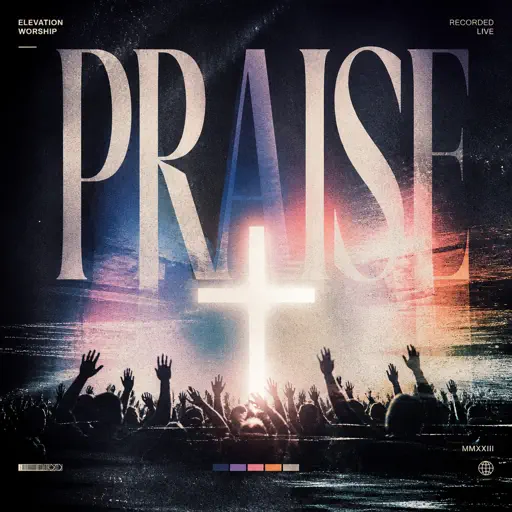
Praise
Elevation Worship
NormalGravity Falls Main Title Theme
Brad Breeck
Easy
Made You Look
Meghan Trainor
Normal
Bande Organisee
Jul
Normal
Clair de lune
Claude Debussy
Normal
Virtual Insanity
Jamiroquai
Hard
Trouble
Coldplay
Normal
Guren no Yumiya 紅蓮の弓矢 - Attack on Titan
Linked Horizon
Normal
Quaoar
Camellia
Hard
Follow Me (FNAF SONG)
Tryhardninja
Hard
Apoplexy - Geometry Dash
Bee Hunter
Hard
Port Ormos (Day)
Yu-Peng Chen
Hard
Tum Hi Ho
Arijit Singh
NormalFrequently Asked Questions
What is Roblox Piano Practice Online?
This is a free online tool that lets you practice Roblox virtual piano sheets in your browser. No downloads required - just pick a song and start practicing.
How do I use this online practice tool?
1. Select a song from the recommendations or use the search function. 2. Click play and the sheet will auto-scroll with highlighted notes. 3. Watch the virtual piano keyboard for highlighted keys and practice along. 4. Use speed control to slow down playback - perfect for beginners.
Can I play using my keyboard?
Yes! The virtual piano supports computer keyboard input. The keys correspond to the standard Roblox piano layout (1234567890qwerty...). You can practice on your keyboard while following the sheet.
What does the Transpose feature do?
Transpose raises or lowers the pitch of the sheet. Some Roblox piano games have different default tunings, so transpose helps match the correct pitch. Usually adjusting by +12 or -12 semitones works.
Does this tool work on mobile?
Yes, but desktop provides the best experience. On mobile you can view the sheet and virtual piano demo, but keyboard input requires a computer. We recommend using a desktop for the best practice experience.
How do I find sheets suitable for my level?
Below you'll find recommendations sorted by difficulty: Easy for beginners, Normal for intermediate players, and Hard/Expert for advanced challenges. You can also use the search function to find songs by title or artist.