
Roblox Piano Practice Online
Loading piano...
Practice Guide
Quick guide on how to use the online piano practice tool.
What is this?
This tool allows you to practice playing virtual piano sheets directly in your browser. It simulates a piano keyboard and helps you learn the notes and rhythm before playing in Roblox.
How to Practice Online
Use your computer keyboard or mouse to play the virtual piano keys directly. As the sheet music plays, the corresponding keys on the virtual piano will light up to help you follow along. You can also copy the sheet code to use directly in Roblox.
Discover Sheets
Random Shuffle: Click the Shuffle button in the center of the top control bar to instantly load a random new song without reloading the page.
Search: Click the Search button next to Shuffle to open the search window. Type a song title or artist name to quickly find and switch to the sheet you want to practice.
Playback Controls
- Play/Pause: Start or stop playback.
- 1xSpeed: Adjust tempo (0.5x - 2.0x).
- KTranspose: Shift the pitch up or down.
- SSustain: Toggle sustain pedal effect.
Easy Mode

Easy
If You Love These People (Man of Steel)
Hans Zimmer

Easy
Harvey
Alex G

Easy
Gravity Falls Main Title Theme
Brad Breeck

Easy
Sleeping City Funk
Emotional Recycling Bin

Easy
Mist
EsDeeKid

Easy
Pimp Hoe
Mike Sherm

Easy
Nice To Know - BFDIA 19 Cake At Stake Intro
BFDIA 19

Easy
Where You Lead
Carole King

Easy
Mockingbird
Eminem

Easy
Immortal
Playboi Carti
Normal Mode
Normal
Soviet Anthem - USSR Anthem
USSR
Normal
NUEVAYoL
Bad Bunny

Normal
Lonely
Akon

Normal
Ride Like the Wind
Christopher Cross
Normal
My Hero
Foo Fighters
Normal
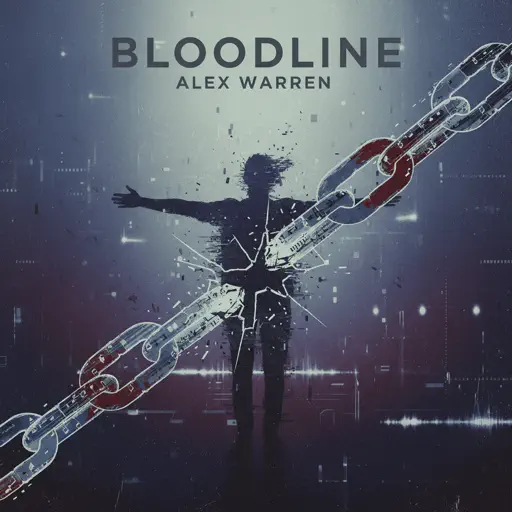
Bloodline
Alex Warren
Normal
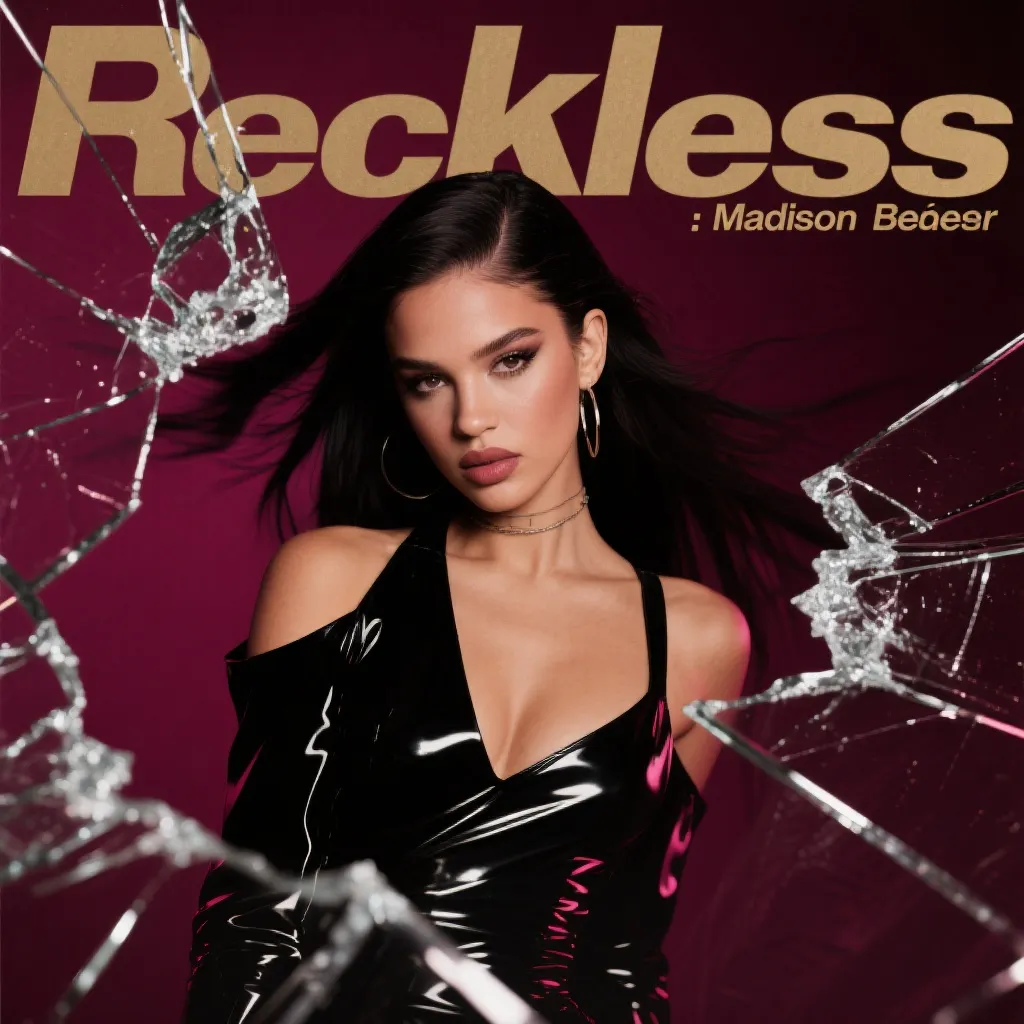
Reckless
Madison Beer
Normal
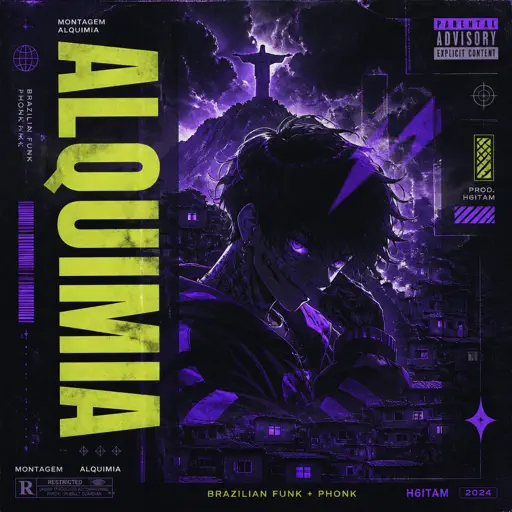
MONTAGEM ALQUIMIA
h6itam

Normal
Sweater Weather
The Neighbourhood
Normal
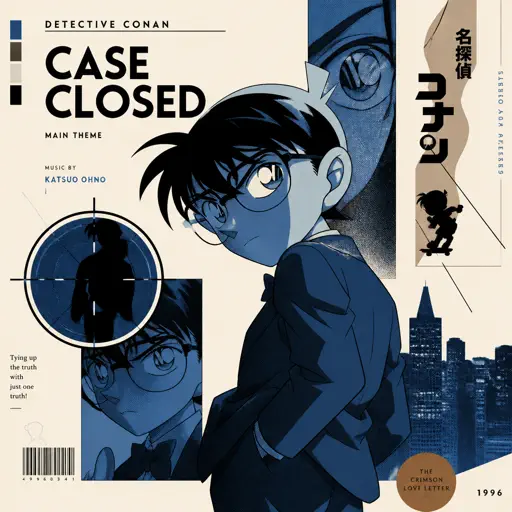
Case Closed (From Detective Conan)
Gosho Aoyama
Hard Mode

Hard
Sealed Vessel - Hollow Knight
Christopher Larkin
Hard
Davy Jones - Pirates of the Carribean
Hans Zimmer

Hard
iloveitiloveitiloveit
Bella Kay
Hard
Honeypie
JAWNY
Hard
Dark Dream (诡秘之主小丑篇)
Curley gao
Hard
unhappy
s0rrow
Hard
Drowning Love
Chasing Kou
Hard
Succession (Main Title Theme)
Nicholas Britell
Hard
cut my fingers off
Ethan Bortnick
Hard
Pi The Song With 3.1415 Million Notes (Auto-Play Only)
TheSuperMarioBros2
Recommended Sheets

La Vie en Rose
Edith Piaf
Hard
Mice on Venus
C418
Normal
Symphony
Clean Bandit feat. Zara Larsson
Normal
Bazooka
Miami XO
Normal
convenience
jaydes
Normal
Emesis Blue Scouts Requiem
Fortress Films
HardMist
EsDeeKid
Easy
Kurşun Adres Sormaz Ki
Kenan Doğulu
Normal
Çanakkale İçinde (Çanakkale Türküsü)
Erol Köker
Normal
COQUETA
Fuerza Regida
Normal
hysteric
jaydes
Normal
Internet Girl
KATSEYE
Normal
White Blossoms
Mimokeys
Hard
Moonlight Sonata 3rd Mvt.
Beethoven
Normal
We'll Meet Again
Laura Brehm
Hard
Blue Tequila
Táo
Normal
Magasin
Eraserheads
Normal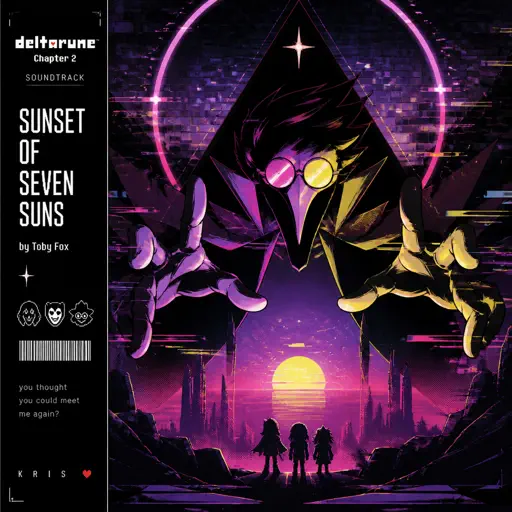
Sunset of Seven Suns - DELTARUNE
Toby Fox
Normal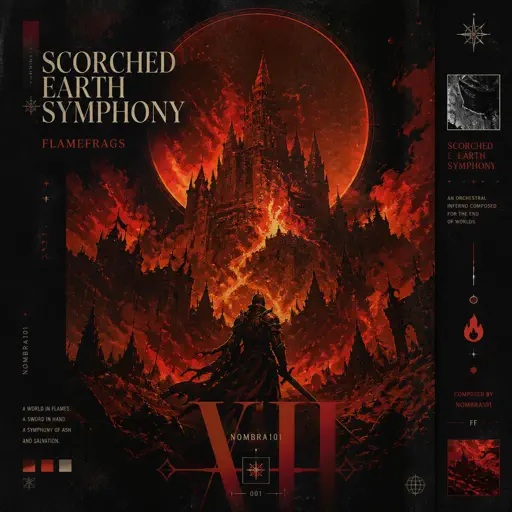
Scorched Earth Symphony - FlameFrags
Nombra101
Normal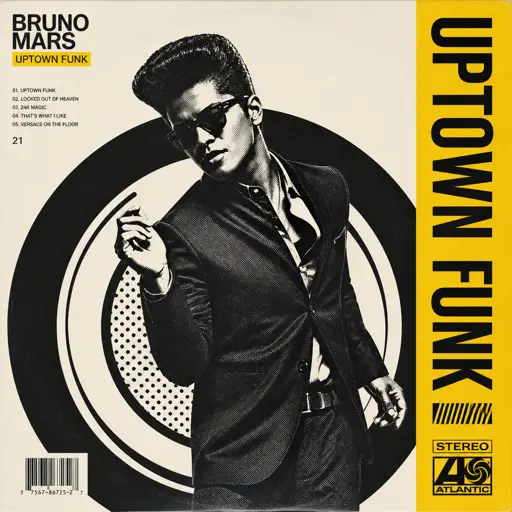
Uptown Funk
Bruno Mars
NormalFrequently Asked Questions
What is Roblox Piano Practice Online?
This is a free online tool that lets you practice Roblox virtual piano sheets in your browser. No downloads required - just pick a song and start practicing.
How do I use this online practice tool?
1. Select a song from the recommendations or use the search function. 2. Click play and the sheet will auto-scroll with highlighted notes. 3. Watch the virtual piano keyboard for highlighted keys and practice along. 4. Use speed control to slow down playback - perfect for beginners.
Can I play using my keyboard?
Yes! The virtual piano supports computer keyboard input. The keys correspond to the standard Roblox piano layout (1234567890qwerty...). You can practice on your keyboard while following the sheet.
What does the Transpose feature do?
Transpose raises or lowers the pitch of the sheet. Some Roblox piano games have different default tunings, so transpose helps match the correct pitch. Usually adjusting by +12 or -12 semitones works.
Does this tool work on mobile?
Yes, but desktop provides the best experience. On mobile you can view the sheet and virtual piano demo, but keyboard input requires a computer. We recommend using a desktop for the best practice experience.
How do I find sheets suitable for my level?
Below you'll find recommendations sorted by difficulty: Easy for beginners, Normal for intermediate players, and Hard/Expert for advanced challenges. You can also use the search function to find songs by title or artist.