
Roblox Piano Practice Online
Loading piano...
Practice Guide
Quick guide on how to use the online piano practice tool.
What is this?
This tool allows you to practice playing virtual piano sheets directly in your browser. It simulates a piano keyboard and helps you learn the notes and rhythm before playing in Roblox.
How to Practice Online
Use your computer keyboard or mouse to play the virtual piano keys directly. As the sheet music plays, the corresponding keys on the virtual piano will light up to help you follow along. You can also copy the sheet code to use directly in Roblox.
Discover Sheets
Random Shuffle: Click the Shuffle button in the center of the top control bar to instantly load a random new song without reloading the page.
Search: Click the Search button next to Shuffle to open the search window. Type a song title or artist name to quickly find and switch to the sheet you want to practice.
Playback Controls
- Play/Pause: Start or stop playback.
- 1xSpeed: Adjust tempo (0.5x - 2.0x).
- KTranspose: Shift the pitch up or down.
- SSustain: Toggle sustain pedal effect.
Easy Mode

Easy
If You Love These People (Man of Steel)
Hans Zimmer

Easy
Cupid (Twin Version)
Fifty Fifty

Easy
Mist
EsDeeKid

Easy
Balcony
Cave Story

Easy
Nice To Know - BFDIA 19 Cake At Stake Intro
BFDIA 19

Easy
Sleeping City Funk
Emotional Recycling Bin

Easy
Immortal
Playboi Carti

Easy
Harvey
Alex G

Easy
Fur Elise
Beethoven

Easy
LET ME SEE YA MOVE!
Lumi Athena
Normal Mode
Normal
Inuyasha's Lullaby
Lizz Robinett
Normal
Once Upon a Time
Toby Fox
Normal
Love Like You
Steven Universe

Normal
Glue Song
beabadoobee
Normal
Final Duet (Omori)
Pedro Silva
Normal
House of Memories
Panic! At The Disco
Normal
Need 2
Pinegrove
Normal
Feel Good Inc
Gorillaz
Normal
The British Grenadiers
Traditional
Normal
Bazooka
Miami XO
Hard Mode
Hard
Slash Inferno
Boom Kitty
Hard
Thé à la menthe (The Laser Dance Song)
La Caution
Hard
Dracula
Tame Impala
Hard
Running the Show - The Amazing Digital Circus
John Michael Hopkins

Hard
Sweetly
Lord Kael

Hard
Cinnamon Girl
Lana Del Rey
Hard
Attack of the Killer Queen (from Deltarune)
Toby Fox
Hard
Hatachi No Koi
Lamp

Hard
Bang!
AJR
Hard
Girl Song
beabadoobee
Recommended Sheets
My R - Yellow Cardigan
Rachie
Hard
Go Away
Weezer
Normal
Bloodline
Alex Warren
Normal
Made You Look
Meghan Trainor
Normal
Racing Into The Night
YOASOBI
Hard
This Is Halloween
The Citizens of Halloween
Normal
Jeopardy! Main Theme
Geek Music
Normal
Your Love Is My Drug (8 Bit Slowed)
EtxrnalL
Normal
Quelqu'un de bien
Livaï
Normal
Untitled 6
Jaydes
Normal
Stereo Madness (Geometry Dash)
Forever Bound
Normal
Anarchy Rainbow (from "Splatoon 3")
Splatoon 3
Hard
La Campanella
Franz Liszt
Normal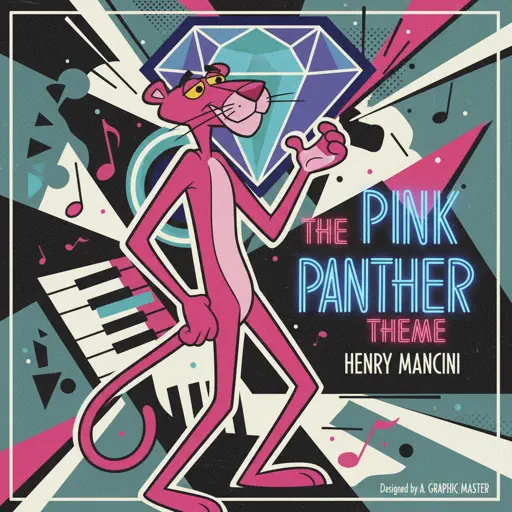
The Pink Panther Theme
Henry Mancini
Normal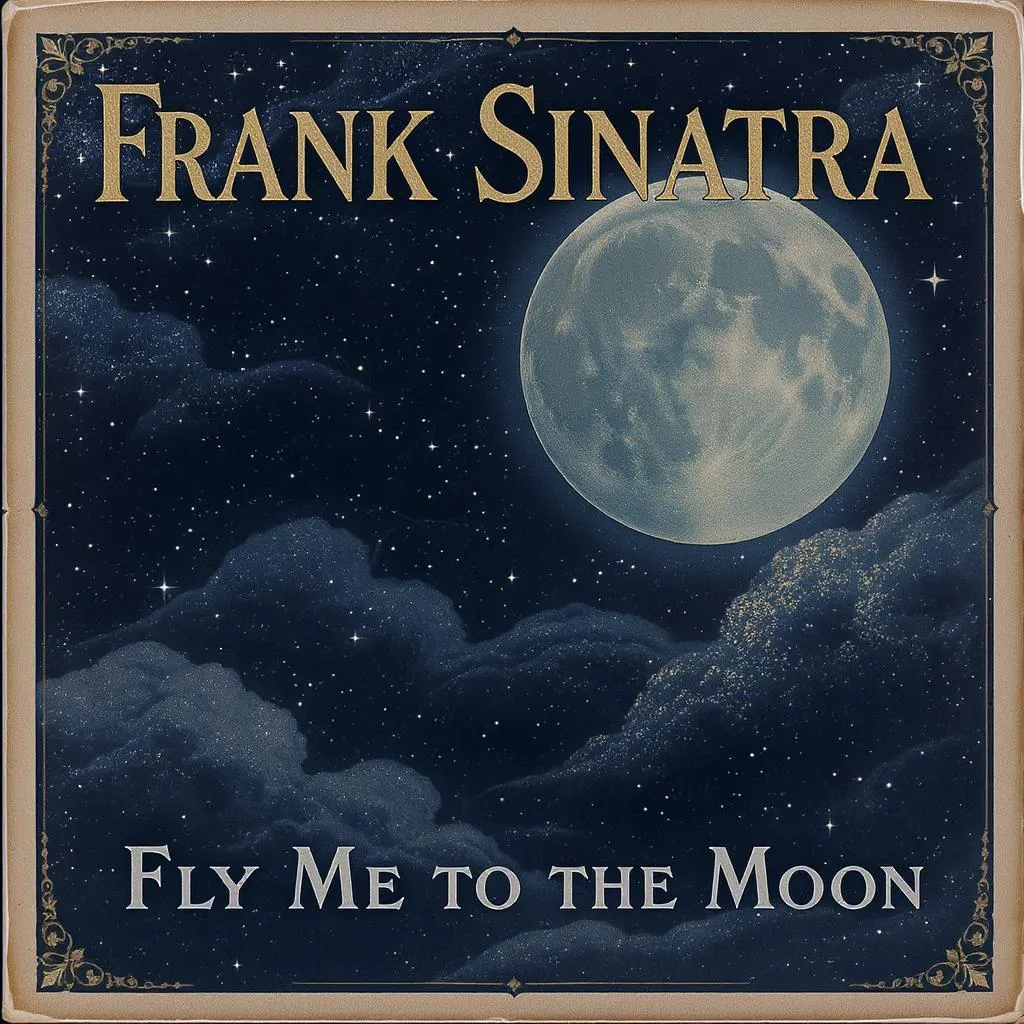
Fly Me to the Moon
Frank Sinatra
Normal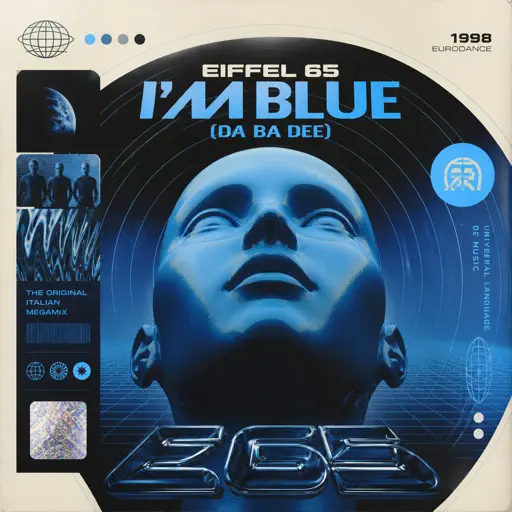
I'm Blue (Da Ba Dee)
Eiffel 65
Normal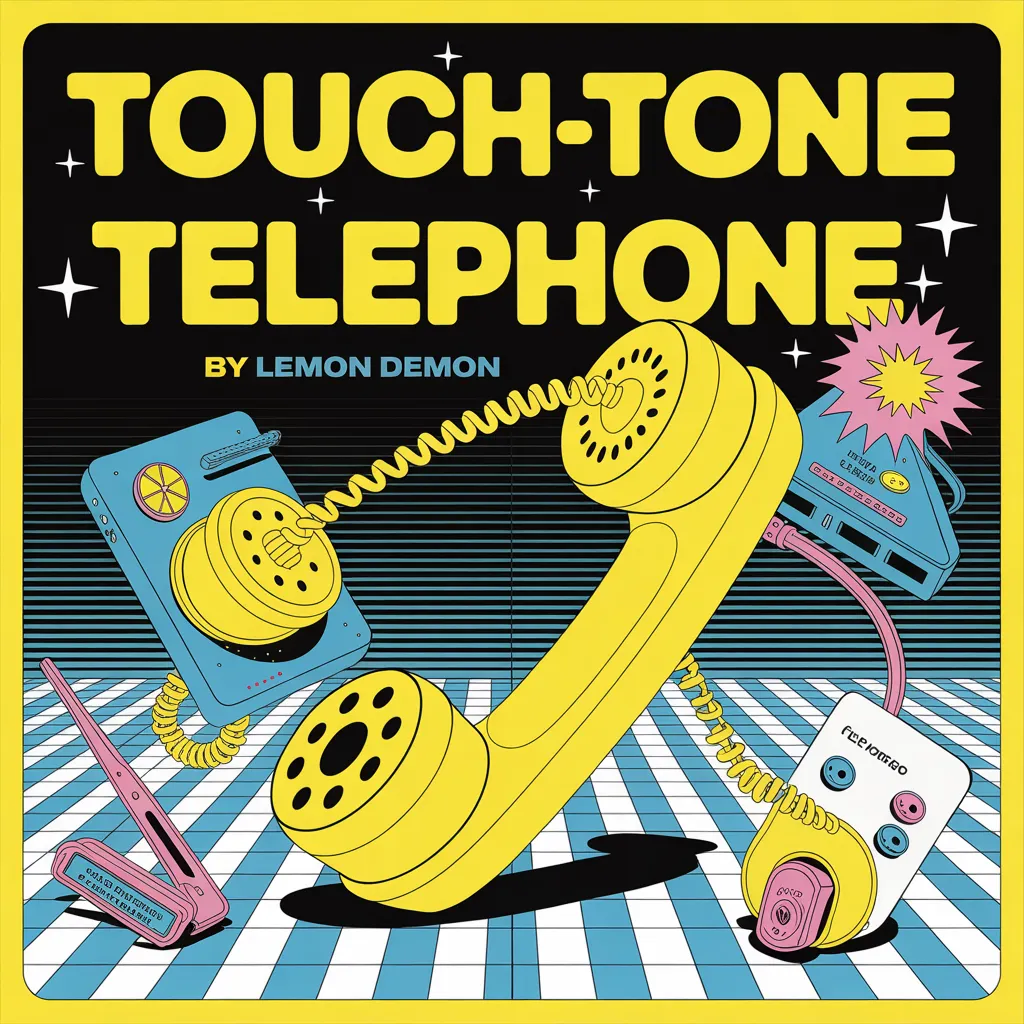
Touch-Tone Telephone
Lemon Demon
Hard
Cómo Te Voy A Olvidar
Los Ángeles Azules
Normal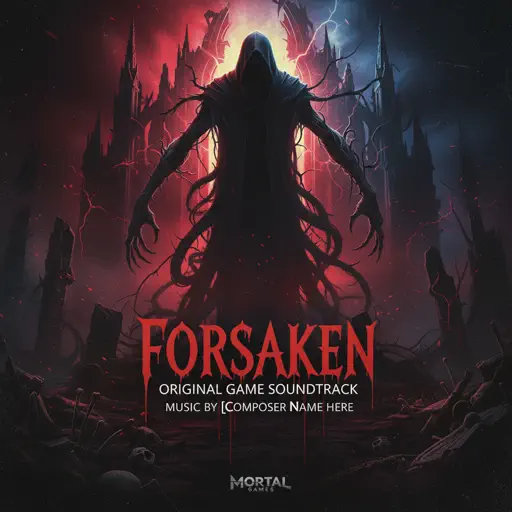
Famine (Pursuer Jason)
FORSAKEN OST
Hard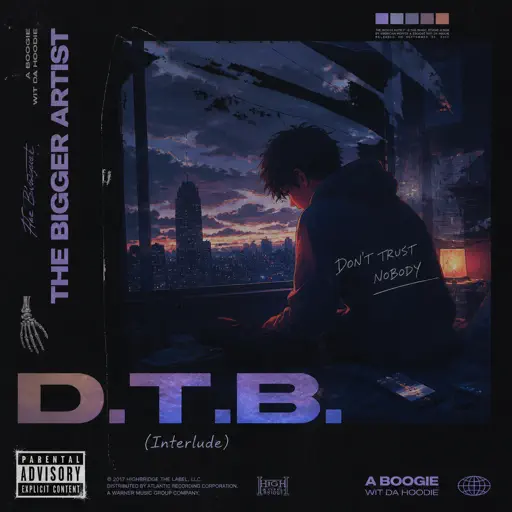
D.T.B. (Interlude)
A Boogie Wit da Hoodie
NormalFrequently Asked Questions
What is Roblox Piano Practice Online?
This is a free online tool that lets you practice Roblox virtual piano sheets in your browser. No downloads required - just pick a song and start practicing.
How do I use this online practice tool?
1. Select a song from the recommendations or use the search function. 2. Click play and the sheet will auto-scroll with highlighted notes. 3. Watch the virtual piano keyboard for highlighted keys and practice along. 4. Use speed control to slow down playback - perfect for beginners.
Can I play using my keyboard?
Yes! The virtual piano supports computer keyboard input. The keys correspond to the standard Roblox piano layout (1234567890qwerty...). You can practice on your keyboard while following the sheet.
What does the Transpose feature do?
Transpose raises or lowers the pitch of the sheet. Some Roblox piano games have different default tunings, so transpose helps match the correct pitch. Usually adjusting by +12 or -12 semitones works.
Does this tool work on mobile?
Yes, but desktop provides the best experience. On mobile you can view the sheet and virtual piano demo, but keyboard input requires a computer. We recommend using a desktop for the best practice experience.
How do I find sheets suitable for my level?
Below you'll find recommendations sorted by difficulty: Easy for beginners, Normal for intermediate players, and Hard/Expert for advanced challenges. You can also use the search function to find songs by title or artist.