
Roblox Piano Practice Online
Loading piano...
Practice Guide
Quick guide on how to use the online piano practice tool.
What is this?
This tool allows you to practice playing virtual piano sheets directly in your browser. It simulates a piano keyboard and helps you learn the notes and rhythm before playing in Roblox.
How to Practice Online
Use your computer keyboard or mouse to play the virtual piano keys directly. As the sheet music plays, the corresponding keys on the virtual piano will light up to help you follow along. You can also copy the sheet code to use directly in Roblox.
Discover Sheets
Random Shuffle: Click the Shuffle button in the center of the top control bar to instantly load a random new song without reloading the page.
Search: Click the Search button next to Shuffle to open the search window. Type a song title or artist name to quickly find and switch to the sheet you want to practice.
Playback Controls
- Play/Pause: Start or stop playback.
- 1xSpeed: Adjust tempo (0.5x - 2.0x).
- KTranspose: Shift the pitch up or down.
- SSustain: Toggle sustain pedal effect.
Easy Mode

Easy
Nice To Know - BFDIA 19 Cake At Stake Intro
BFDIA 19

Easy
Sleeping City Funk
Emotional Recycling Bin

Easy
Pimp Hoe
Mike Sherm

Easy
Gravity Falls Main Title Theme
Brad Breeck

Easy
Balcony
Cave Story

Easy
Cupid (Twin Version)
Fifty Fifty

Easy
Fur Elise
Beethoven

Easy
If You Love These People (Man of Steel)
Hans Zimmer

Easy
LET ME SEE YA MOVE!
Lumi Athena

Easy
Mockingbird
Eminem
Normal Mode
Normal
Cry For Me WA WA WA
Ironmouse
Normal
Where's My Love
SYML
Normal
mumei
Nanashi Mumei

Normal
Takut
Vierra

Normal
ESTILO HORIZONTE DIAMANTE
DJ Kartier

Normal
Мама прости
Grechka
Normal
Wait for It - Hamilton
Leslie Odom Jr.
Normal
Black Sheep
Metric

Normal
ALKA TALE - Summer Pockets
Konomi Suzuki
Normal
Ticking Away
VALORANT
Hard Mode
Hard
XO Tour Llif3
Lil Uzi Vert
Hard
Sphere
Creo
Hard
Event Horizon (Reach for the Sun and Burn! Burn! Burn!)
Heaven Pierce Her
Hard
Famine (Pursuer Jason)
FORSAKEN OST
Hard
Passacaglia
Handel/Halvorsen
Hard
Pas de deux (The Nutcracker, Op. 71, Act 2: No. 14a, Andante maestoso)
Pyotr Ilyich Tchaikovsky
Hard
Just Monika
Random Encounters
Hard
Die With A Smile
Lady Gaga & Bruno Mars

Hard
Multo
Cup of Joe
Hard
Take What You Want
Post Malone
Recommended Sheets
Song of the Stars
TOMORROW X TOGETHER
Hard
Kokoronashi (心做し)
majiko
Hard
Lost in Bonerland
Nero's Day At Disneyland
Hard
Windows XP Shutdown
Windows
Normal
Stereo Madness (Geometry Dash)
Forever Bound
Normal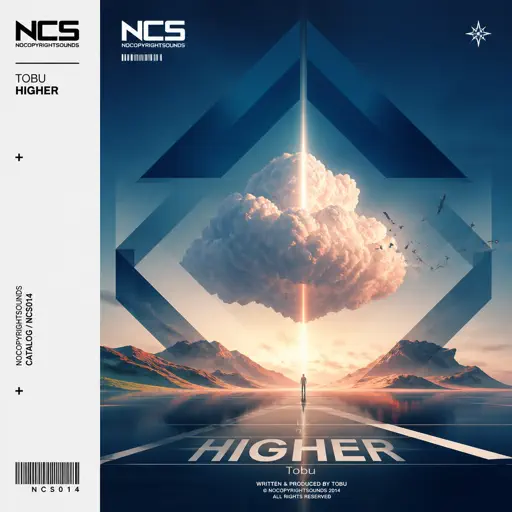
Higher
Tobu
Hard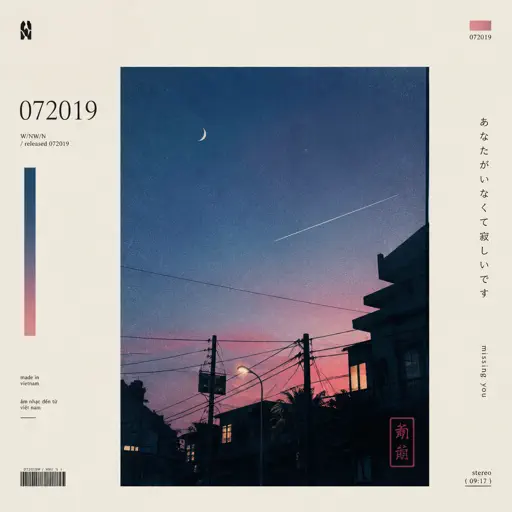
id 072019
W/N
Normal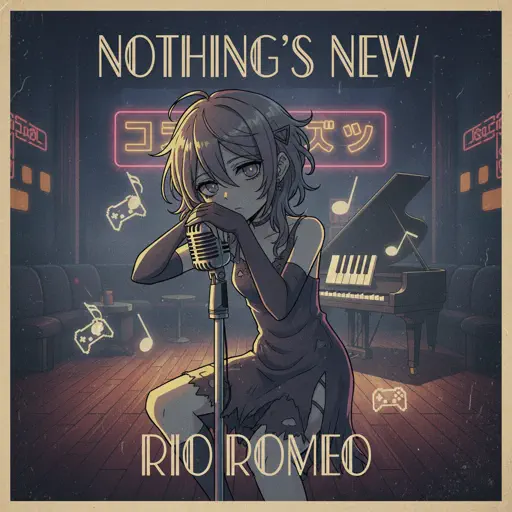
Nothing's New
Rio Romeo
Hard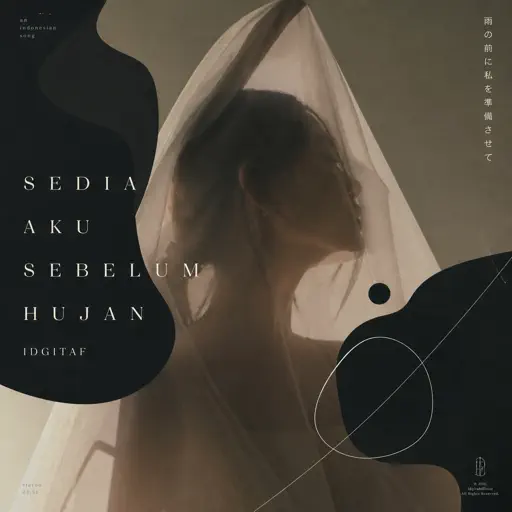
Sedia Aku Sebelum Hujan
Idgitaf
Hard
Temple of Light
Fable Lofi
Normal
Chiquitita
ABBA
Hard
Howl's Moving Castle Theme
Joe Hisaishi
Normal
Tum Hi Ho
Arijit Singh
Normal
Music and Me
fakemink
Normal
Namae wo Yobu yo - 名前を呼ぶよ- 이름을 부를게
LUCKLIFE
Hard
Blind Spots - Minecraft
C418
Hard
Noticed
Lil Mosey
Hard
BATTLE UNDER A BROKEN SKY
AZALI
Hard
The White Lady (from Hollow Knight)
Christopher Larkin
Normal
Trillium
S3RL
NormalFrequently Asked Questions
What is Roblox Piano Practice Online?
This is a free online tool that lets you practice Roblox virtual piano sheets in your browser. No downloads required - just pick a song and start practicing.
How do I use this online practice tool?
1. Select a song from the recommendations or use the search function. 2. Click play and the sheet will auto-scroll with highlighted notes. 3. Watch the virtual piano keyboard for highlighted keys and practice along. 4. Use speed control to slow down playback - perfect for beginners.
Can I play using my keyboard?
Yes! The virtual piano supports computer keyboard input. The keys correspond to the standard Roblox piano layout (1234567890qwerty...). You can practice on your keyboard while following the sheet.
What does the Transpose feature do?
Transpose raises or lowers the pitch of the sheet. Some Roblox piano games have different default tunings, so transpose helps match the correct pitch. Usually adjusting by +12 or -12 semitones works.
Does this tool work on mobile?
Yes, but desktop provides the best experience. On mobile you can view the sheet and virtual piano demo, but keyboard input requires a computer. We recommend using a desktop for the best practice experience.
How do I find sheets suitable for my level?
Below you'll find recommendations sorted by difficulty: Easy for beginners, Normal for intermediate players, and Hard/Expert for advanced challenges. You can also use the search function to find songs by title or artist.