
Roblox Piano Practice Online
Loading piano...
Practice Guide
Quick guide on how to use the online piano practice tool.
What is this?
This tool allows you to practice playing virtual piano sheets directly in your browser. It simulates a piano keyboard and helps you learn the notes and rhythm before playing in Roblox.
How to Practice Online
Use your computer keyboard or mouse to play the virtual piano keys directly. As the sheet music plays, the corresponding keys on the virtual piano will light up to help you follow along. You can also copy the sheet code to use directly in Roblox.
Discover Sheets
Random Shuffle: Click the Shuffle button in the center of the top control bar to instantly load a random new song without reloading the page.
Search: Click the Search button next to Shuffle to open the search window. Type a song title or artist name to quickly find and switch to the sheet you want to practice.
Playback Controls
- Play/Pause: Start or stop playback.
- 1xSpeed: Adjust tempo (0.5x - 2.0x).
- KTranspose: Shift the pitch up or down.
- SSustain: Toggle sustain pedal effect.
Easy Mode

Easy
Where You Lead
Carole King

Easy
LET ME SEE YA MOVE!
Lumi Athena

Easy
Nice To Know - BFDIA 19 Cake At Stake Intro
BFDIA 19

Easy
Fur Elise
Beethoven

Easy
If You Love These People (Man of Steel)
Hans Zimmer

Easy
Gravity Falls Main Title Theme
Brad Breeck

Easy
Immortal
Playboi Carti

Easy
Mockingbird
Eminem

Easy
Mist
EsDeeKid

Easy
Balcony
Cave Story
Normal Mode
Normal
Spooky, Scary Skeletons
Andrew Gold

Normal
Stick With You
TOMORROW X TOGETHER
Normal
Lullaby - Guten Abend, gut’ Nacht
Johannes Brahms

Normal
Sampai Jadi Debu
Banda Neira
Normal
Welcome to the Black Parade
My Chemical Romance
Normal
A Thousand Miles
Vanessa Carlton
Normal
Wait for It - Hamilton
Leslie Odom Jr.
Normal
MUEVELOU POCOYO MEME SONG
VAD BOYZ

Normal
All Girls Are The Same
Juice WRLD

Normal
BINKUSUNO SAKE (Bink's Sake)- One Piece
Ado
Hard Mode
Hard
PLAYING WITH FIRE
BLACKPINK
Hard
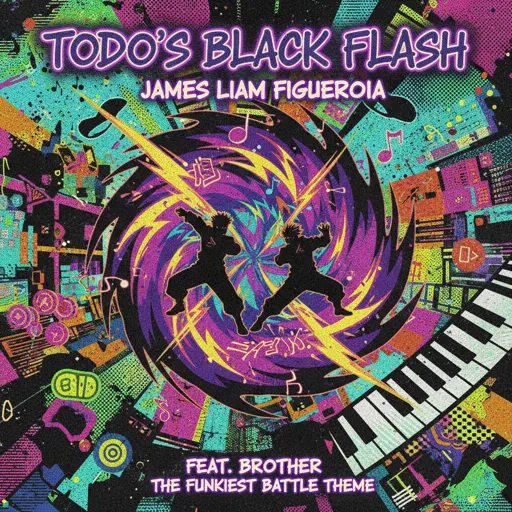
Todo's Black Flash - Jujutsu Kaisen
James Liam Figueroa
Hard
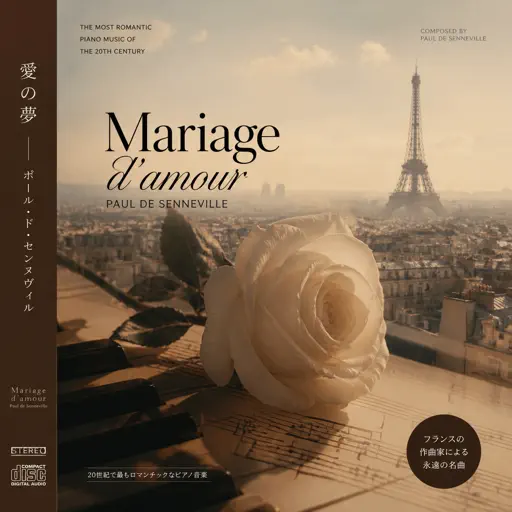
Mariage d'amour
Paul de Senneville
Hard
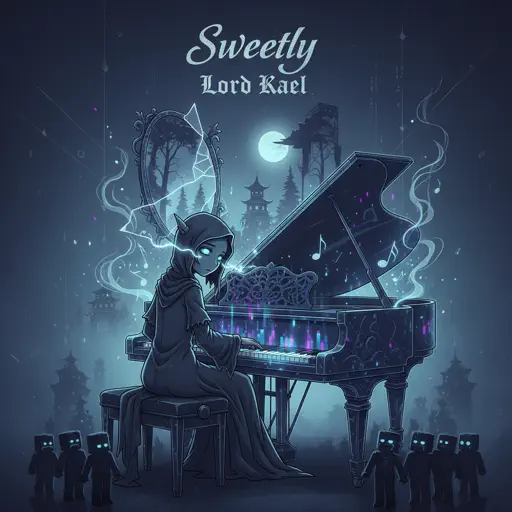
Sweetly
Lord Kael

Hard
Shinzo wo Sasageyo ! - 心臓を捧げよ! - Attack on Titan
Linked Horizon
Hard
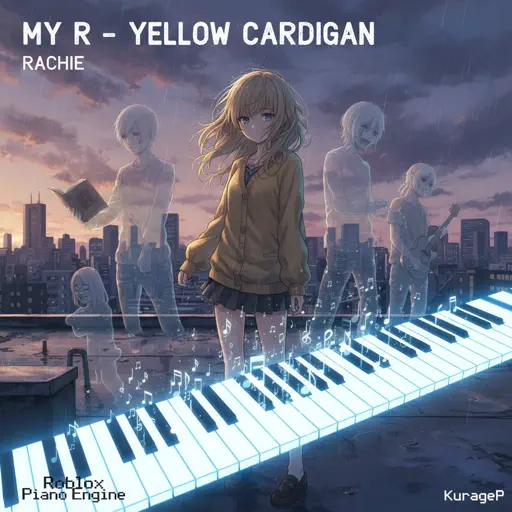
My R - Yellow Cardigan
Rachie
Hard
Tried Our Best
Drake
Hard
Famine (Pursuer Jason)
FORSAKEN OST
Hard
diminished chords are cooler than I thought :0
AZALI

Hard
Wielder Volo Battle (Pokemon Legends: Arceus)
The Greatest Bits
Recommended Sheets

School Rooftop
Hisohkah
Normal
Rush of Life
Tony Ann
Hard
I WANNA BE YOUR SLAVE
Måneskin
Normal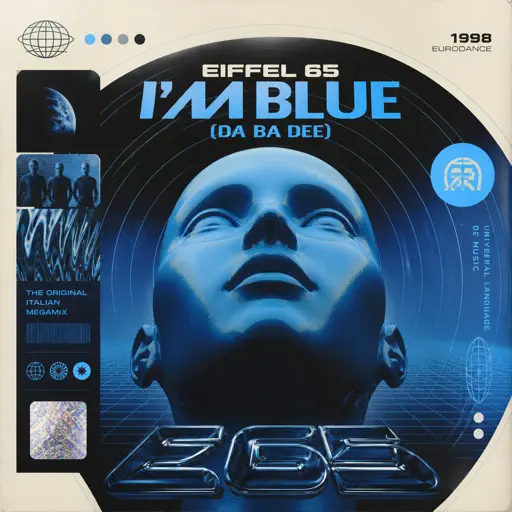
I'm Blue (Da Ba Dee)
Eiffel 65
Normal
一个人的浪漫 (一起来看流星雨)
Yu Hao Ming
Normal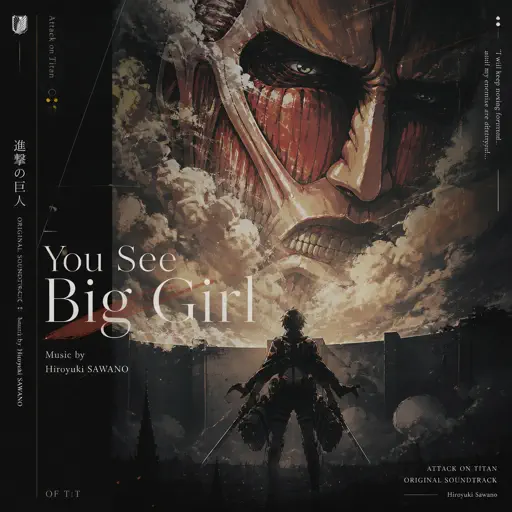
You See Big Girl / T:T
Sawano Hiroyuki
Hard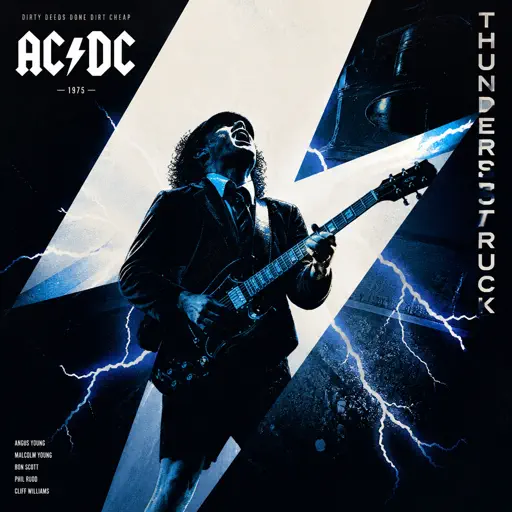
Thunderstruck
AC/DC
Normal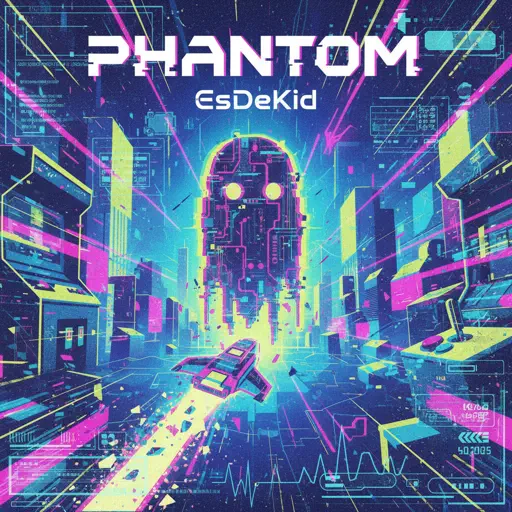
Phantom
EsDeeKid
Normal
Stuck Inside
Living Tombstone
Hard
White Star Line March
Clifford Putnam
Hard
Nearer My God to Thee - Titanic's Last Scene
Titanic Orchestra
Normal
TRILLIUM HARDTEKK
S3RL
Normal
Suzume すずめ
RADWIMPS
Normal
Dormant Craving (WIP) - Arknights
Erik Castro
Normal
Speed Demon
Michael Jackson
Normal
Wildfire - Star Rail - Of Snow and Ember
HOYO-MiX
Normal
The Night Begins to Shine - Teen Titans GO!
B.E.R.
Normal
Small Worlds
Mac Miller
Normal
It's Been So Long
The Living Tombstone
Normal
Boyfriend
Dove Cameron
HardFrequently Asked Questions
What is Roblox Piano Practice Online?
This is a free online tool that lets you practice Roblox virtual piano sheets in your browser. No downloads required - just pick a song and start practicing.
How do I use this online practice tool?
1. Select a song from the recommendations or use the search function. 2. Click play and the sheet will auto-scroll with highlighted notes. 3. Watch the virtual piano keyboard for highlighted keys and practice along. 4. Use speed control to slow down playback - perfect for beginners.
Can I play using my keyboard?
Yes! The virtual piano supports computer keyboard input. The keys correspond to the standard Roblox piano layout (1234567890qwerty...). You can practice on your keyboard while following the sheet.
What does the Transpose feature do?
Transpose raises or lowers the pitch of the sheet. Some Roblox piano games have different default tunings, so transpose helps match the correct pitch. Usually adjusting by +12 or -12 semitones works.
Does this tool work on mobile?
Yes, but desktop provides the best experience. On mobile you can view the sheet and virtual piano demo, but keyboard input requires a computer. We recommend using a desktop for the best practice experience.
How do I find sheets suitable for my level?
Below you'll find recommendations sorted by difficulty: Easy for beginners, Normal for intermediate players, and Hard/Expert for advanced challenges. You can also use the search function to find songs by title or artist.