
Roblox Piano Practice Online
Loading piano...
Practice Guide
Quick guide on how to use the online piano practice tool.
What is this?
This tool allows you to practice playing virtual piano sheets directly in your browser. It simulates a piano keyboard and helps you learn the notes and rhythm before playing in Roblox.
How to Practice Online
Use your computer keyboard or mouse to play the virtual piano keys directly. As the sheet music plays, the corresponding keys on the virtual piano will light up to help you follow along. You can also copy the sheet code to use directly in Roblox.
Discover Sheets
Random Shuffle: Click the Shuffle button in the center of the top control bar to instantly load a random new song without reloading the page.
Search: Click the Search button next to Shuffle to open the search window. Type a song title or artist name to quickly find and switch to the sheet you want to practice.
Playback Controls
- Play/Pause: Start or stop playback.
- 1xSpeed: Adjust tempo (0.5x - 2.0x).
- KTranspose: Shift the pitch up or down.
- SSustain: Toggle sustain pedal effect.
Easy Mode

Easy
Mockingbird
Eminem

Easy
Sleeping City Funk
Emotional Recycling Bin

Easy
Cupid (Twin Version)
Fifty Fifty

Easy
Fur Elise
Beethoven

Easy
LET ME SEE YA MOVE!
Lumi Athena

Easy
Nice To Know - BFDIA 19 Cake At Stake Intro
BFDIA 19

Easy
Mist
EsDeeKid

Easy
Pimp Hoe
Mike Sherm

Easy
Gravity Falls Main Title Theme
Brad Breeck

Easy
Balcony
Cave Story
Normal Mode
Normal
Purple Rain
Prince
Normal
Same Blue
Blue Box OP

Normal
Stick With You
TOMORROW X TOGETHER
Normal
Apple Pie
Travis Scott
Normal
Kyoufuu All Back
Wonderlands×Showtime
Normal
Sinking Town
Yoeko Kurahashi
Normal
Toxic Gossip Train
Colleen Ballinger

Normal
Army Dreamers
Kate Bush
Normal
hysteric
jaydes
Normal
Clash Royale Intro Sound
Supercell
Hard Mode
Hard
HEAVENLY JUMPSTYLE
TWXNY
Hard
Veridis Quo
Daft Punk

Hard
iloveitiloveitiloveit
Bella Kay
Hard
Little Nightmares 2 - Main Theme
Tobias Lilja
Hard
Konton Boogie
jon-YAKITORY
Hard
Sedia Aku Sebelum Hujan
Idgitaf

Hard
Where Our Blue is
Tatsuya Kitani
Hard
SAD!
XXXTENTACION
Hard
Mr. Blue Sky
Electric Light Orchestra
Hard
Apoplexy - Geometry Dash
Bee Hunter
Recommended Sheets
The Promise - FINAL FANTASY XIII
Masashi Hamauzu
Hard
玫瑰少年 Thiếu Niên Hoa Hồng
Strictlyviolin荀博
Normal
Disassembly Required (Murder Drones)
Liam Vickers
Normal
Dexter - The blood theme
The blood theme
Normal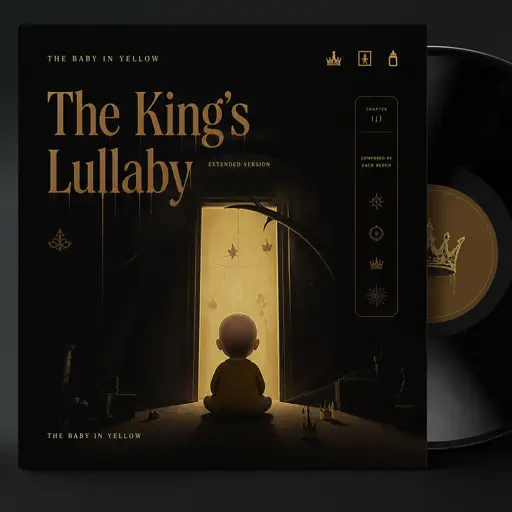
The King's Lullaby (Extended Version)
The Baby in Yellow
Normal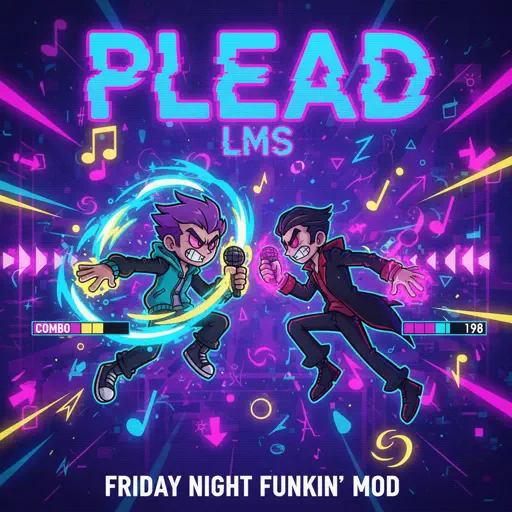
PLEAD - LMS (c00lkidd vs 007n7)
Forsaken Sound Team
Normal
Shinunoga E-Wa
Fujii Kaze
Normal
Runaway
AURORA
Normal
Blue Tequila
Táo
Normal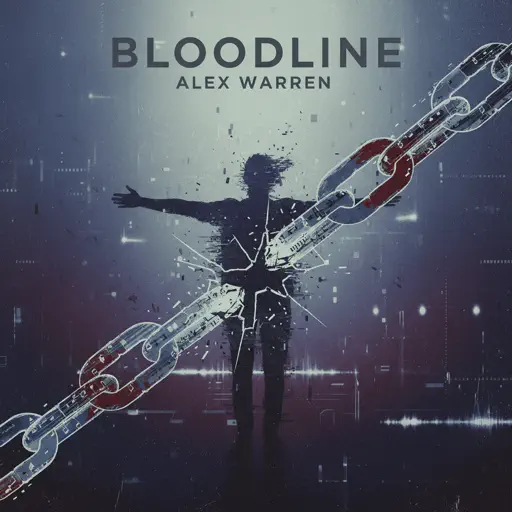
Bloodline
Alex Warren
Normal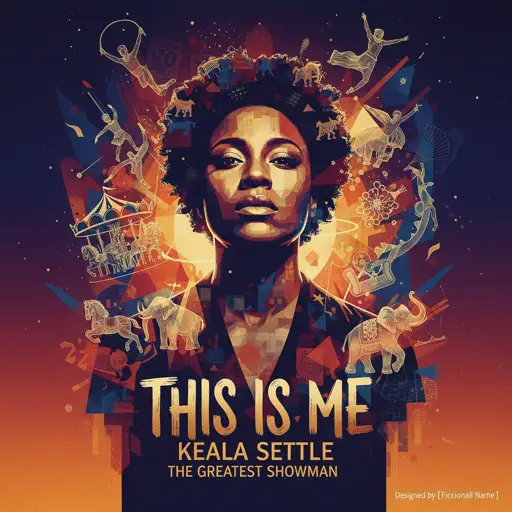
This Is Me
Keala Settle
Normal
No One Noticed
The Marías
Normal
Die With A Smile
Lady Gaga & Bruno Mars
Hard
Wielder Volo Battle (Pokemon Legends: Arceus)
The Greatest Bits
Hard
Eternity
Alex Warren
Normal
Kaiju no Hanauta
Vaundy
Normal
From Russia with Love
Matt Monro
Hard
My R - Yellow Cardigan
Rachie
Hard
Snuff
Slipknot
Hard
Waiting For You
Alex G
NormalFrequently Asked Questions
What is Roblox Piano Practice Online?
This is a free online tool that lets you practice Roblox virtual piano sheets in your browser. No downloads required - just pick a song and start practicing.
How do I use this online practice tool?
1. Select a song from the recommendations or use the search function. 2. Click play and the sheet will auto-scroll with highlighted notes. 3. Watch the virtual piano keyboard for highlighted keys and practice along. 4. Use speed control to slow down playback - perfect for beginners.
Can I play using my keyboard?
Yes! The virtual piano supports computer keyboard input. The keys correspond to the standard Roblox piano layout (1234567890qwerty...). You can practice on your keyboard while following the sheet.
What does the Transpose feature do?
Transpose raises or lowers the pitch of the sheet. Some Roblox piano games have different default tunings, so transpose helps match the correct pitch. Usually adjusting by +12 or -12 semitones works.
Does this tool work on mobile?
Yes, but desktop provides the best experience. On mobile you can view the sheet and virtual piano demo, but keyboard input requires a computer. We recommend using a desktop for the best practice experience.
How do I find sheets suitable for my level?
Below you'll find recommendations sorted by difficulty: Easy for beginners, Normal for intermediate players, and Hard/Expert for advanced challenges. You can also use the search function to find songs by title or artist.