

Roblox Piano Practice Online
Loading piano...
Practice Guide
Quick guide on how to use the online piano practice tool.
What is this?
This tool allows you to practice playing virtual piano sheets directly in your browser. It simulates a piano keyboard and helps you learn the notes and rhythm before playing in Roblox.
How to Practice Online
Use your computer keyboard or mouse to play the virtual piano keys directly. As the sheet music plays, the corresponding keys on the virtual piano will light up to help you follow along. You can also copy the sheet code to use directly in Roblox.
Discover Sheets
Random Shuffle: Click the Shuffle button in the center of the top control bar to instantly load a random new song without reloading the page.
Search: Click the Search button next to Shuffle to open the search window. Type a song title or artist name to quickly find and switch to the sheet you want to practice.
Playback Controls
- Play/Pause: Start or stop playback.
- 1xSpeed: Adjust tempo (0.5x - 2.0x).
- KTranspose: Shift the pitch up or down.
- SSustain: Toggle sustain pedal effect.
Easy Mode

Easy
Pimp Hoe
Mike Sherm

Easy
Harvey
Alex G

Easy
Mist
EsDeeKid

Easy
Balcony
Cave Story

Easy
LET ME SEE YA MOVE!
Lumi Athena

Easy
Gravity Falls Main Title Theme
Brad Breeck

Easy
If You Love These People (Man of Steel)
Hans Zimmer

Easy
Cupid (Twin Version)
Fifty Fifty

Easy
Fur Elise
Beethoven

Easy
Sleeping City Funk
Emotional Recycling Bin
Normal Mode

Normal
Chest Pain (I Love)
Malcolm Todd
Normal
Peaches (The Super Mario Bros. Movie)
Jack Black
Normal
A Thousand Miles
Vanessa Carlton
Normal
Lost in paradise - JUJUTSU KAISEN
AKLO

Normal
Caribbean Blue
Enya
Normal
stalemate - GREIF
KzX
Normal
Sun's Coming Up
Tame Impala
Normal
I will - Ao Haru Ride
Chelsy
Normal
Tetris Theme
Video Game Players

Normal
Hotaru no Hikari
Naruto Shippuden
Hard Mode
Hard
U.N. Owen Was Her?
Flandre's Theme
Hard
I Really want to stay at your house (Cyberpunk: Edgerunners)
Rosa Walton
Hard
90210
Travis Scott
Hard
IRIS OUT - Chainsaw Man Movie
Kenshi Yonezu
Hard
What pumpkin - homestuck- MS Paint Adventures
Alexander Rosetti
Hard
NEXT TO YOU - Parasyte OST
Ken Arai
Hard
I’m Tired
Labrinth
Hard
unhappy
s0rrow
Hard
Red Like Roses, Pt. 2 - RWBY
Jeff Williams
Hard
Glued
Melanie Martinez
Recommended Sheets
Head Over Heels
Tears For Fears
Hard
After LIKE
IVE
Hard
Pure Imagination (from Wonka)
Timothée Chalamet
Hard
Hungarian Rhapsody No. 2
Franz Liszt
Hard
You Are Not Suguru Geto - Jujutsu Kaisen Season 2
James Liam Figueroa
Normal
Five Nights at Freddy's 2 Movie
The Newton Brothers
Normal
Lupang Hinirang (Philippine National Anthem)
Legend The Band
Normal
Space Song
Beach House
Normal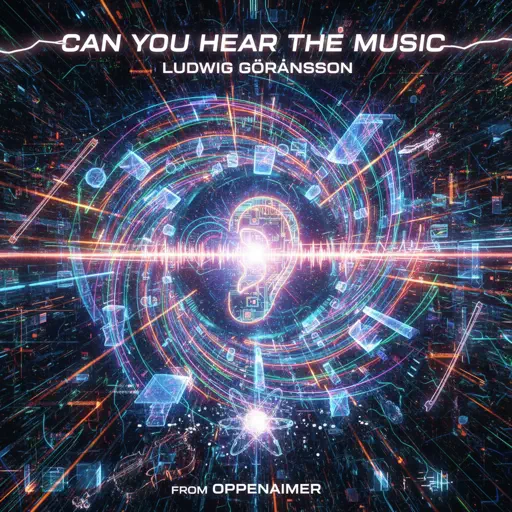
Can You Hear The Music - from Oppenheimer
Ludwig Göransson
Hard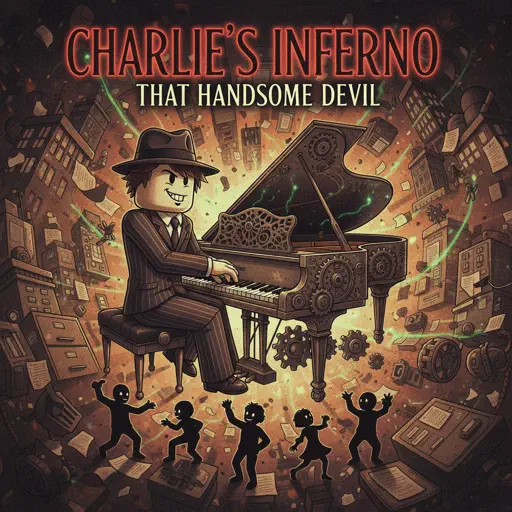
Charlie's Inferno
That Handsome Devil
Normal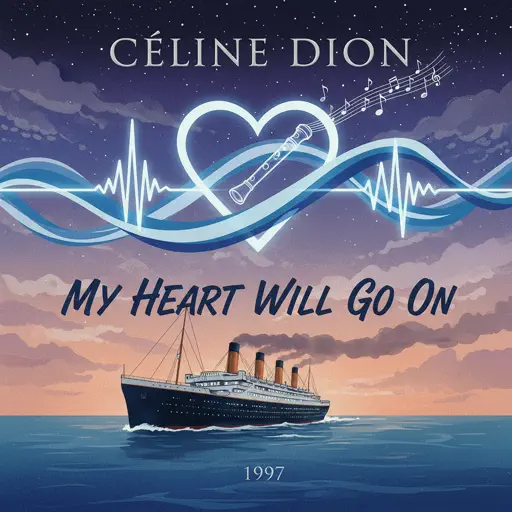
My Heart Will Go On
Céline Dion
Normal
Rises the Moon
Liana Flores
Normal
Believer
Imagine Dragons
Normal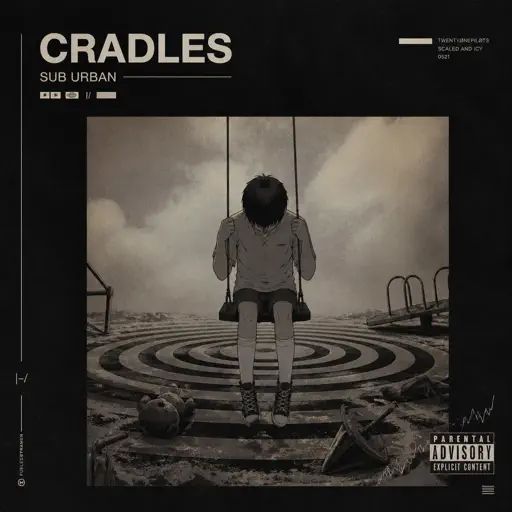
Cradles
Sub Urban
Normal
Ride Like the Wind
Christopher Cross
Normal
diminished chords are cooler than I thought :0
AZALI
Hard
Sphere
Creo
Hard
weathergirl
FLAVOR FOLEY
Hard
If I Ain't Got You
Alicia Keys
Normal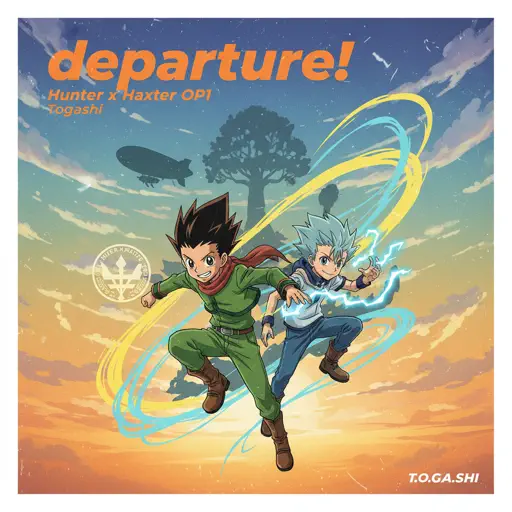
departure! - Hunter x Hunter OP1
Togash
HardFrequently Asked Questions
What is Roblox Piano Practice Online?
This is a free online tool that lets you practice Roblox virtual piano sheets in your browser. No downloads required - just pick a song and start practicing.
How do I use this online practice tool?
1. Select a song from the recommendations or use the search function. 2. Click play and the sheet will auto-scroll with highlighted notes. 3. Watch the virtual piano keyboard for highlighted keys and practice along. 4. Use speed control to slow down playback - perfect for beginners.
Can I play using my keyboard?
Yes! The virtual piano supports computer keyboard input. The keys correspond to the standard Roblox piano layout (1234567890qwerty...). You can practice on your keyboard while following the sheet.
What does the Transpose feature do?
Transpose raises or lowers the pitch of the sheet. Some Roblox piano games have different default tunings, so transpose helps match the correct pitch. Usually adjusting by +12 or -12 semitones works.
Does this tool work on mobile?
Yes, but desktop provides the best experience. On mobile you can view the sheet and virtual piano demo, but keyboard input requires a computer. We recommend using a desktop for the best practice experience.
How do I find sheets suitable for my level?
Below you'll find recommendations sorted by difficulty: Easy for beginners, Normal for intermediate players, and Hard/Expert for advanced challenges. You can also use the search function to find songs by title or artist.