

Roblox Piano Practice Online
Loading piano...
Practice Guide
Quick guide on how to use the online piano practice tool.
What is this?
This tool allows you to practice playing virtual piano sheets directly in your browser. It simulates a piano keyboard and helps you learn the notes and rhythm before playing in Roblox.
How to Practice Online
Use your computer keyboard or mouse to play the virtual piano keys directly. As the sheet music plays, the corresponding keys on the virtual piano will light up to help you follow along. You can also copy the sheet code to use directly in Roblox.
Discover Sheets
Random Shuffle: Click the Shuffle button in the center of the top control bar to instantly load a random new song without reloading the page.
Search: Click the Search button next to Shuffle to open the search window. Type a song title or artist name to quickly find and switch to the sheet you want to practice.
Playback Controls
- Play/Pause: Start or stop playback.
- 1xSpeed: Adjust tempo (0.5x - 2.0x).
- KTranspose: Shift the pitch up or down.
- SSustain: Toggle sustain pedal effect.
Easy Mode

Easy
Pimp Hoe
Mike Sherm

Easy
Balcony
Cave Story

Easy
Nice To Know - BFDIA 19 Cake At Stake Intro
BFDIA 19

Easy
Cupid (Twin Version)
Fifty Fifty

Easy
If You Love These People (Man of Steel)
Hans Zimmer

Easy
Gravity Falls Main Title Theme
Brad Breeck

Easy
Immortal
Playboi Carti

Easy
Harvey
Alex G

Easy
Mist
EsDeeKid

Easy
Sleeping City Funk
Emotional Recycling Bin
Normal Mode
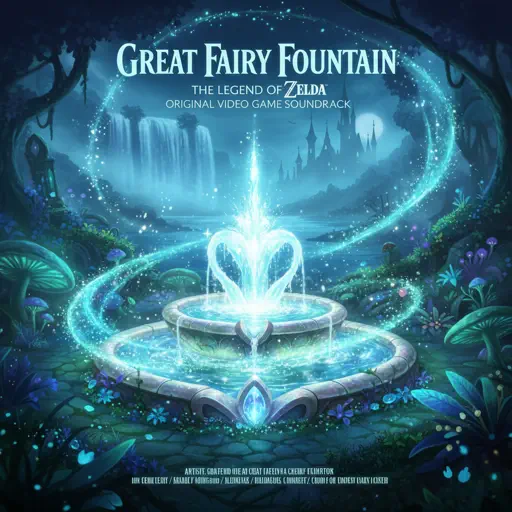
Normal
Great Fairy Fountain - The Legend of Zelda
Legend of Zelda

Normal
Childhood Memory
Bandari
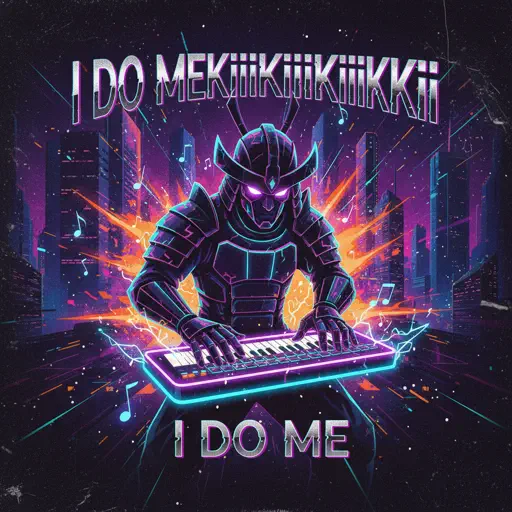
Normal
I DO ME
KiiiKiii
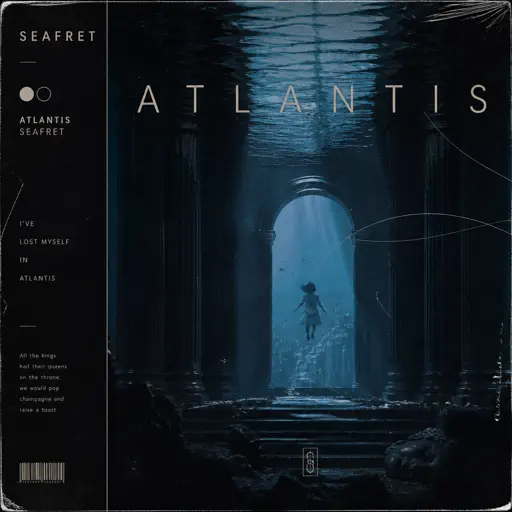
Normal
Atlantis
Seafret
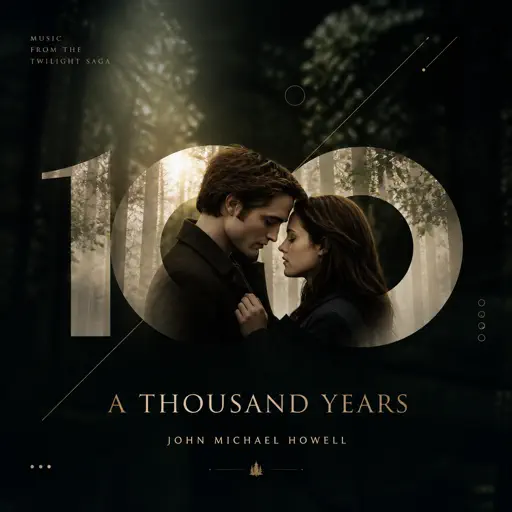
Normal
A Thousand Years
John Michael Howell
Normal
The Great Strategy
Badliz
Normal
Feel It (From Invincible)
d4vd
Normal
The Disappearance of Hatsune Miku
Hatsune Miku
Normal
Valzer d'Inverno
Andrea Vanzo

Normal
Hall of Fame
The Script
Hard Mode
Hard
Brainiac Maniac - Plants vs. Zombies
Laura Shigihara
Hard
Wiege (VIVINOS - ALNST)
BL8M
Hard
requiem for the lost ones
Shiro SAGISU
Hard
Beethoven Virus
Ludwig van Beethoven
Hard
Rush Piggies
Sheet Music Boss
Hard
Konton Boogie
jon-YAKITORY
Hard
Canon in D
Johann Pachelbel

Hard
U.N. Owen Was Her?
Flandre's Theme

Hard
iloveitiloveitiloveit
Bella Kay

Hard
Wildberry Lillet
Nina Chuba
Recommended Sheets
Animation Warrior Theme - Geometry Dash Orbit
Nighthawk22
Hard
Wait for It - Hamilton
Leslie Odom Jr.
Normal
Glue Song
beabadoobee
Normal
Delulu
KiiiKiii
Normal
All Star
Smash Mouth
Normal
Golden Hour
JVKE
Normal
That's The Way It Is - Red Dead Redemption 2
Daniel Lanois
Normal
swordland (Sword Art Online)
Yuki Kajiura
Hard
Okay, Everyone!
Doki Doki Literature Club
Hard
If I Ain't Got You
Alicia Keys
Normal
Jeopardy! Main Theme
Geek Music
Normal
Kimetsu no Yaiba OP - 紅蓮華
LiSA
Normal
Get Lucky
Daft Punk
Hard
Can You Hear The Music - from Oppenheimer
Ludwig Göransson
Hard
Trance
Metro Boomin and Travis Scott
Normal
Isolation
Nighthawk22
Hard
Shut up My Moms Calling
Hotel Ugly
Normal
Rick Roll
Rick Astley
Normal
WILDFLOWER
Billie Eilish
Normal
Thick of It
KSI
NormalFrequently Asked Questions
What is Roblox Piano Practice Online?
This is a free online tool that lets you practice Roblox virtual piano sheets in your browser. No downloads required - just pick a song and start practicing.
How do I use this online practice tool?
1. Select a song from the recommendations or use the search function. 2. Click play and the sheet will auto-scroll with highlighted notes. 3. Watch the virtual piano keyboard for highlighted keys and practice along. 4. Use speed control to slow down playback - perfect for beginners.
Can I play using my keyboard?
Yes! The virtual piano supports computer keyboard input. The keys correspond to the standard Roblox piano layout (1234567890qwerty...). You can practice on your keyboard while following the sheet.
What does the Transpose feature do?
Transpose raises or lowers the pitch of the sheet. Some Roblox piano games have different default tunings, so transpose helps match the correct pitch. Usually adjusting by +12 or -12 semitones works.
Does this tool work on mobile?
Yes, but desktop provides the best experience. On mobile you can view the sheet and virtual piano demo, but keyboard input requires a computer. We recommend using a desktop for the best practice experience.
How do I find sheets suitable for my level?
Below you'll find recommendations sorted by difficulty: Easy for beginners, Normal for intermediate players, and Hard/Expert for advanced challenges. You can also use the search function to find songs by title or artist.