
Roblox Piano Practice Online
Loading piano...
Practice Guide
Quick guide on how to use the online piano practice tool.
What is this?
This tool allows you to practice playing virtual piano sheets directly in your browser. It simulates a piano keyboard and helps you learn the notes and rhythm before playing in Roblox.
How to Practice Online
Use your computer keyboard or mouse to play the virtual piano keys directly. As the sheet music plays, the corresponding keys on the virtual piano will light up to help you follow along. You can also copy the sheet code to use directly in Roblox.
Discover Sheets
Random Shuffle: Click the Shuffle button in the center of the top control bar to instantly load a random new song without reloading the page.
Search: Click the Search button next to Shuffle to open the search window. Type a song title or artist name to quickly find and switch to the sheet you want to practice.
Playback Controls
- Play/Pause: Start or stop playback.
- 1xSpeed: Adjust tempo (0.5x - 2.0x).
- KTranspose: Shift the pitch up or down.
- SSustain: Toggle sustain pedal effect.
Easy Mode

Easy
Fur Elise
Beethoven

Easy
Mockingbird
Eminem

Easy
Mist
EsDeeKid

Easy
LET ME SEE YA MOVE!
Lumi Athena

Easy
Where You Lead
Carole King

Easy
Gravity Falls Main Title Theme
Brad Breeck

Easy
Sleeping City Funk
Emotional Recycling Bin

Easy
Nice To Know - BFDIA 19 Cake At Stake Intro
BFDIA 19

Easy
Balcony
Cave Story

Easy
If You Love These People (Man of Steel)
Hans Zimmer
Normal Mode


Hard Mode
Hard
Aishite Aishite Aishite
Ado
Hard
The Perfect Girl (such a strange girl)
Mareux
Hard
Dandelions
Ruth B.
Hard
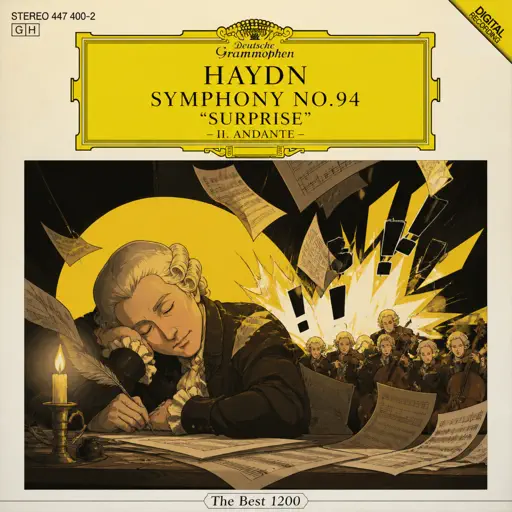
Haydn Surprise Symphony No. 94 Movement 2
Haydn
Hard
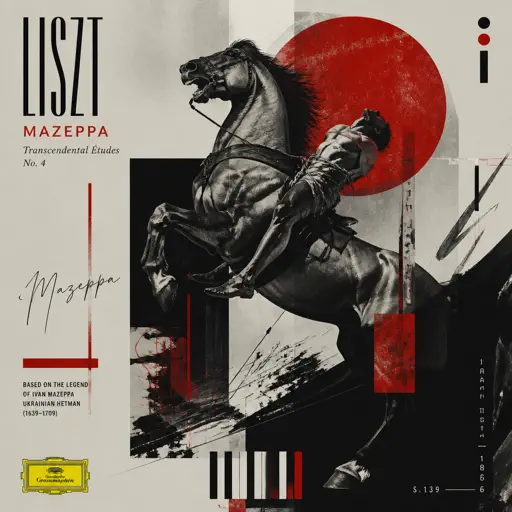
Mazeppa
Franz Liszt
Hard
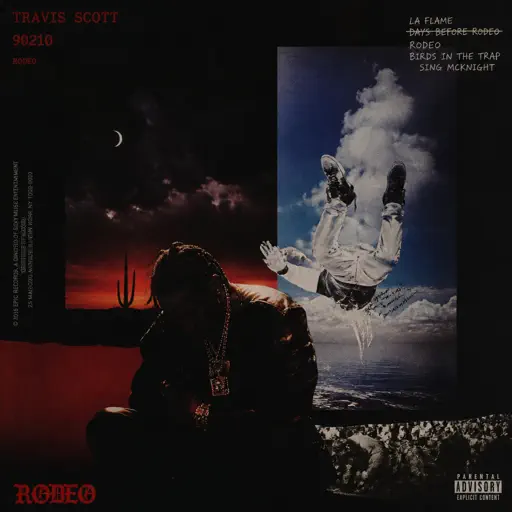
90210
Travis Scott
Hard
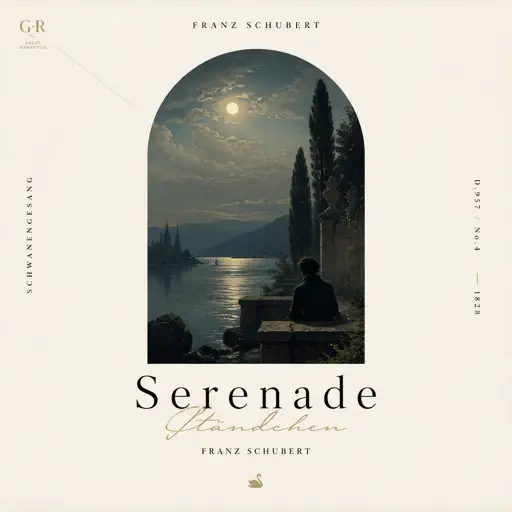
Serenade
Franz Schubert
Hard
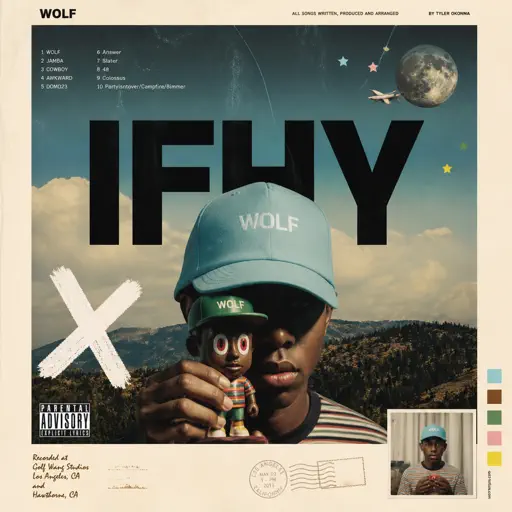
IFHY
Tyler, The Creator
Hard
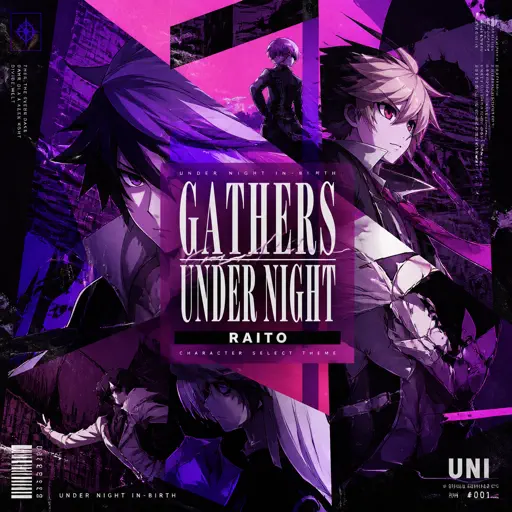
Gathers Under Night - Under Night In-Birth
Raito
Hard
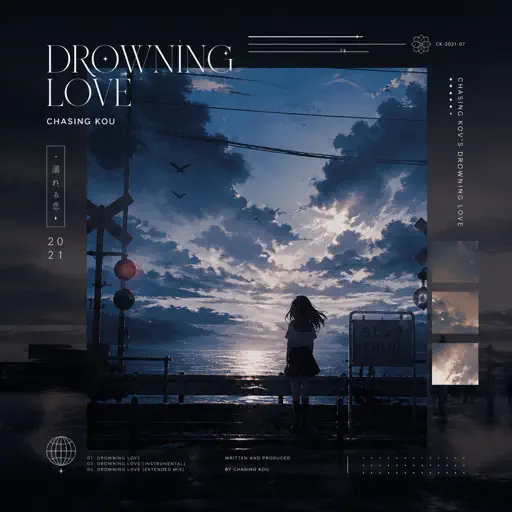
Drowning Love
Chasing Kou
Recommended Sheets

All I Need
Slushii
Normal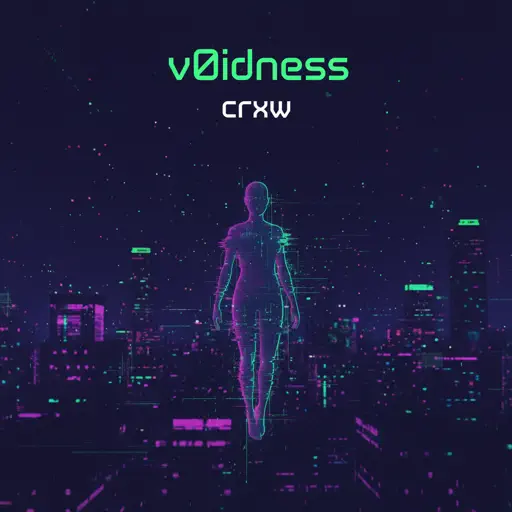
v0idness
crxw
Normal
Daylight
Shinedown
Hard
Gurenge - 紅蓮華 - Demon Slayer
LiSA
Normal
Godzilla Theme
Akira Ifukube
Normal
MONTAGEM ALQUIMIA
h6itam
Normal
Carol of the Bells (From "Home Alone")
John Williams
Normal
Location Unknown (Brooklyn Session)
HONNE & BEKA
Normal
Falling Down
Lil Peep & XXXTENTACION
Normal
Metamorphosis
Your Arms Are My Cocoon
Normal
Drowning Love
Chasing Kou
Normal
I'm so crazy for youuu </3
Rebzyyx
Normal
20 Min
Lil Uzi Vert
Normal
Fortnite Festive Christmas lobby music
Fortnite
Hard
Daisy Bell
Harry Dacre
Normal
Solas
Gibran Alcocer
Normal
Ievan Polkka
Hatsune Miku
Normal
anybody can find love (except you.)
hkmori
Normal
Bazooka
Miami XO
Normal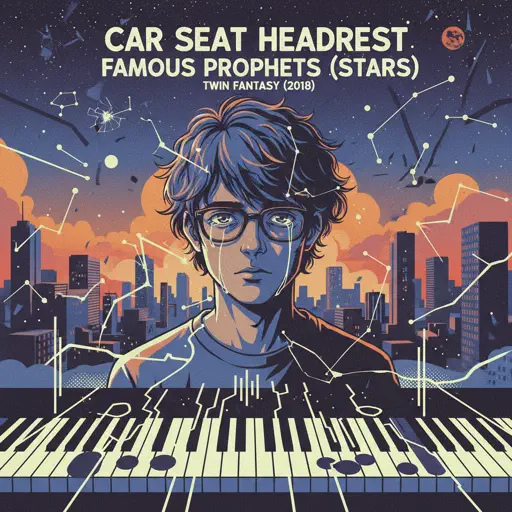
Famous Prophets (Stars)
Car Seat Headrest
NormalFrequently Asked Questions
What is Roblox Piano Practice Online?
This is a free online tool that lets you practice Roblox virtual piano sheets in your browser. No downloads required - just pick a song and start practicing.
How do I use this online practice tool?
1. Select a song from the recommendations or use the search function. 2. Click play and the sheet will auto-scroll with highlighted notes. 3. Watch the virtual piano keyboard for highlighted keys and practice along. 4. Use speed control to slow down playback - perfect for beginners.
Can I play using my keyboard?
Yes! The virtual piano supports computer keyboard input. The keys correspond to the standard Roblox piano layout (1234567890qwerty...). You can practice on your keyboard while following the sheet.
What does the Transpose feature do?
Transpose raises or lowers the pitch of the sheet. Some Roblox piano games have different default tunings, so transpose helps match the correct pitch. Usually adjusting by +12 or -12 semitones works.
Does this tool work on mobile?
Yes, but desktop provides the best experience. On mobile you can view the sheet and virtual piano demo, but keyboard input requires a computer. We recommend using a desktop for the best practice experience.
How do I find sheets suitable for my level?
Below you'll find recommendations sorted by difficulty: Easy for beginners, Normal for intermediate players, and Hard/Expert for advanced challenges. You can also use the search function to find songs by title or artist.