
Roblox Piano Practice Online
Loading piano...
Practice Guide
Quick guide on how to use the online piano practice tool.
What is this?
This tool allows you to practice playing virtual piano sheets directly in your browser. It simulates a piano keyboard and helps you learn the notes and rhythm before playing in Roblox.
How to Practice Online
Use your computer keyboard or mouse to play the virtual piano keys directly. As the sheet music plays, the corresponding keys on the virtual piano will light up to help you follow along. You can also copy the sheet code to use directly in Roblox.
Discover Sheets
Random Shuffle: Click the Shuffle button in the center of the top control bar to instantly load a random new song without reloading the page.
Search: Click the Search button next to Shuffle to open the search window. Type a song title or artist name to quickly find and switch to the sheet you want to practice.
Playback Controls
- Play/Pause: Start or stop playback.
- 1xSpeed: Adjust tempo (0.5x - 2.0x).
- KTranspose: Shift the pitch up or down.
- SSustain: Toggle sustain pedal effect.
Easy Mode









Normal Mode
Normal
Forever Young
Alphaville
Normal
Godspeed
Frank Ocean
Normal
SPAGHETTI
LE SSERAFIM
Normal
Meaningful Love
Silo
Normal
GOZALO
Ariis
Normal
Kid Cudi
Playboi Carti
Normal
Erika
German soldier song
Normal
the city mouse and the country mouse - Chainsaw Man
kensuke ushio
Normal
Childhood Memory
Bandari
Normal
Discord
The Living Tombstone
Hard Mode
Hard
Sweet Boy
Malcolm Todd
Hard
Karma
AJR
Hard
Noticed
Lil Mosey
Hard
What pumpkin - homestuck- MS Paint Adventures
Alexander Rosetti
Hard
Ao To Kirameki - アオとキラメキ
My Dress-Up Darling Season 2 Opening
Hard
Agony
Yung Lean
Hard
Follow Me (FNAF SONG)
Tryhardninja
Hard
Gone Angels - Library of Ruina
Mili

Hard
XOXO
Feng
Hard
Black Knight Lindamea
Black Souls
Recommended Sheets
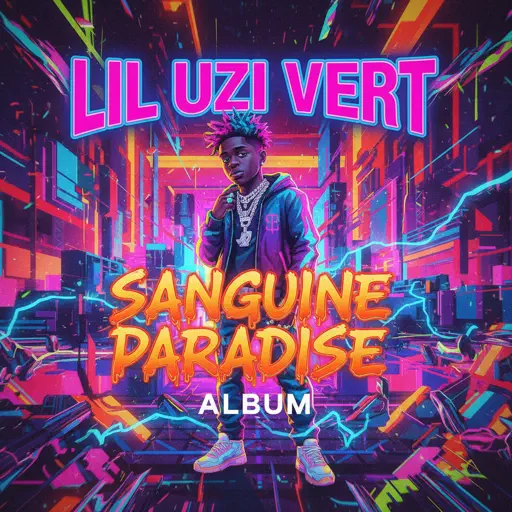
Sanguine Paradise
Lil Uzi Vert
Normal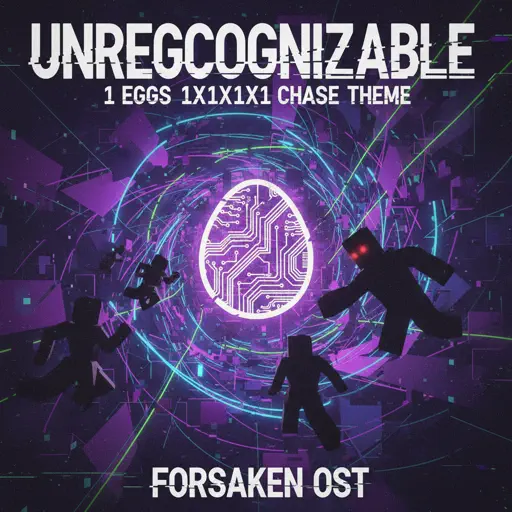
Unreggcognizable
Forsaken OST
Hard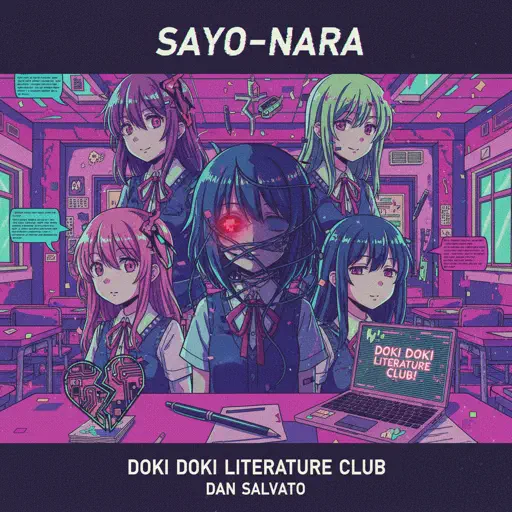
Sayo-Nara (Doki Doki Literature Club)
Dan Salvato
Normal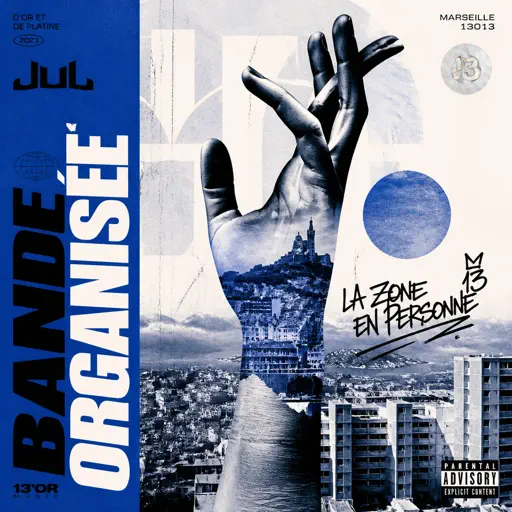
Bande Organisee
Jul
Normal
Hikaru Nara 光るなら
Goose house
Hard
Powers Collide - TPOT 19
Ian Woodside
Normal
I Really want to stay at your house (Cyberpunk: Edgerunners)
Rosa Walton
Hard
Shikairo Days/シカ色デイズ
My Deer Friend Nokotan OP
Hard
Electar - Rec Room
Gribbly
Normal
Debito di Sonno (Mafioso Chase Theme)
Forsaken
Hard
Sometimes
Mattyeux
Normal
Ruins - UNDERTALE
Toby Fox
Normal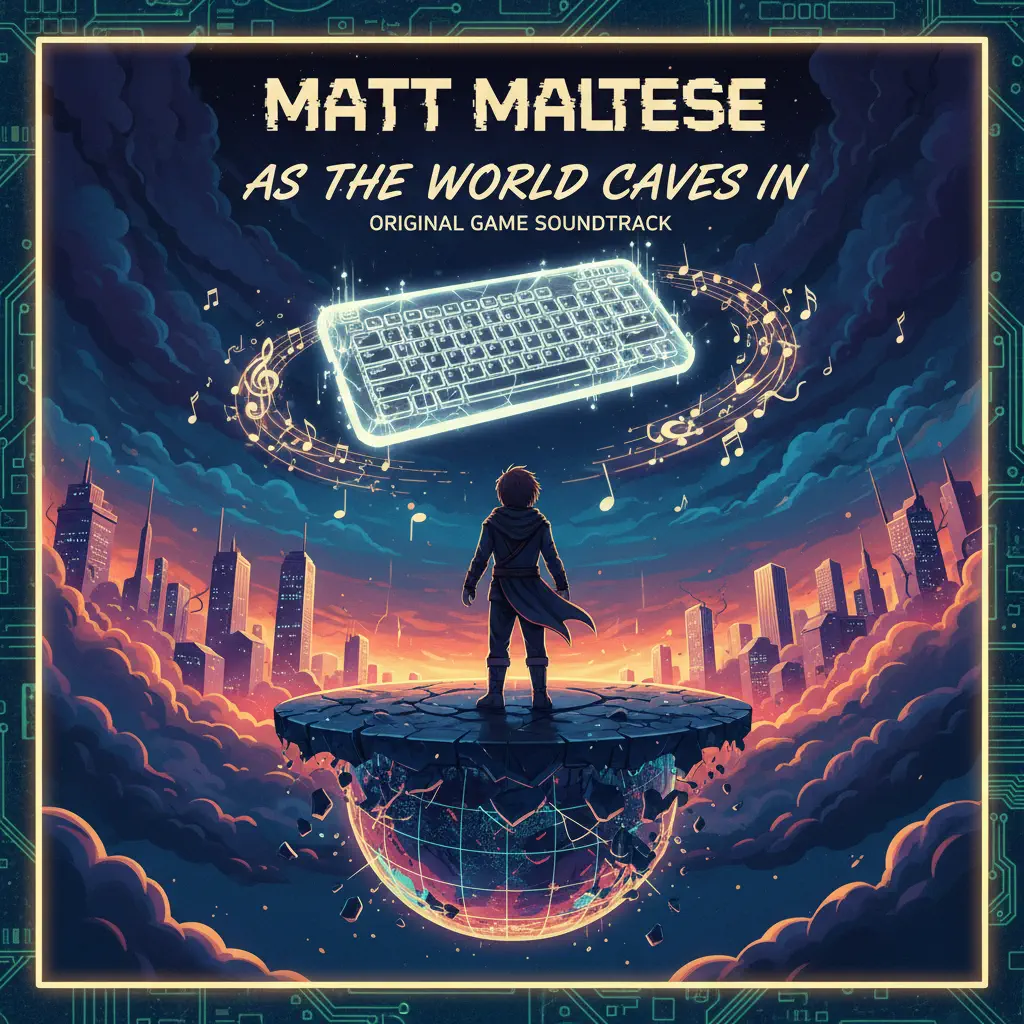
As the World Caves In
Matt Maltese
Hard
Romantic Happy Birthday
Seander Alfonsus
Normal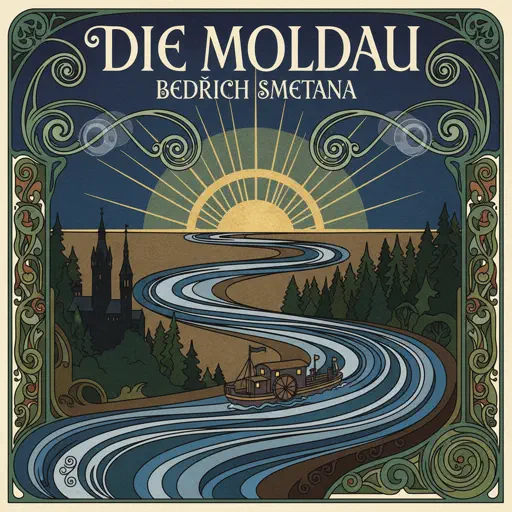
Die Moldau
Bedřich Smetana
Normal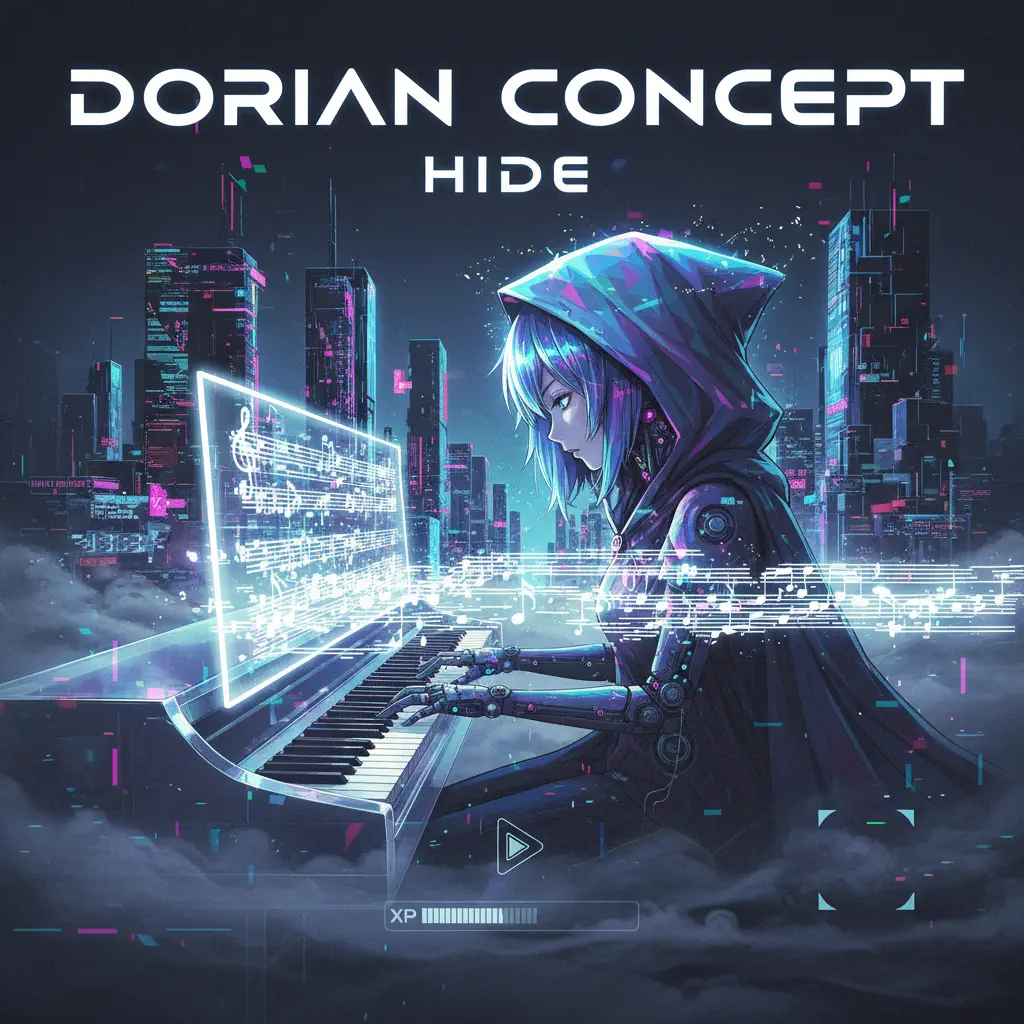
Hide
Dorian Concept
Normal
Nice To Know - BFDIA 19 Cake At Stake Intro
BFDIA 19
Easy
TEA TIME WALTZ - SONIC.exe Outcome Memories
aerozity
Hard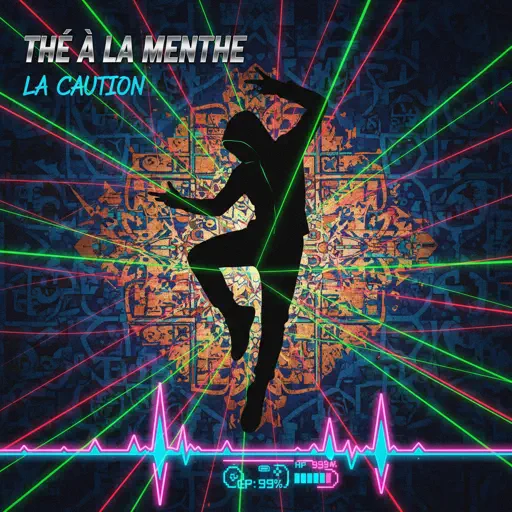
Thé à la menthe (The Laser Dance Song)
La Caution
Hard
Uwa!! So Temperate
Toby Fox
NormalFrequently Asked Questions
What is Roblox Piano Practice Online?
This is a free online tool that lets you practice Roblox virtual piano sheets in your browser. No downloads required - just pick a song and start practicing.
How do I use this online practice tool?
1. Select a song from the recommendations or use the search function. 2. Click play and the sheet will auto-scroll with highlighted notes. 3. Watch the virtual piano keyboard for highlighted keys and practice along. 4. Use speed control to slow down playback - perfect for beginners.
Can I play using my keyboard?
Yes! The virtual piano supports computer keyboard input. The keys correspond to the standard Roblox piano layout (1234567890qwerty...). You can practice on your keyboard while following the sheet.
What does the Transpose feature do?
Transpose raises or lowers the pitch of the sheet. Some Roblox piano games have different default tunings, so transpose helps match the correct pitch. Usually adjusting by +12 or -12 semitones works.
Does this tool work on mobile?
Yes, but desktop provides the best experience. On mobile you can view the sheet and virtual piano demo, but keyboard input requires a computer. We recommend using a desktop for the best practice experience.
How do I find sheets suitable for my level?
Below you'll find recommendations sorted by difficulty: Easy for beginners, Normal for intermediate players, and Hard/Expert for advanced challenges. You can also use the search function to find songs by title or artist.