
Roblox Piano Practice Online
Loading piano...
Practice Guide
Quick guide on how to use the online piano practice tool.
What is this?
This tool allows you to practice playing virtual piano sheets directly in your browser. It simulates a piano keyboard and helps you learn the notes and rhythm before playing in Roblox.
How to Practice Online
Use your computer keyboard or mouse to play the virtual piano keys directly. As the sheet music plays, the corresponding keys on the virtual piano will light up to help you follow along. You can also copy the sheet code to use directly in Roblox.
Discover Sheets
Random Shuffle: Click the Shuffle button in the center of the top control bar to instantly load a random new song without reloading the page.
Search: Click the Search button next to Shuffle to open the search window. Type a song title or artist name to quickly find and switch to the sheet you want to practice.
Playback Controls
- Play/Pause: Start or stop playback.
- 1xSpeed: Adjust tempo (0.5x - 2.0x).
- KTranspose: Shift the pitch up or down.
- SSustain: Toggle sustain pedal effect.
Easy Mode

Easy
Pimp Hoe
Mike Sherm

Easy
Fur Elise
Beethoven

Easy
Cupid (Twin Version)
Fifty Fifty

Easy
Gravity Falls Main Title Theme
Brad Breeck

Easy
LET ME SEE YA MOVE!
Lumi Athena

Easy
Nice To Know - BFDIA 19 Cake At Stake Intro
BFDIA 19

Easy
Immortal
Playboi Carti

Easy
If You Love These People (Man of Steel)
Hans Zimmer

Easy
Mockingbird
Eminem

Easy
Harvey
Alex G
Normal Mode

Normal
The Sailor Song
Toy-Box
Normal
MONTAGEM DOMER Funk
Paizo

Normal
Innocence
Hildir Svensson

Normal
Tough Luck
Laufey
Normal
All of Me
John Legend
Normal
Remember Me - From "Coco"
Anthony Gonzalez
Normal
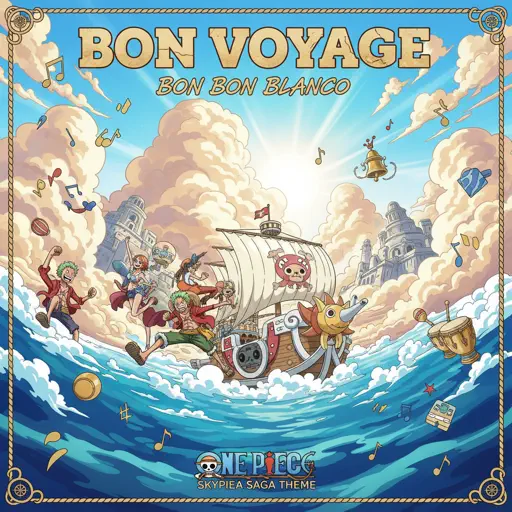
BON VOYAGE (one piece)
BON BON BLANCO
Normal
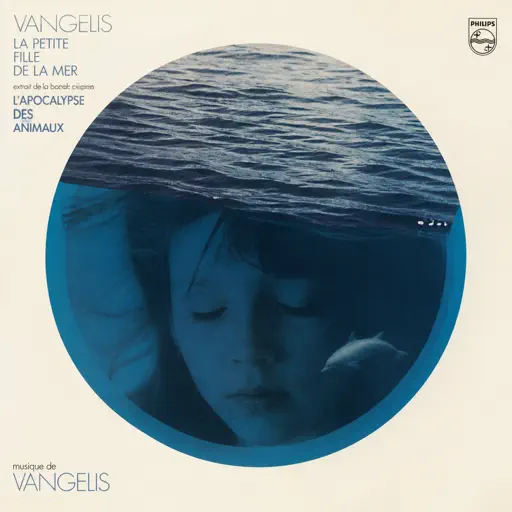
La petite fille de la mer
Vangelis
Normal
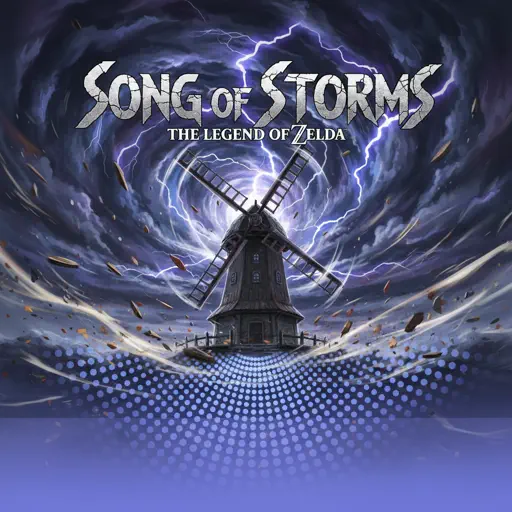
Song of Storms (The Legend of Zelda)
Legend of Zelda
Normal
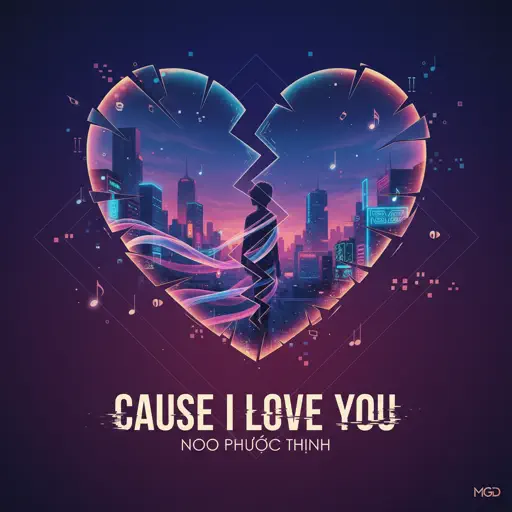
Cause I Love You
Noo Phước Thịnh
Hard Mode

Hard
Bubble Pop Electric
Gwen Stefani
Hard
Nope your too late i already died
wifiskeleton
Hard
Chopin Minute Waltz - Waltz Opus 64, No. 1
Frédéric Chopin

Hard
Congratulations
Mac Miller
Hard
Todo's Black Flash - Jujutsu Kaisen
James Liam Figueroa
Hard
Misery Meat (i hope your hungry)
Sodikken
Hard
Took Her To The O
King Von
Hard
XO Tour Llif3
Lil Uzi Vert

Hard
FUKOUNA GIRL
STOMACH BOOK

Hard
Racing Into The Night
YOASOBI
Recommended Sheets
Ballads at Sunset
Alej
Normal
Inuyasha's Lullaby
Lizz Robinett
Normal
MONTAGEM ALQUIMIA
h6itam
Normal
if looks could kill
Destroy Lonely
Normal
MATADORA
DJ Asul
Normal
Atlantis
Seafret
Normal
when the devil falls in love
Hakdo
Normal
Almost Closing Time - Work At A Pizza Place
Kyle Allen Music
Normal
Kings & Queens
Ava Max
Normal
Notion
The Rare Occasions
Normal
Lost in Bonerland
Nero's Day At Disneyland
Hard
SCP This is Your Last Warning
SCP
Normal
I'll Change for You
Mitski
Normal
Haydn Surprise Symphony No. 94 Movement 2
Haydn
Hard
Cómo Te Voy A Olvidar
Los Ángeles Azules
Normal
Jeopardy! Main Theme
Geek Music
Normal
Where'd All the Time Go?
Dr. Dog
Hard
Nathalie - Bir Günah Gibi
Julio Iglesias
Normal
Every Breath You Take
The Police
Normal
Roller
Apache 207
NormalFrequently Asked Questions
What is Roblox Piano Practice Online?
This is a free online tool that lets you practice Roblox virtual piano sheets in your browser. No downloads required - just pick a song and start practicing.
How do I use this online practice tool?
1. Select a song from the recommendations or use the search function. 2. Click play and the sheet will auto-scroll with highlighted notes. 3. Watch the virtual piano keyboard for highlighted keys and practice along. 4. Use speed control to slow down playback - perfect for beginners.
Can I play using my keyboard?
Yes! The virtual piano supports computer keyboard input. The keys correspond to the standard Roblox piano layout (1234567890qwerty...). You can practice on your keyboard while following the sheet.
What does the Transpose feature do?
Transpose raises or lowers the pitch of the sheet. Some Roblox piano games have different default tunings, so transpose helps match the correct pitch. Usually adjusting by +12 or -12 semitones works.
Does this tool work on mobile?
Yes, but desktop provides the best experience. On mobile you can view the sheet and virtual piano demo, but keyboard input requires a computer. We recommend using a desktop for the best practice experience.
How do I find sheets suitable for my level?
Below you'll find recommendations sorted by difficulty: Easy for beginners, Normal for intermediate players, and Hard/Expert for advanced challenges. You can also use the search function to find songs by title or artist.