
Roblox Piano Practice Online
Loading piano...
Practice Guide
Quick guide on how to use the online piano practice tool.
What is this?
This tool allows you to practice playing virtual piano sheets directly in your browser. It simulates a piano keyboard and helps you learn the notes and rhythm before playing in Roblox.
How to Practice Online
Use your computer keyboard or mouse to play the virtual piano keys directly. As the sheet music plays, the corresponding keys on the virtual piano will light up to help you follow along. You can also copy the sheet code to use directly in Roblox.
Discover Sheets
Random Shuffle: Click the Shuffle button in the center of the top control bar to instantly load a random new song without reloading the page.
Search: Click the Search button next to Shuffle to open the search window. Type a song title or artist name to quickly find and switch to the sheet you want to practice.
Playback Controls
- Play/Pause: Start or stop playback.
- 1xSpeed: Adjust tempo (0.5x - 2.0x).
- KTranspose: Shift the pitch up or down.
- SSustain: Toggle sustain pedal effect.
Easy Mode

Easy
Sleeping City Funk
Emotional Recycling Bin

Easy
Nice To Know - BFDIA 19 Cake At Stake Intro
BFDIA 19

Easy
Harvey
Alex G

Easy
Gravity Falls Main Title Theme
Brad Breeck

Easy
Mockingbird
Eminem

Easy
Cupid (Twin Version)
Fifty Fifty

Easy
Pimp Hoe
Mike Sherm

Easy
Where You Lead
Carole King

Easy
Balcony
Cave Story

Easy
If You Love These People (Man of Steel)
Hans Zimmer
Normal Mode
Normal
War Of Hearts
Ruelle
Normal
OOBE - Rec Room OST
Gribbly
Normal
Take Me Home, Country Roads
John Denver
Normal
Daisy Bell
Harry Dacre
Normal
PLAYFUL MASSACRE
AZALI

Normal
一个人的浪漫 (一起来看流星雨)
Yu Hao Ming
Normal
Dreiton
C418
Normal
Who Do You Love?
YG

Normal
Gojo Satoru - The Honored One
Jujutsu Kaisen
Normal
Static
Steve Lacy
Hard Mode
Hard
Cornfield Chase (Interstellar)
Dorian Marko
Hard
Locked out of Heaven
Bruno Mars
Hard
au revoir
Malice Mizer
Hard
White Blossoms
Mimokeys
Hard
Brain Rot ブレインロット
Tokya Manaka
Hard
Cirno's Perfect Math Class チルノのパーフェクトさんすう教室
IOSYS
Hard
Still D.R.E.
Dr. Dre

Hard
Katyusha
Matvey Blanter
Hard
Agony
Yung Lean

Hard
Hotel California
Eagles
Recommended Sheets
Toxic Gossip Train
Colleen Ballinger
Normal
The Amazing Digital Circus Main Theme
Gooseworx
Normal
Angel Of My Dreams
JADE
Normal
Melodrama
natori
Normal
ClutterFunk (Geometry Dash lvl 11)
Waterflame
Normal
v0idness
crxw
Normal
All of Me
John Legend
Normal
FOREVER (Murder Drones)
AJ Dispirito
Hard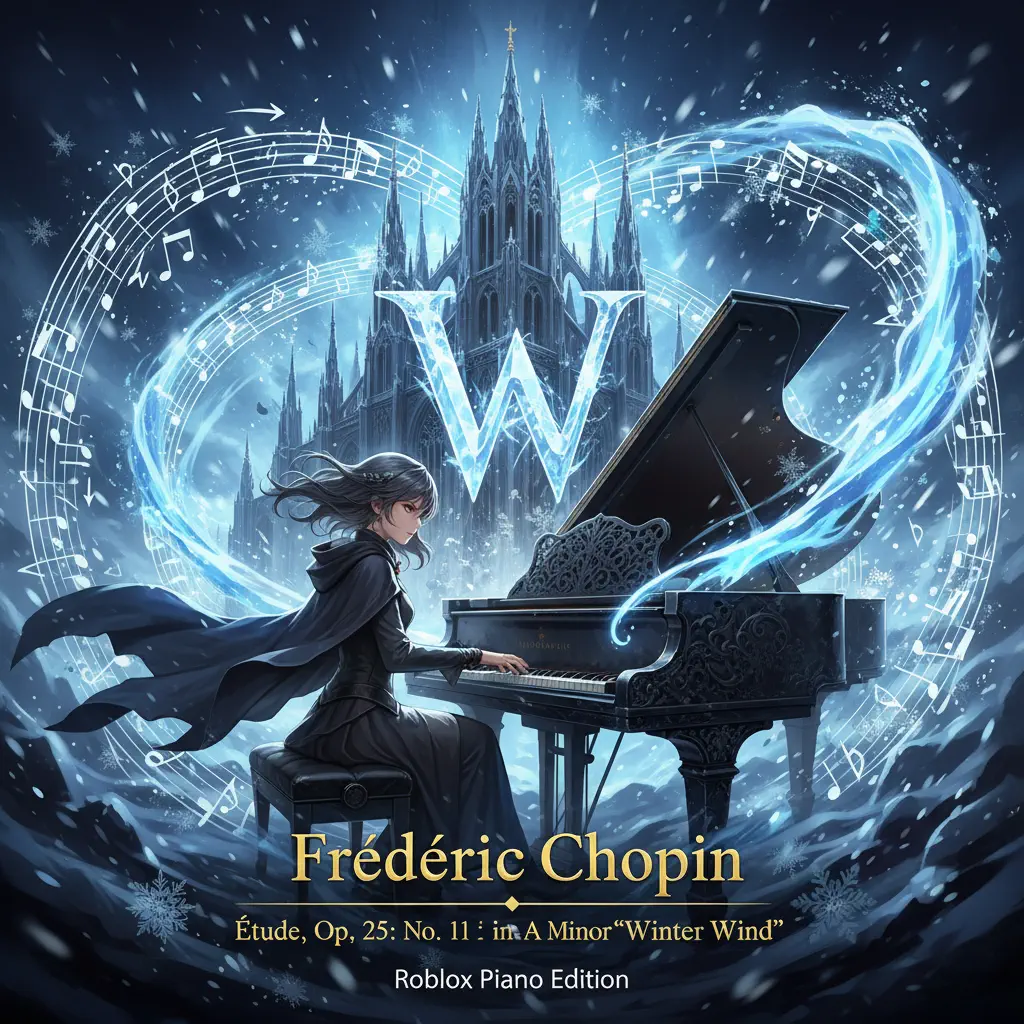
Winter Wind Étude Op. 25 No. 11
Frédéric Chopin
NormalOOBE - Rec Room OST
Gribbly
Normal
undercover
Baby Smoove
Normal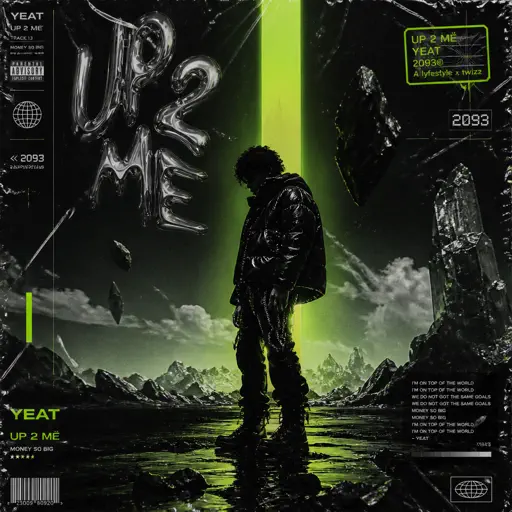
Monëy so big
Yeat
Normal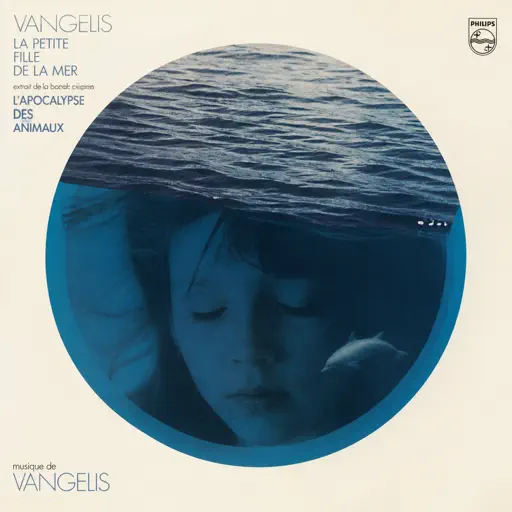
La petite fille de la mer
Vangelis
NormalPLAYFUL MASSACRE
AZALI
Normal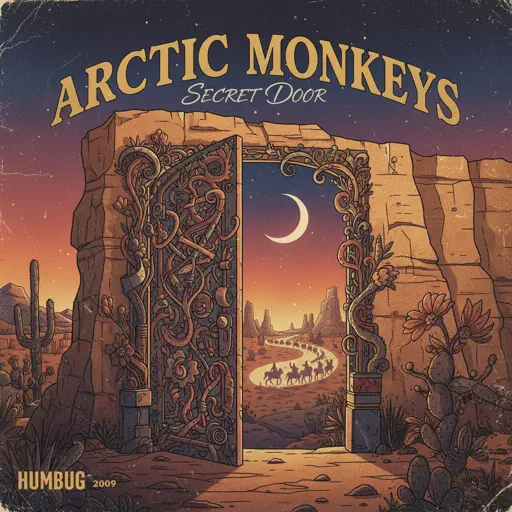
Secret Door
Arctic Monkeys
Normal
ALAKAZAM
Luther
Normal
Beauty and the Beast
Ariana Grande
Normal
Praise
Elevation Worship
Normal
TEA TIME WALTZ - SONIC.exe Outcome Memories
aerozity
Hard
Final Duet Omori - Violin
OMOCAT143
NormalFrequently Asked Questions
What is Roblox Piano Practice Online?
This is a free online tool that lets you practice Roblox virtual piano sheets in your browser. No downloads required - just pick a song and start practicing.
How do I use this online practice tool?
1. Select a song from the recommendations or use the search function. 2. Click play and the sheet will auto-scroll with highlighted notes. 3. Watch the virtual piano keyboard for highlighted keys and practice along. 4. Use speed control to slow down playback - perfect for beginners.
Can I play using my keyboard?
Yes! The virtual piano supports computer keyboard input. The keys correspond to the standard Roblox piano layout (1234567890qwerty...). You can practice on your keyboard while following the sheet.
What does the Transpose feature do?
Transpose raises or lowers the pitch of the sheet. Some Roblox piano games have different default tunings, so transpose helps match the correct pitch. Usually adjusting by +12 or -12 semitones works.
Does this tool work on mobile?
Yes, but desktop provides the best experience. On mobile you can view the sheet and virtual piano demo, but keyboard input requires a computer. We recommend using a desktop for the best practice experience.
How do I find sheets suitable for my level?
Below you'll find recommendations sorted by difficulty: Easy for beginners, Normal for intermediate players, and Hard/Expert for advanced challenges. You can also use the search function to find songs by title or artist.