
Roblox Piano Practice Online
Loading piano...
Practice Guide
Quick guide on how to use the online piano practice tool.
What is this?
This tool allows you to practice playing virtual piano sheets directly in your browser. It simulates a piano keyboard and helps you learn the notes and rhythm before playing in Roblox.
How to Practice Online
Use your computer keyboard or mouse to play the virtual piano keys directly. As the sheet music plays, the corresponding keys on the virtual piano will light up to help you follow along. You can also copy the sheet code to use directly in Roblox.
Discover Sheets
Random Shuffle: Click the Shuffle button in the center of the top control bar to instantly load a random new song without reloading the page.
Search: Click the Search button next to Shuffle to open the search window. Type a song title or artist name to quickly find and switch to the sheet you want to practice.
Playback Controls
- Play/Pause: Start or stop playback.
- 1xSpeed: Adjust tempo (0.5x - 2.0x).
- KTranspose: Shift the pitch up or down.
- SSustain: Toggle sustain pedal effect.
Easy Mode

Easy
Mist
EsDeeKid

Easy
Where You Lead
Carole King

Easy
Immortal
Playboi Carti

Easy
Gravity Falls Main Title Theme
Brad Breeck

Easy
Balcony
Cave Story

Easy
Mockingbird
Eminem

Easy
If You Love These People (Man of Steel)
Hans Zimmer

Easy
Sleeping City Funk
Emotional Recycling Bin

Easy
Pimp Hoe
Mike Sherm

Easy
Nice To Know - BFDIA 19 Cake At Stake Intro
BFDIA 19
Normal Mode

Normal
AIZO - Jujutsu Kaisen Season 3 OP
King Gnu
Normal
Truth In The Lies
Central Cee

Normal
A Tender Feeling (Sword Art Online)
Yuki Kajiura
Normal
Someone Like You
Adele
Normal
Music and Me
fakemink

Normal
Shinunoga E-Wa
Fujii Kaze
Normal
Já Que Me Ensinou a Beber
Os Barões Da Pisadinha

Normal
DRAMA
G-DRAGON
Normal
Staying
Lizzy McAlpine
Normal
We Are Charlie Kirk
Spalexma
Hard Mode
Hard
slow summer eve - Chainsaw Man
kensuke ushio
Hard
Golden Brown X Love Story
Staykul25

Hard
Sign of the Times
Harry Styles
Hard
Running Soul
yrii egor
Hard
Megalomayhem (Undertale AU)
CHARTY
Hard
OG - untitled tag game ost
untitled tag game
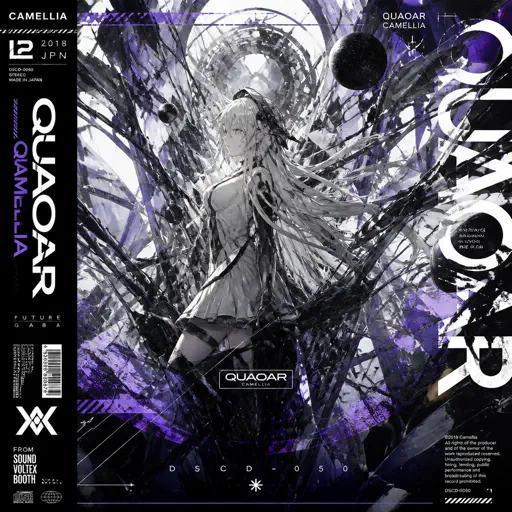
Hard
Quaoar
Camellia
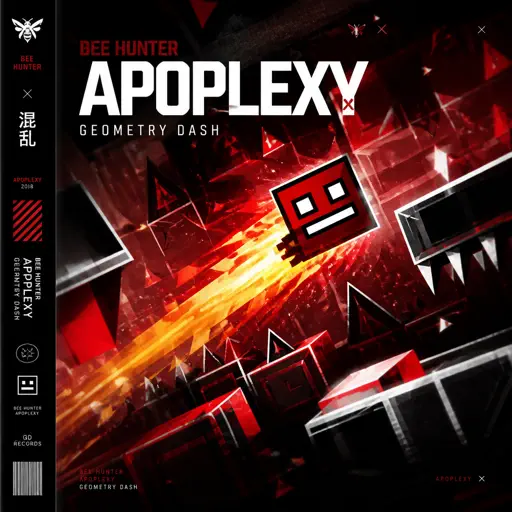
Hard
Apoplexy - Geometry Dash
Bee Hunter
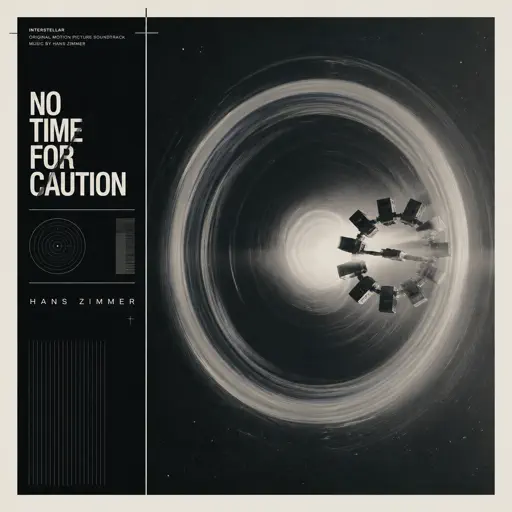
Hard
No Time for Caution - Interstellar
Hans Zimmer
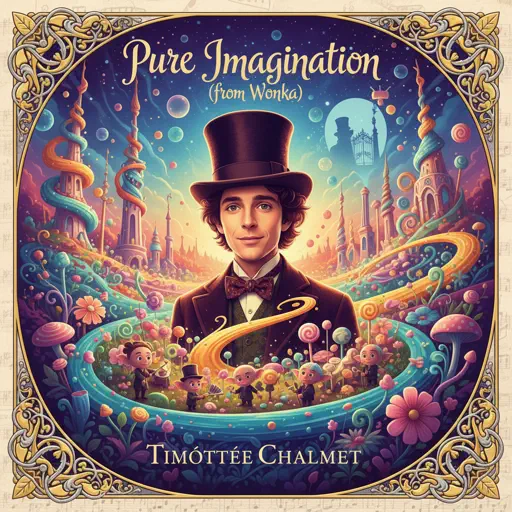
Hard
Pure Imagination (from Wonka)
Timothée Chalamet
Recommended Sheets
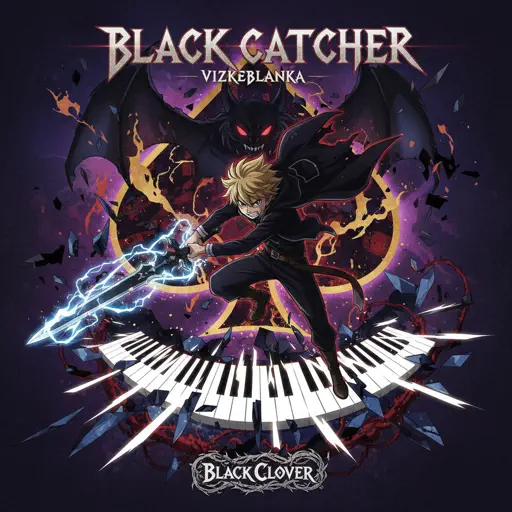
Black Catcher (Black Clover)
VK Blanka
Hard
Sunroof
Nicky Youre
Normal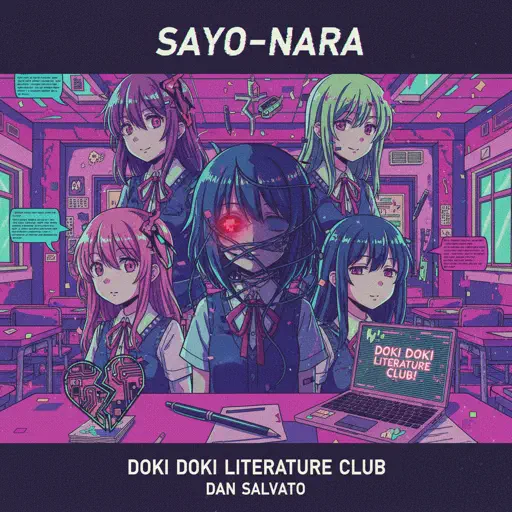
Sayo-Nara (Doki Doki Literature Club)
Dan Salvato
Normal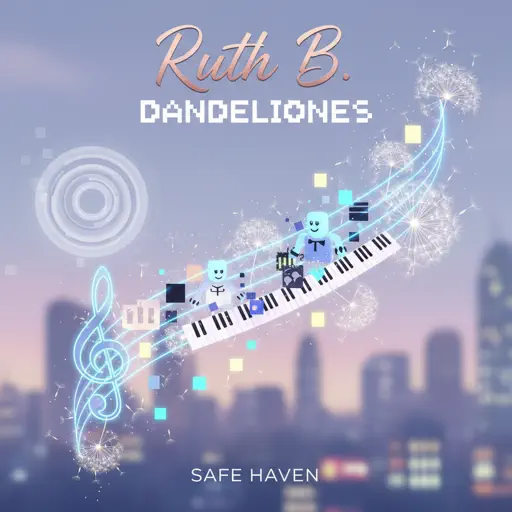
Dandelions
Ruth B.
Hard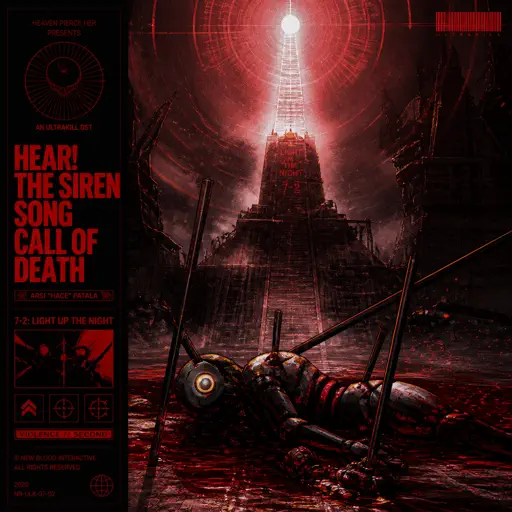
Hear! the Siren Song Call of Death - ULTRAKILL OST
Heaven Pierce Her
Hard
Aishite Aishite Aishite
Ado
Hard
Bande Organisee
Jul
Normal
Howl's Moving Castle Theme
Joe Hisaishi
Normal
Sampai Jadi Debu
Banda Neira
Normalslow summer eve - Chainsaw Man
kensuke ushio
Hard
House of Memories
Panic! At The Disco
Normal
OIIA OIIA (Spinning Cat)
W&W
Normal
Save Your Tears
The Weeknd
Normal
Just the Two of Us
Grover Washington Jr.
Hard
Ballade No. 1
Frédéric Chopin
Hard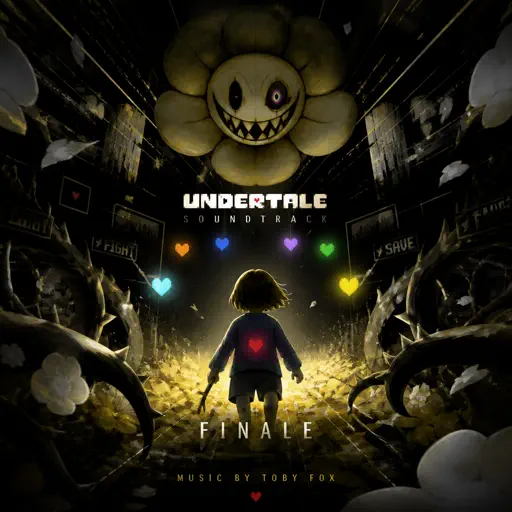
Finale - Undertale
Toby Fox
Normal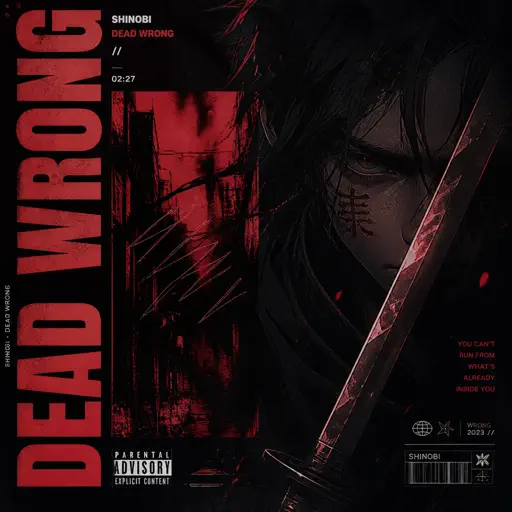
Dead Wrong
Shinobi
Hard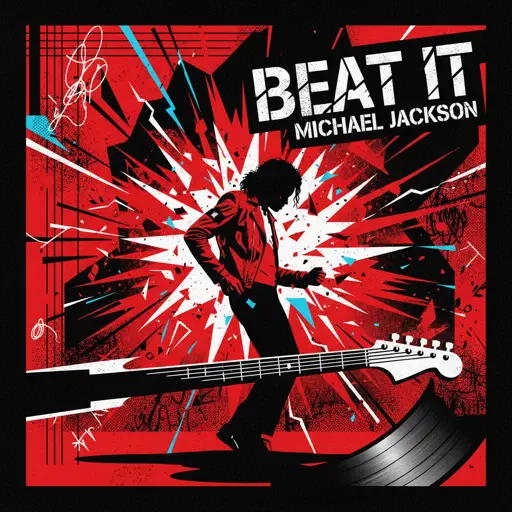
Beat It
Michael Jackson
Normal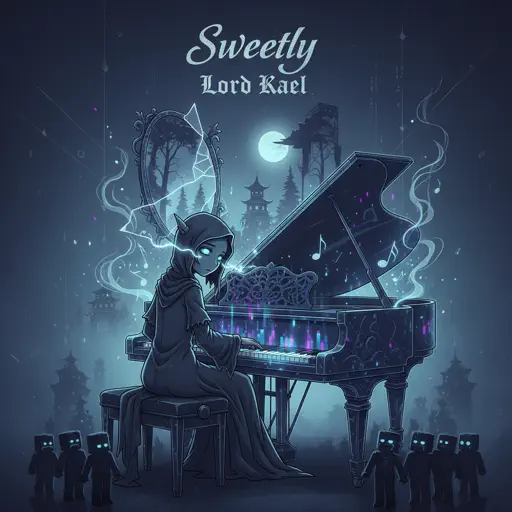
Sweetly
Lord Kael
Hard
Vogel Im Kafig - Attack on Titan
Sawano Hiroyuki
NormalFrequently Asked Questions
What is Roblox Piano Practice Online?
This is a free online tool that lets you practice Roblox virtual piano sheets in your browser. No downloads required - just pick a song and start practicing.
How do I use this online practice tool?
1. Select a song from the recommendations or use the search function. 2. Click play and the sheet will auto-scroll with highlighted notes. 3. Watch the virtual piano keyboard for highlighted keys and practice along. 4. Use speed control to slow down playback - perfect for beginners.
Can I play using my keyboard?
Yes! The virtual piano supports computer keyboard input. The keys correspond to the standard Roblox piano layout (1234567890qwerty...). You can practice on your keyboard while following the sheet.
What does the Transpose feature do?
Transpose raises or lowers the pitch of the sheet. Some Roblox piano games have different default tunings, so transpose helps match the correct pitch. Usually adjusting by +12 or -12 semitones works.
Does this tool work on mobile?
Yes, but desktop provides the best experience. On mobile you can view the sheet and virtual piano demo, but keyboard input requires a computer. We recommend using a desktop for the best practice experience.
How do I find sheets suitable for my level?
Below you'll find recommendations sorted by difficulty: Easy for beginners, Normal for intermediate players, and Hard/Expert for advanced challenges. You can also use the search function to find songs by title or artist.