

Roblox Piano Practice Online
Loading piano...
Practice Guide
Quick guide on how to use the online piano practice tool.
What is this?
This tool allows you to practice playing virtual piano sheets directly in your browser. It simulates a piano keyboard and helps you learn the notes and rhythm before playing in Roblox.
How to Practice Online
Use your computer keyboard or mouse to play the virtual piano keys directly. As the sheet music plays, the corresponding keys on the virtual piano will light up to help you follow along. You can also copy the sheet code to use directly in Roblox.
Discover Sheets
Random Shuffle: Click the Shuffle button in the center of the top control bar to instantly load a random new song without reloading the page.
Search: Click the Search button next to Shuffle to open the search window. Type a song title or artist name to quickly find and switch to the sheet you want to practice.
Playback Controls
- Play/Pause: Start or stop playback.
- 1xSpeed: Adjust tempo (0.5x - 2.0x).
- KTranspose: Shift the pitch up or down.
- SSustain: Toggle sustain pedal effect.
Easy Mode

Easy
Fur Elise
Beethoven

Easy
Mist
EsDeeKid

Easy
If You Love These People (Man of Steel)
Hans Zimmer

Easy
Mockingbird
Eminem

Easy
Cupid (Twin Version)
Fifty Fifty

Easy
Harvey
Alex G

Easy
Sleeping City Funk
Emotional Recycling Bin

Easy
Pimp Hoe
Mike Sherm

Easy
Gravity Falls Main Title Theme
Brad Breeck

Easy
Immortal
Playboi Carti
Normal Mode

Normal
Já Que Me Ensinou a Beber
Os Barões Da Pisadinha

Normal
The Promised Love
Jay Chou
Normal
La Campanella
Franz Liszt
Normal
Rock With You
Michael Jackson

Normal
Kamado Tanjirou no Uta (竈門炭治郎のうた) - Demon Slayer
Go Shiina

Normal
JANE DOE
Kenshi Yonezu (Chainsaw Man)
Normal
Sunny Day 晴天
Jay Chou 周杰倫
Normal
Homestuck Terezi's Theme
CopacetiCat
Normal
Delulu
KiiiKiii
Normal
Beautiful Girl
INXS
Hard Mode

Hard
La vaguelette さざ波- Genshin Impact
HOYO-MiX
Hard
No Time for Caution - Interstellar
Hans Zimmer
Hard
Davy Jones - Pirates of the Carribean
Hans Zimmer
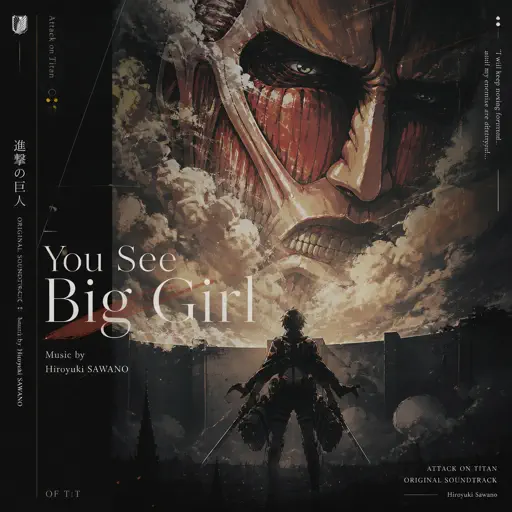
Hard
You See Big Girl / T:T
Sawano Hiroyuki
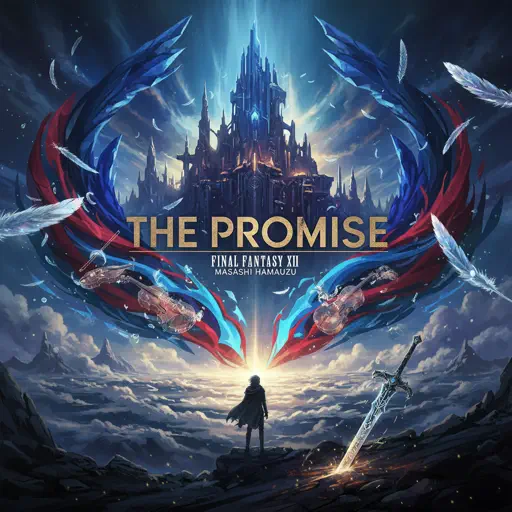
Hard
The Promise - FINAL FANTASY XIII
Masashi Hamauzu
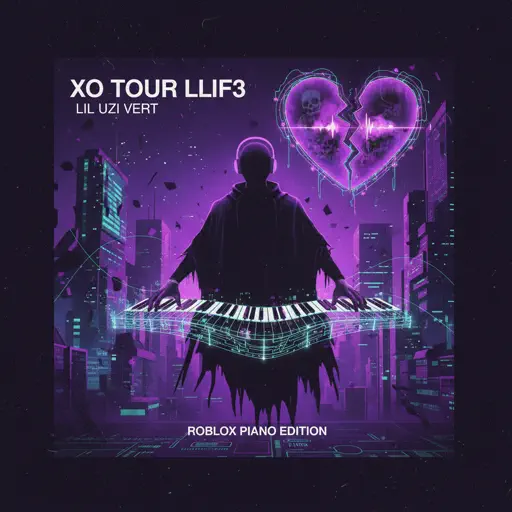
Hard
XO Tour Llif3
Lil Uzi Vert
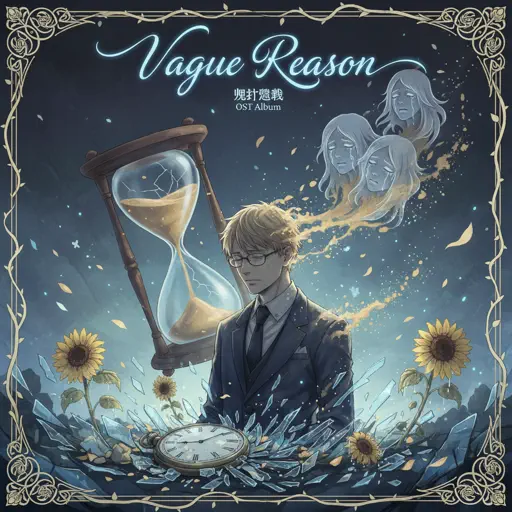
Hard
Vague Reason - Jujutsu Kaisen S2 OST (Nanami Theme)
Yoshimasa Terui
Hard
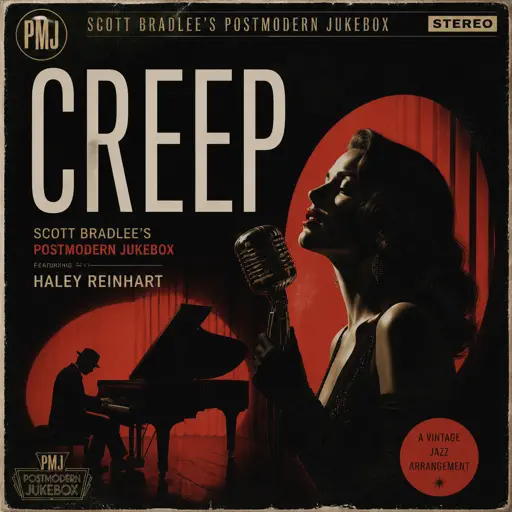
Creep
Scott Bradlee's Postmodern Jukebox
Hard
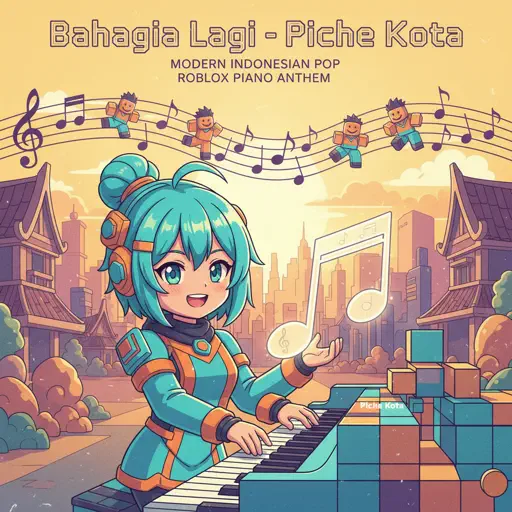
Bahagia Lagi
Piche Kota

Hard
There's a Feller in the Moon
John W Dick
Recommended Sheets
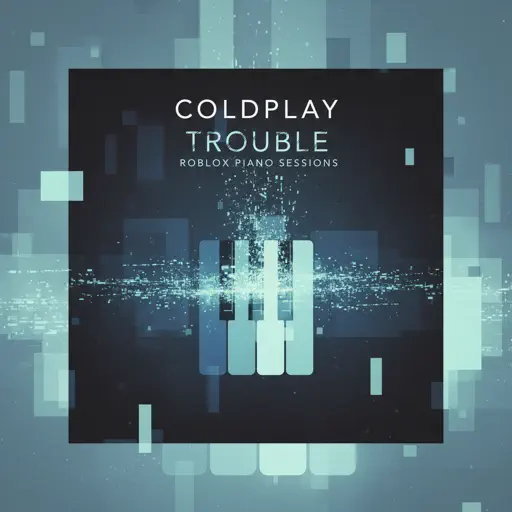
Trouble
Coldplay
Normal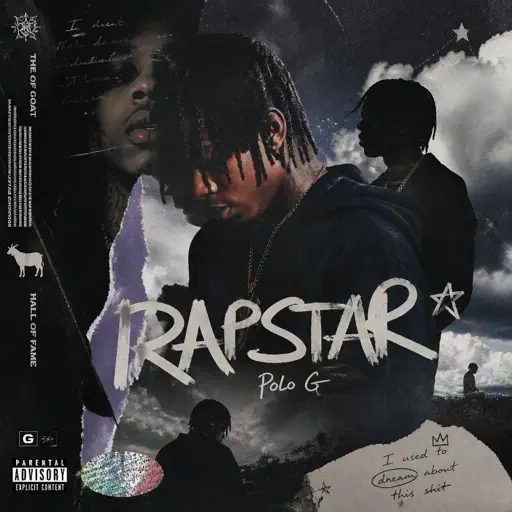
RAPSTAR
Polo G
Normal
A Sky Full of Stars
Coldplay
Hard
Isolation
Nighthawk22
Hard
Kimetsu no Yaiba OP - 紅蓮華
LiSA
Normal
Cure (VIVINOS - ALNST)
AKUGETSU
Hard
Bloody Mary
Lady Gaga
Normal
Party Tonight - Mordecai And The Rigbys (From "Regular Show")
I am Justice
Hard
The British Grenadiers
Traditional
Normal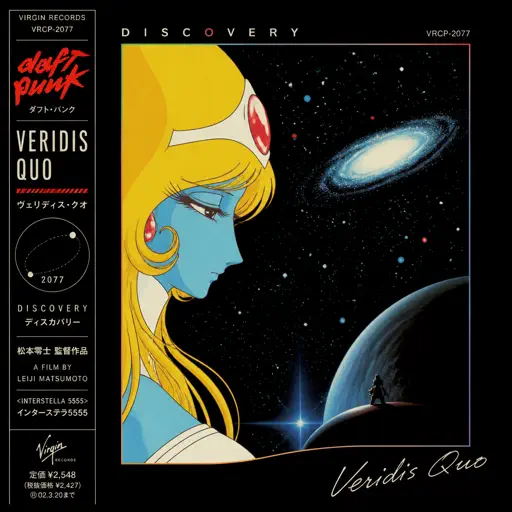
Veridis Quo
Daft Punk
Hard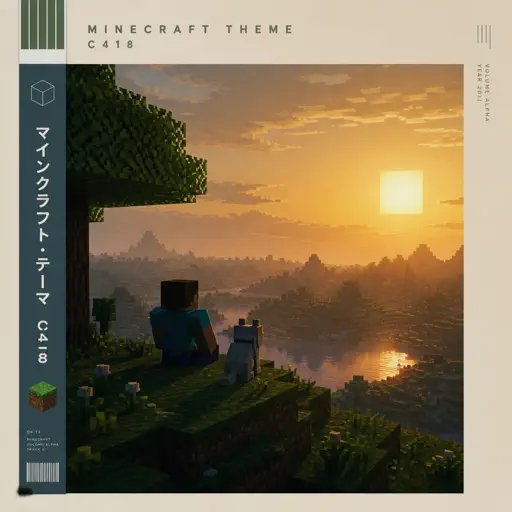
Minecraft Theme
C418
Normal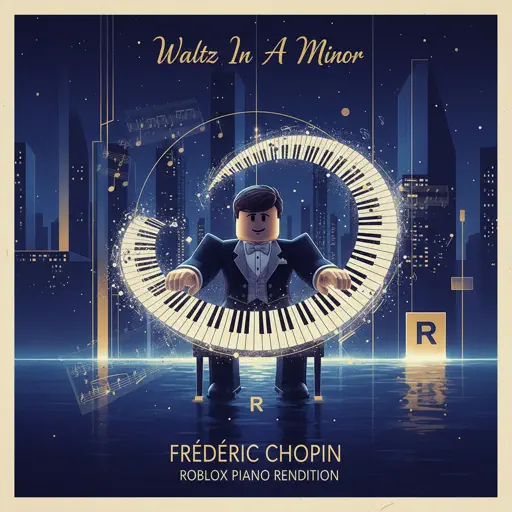
Waltz In A Minor
Frédéric Chopin
Normal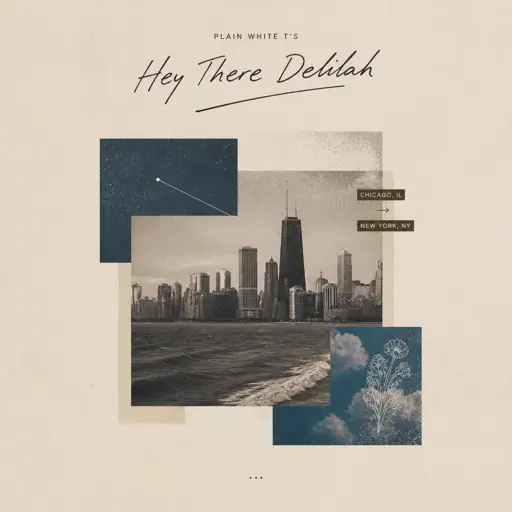
Hey There Delilah
Plain White T's
Normal
stalemate - GREIF
KzX
Normal
Apoplexy - Geometry Dash
Bee Hunter
Hard
End of Beginning
Djo
Normal
Purple Rain
Prince
Normal
Wicked Game
Chris Isaak
Normal
Doma
Jósean Log
Normal
ocean eyes
Billie Eilish
NormalFrequently Asked Questions
What is Roblox Piano Practice Online?
This is a free online tool that lets you practice Roblox virtual piano sheets in your browser. No downloads required - just pick a song and start practicing.
How do I use this online practice tool?
1. Select a song from the recommendations or use the search function. 2. Click play and the sheet will auto-scroll with highlighted notes. 3. Watch the virtual piano keyboard for highlighted keys and practice along. 4. Use speed control to slow down playback - perfect for beginners.
Can I play using my keyboard?
Yes! The virtual piano supports computer keyboard input. The keys correspond to the standard Roblox piano layout (1234567890qwerty...). You can practice on your keyboard while following the sheet.
What does the Transpose feature do?
Transpose raises or lowers the pitch of the sheet. Some Roblox piano games have different default tunings, so transpose helps match the correct pitch. Usually adjusting by +12 or -12 semitones works.
Does this tool work on mobile?
Yes, but desktop provides the best experience. On mobile you can view the sheet and virtual piano demo, but keyboard input requires a computer. We recommend using a desktop for the best practice experience.
How do I find sheets suitable for my level?
Below you'll find recommendations sorted by difficulty: Easy for beginners, Normal for intermediate players, and Hard/Expert for advanced challenges. You can also use the search function to find songs by title or artist.