
Roblox Piano Practice Online
Loading piano...
Practice Guide
Quick guide on how to use the online piano practice tool.
What is this?
This tool allows you to practice playing virtual piano sheets directly in your browser. It simulates a piano keyboard and helps you learn the notes and rhythm before playing in Roblox.
How to Practice Online
Use your computer keyboard or mouse to play the virtual piano keys directly. As the sheet music plays, the corresponding keys on the virtual piano will light up to help you follow along. You can also copy the sheet code to use directly in Roblox.
Discover Sheets
Random Shuffle: Click the Shuffle button in the center of the top control bar to instantly load a random new song without reloading the page.
Search: Click the Search button next to Shuffle to open the search window. Type a song title or artist name to quickly find and switch to the sheet you want to practice.
Playback Controls
- Play/Pause: Start or stop playback.
- 1xSpeed: Adjust tempo (0.5x - 2.0x).
- KTranspose: Shift the pitch up or down.
- SSustain: Toggle sustain pedal effect.
Easy Mode

Easy
Cupid (Twin Version)
Fifty Fifty

Easy
LET ME SEE YA MOVE!
Lumi Athena

Easy
Nice To Know - BFDIA 19 Cake At Stake Intro
BFDIA 19

Easy
Gravity Falls Main Title Theme
Brad Breeck

Easy
Immortal
Playboi Carti

Easy
Fur Elise
Beethoven

Easy
If You Love These People (Man of Steel)
Hans Zimmer

Easy
Harvey
Alex G

Easy
Mist
EsDeeKid

Easy
Pimp Hoe
Mike Sherm
Normal Mode
Hard Mode
Hard
The Perfect Girl (such a strange girl)
Mareux
Hard
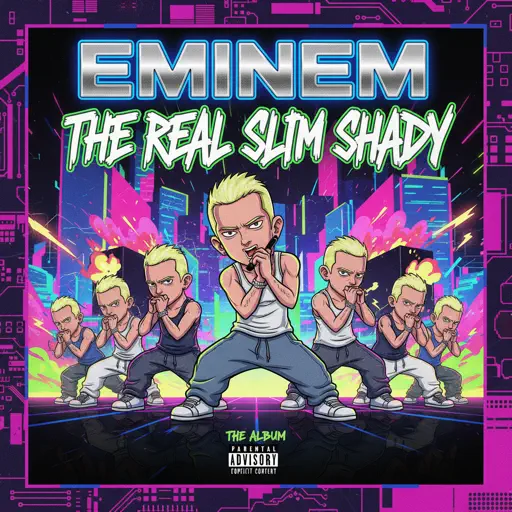
The Real Slim Shady
Eminem

Hard
Kawaikute Gomen
HoneyWorks
Hard
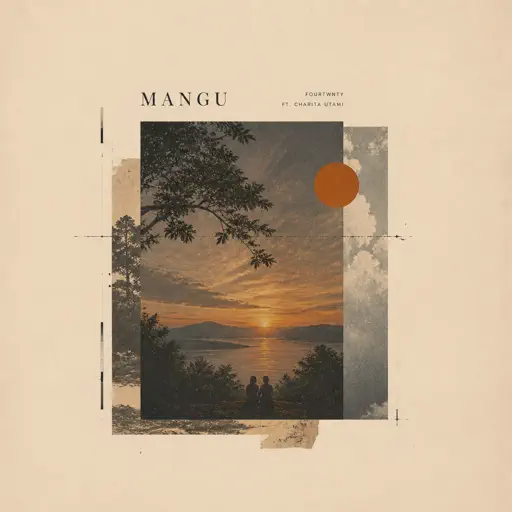
Mangu
Fourtwnty ft. Charita Utami
Hard
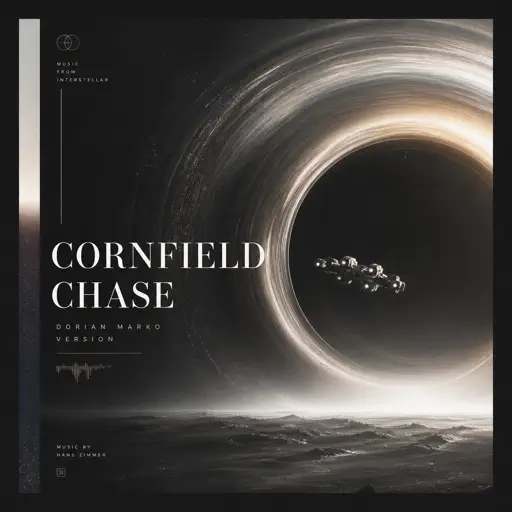
Cornfield Chase (Interstellar)
Dorian Marko
Hard
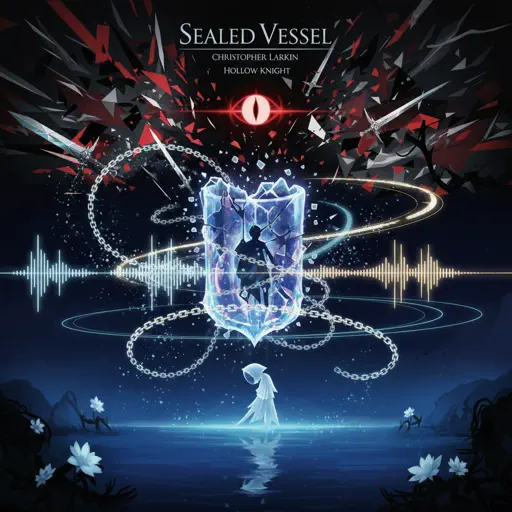
Sealed Vessel - Hollow Knight
Christopher Larkin
Hard
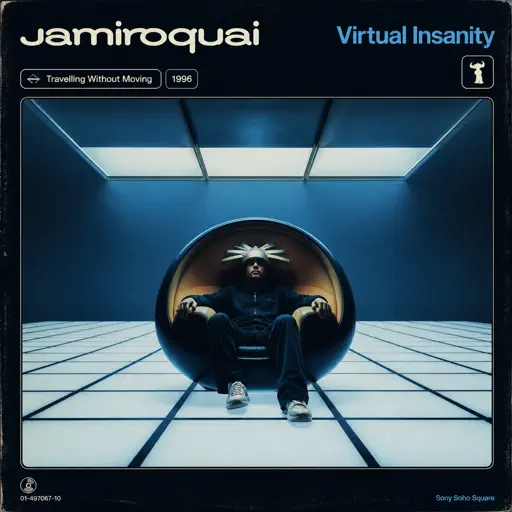
Virtual Insanity
Jamiroquai
Hard
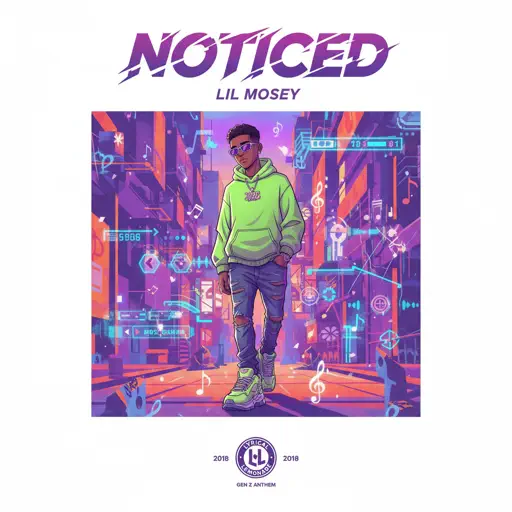
Noticed
Lil Mosey
Hard
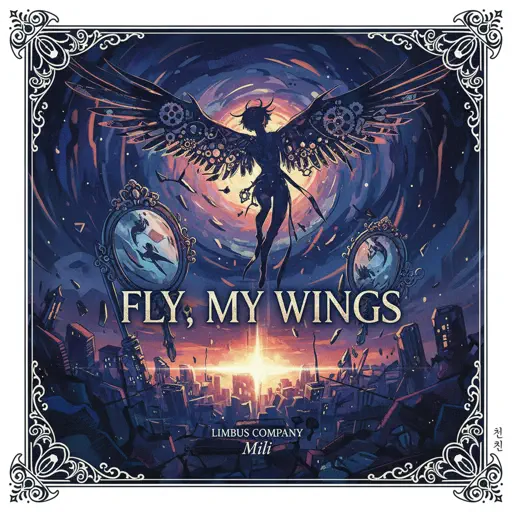
Fly, My Wings - Limbus Company
Mili
Hard
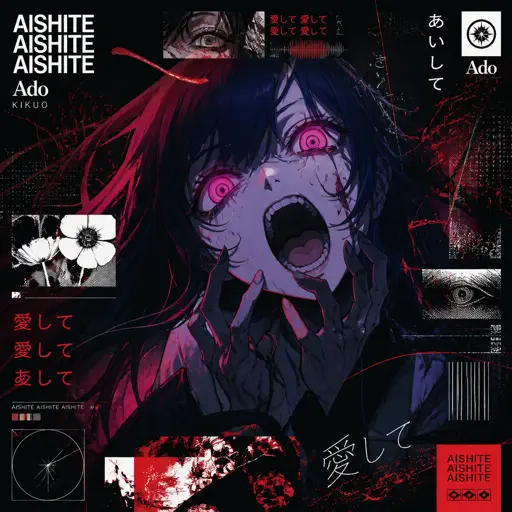
Aishite Aishite Aishite
Ado
Recommended Sheets
Who Will Know - Shin Godzilla
Shiro SAGISU
Normal
anybody can find love (except you.)
hkmori
Normal
Fluxxwave
Clovis Reyes
Normal
MATADORA
DJ Asul
Normal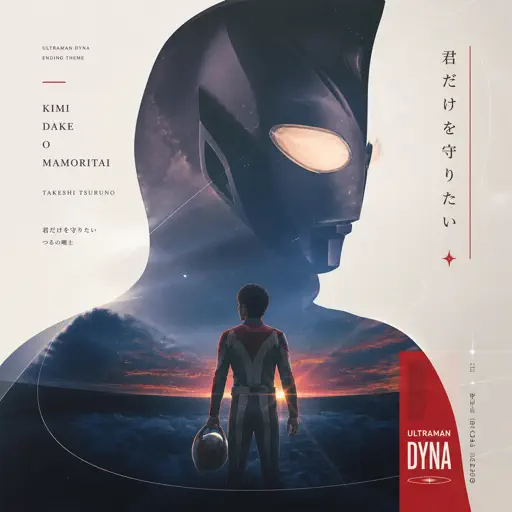
Kimi Dake O Mamoritai (Ultraman Dyna Ending)
Takeshi Tsuruno
Normal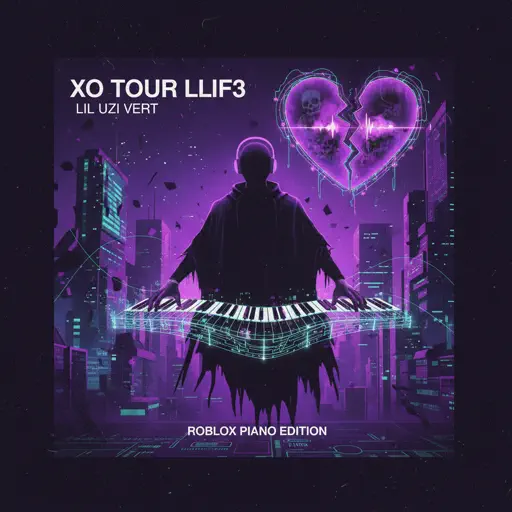
XO Tour Llif3
Lil Uzi Vert
Hard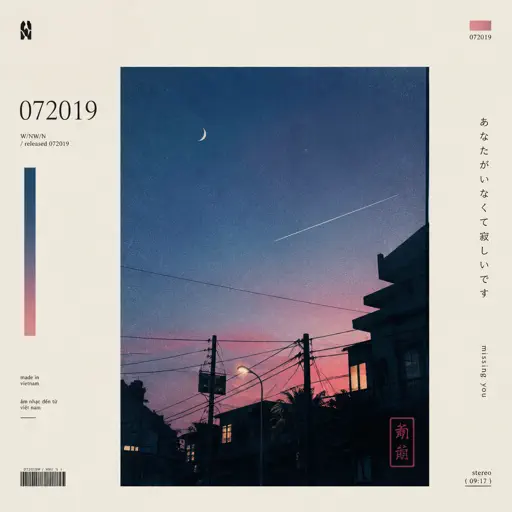
id 072019
W/N
Normal
Roller
Apache 207
Normal
Ai đưa em về - LOW CORTISOL DANCE
TIA
Normal
Follow Me (FNAF SONG)
Tryhardninja
Hard
Stuck Inside
Living Tombstone
Hard
The Amazing Digital Circus Main Theme
Gooseworx
Normal
Once More to See You
Mitski
Normal
Nearer My God to Thee - Titanic's Last Scene
Titanic Orchestra
Normal
Comptine D'un Autre Été (From Amelie)
Laura Sullivan
Normal
Chiquitita
ABBA
Hard
Creep
Scott Bradlee's Postmodern Jukebox
Hard
Someone Like You
Adele
Normal
Man I Need
Olivia Dean
Hard
Kalapastangan
fitterkarma
HardFrequently Asked Questions
What is Roblox Piano Practice Online?
This is a free online tool that lets you practice Roblox virtual piano sheets in your browser. No downloads required - just pick a song and start practicing.
How do I use this online practice tool?
1. Select a song from the recommendations or use the search function. 2. Click play and the sheet will auto-scroll with highlighted notes. 3. Watch the virtual piano keyboard for highlighted keys and practice along. 4. Use speed control to slow down playback - perfect for beginners.
Can I play using my keyboard?
Yes! The virtual piano supports computer keyboard input. The keys correspond to the standard Roblox piano layout (1234567890qwerty...). You can practice on your keyboard while following the sheet.
What does the Transpose feature do?
Transpose raises or lowers the pitch of the sheet. Some Roblox piano games have different default tunings, so transpose helps match the correct pitch. Usually adjusting by +12 or -12 semitones works.
Does this tool work on mobile?
Yes, but desktop provides the best experience. On mobile you can view the sheet and virtual piano demo, but keyboard input requires a computer. We recommend using a desktop for the best practice experience.
How do I find sheets suitable for my level?
Below you'll find recommendations sorted by difficulty: Easy for beginners, Normal for intermediate players, and Hard/Expert for advanced challenges. You can also use the search function to find songs by title or artist.