
Roblox Piano Practice Online
Loading piano...
Practice Guide
Quick guide on how to use the online piano practice tool.
What is this?
This tool allows you to practice playing virtual piano sheets directly in your browser. It simulates a piano keyboard and helps you learn the notes and rhythm before playing in Roblox.
How to Practice Online
Use your computer keyboard or mouse to play the virtual piano keys directly. As the sheet music plays, the corresponding keys on the virtual piano will light up to help you follow along. You can also copy the sheet code to use directly in Roblox.
Discover Sheets
Random Shuffle: Click the Shuffle button in the center of the top control bar to instantly load a random new song without reloading the page.
Search: Click the Search button next to Shuffle to open the search window. Type a song title or artist name to quickly find and switch to the sheet you want to practice.
Playback Controls
- Play/Pause: Start or stop playback.
- 1xSpeed: Adjust tempo (0.5x - 2.0x).
- KTranspose: Shift the pitch up or down.
- SSustain: Toggle sustain pedal effect.
Easy Mode










Normal Mode
Normal
Cottonwood
Twenty One Pilots
Normal
pinKing 绝区零
HOYO-MiX
Normal
Noir
anoufie
Normal
Bubblegum K.K. (From "Animal Crossing: New Leaf")
Qumu
Normal
Secret Door
Arctic Monkeys

Normal
What Was I Made For
Billie Eilish
Normal
Eyes Without A Face
Billy Idol
Normal
Meaningful Love
Silo
Normal
The Night Begins to Shine - Teen Titans GO!
B.E.R.

Normal
Alone
Alan Walker
Hard Mode
Hard
10 Things I Hate About You
Leah Kate
Hard
Paganini Étude No. 6
Franz Liszt
Hard
Nuke Powder
MaelouX
Hard
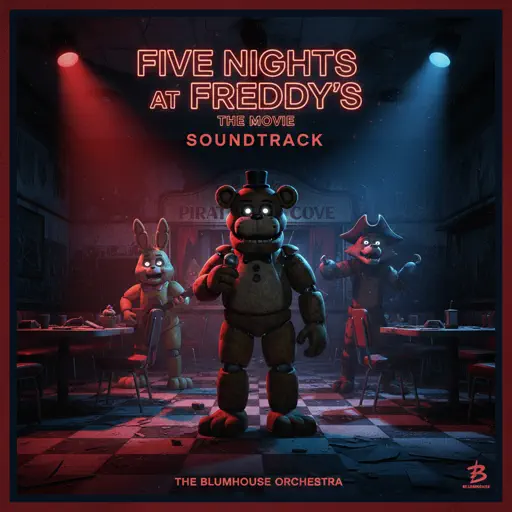
Five Nights at Freddy's Movie
The Newton Brothers
Hard
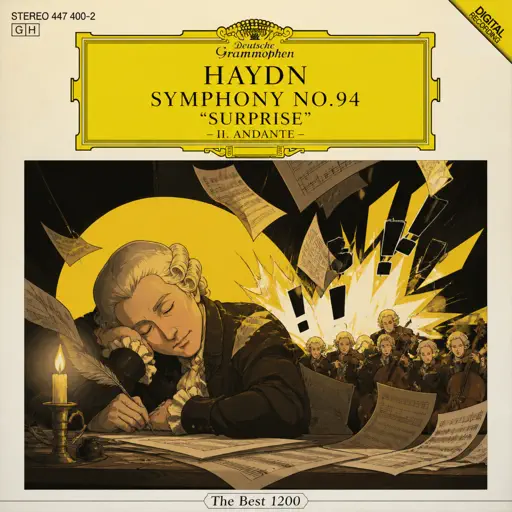
Haydn Surprise Symphony No. 94 Movement 2
Haydn
Hard
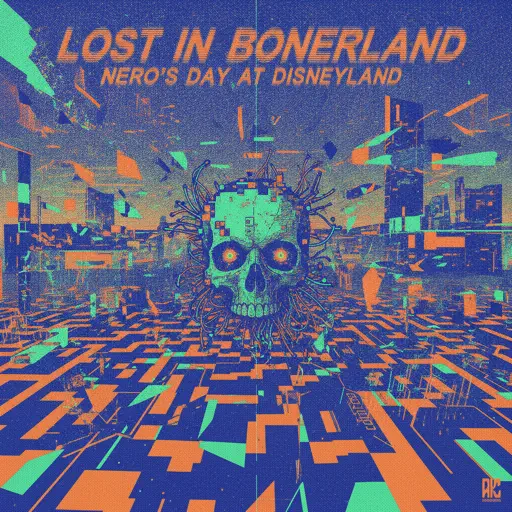
Lost in Bonerland
Nero's Day At Disneyland

Hard
Wasteland (from the series Arcane League of Legends)
Royal & the Serpent

Hard
Propose
9Lana

Hard
Kawaikute Gomen
HoneyWorks
Hard
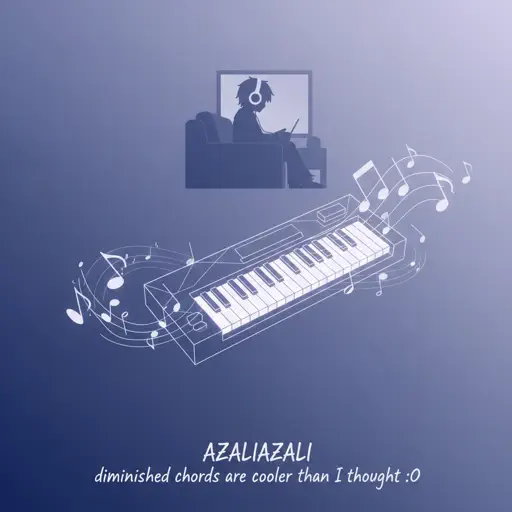
diminished chords are cooler than I thought :0
AZALI
Recommended Sheets
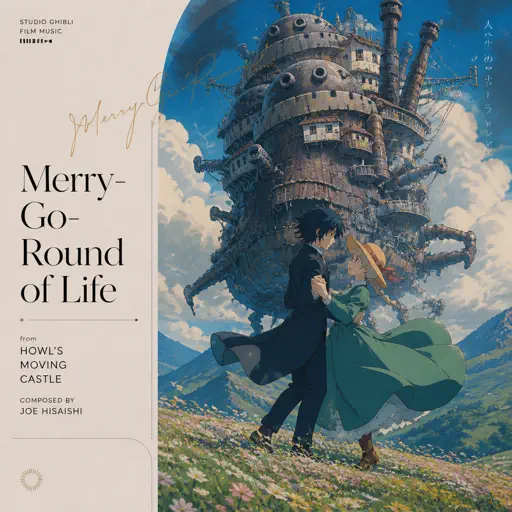
Merry-Go-Round of Life - from 'Howl's Moving Castle'
Joe Hisaishi
Hard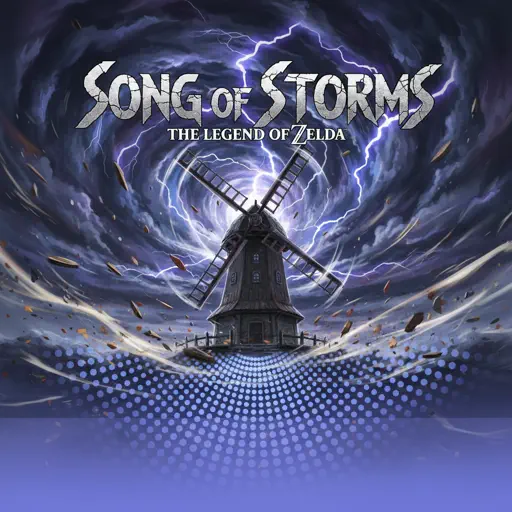
Song of Storms (The Legend of Zelda)
Legend of Zelda
Normal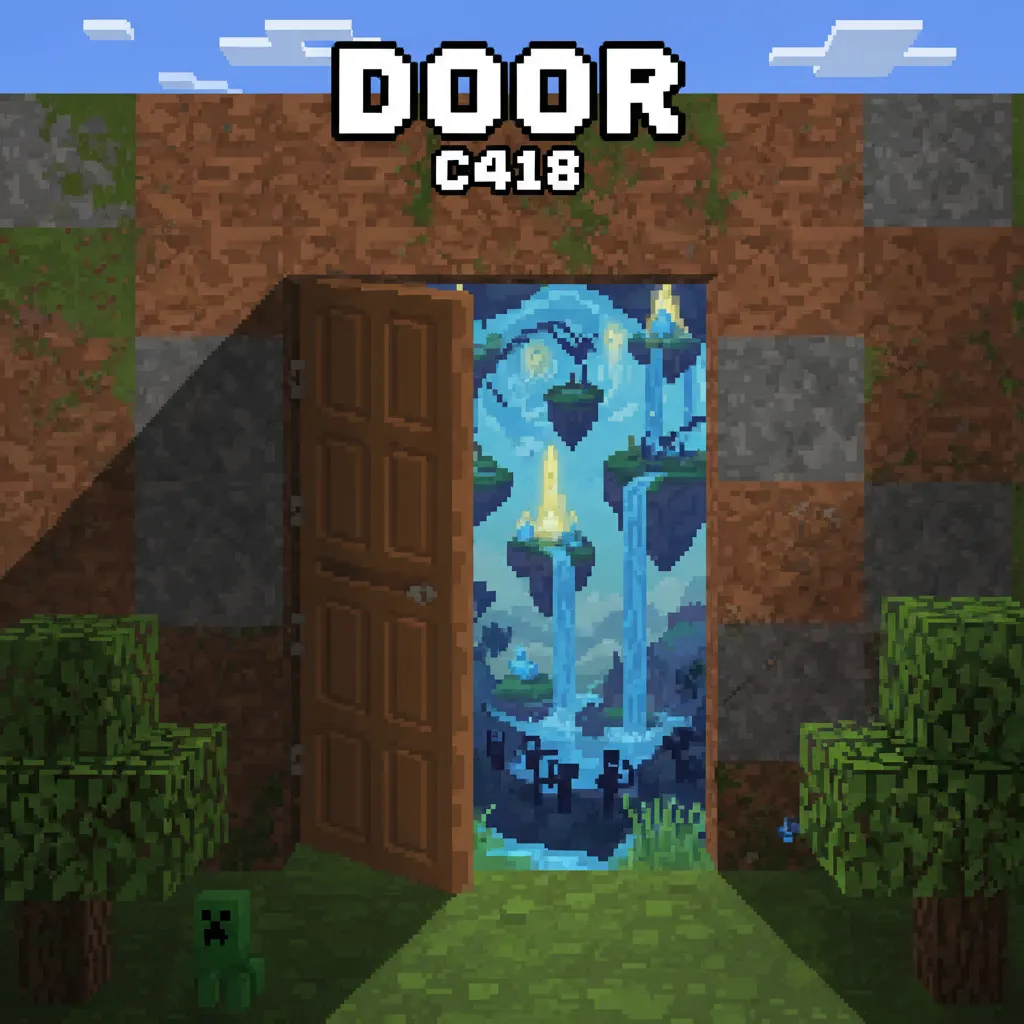
Door
C418 (Minecraft)
Normal
The Winner Takes It All
ABBA
NormalWasteland (from the series Arcane League of Legends)
Royal & the Serpent
Hard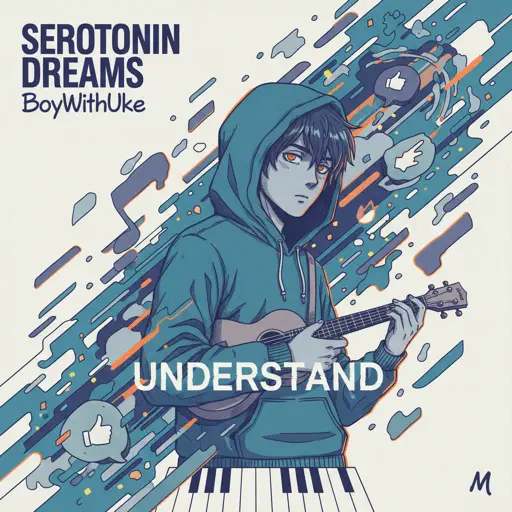
Understand
BoyWithUke
Normal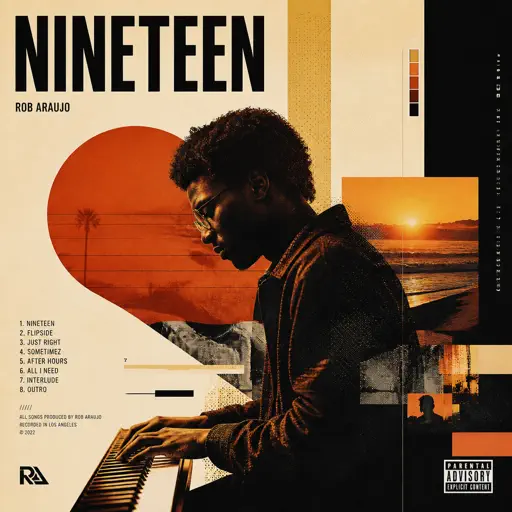
Nineteen
Rob Araujo
Hard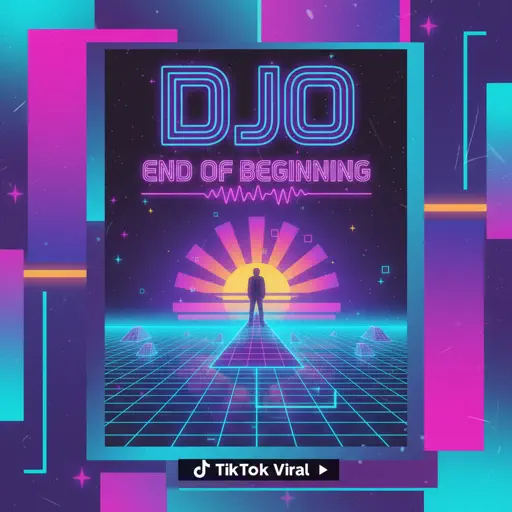
End of Beginning
Djo
Normal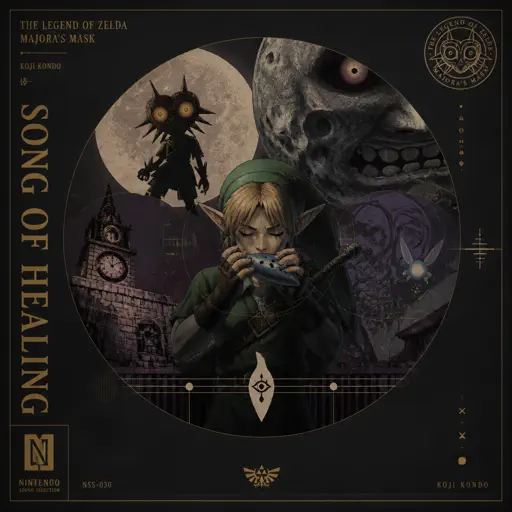
Song of Healing (From The Legend of Zelda: Majora's Mask)
Koji Kondo
Normal
Blister In The Sun
Violent Femmes
Normal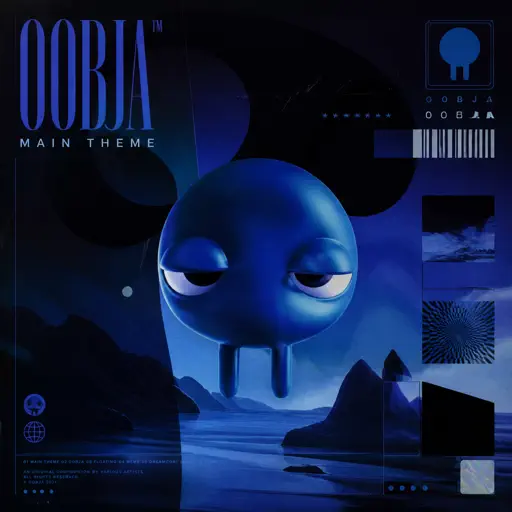
Oobja - Main Theme
Various Artists
Normal
Yiğidim Aslanım
Zülfü Livaneli
Normal
Gnarly
KATSEYE
Hard
I Want You to Tell Me the Moon is Beautiful!
kakizaki yuta
Hard
Hall of Fame
The Script
Normal
Faerie's Aire and Death Waltz
John Stump
Hard
Le Monde - From Talk to Me
Richard Carter
Hard
Rush E (Impossible Version)
Sheet Music Boss
Hard
nop
ChenYueLong
Normal
Shape of You
Ed Sheeran
NormalFrequently Asked Questions
What is Roblox Piano Practice Online?
This is a free online tool that lets you practice Roblox virtual piano sheets in your browser. No downloads required - just pick a song and start practicing.
How do I use this online practice tool?
1. Select a song from the recommendations or use the search function. 2. Click play and the sheet will auto-scroll with highlighted notes. 3. Watch the virtual piano keyboard for highlighted keys and practice along. 4. Use speed control to slow down playback - perfect for beginners.
Can I play using my keyboard?
Yes! The virtual piano supports computer keyboard input. The keys correspond to the standard Roblox piano layout (1234567890qwerty...). You can practice on your keyboard while following the sheet.
What does the Transpose feature do?
Transpose raises or lowers the pitch of the sheet. Some Roblox piano games have different default tunings, so transpose helps match the correct pitch. Usually adjusting by +12 or -12 semitones works.
Does this tool work on mobile?
Yes, but desktop provides the best experience. On mobile you can view the sheet and virtual piano demo, but keyboard input requires a computer. We recommend using a desktop for the best practice experience.
How do I find sheets suitable for my level?
Below you'll find recommendations sorted by difficulty: Easy for beginners, Normal for intermediate players, and Hard/Expert for advanced challenges. You can also use the search function to find songs by title or artist.