

Roblox Piano Practice Online
Loading piano...
Practice Guide
Quick guide on how to use the online piano practice tool.
What is this?
This tool allows you to practice playing virtual piano sheets directly in your browser. It simulates a piano keyboard and helps you learn the notes and rhythm before playing in Roblox.
How to Practice Online
Use your computer keyboard or mouse to play the virtual piano keys directly. As the sheet music plays, the corresponding keys on the virtual piano will light up to help you follow along. You can also copy the sheet code to use directly in Roblox.
Discover Sheets
Random Shuffle: Click the Shuffle button in the center of the top control bar to instantly load a random new song without reloading the page.
Search: Click the Search button next to Shuffle to open the search window. Type a song title or artist name to quickly find and switch to the sheet you want to practice.
Playback Controls
- Play/Pause: Start or stop playback.
- 1xSpeed: Adjust tempo (0.5x - 2.0x).
- KTranspose: Shift the pitch up or down.
- SSustain: Toggle sustain pedal effect.
Easy Mode

Easy
Pimp Hoe
Mike Sherm

Easy
LET ME SEE YA MOVE!
Lumi Athena

Easy
If You Love These People (Man of Steel)
Hans Zimmer

Easy
Gravity Falls Main Title Theme
Brad Breeck

Easy
Sleeping City Funk
Emotional Recycling Bin

Easy
Mist
EsDeeKid

Easy
Mockingbird
Eminem

Easy
Harvey
Alex G

Easy
Fur Elise
Beethoven

Easy
Cupid (Twin Version)
Fifty Fifty
Normal Mode

Normal
did i tell u that i miss u
adore
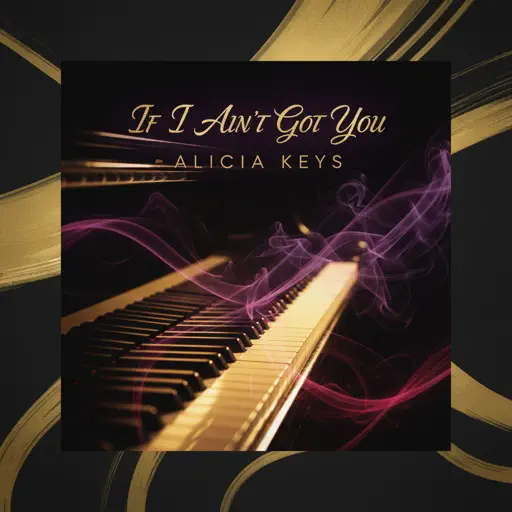
Normal
If I Ain't Got You
Alicia Keys
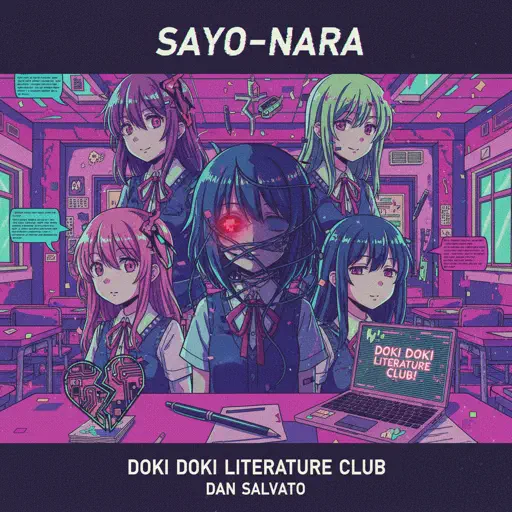
Normal
Sayo-Nara (Doki Doki Literature Club)
Dan Salvato
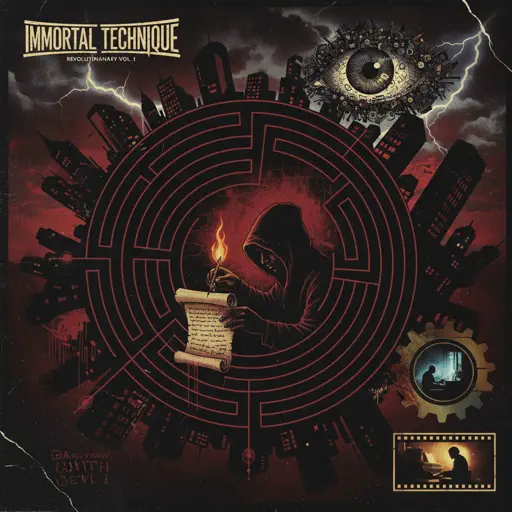
Normal
Dance With The Devil
Immortal Technique
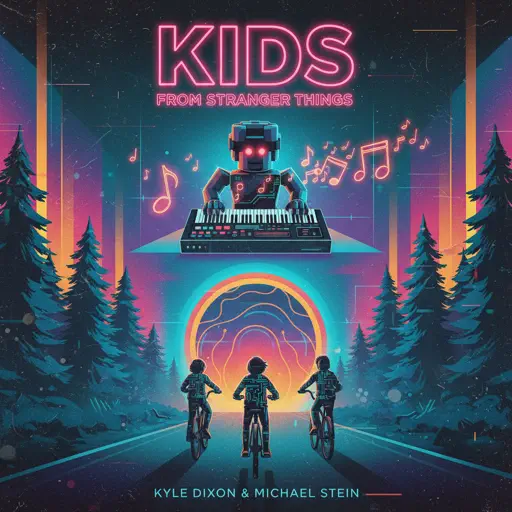
Normal
Kids - From Stranger Things
Kyle Dixon & Michael Stein
Normal
Old Dickdonald
Lilcockpump

Normal
As It Was
Harry Styles
Normal
NUEVAYoL
Bad Bunny
Normal
Stick Season
Noah Kahan
Normal
That’s So True
Gracie Abrams
Hard Mode
Hard
greedy
Tate McRae
Hard
Pi The Song With 3.1415 Million Notes (Auto-Play Only)
TheSuperMarioBros2
Hard
Nowhere To Run
Stegosaurus Rex
Hard
Wiege (VIVINOS - ALNST)
BL8M
Hard
Heart of Stone
Six the Musical
Hard
Mr. Sandman
The Chordettes
Hard
Careless Whisper
George Michael
Hard
I'm the Purple Guy
Dagames
Hard
Santeria
Sublime
Hard
White Blossoms
Mimokeys
Recommended Sheets
![Roblox Piano Sheets - Noli by [[LUCA]]](https://file.gamepianosheets.com/cover/noli.webp)
Noli
[[LUCA]]
Normal
Hungarian Rhapsody No. 2
Franz Liszt
Hard
Noir
anoufie
Normal
Across the Stars (Star Wars: Attack of the Clones)
John Williams
Normal
Malování
Divokej Bill
Normal
MONTAGEM REBOLA
ATLXS
Hard
Rush of Life
Tony Ann
Hard
Pou music - Connect/Cliff Jump/Cliff Dash/Jet Pou
GotaProduction
Normal
Neath Dark Waters - Final Fantasy XIV
Masayoshi Soken
Hard
Dormant Craving (WIP) - Arknights
Erik Castro
Normal
Rush E (Full Version)
Sheet Music Boss
Hard
All Roads Leads To Rome
Stephen Castillo
Normal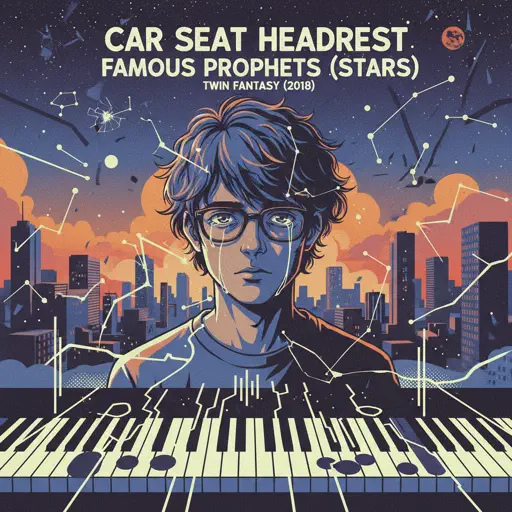
Famous Prophets (Stars)
Car Seat Headrest
Normal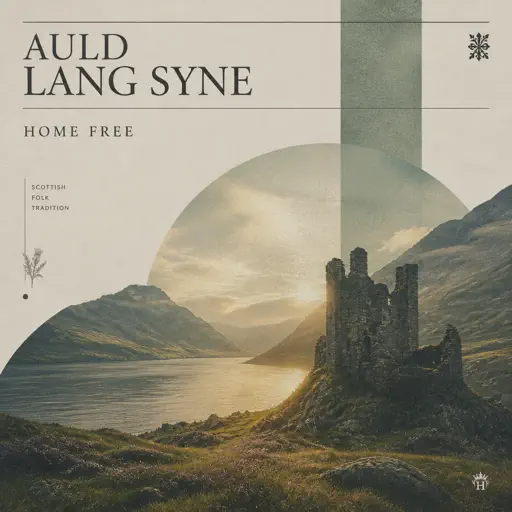
Auld Lang Syne
Home Free
Normal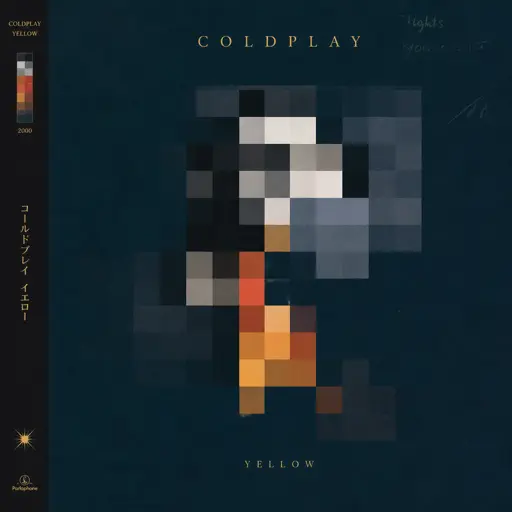
Yellow
Coldplay
Hard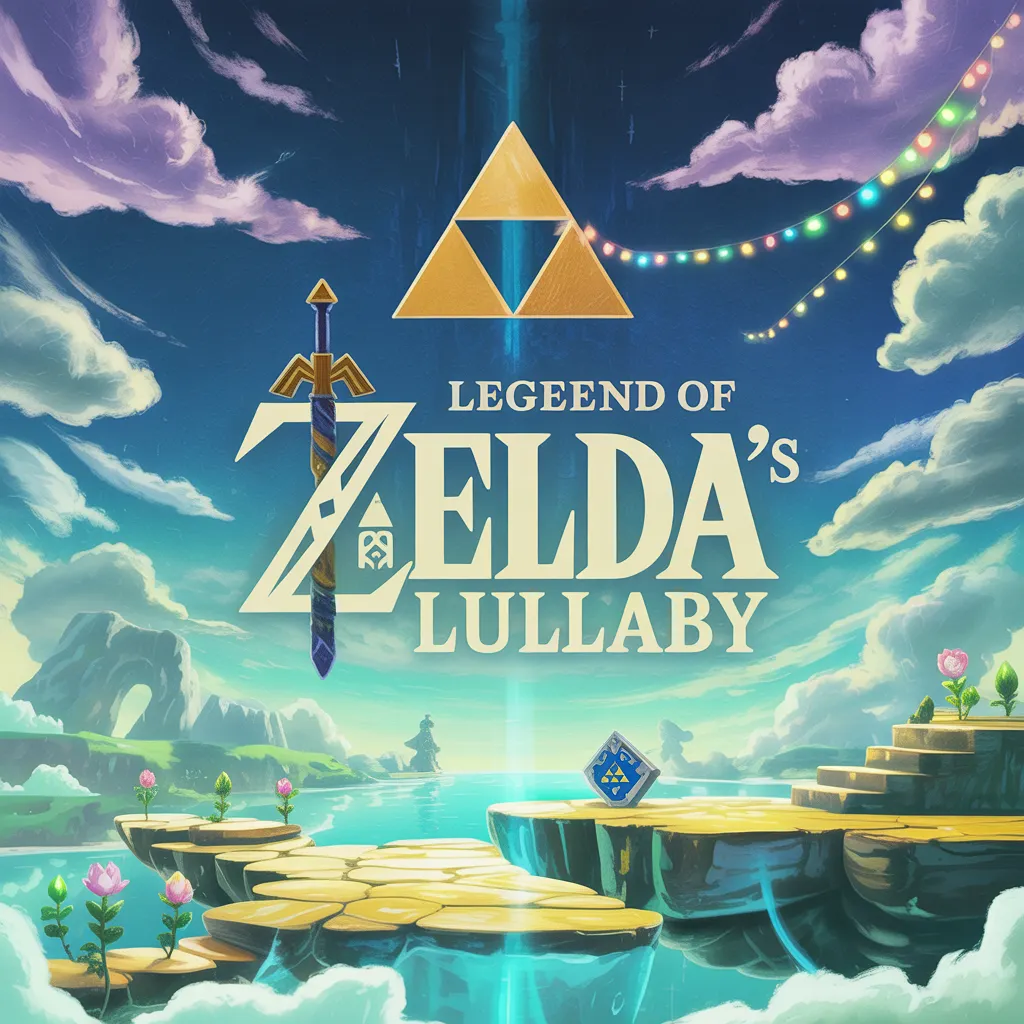
Zelda's Lullaby
Legend of Zelda
Normal
Five Nights at Freddy's 2 Movie
The Newton Brothers
Normal
A Thousand Years
Christina Perri
Normal
Perfect
Ed Sheeran
NormalGravity Falls Main Title Theme
Brad Breeck
EasyFrequently Asked Questions
What is Roblox Piano Practice Online?
This is a free online tool that lets you practice Roblox virtual piano sheets in your browser. No downloads required - just pick a song and start practicing.
How do I use this online practice tool?
1. Select a song from the recommendations or use the search function. 2. Click play and the sheet will auto-scroll with highlighted notes. 3. Watch the virtual piano keyboard for highlighted keys and practice along. 4. Use speed control to slow down playback - perfect for beginners.
Can I play using my keyboard?
Yes! The virtual piano supports computer keyboard input. The keys correspond to the standard Roblox piano layout (1234567890qwerty...). You can practice on your keyboard while following the sheet.
What does the Transpose feature do?
Transpose raises or lowers the pitch of the sheet. Some Roblox piano games have different default tunings, so transpose helps match the correct pitch. Usually adjusting by +12 or -12 semitones works.
Does this tool work on mobile?
Yes, but desktop provides the best experience. On mobile you can view the sheet and virtual piano demo, but keyboard input requires a computer. We recommend using a desktop for the best practice experience.
How do I find sheets suitable for my level?
Below you'll find recommendations sorted by difficulty: Easy for beginners, Normal for intermediate players, and Hard/Expert for advanced challenges. You can also use the search function to find songs by title or artist.