

Roblox Piano Practice Online
Loading piano...
Practice Guide
Quick guide on how to use the online piano practice tool.
What is this?
This tool allows you to practice playing virtual piano sheets directly in your browser. It simulates a piano keyboard and helps you learn the notes and rhythm before playing in Roblox.
How to Practice Online
Use your computer keyboard or mouse to play the virtual piano keys directly. As the sheet music plays, the corresponding keys on the virtual piano will light up to help you follow along. You can also copy the sheet code to use directly in Roblox.
Discover Sheets
Random Shuffle: Click the Shuffle button in the center of the top control bar to instantly load a random new song without reloading the page.
Search: Click the Search button next to Shuffle to open the search window. Type a song title or artist name to quickly find and switch to the sheet you want to practice.
Playback Controls
- Play/Pause: Start or stop playback.
- 1xSpeed: Adjust tempo (0.5x - 2.0x).
- KTranspose: Shift the pitch up or down.
- SSustain: Toggle sustain pedal effect.
Easy Mode

Easy
Immortal
Playboi Carti

Easy
Fur Elise
Beethoven

Easy
Cupid (Twin Version)
Fifty Fifty

Easy
Balcony
Cave Story

Easy
Nice To Know - BFDIA 19 Cake At Stake Intro
BFDIA 19

Easy
Sleeping City Funk
Emotional Recycling Bin

Easy
Where You Lead
Carole King

Easy
Gravity Falls Main Title Theme
Brad Breeck

Easy
Pimp Hoe
Mike Sherm

Easy
Harvey
Alex G
Normal Mode

Normal
Gojo Satoru - The Honored One
Jujutsu Kaisen
Normal
STAY
The Kid LAROI and Justin Bieber
Normal
Aria Math
C418 (Minecraft)

Normal
DRAMA
G-DRAGON
Normal
Falling Down
Lil Peep & XXXTENTACION

Normal
Hidden In the Sand
Tally Hall

Normal
the perfect pair
beabadoobee
Normal
Song of Storms (The Legend of Zelda)
Legend of Zelda
Normal
Kids - From Stranger Things
Kyle Dixon & Michael Stein

Normal
İnsan İnsan
Fazıl Say
Hard Mode

Hard
We Are The Champions
Queen
Hard
Those Who Remain
DirectorMusic
Hard
Normal
BTS
Hard
Hungarian Rhapsody No. 2
Franz Liszt
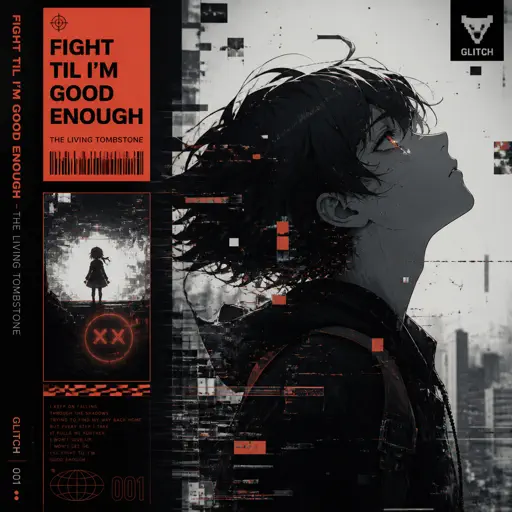
Hard
Fight Til I'm Good Enough
The Living Tombstone

Hard
il vento d'oro - Giorno's Theme
Yugo Kanno
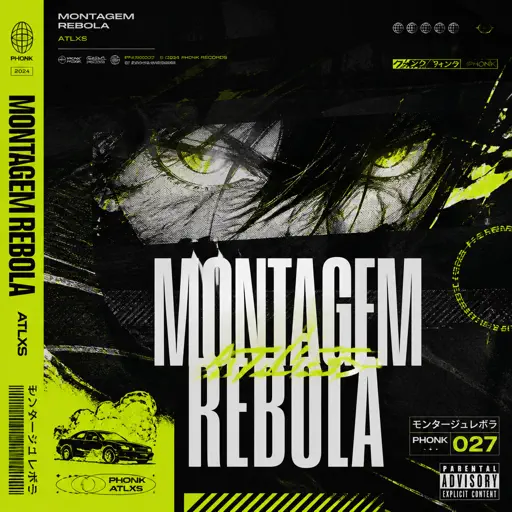
Hard
MONTAGEM REBOLA
ATLXS
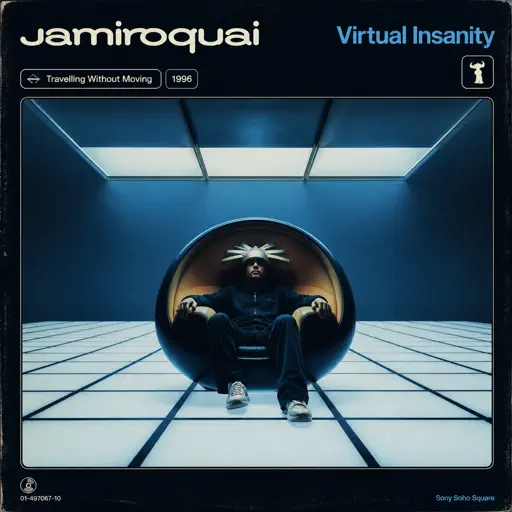
Hard
Virtual Insanity
Jamiroquai
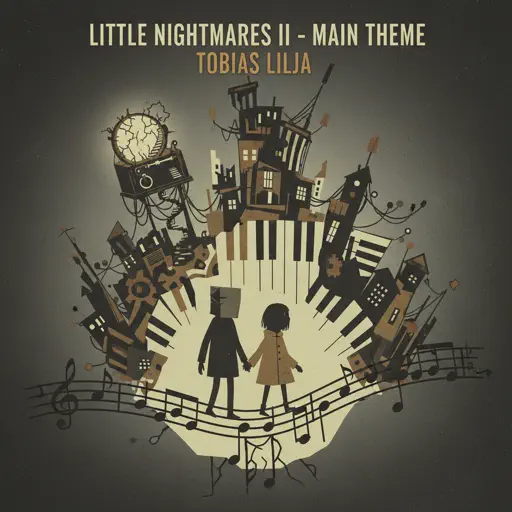
Hard
Little Nightmares 2 - Main Theme
Tobias Lilja
Hard
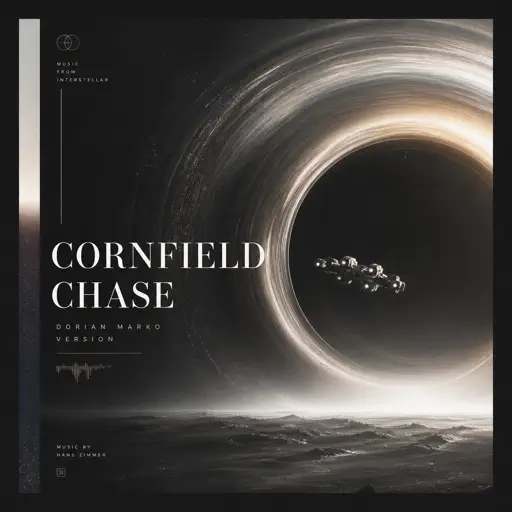
Cornfield Chase (Interstellar)
Dorian Marko
Recommended Sheets

Akaza Love Theme (Demon Slayer Infinity Castle)
D.Meletis
Normal
Robbery
Juice WRLD
Normal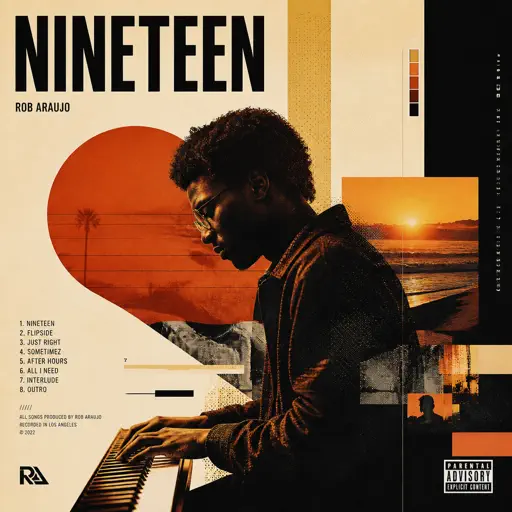
Nineteen
Rob Araujo
HardBalcony
Cave Story
Easy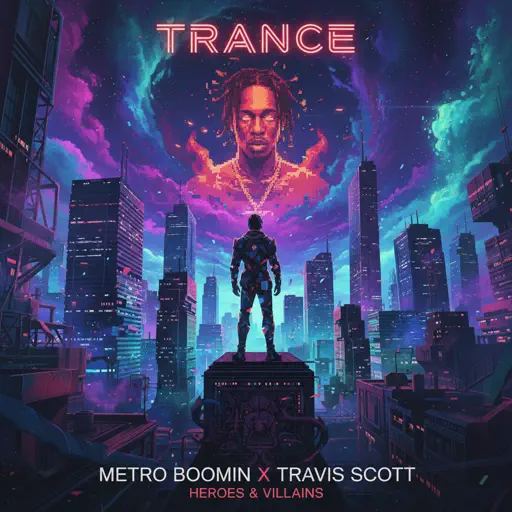
Trance
Metro Boomin and Travis Scott
Normal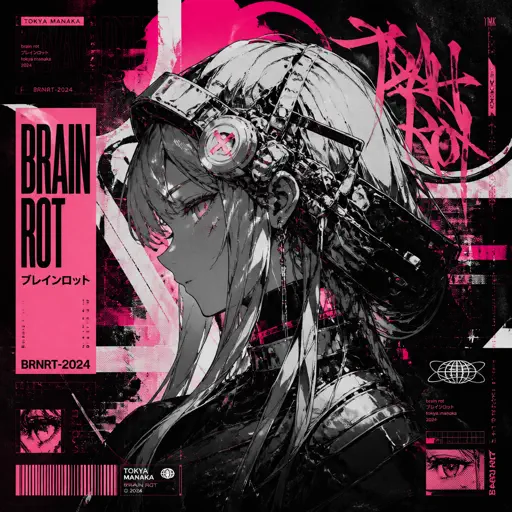
Brain Rot ブレインロット
Tokya Manaka
Hard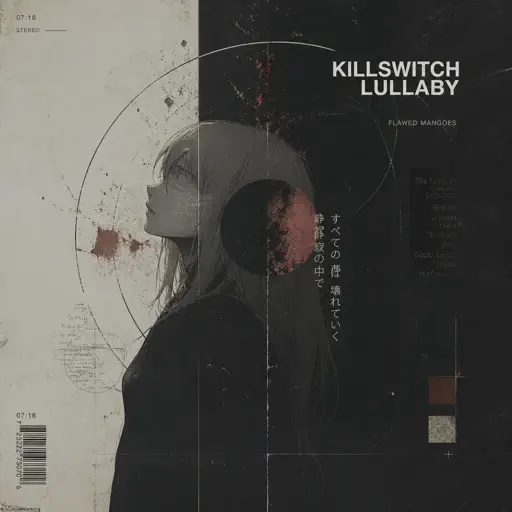
Killswitch Lullaby
Flawed Mangoes
Normal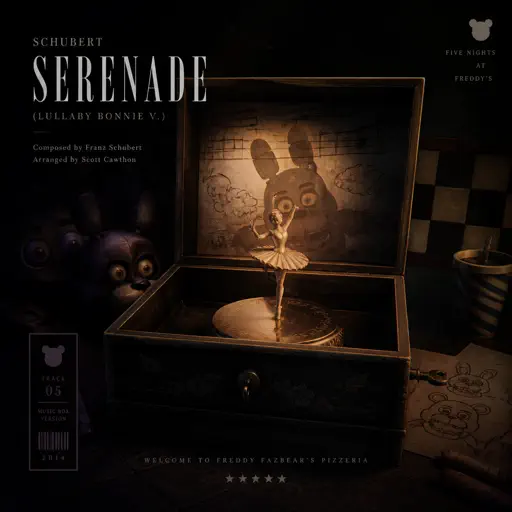
Schubert Serenade (Lullaby Bonnie V.)
Scott Cawthon
Normal
HOMAGE FUNK
KIXIA & KREZUS
Normal
Blue Tequila
Táo
Normal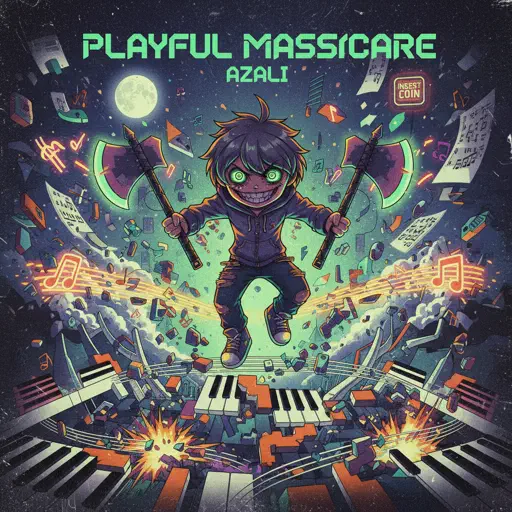
PLAYFUL MASSACRE
AZALI
Normal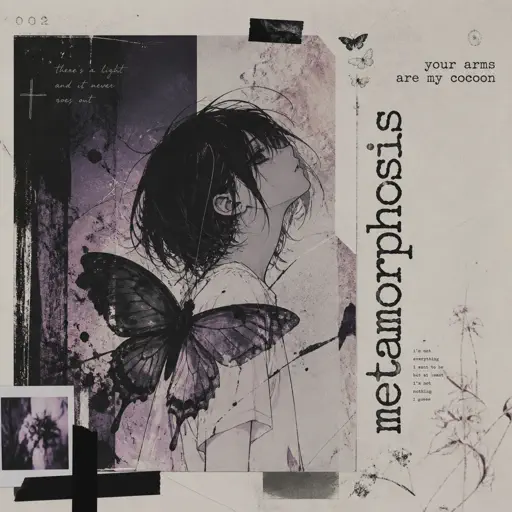
Metamorphosis
Your Arms Are My Cocoon
Normal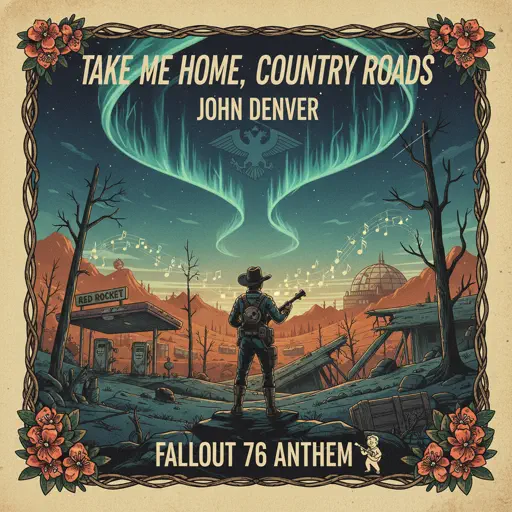
Take Me Home, Country Roads
John Denver
Normal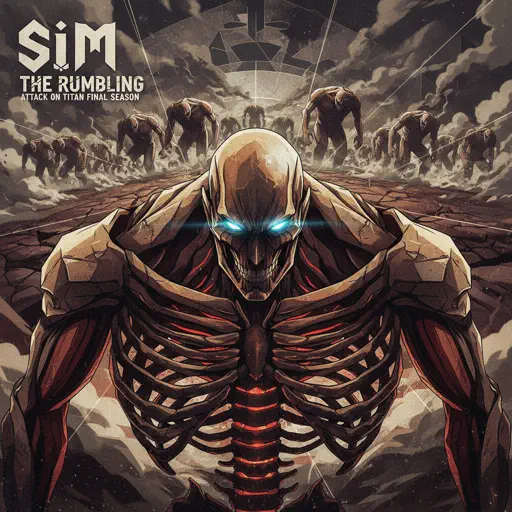
The Rumbling - Attack on Titan Final Season OP
SiM
Normal
Riptide
Vance Joy
Normal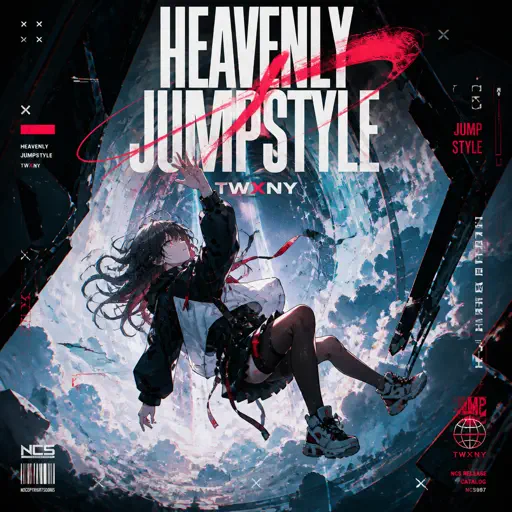
HEAVENLY JUMPSTYLE
TWXNY
Hard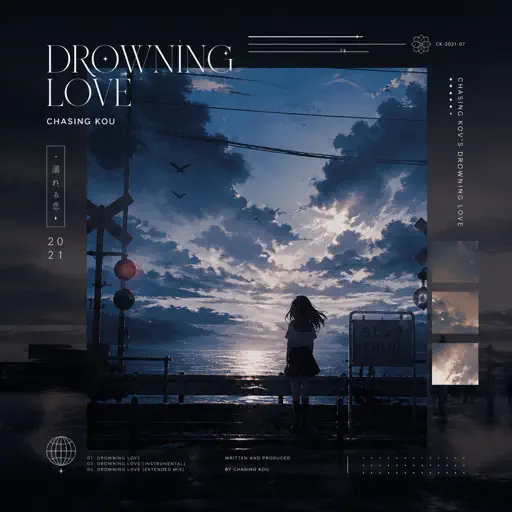
Drowning Love
Chasing Kou
Hard
Stay Calm
Griffinilla, Jeff Burgess
Normal
Das Einheitsfrontlied
Hanns Eisler
Normal
Butcher Vanity
Vane Lily
NormalFrequently Asked Questions
What is Roblox Piano Practice Online?
This is a free online tool that lets you practice Roblox virtual piano sheets in your browser. No downloads required - just pick a song and start practicing.
How do I use this online practice tool?
1. Select a song from the recommendations or use the search function. 2. Click play and the sheet will auto-scroll with highlighted notes. 3. Watch the virtual piano keyboard for highlighted keys and practice along. 4. Use speed control to slow down playback - perfect for beginners.
Can I play using my keyboard?
Yes! The virtual piano supports computer keyboard input. The keys correspond to the standard Roblox piano layout (1234567890qwerty...). You can practice on your keyboard while following the sheet.
What does the Transpose feature do?
Transpose raises or lowers the pitch of the sheet. Some Roblox piano games have different default tunings, so transpose helps match the correct pitch. Usually adjusting by +12 or -12 semitones works.
Does this tool work on mobile?
Yes, but desktop provides the best experience. On mobile you can view the sheet and virtual piano demo, but keyboard input requires a computer. We recommend using a desktop for the best practice experience.
How do I find sheets suitable for my level?
Below you'll find recommendations sorted by difficulty: Easy for beginners, Normal for intermediate players, and Hard/Expert for advanced challenges. You can also use the search function to find songs by title or artist.