
Roblox Piano Practice Online
Loading piano...
Practice Guide
Quick guide on how to use the online piano practice tool.
What is this?
This tool allows you to practice playing virtual piano sheets directly in your browser. It simulates a piano keyboard and helps you learn the notes and rhythm before playing in Roblox.
How to Practice Online
Use your computer keyboard or mouse to play the virtual piano keys directly. As the sheet music plays, the corresponding keys on the virtual piano will light up to help you follow along. You can also copy the sheet code to use directly in Roblox.
Discover Sheets
Random Shuffle: Click the Shuffle button in the center of the top control bar to instantly load a random new song without reloading the page.
Search: Click the Search button next to Shuffle to open the search window. Type a song title or artist name to quickly find and switch to the sheet you want to practice.
Playback Controls
- Play/Pause: Start or stop playback.
- 1xSpeed: Adjust tempo (0.5x - 2.0x).
- KTranspose: Shift the pitch up or down.
- SSustain: Toggle sustain pedal effect.
Easy Mode

Easy
Cupid (Twin Version)
Fifty Fifty

Easy
Fur Elise
Beethoven

Easy
Harvey
Alex G

Easy
Nice To Know - BFDIA 19 Cake At Stake Intro
BFDIA 19

Easy
Mockingbird
Eminem

Easy
If You Love These People (Man of Steel)
Hans Zimmer

Easy
Pimp Hoe
Mike Sherm

Easy
Balcony
Cave Story

Easy
Gravity Falls Main Title Theme
Brad Breeck

Easy
Where You Lead
Carole King
Normal Mode
Normal
Kerosene
Crystal Castles
Normal
Super Mario Bros. Theme
Nintendo
Normal
Sayo-Nara (Doki Doki Literature Club)
Dan Salvato
Normal
Thunderstruck
AC/DC
Normal
Carol of the Bells (From "Home Alone")
John Williams

Normal
ALKA TALE - Summer Pockets
Konomi Suzuki
Normal
The Pink Panther Theme
Henry Mancini
Normal
stalemate - GREIF
KzX

Normal
Suzume すずめ
RADWIMPS
Normal
Once Upon a Time
Toby Fox
Hard Mode
Hard
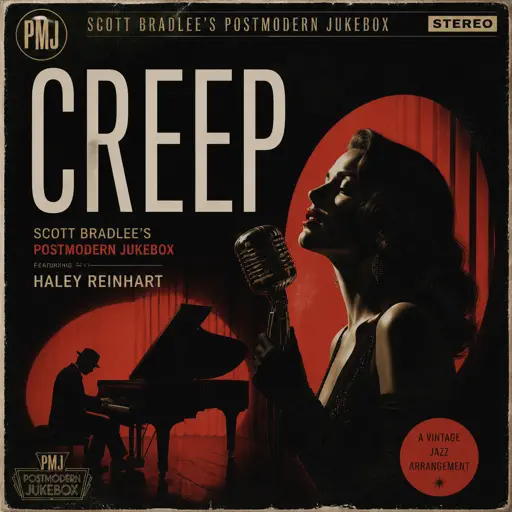
Creep
Scott Bradlee's Postmodern Jukebox
Hard
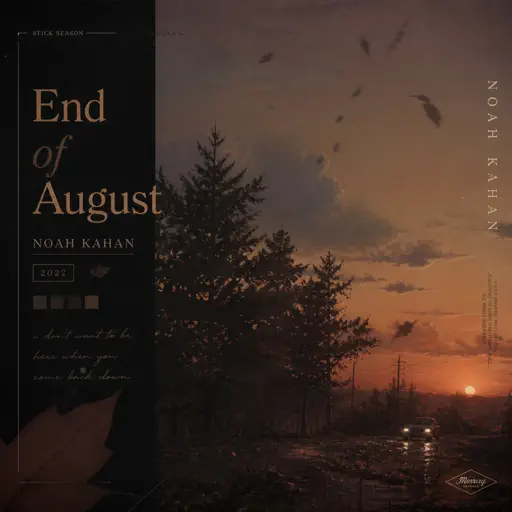
End of August
Noah Kahan
Hard
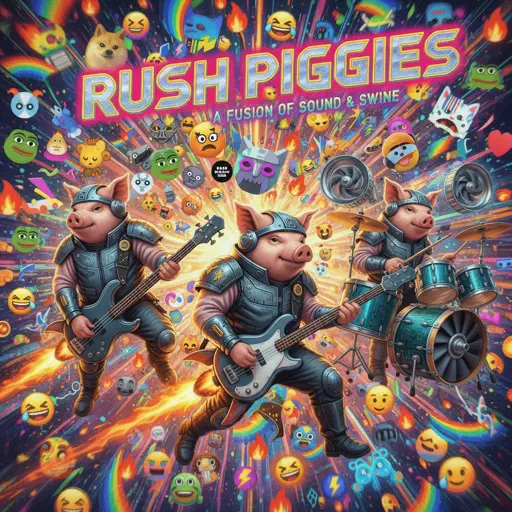
Rush Piggies
Sheet Music Boss
Hard
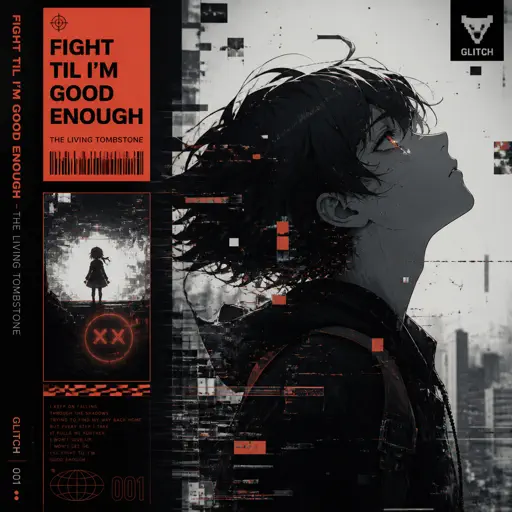
Fight Til I'm Good Enough
The Living Tombstone
Hard
05 (Không Phai)
Tăng Duy Tân

Hard
il vento d'oro - Giorno's Theme
Yugo Kanno
Hard
Windfall
TheFatRat
Hard
York'scher Marsch
Beethoven
Hard
Dead Wrong
Shinobi

Hard
Bubble Pop Electric
Gwen Stefani
Recommended Sheets
ALKA TALE - Summer Pockets
Konomi Suzuki
Normal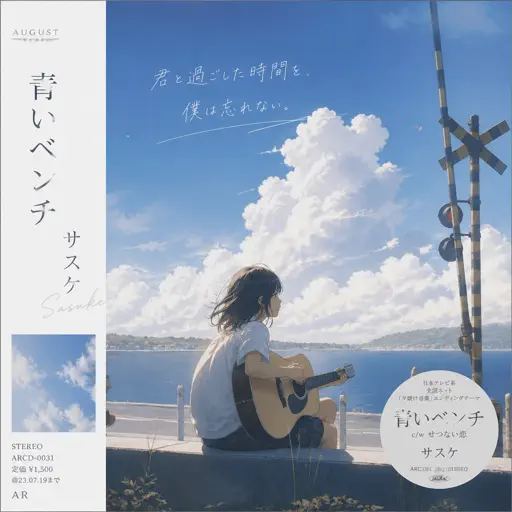
Marigold
Aimyon
Hard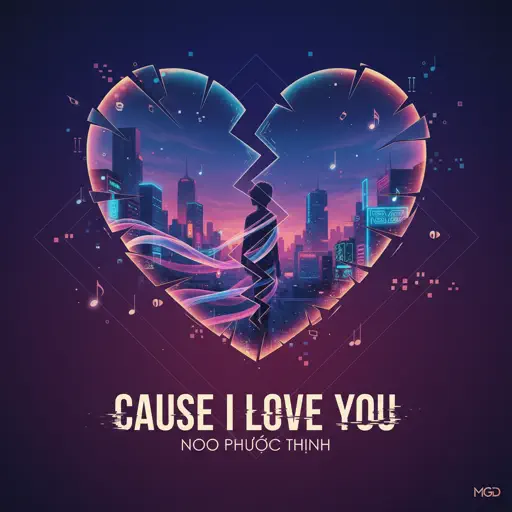
Cause I Love You
Noo Phước Thịnh
Normal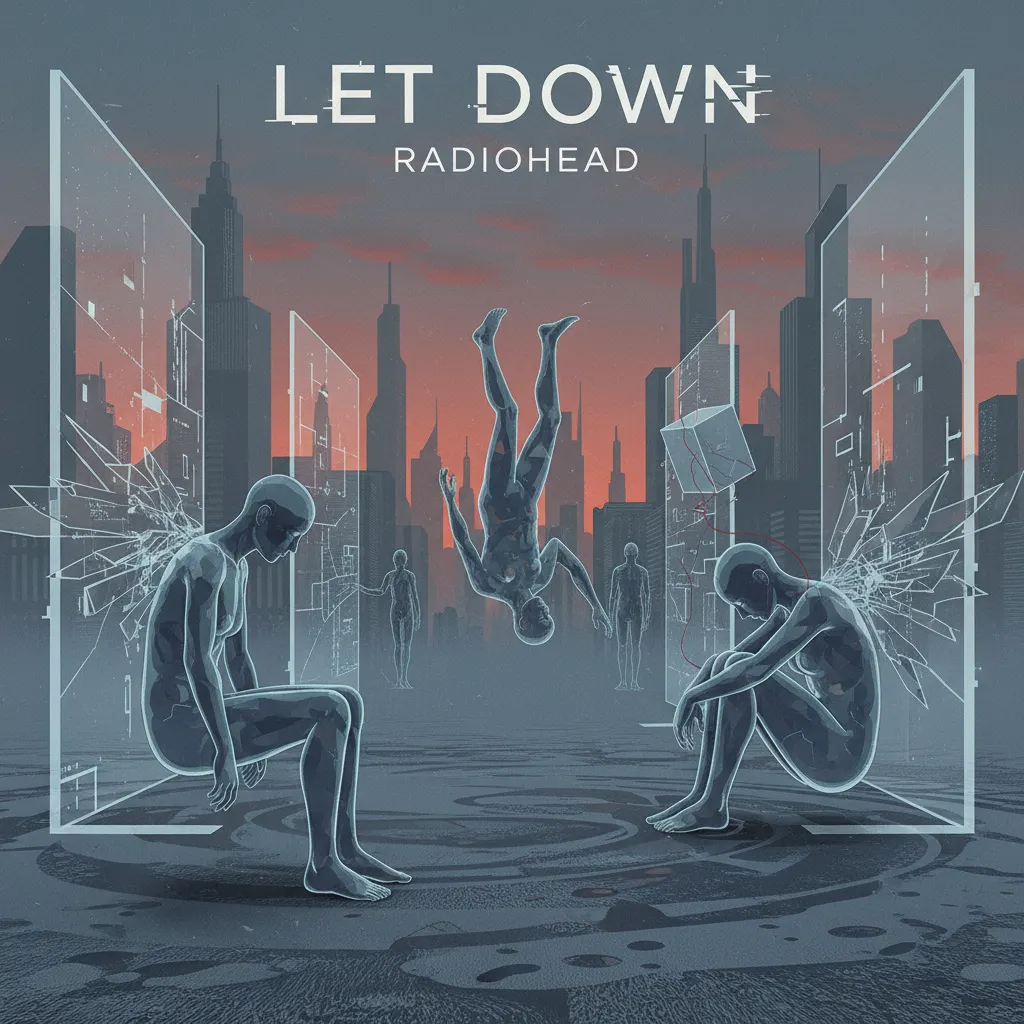
Let Down
Radiohead
Normal
U.N. Owen Was Her?
Flandre's Theme
Hard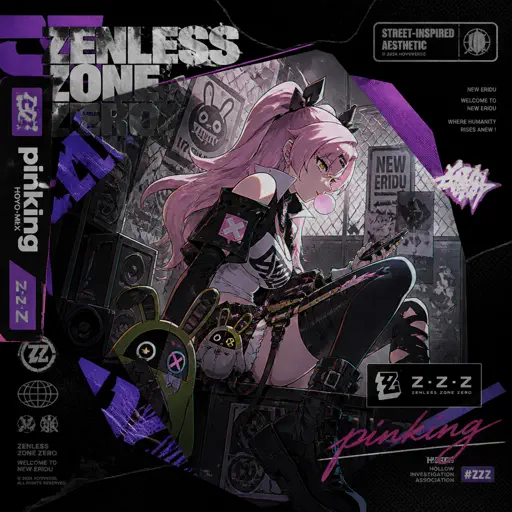
pinKing 绝区零
HOYO-MiX
Normal
Unslept
Miraidempa
Normal
Diamond City Lights
LazuLight
Hard
Futura Free
Frank Ocean
Normal
Flamewall - Geometry Dash
Camellia
Normal
Me Gustas Tu
Manu Chao
Hard
Mist
EsDeeKid
Easy
All Girls Are The Same
Juice WRLD
Normal
Mia & Sebastian’s Theme - La La Land
Justin Hurwitz
NormalBalcony
Cave Story
Easy
Kaiju no Hanauta
Vaundy
Normal
Vienna
Billy Joel
Hard
Cry For Me
Michita
Normal
The Yellow Rabbit - FNAF Movie
The Newton Brothers
Normal
Mice on Venus
C418
NormalFrequently Asked Questions
What is Roblox Piano Practice Online?
This is a free online tool that lets you practice Roblox virtual piano sheets in your browser. No downloads required - just pick a song and start practicing.
How do I use this online practice tool?
1. Select a song from the recommendations or use the search function. 2. Click play and the sheet will auto-scroll with highlighted notes. 3. Watch the virtual piano keyboard for highlighted keys and practice along. 4. Use speed control to slow down playback - perfect for beginners.
Can I play using my keyboard?
Yes! The virtual piano supports computer keyboard input. The keys correspond to the standard Roblox piano layout (1234567890qwerty...). You can practice on your keyboard while following the sheet.
What does the Transpose feature do?
Transpose raises or lowers the pitch of the sheet. Some Roblox piano games have different default tunings, so transpose helps match the correct pitch. Usually adjusting by +12 or -12 semitones works.
Does this tool work on mobile?
Yes, but desktop provides the best experience. On mobile you can view the sheet and virtual piano demo, but keyboard input requires a computer. We recommend using a desktop for the best practice experience.
How do I find sheets suitable for my level?
Below you'll find recommendations sorted by difficulty: Easy for beginners, Normal for intermediate players, and Hard/Expert for advanced challenges. You can also use the search function to find songs by title or artist.