

Roblox Piano Practice Online
Loading piano...
Practice Guide
Quick guide on how to use the online piano practice tool.
What is this?
This tool allows you to practice playing virtual piano sheets directly in your browser. It simulates a piano keyboard and helps you learn the notes and rhythm before playing in Roblox.
How to Practice Online
Use your computer keyboard or mouse to play the virtual piano keys directly. As the sheet music plays, the corresponding keys on the virtual piano will light up to help you follow along. You can also copy the sheet code to use directly in Roblox.
Discover Sheets
Random Shuffle: Click the Shuffle button in the center of the top control bar to instantly load a random new song without reloading the page.
Search: Click the Search button next to Shuffle to open the search window. Type a song title or artist name to quickly find and switch to the sheet you want to practice.
Playback Controls
- Play/Pause: Start or stop playback.
- 1xSpeed: Adjust tempo (0.5x - 2.0x).
- KTranspose: Shift the pitch up or down.
- SSustain: Toggle sustain pedal effect.
Easy Mode

Easy
If You Love These People (Man of Steel)
Hans Zimmer

Easy
Cupid (Twin Version)
Fifty Fifty

Easy
Fur Elise
Beethoven

Easy
Sleeping City Funk
Emotional Recycling Bin

Easy
Mockingbird
Eminem

Easy
Nice To Know - BFDIA 19 Cake At Stake Intro
BFDIA 19

Easy
Gravity Falls Main Title Theme
Brad Breeck

Easy
Harvey
Alex G

Easy
Balcony
Cave Story

Easy
LET ME SEE YA MOVE!
Lumi Athena
Normal Mode
Normal
Apple Pie
Travis Scott
Normal
BITE ME (MURDER DRONES)
AJ Dispirito

Normal
Tough Luck
Laufey
Normal
The Future Is So Yesterday
Inanimate Insanity
Normal
Umapyoi Densetsu - Uma Musume Pretty Derby (うまぴょい伝説)
Cygames

Normal
COQUETA
Fuerza Regida
Normal
Hey Kids
Molina
Normal
House of Memories
Panic! At The Disco

Normal
Kaiju no Hanauta
Vaundy
Normal
Waltz of Lovers No.1
Егор Юрий
Hard Mode

Hard
Rush of Life
Tony Ann

Hard
Winter (The Four Seasons)
Vivaldi
Hard
Bad Apple!!
Masayoshi Minoshima
Hard
IDFB Intro
Tsskyx
Hard
Tabibito no Uta - Jobless Reincarnation
Mushoku Tensei
Hard
Angels
Robbie Williams
Hard
Hatachi No Koi
Lamp
Hard
Oops!...I Did It Again
Britney Spears

Hard
I Want You to Tell Me the Moon is Beautiful!
kakizaki yuta
Hard
Tripping on Love
Ashley Collins
Recommended Sheets
Praise
Elevation Worship
Normal
Midu Echoing
YANGYINYUE
Hard
FEAR
NF
Normal
Bergentrückung
Toby Fox
Hard
The Water Magician OST - Main Theme
The Water Magician
Normal
Forever Young
Alphaville
Normal
Rush Piggies
Sheet Music Boss
Hard
Người Đầu Tiên
Juky San
Normal
Wildberry Lillet
Nina Chuba
Hard
Goddess
Laufey
Normal
Alone
Alan Walker
NormalTabibito no Uta - Jobless Reincarnation
Mushoku Tensei
Hard
Disassembly Required (Murder Drones)
Liam Vickers
Normal
stalemate - GREIF
KzX
Normal
The Promise - FINAL FANTASY XIII
Masashi Hamauzu
Hard
Human Nature
Michael Jackson
Normal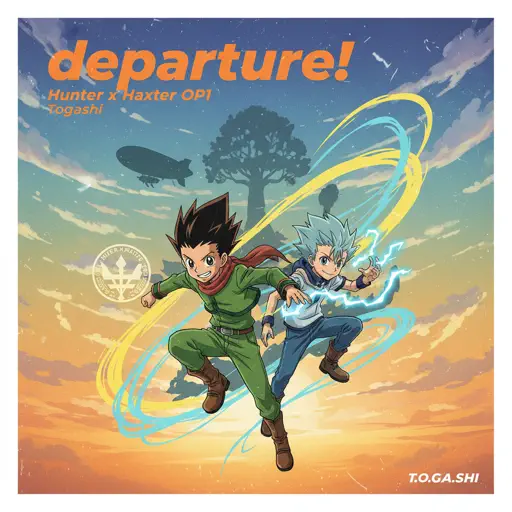
departure! - Hunter x Hunter OP1
Togash
Hard
Made In Japan
Buck Owens
Normal
Falling Down
Lil Peep & XXXTENTACION
Normal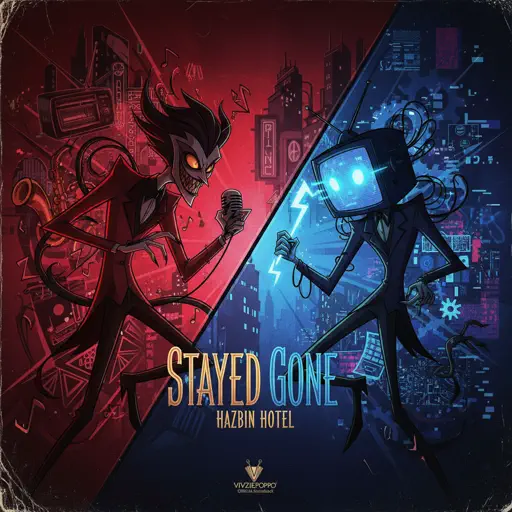
Stayed Gone
Hazbin Hotel
HardFrequently Asked Questions
What is Roblox Piano Practice Online?
This is a free online tool that lets you practice Roblox virtual piano sheets in your browser. No downloads required - just pick a song and start practicing.
How do I use this online practice tool?
1. Select a song from the recommendations or use the search function. 2. Click play and the sheet will auto-scroll with highlighted notes. 3. Watch the virtual piano keyboard for highlighted keys and practice along. 4. Use speed control to slow down playback - perfect for beginners.
Can I play using my keyboard?
Yes! The virtual piano supports computer keyboard input. The keys correspond to the standard Roblox piano layout (1234567890qwerty...). You can practice on your keyboard while following the sheet.
What does the Transpose feature do?
Transpose raises or lowers the pitch of the sheet. Some Roblox piano games have different default tunings, so transpose helps match the correct pitch. Usually adjusting by +12 or -12 semitones works.
Does this tool work on mobile?
Yes, but desktop provides the best experience. On mobile you can view the sheet and virtual piano demo, but keyboard input requires a computer. We recommend using a desktop for the best practice experience.
How do I find sheets suitable for my level?
Below you'll find recommendations sorted by difficulty: Easy for beginners, Normal for intermediate players, and Hard/Expert for advanced challenges. You can also use the search function to find songs by title or artist.