
Roblox Piano Practice Online
Loading piano...
Practice Guide
Quick guide on how to use the online piano practice tool.
What is this?
This tool allows you to practice playing virtual piano sheets directly in your browser. It simulates a piano keyboard and helps you learn the notes and rhythm before playing in Roblox.
How to Practice Online
Use your computer keyboard or mouse to play the virtual piano keys directly. As the sheet music plays, the corresponding keys on the virtual piano will light up to help you follow along. You can also copy the sheet code to use directly in Roblox.
Discover Sheets
Random Shuffle: Click the Shuffle button in the center of the top control bar to instantly load a random new song without reloading the page.
Search: Click the Search button next to Shuffle to open the search window. Type a song title or artist name to quickly find and switch to the sheet you want to practice.
Playback Controls
- Play/Pause: Start or stop playback.
- 1xSpeed: Adjust tempo (0.5x - 2.0x).
- KTranspose: Shift the pitch up or down.
- SSustain: Toggle sustain pedal effect.
Easy Mode

Easy
Harvey
Alex G

Easy
Nice To Know - BFDIA 19 Cake At Stake Intro
BFDIA 19

Easy
If You Love These People (Man of Steel)
Hans Zimmer

Easy
Immortal
Playboi Carti

Easy
Mist
EsDeeKid

Easy
Gravity Falls Main Title Theme
Brad Breeck

Easy
Fur Elise
Beethoven

Easy
Balcony
Cave Story

Easy
LET ME SEE YA MOVE!
Lumi Athena

Easy
Pimp Hoe
Mike Sherm
Normal Mode

Normal
Babydoll
Dominic Fike
Normal
Lines 1 Sound São Paulo Metro
Metro-SP
Normal
Apple Pie
Travis Scott

Normal
Polaroid Love
ENHYPEN

Normal
Wicked Game
Chris Isaak
Normal
Electar - Rec Room
Gribbly
Normal
Kurşun Adres Sormaz Ki
Kenan Doğulu

Normal
Já Que Me Ensinou a Beber
Os Barões Da Pisadinha

Normal
WILDFLOWER
Billie Eilish
Normal
Dance With The Devil
Immortal Technique
Hard Mode
Hard
Chiquitita
ABBA

Hard
Your Idol (KPop Demon Hunters)
Saja Boys

Hard
The Great Gig in the Sky
Pink Floyd

Hard
Hotel California
Eagles
Hard
Karma
AJR
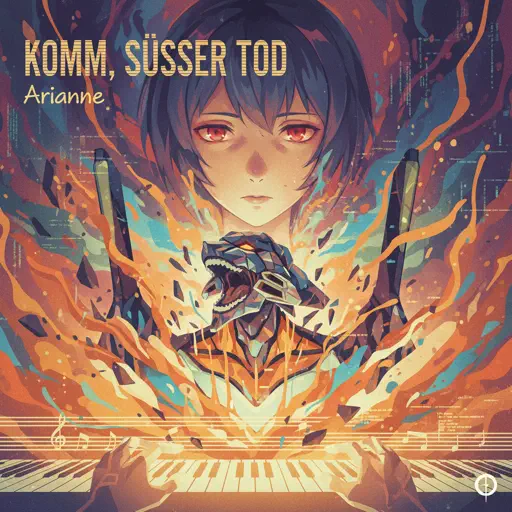
Hard
Komm, Süsser Tod (Come Sweet Death)
Arianne
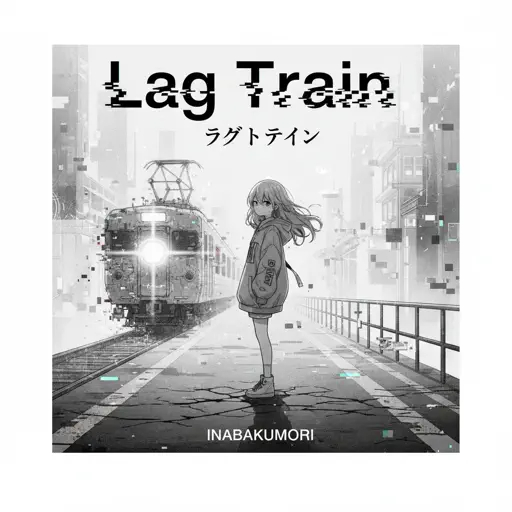
Hard
Lag Train
Inabakumori

Hard
Get Jinxed
League of Legends

Hard
05 (Không Phai)
Tăng Duy Tân
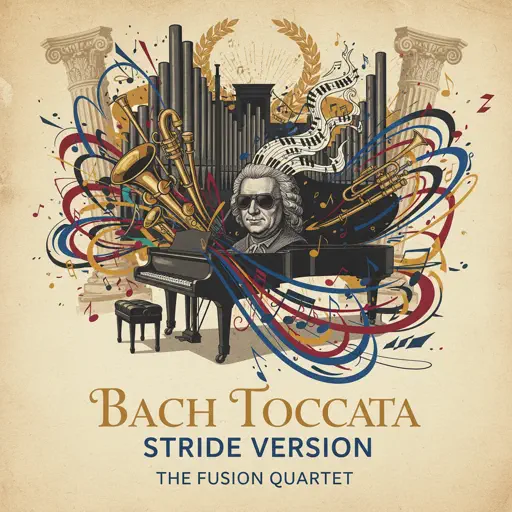
Hard
Toccata (Bach) - Stride version
Victor Demange
Recommended Sheets
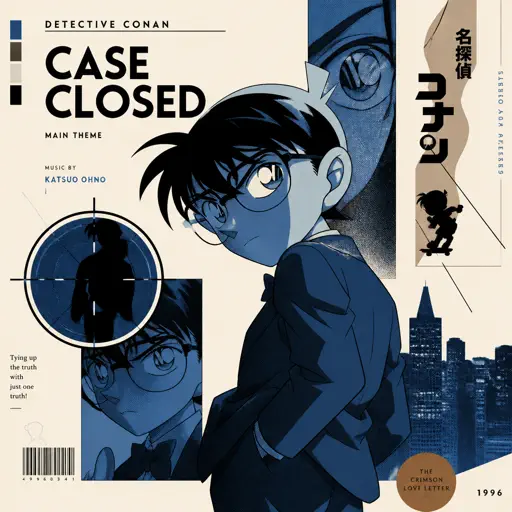
Case Closed (From Detective Conan)
Gosho Aoyama
Normal
Cry For Me
Michita
Normal
Dead Wrong
Shinobi
Hard
Twins at the carousel
Kikuo
Normal
Crucified
Army Of Lovers
Hard
Bloody Mary
Lady Gaga
Normal
Miku
Anamanaguchi
Hard
New Flesh
Current Joys
Hard
Quelqu'un de bien
Livaï
Normal
Living Mice
C418
Normal
Czardas
Vittorio Monti
HardBalcony
Cave Story
Easy
Line 5 Yellow São Paulo Metro sound
ViaMobilidade
Normal
Idea 22
Gibran Alcocer
Normal
Heart of Stone
Six the Musical
Hard
Interstellar Main Theme (Cornfield Chase)
Hans Zimmer
Normal
We Are! - ウィーアー! - One Piece
Hiroshi Kitadani
Hard
Bertaut
Nadin Amizah
Normal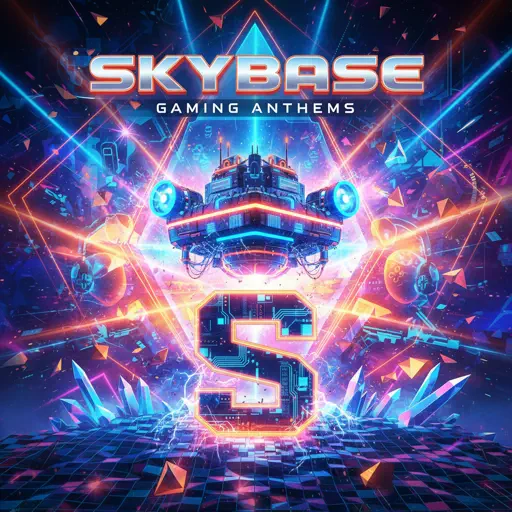
Skybase
Standartskill
Normal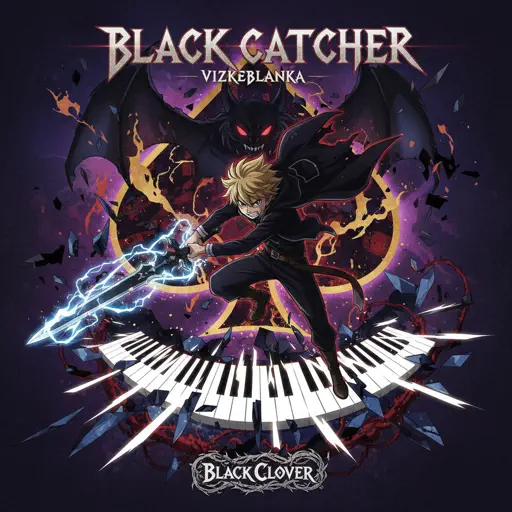
Black Catcher (Black Clover)
VK Blanka
HardFrequently Asked Questions
What is Roblox Piano Practice Online?
This is a free online tool that lets you practice Roblox virtual piano sheets in your browser. No downloads required - just pick a song and start practicing.
How do I use this online practice tool?
1. Select a song from the recommendations or use the search function. 2. Click play and the sheet will auto-scroll with highlighted notes. 3. Watch the virtual piano keyboard for highlighted keys and practice along. 4. Use speed control to slow down playback - perfect for beginners.
Can I play using my keyboard?
Yes! The virtual piano supports computer keyboard input. The keys correspond to the standard Roblox piano layout (1234567890qwerty...). You can practice on your keyboard while following the sheet.
What does the Transpose feature do?
Transpose raises or lowers the pitch of the sheet. Some Roblox piano games have different default tunings, so transpose helps match the correct pitch. Usually adjusting by +12 or -12 semitones works.
Does this tool work on mobile?
Yes, but desktop provides the best experience. On mobile you can view the sheet and virtual piano demo, but keyboard input requires a computer. We recommend using a desktop for the best practice experience.
How do I find sheets suitable for my level?
Below you'll find recommendations sorted by difficulty: Easy for beginners, Normal for intermediate players, and Hard/Expert for advanced challenges. You can also use the search function to find songs by title or artist.