
Roblox Piano Practice Online
Loading piano...
Practice Guide
Quick guide on how to use the online piano practice tool.
What is this?
This tool allows you to practice playing virtual piano sheets directly in your browser. It simulates a piano keyboard and helps you learn the notes and rhythm before playing in Roblox.
How to Practice Online
Use your computer keyboard or mouse to play the virtual piano keys directly. As the sheet music plays, the corresponding keys on the virtual piano will light up to help you follow along. You can also copy the sheet code to use directly in Roblox.
Discover Sheets
Random Shuffle: Click the Shuffle button in the center of the top control bar to instantly load a random new song without reloading the page.
Search: Click the Search button next to Shuffle to open the search window. Type a song title or artist name to quickly find and switch to the sheet you want to practice.
Playback Controls
- Play/Pause: Start or stop playback.
- 1xSpeed: Adjust tempo (0.5x - 2.0x).
- KTranspose: Shift the pitch up or down.
- SSustain: Toggle sustain pedal effect.
Easy Mode

Easy
Balcony
Cave Story

Easy
Mist
EsDeeKid

Easy
Harvey
Alex G

Easy
Fur Elise
Beethoven

Easy
Nice To Know - BFDIA 19 Cake At Stake Intro
BFDIA 19

Easy
Gravity Falls Main Title Theme
Brad Breeck

Easy
Sleeping City Funk
Emotional Recycling Bin

Easy
Cupid (Twin Version)
Fifty Fifty

Easy
Where You Lead
Carole King

Easy
Mockingbird
Eminem
Normal Mode
Normal
Diamond is unbreakable -Josuke theme
Jojo's Bizzarre Aventure
Normal
Mice on Venus
C418

Normal
Moonlight on the River
Mac DeMarco

Normal
WILDFLOWER
Billie Eilish

Normal
in the pool - Chainsaw Man the Movie
kensuke ushio
Normal
Who Do You Love?
YG
Normal
MONTAGEM DOMER Funk
Paizo

Normal
Kyoto
C418
Normal
Ich nehm dich bei der Hand (simsalagrimm)
David Wiesner
Normal
Feel It (From Invincible)
d4vd
Hard Mode
Hard
Sign of the Times
Harry Styles

Hard
Bubble Pop Electric
Gwen Stefani
Hard
Paint It, Black
The Rolling Stones
Hard
Israel Circles
geometry dash
Hard
I'm From Another Dimension (Star Vs The Forces of Evil)
Brad Breeck

Hard
Oceans & Engines
NIKI
Hard
Attack of the Killer Queen (from Deltarune)
Toby Fox

Hard
Man I Need
Olivia Dean
Hard
Freedom Dive
XI
Hard
greedy
Tate McRae
Recommended Sheets
Kurşun Adres Sormaz Ki
Kenan Doğulu
Normal
THE LEGEND from DELTARUNE
Toby Fox
Normal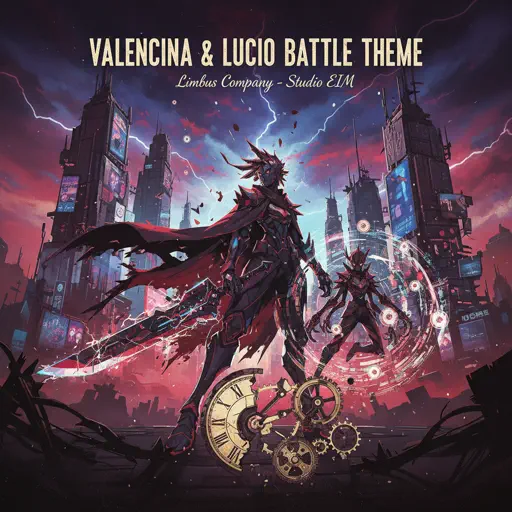
Valencina & Lucio Battle Theme - Limbus Company
Studio EIM
Normal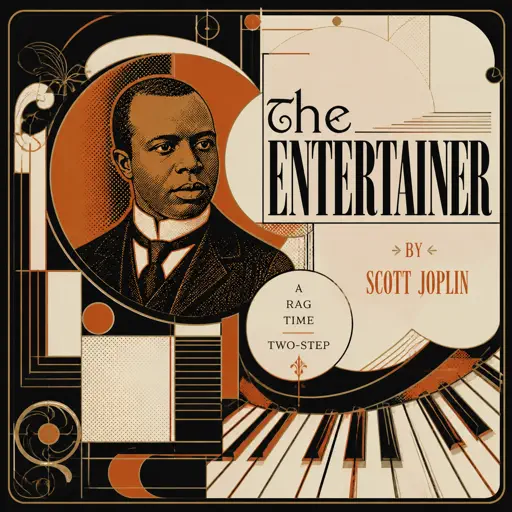
The Entertainer
Scott Joplin
Hard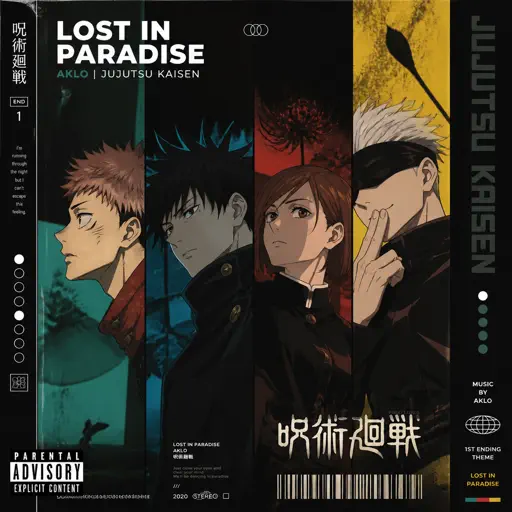
Lost in paradise - JUJUTSU KAISEN
AKLO
Normal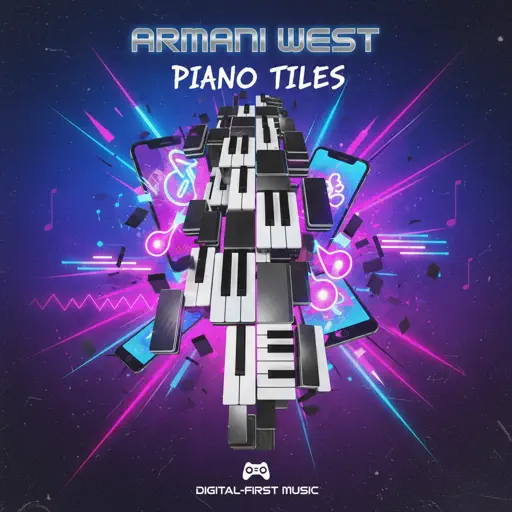
Piano Tiles
Armani West
Normal
Virtual Insanity
Jamiroquai
Hard
Blue Valentine
NMIXX
Normal
Fly Me to the Moon
Frank Sinatra
Normal
Riptide
Vance Joy
NormalFeel It (From Invincible)
d4vd
Normal
traitor
Olivia Rodrigo
Normal
GOZALO
Ariis
Normal
Emesis Blue Scouts Requiem
Fortress Films
Hard
Futile Devices
Sufjan Stevens
Normal
The Pink Panther Theme
Henry Mancini
Normal
Get Lucky
Daft Punk
Hard
Senbonzakura
KuroUsa-P
Normal
Everything I Wanted
Billie Eilish
Normal
otherside - Minecraft: Caves & Cliffs
Lena Raine
NormalFrequently Asked Questions
What is Roblox Piano Practice Online?
This is a free online tool that lets you practice Roblox virtual piano sheets in your browser. No downloads required - just pick a song and start practicing.
How do I use this online practice tool?
1. Select a song from the recommendations or use the search function. 2. Click play and the sheet will auto-scroll with highlighted notes. 3. Watch the virtual piano keyboard for highlighted keys and practice along. 4. Use speed control to slow down playback - perfect for beginners.
Can I play using my keyboard?
Yes! The virtual piano supports computer keyboard input. The keys correspond to the standard Roblox piano layout (1234567890qwerty...). You can practice on your keyboard while following the sheet.
What does the Transpose feature do?
Transpose raises or lowers the pitch of the sheet. Some Roblox piano games have different default tunings, so transpose helps match the correct pitch. Usually adjusting by +12 or -12 semitones works.
Does this tool work on mobile?
Yes, but desktop provides the best experience. On mobile you can view the sheet and virtual piano demo, but keyboard input requires a computer. We recommend using a desktop for the best practice experience.
How do I find sheets suitable for my level?
Below you'll find recommendations sorted by difficulty: Easy for beginners, Normal for intermediate players, and Hard/Expert for advanced challenges. You can also use the search function to find songs by title or artist.