
Roblox Piano Practice Online
Loading piano...
Practice Guide
Quick guide on how to use the online piano practice tool.
What is this?
This tool allows you to practice playing virtual piano sheets directly in your browser. It simulates a piano keyboard and helps you learn the notes and rhythm before playing in Roblox.
How to Practice Online
Use your computer keyboard or mouse to play the virtual piano keys directly. As the sheet music plays, the corresponding keys on the virtual piano will light up to help you follow along. You can also copy the sheet code to use directly in Roblox.
Discover Sheets
Random Shuffle: Click the Shuffle button in the center of the top control bar to instantly load a random new song without reloading the page.
Search: Click the Search button next to Shuffle to open the search window. Type a song title or artist name to quickly find and switch to the sheet you want to practice.
Playback Controls
- Play/Pause: Start or stop playback.
- 1xSpeed: Adjust tempo (0.5x - 2.0x).
- KTranspose: Shift the pitch up or down.
- SSustain: Toggle sustain pedal effect.
Easy Mode
Easy
Sleeping City Funk
Emotional Recycling Bin
Easy
Mockingbird
Eminem
Easy
Gravity Falls Main Title Theme
Brad Breeck

Easy
Cupid (Twin Version)
Fifty Fifty
Easy
Balcony
Cave Story
Easy
Immortal
Playboi Carti
Easy
Mist
EsDeeKid
Easy
Harvey
Alex G

Easy
If You Love These People (Man of Steel)
Hans Zimmer

Easy
Pimp Hoe
Mike Sherm
Normal Mode
Normal
Nocturne in D-Flat Major Un rêve
Eric Christian
Normal
Schubert Serenade (Lullaby Bonnie V.)
Scott Cawthon

Normal
Blue Tequila
Táo
Normal
Fly Me to the Moon
Frank Sinatra
Normal
Flamewall - Geometry Dash
Camellia

Normal
The Winner Takes It All
ABBA
Normal
Kiss the Rain
Yiruma

Normal
Cómo Te Voy A Olvidar
Los Ángeles Azules
Normal
Date - Your Name (君の名は)
RADWIMPS

Normal
Sóng Gió
Jack & K-ICM
Hard Mode

Hard
Josuke's Theme (JoJo's Bizarre Adventure: Diamond is Unbreakable)
Yugo Kanno
Hard
10 Things I Hate About You
Leah Kate
Hard
Sweetly
Lord Kael
Hard
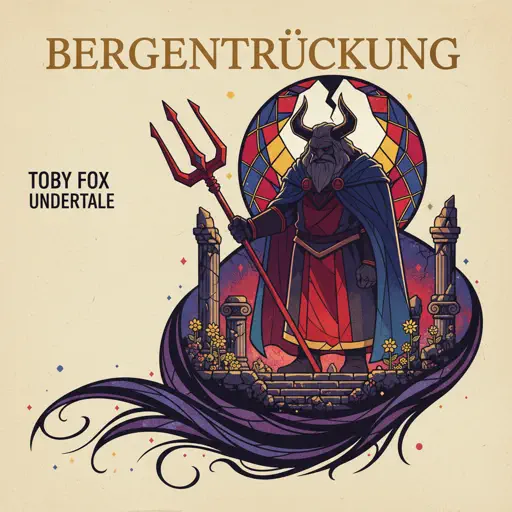
Bergentrückung
Toby Fox
Hard
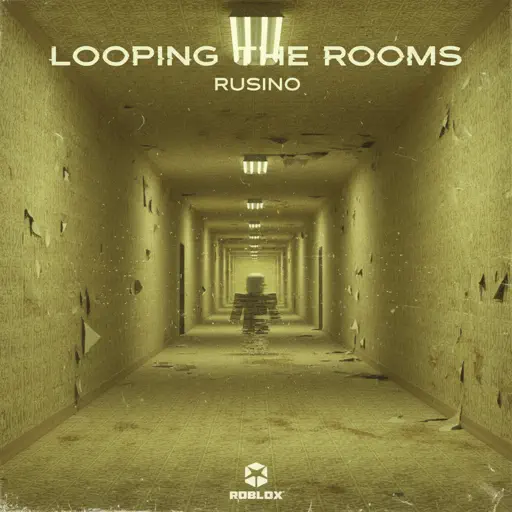
Looping the Rooms
rusino
Hard
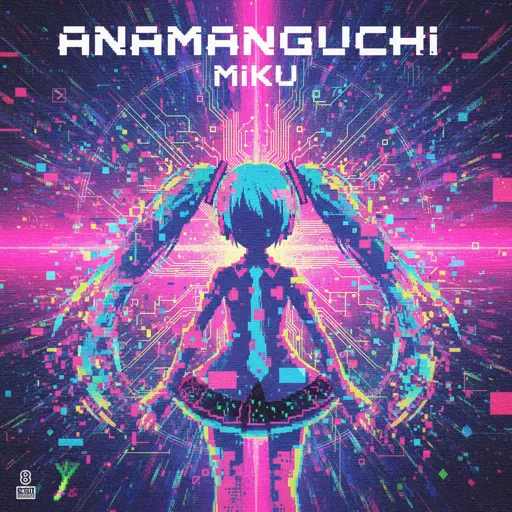
Miku
Anamanaguchi
Hard
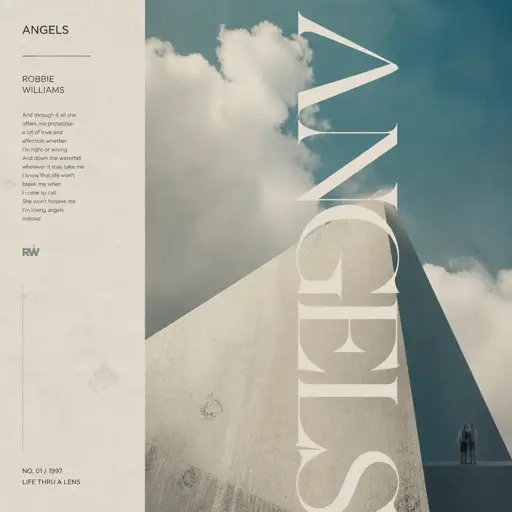
Angels
Robbie Williams
Hard
Heartaches
Al Bowlly
Hard
Dark Dream (诡秘之主小丑篇)
Curley gao
Hard
Isolation
Nighthawk22
Recommended Sheets

Big Iron
Marty Robbins
Normal
War Of Hearts
Ruelle
Normal
Smooth Operator
Sade
Normal
All I Need
Slushii
Normal
Neath Dark Waters - Final Fantasy XIV
Masayoshi Soken
Hard
Days Gone
Nathan Whitehead
Normal
Queen St
twentythree
Normal
Marigold
Aimyon
Hard
pinKing 绝区零
HOYO-MiX
Normal
White Ferrari
Frank Ocean
Normal
Risk It All
Bruno Mars
Normal
Temple of Light
Fable Lofi
Normal
All Girls Are The Same
Juice WRLD
Normal
Golden
HUNTR/X
Normal
Old Dickdonald
Lilcockpump
Normal
Bertaut
Nadin Amizah
Normal
Not Supposed To Love Me (Ode to JAX)
CG5
Normal
Magasin
Eraserheads
Normal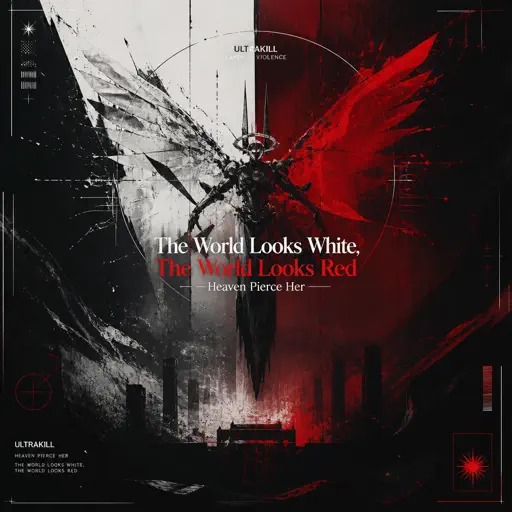
The World Looks White, The World Looks Red
Heaven Pierce Her
Normal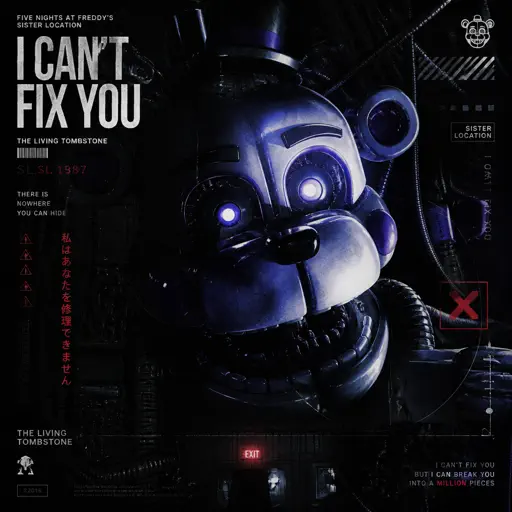
I Can’t Fix You
The Living Tombstone
HardFrequently Asked Questions
What is Roblox Piano Practice Online?
This is a free online tool that lets you practice Roblox virtual piano sheets in your browser. No downloads required - just pick a song and start practicing.
How do I use this online practice tool?
1. Select a song from the recommendations or use the search function. 2. Click play and the sheet will auto-scroll with highlighted notes. 3. Watch the virtual piano keyboard for highlighted keys and practice along. 4. Use speed control to slow down playback - perfect for beginners.
Can I play using my keyboard?
Yes! The virtual piano supports computer keyboard input. The keys correspond to the standard Roblox piano layout (1234567890qwerty...). You can practice on your keyboard while following the sheet.
What does the Transpose feature do?
Transpose raises or lowers the pitch of the sheet. Some Roblox piano games have different default tunings, so transpose helps match the correct pitch. Usually adjusting by +12 or -12 semitones works.
Does this tool work on mobile?
Yes, but desktop provides the best experience. On mobile you can view the sheet and virtual piano demo, but keyboard input requires a computer. We recommend using a desktop for the best practice experience.
How do I find sheets suitable for my level?
Below you'll find recommendations sorted by difficulty: Easy for beginners, Normal for intermediate players, and Hard/Expert for advanced challenges. You can also use the search function to find songs by title or artist.