
Roblox Piano Practice Online
Loading piano...
Practice Guide
Quick guide on how to use the online piano practice tool.
What is this?
This tool allows you to practice playing virtual piano sheets directly in your browser. It simulates a piano keyboard and helps you learn the notes and rhythm before playing in Roblox.
How to Practice Online
Use your computer keyboard or mouse to play the virtual piano keys directly. As the sheet music plays, the corresponding keys on the virtual piano will light up to help you follow along. You can also copy the sheet code to use directly in Roblox.
Discover Sheets
Random Shuffle: Click the Shuffle button in the center of the top control bar to instantly load a random new song without reloading the page.
Search: Click the Search button next to Shuffle to open the search window. Type a song title or artist name to quickly find and switch to the sheet you want to practice.
Playback Controls
- Play/Pause: Start or stop playback.
- 1xSpeed: Adjust tempo (0.5x - 2.0x).
- KTranspose: Shift the pitch up or down.
- SSustain: Toggle sustain pedal effect.
Easy Mode










Normal Mode
Normal
Dialtone - Deltarune Chapter 2 OST
Toby Fox
Normal
Let It Go (From Frozen)
Idina Menzel

Normal
ocean eyes
Billie Eilish

Normal
ALKA TALE - Summer Pockets
Konomi Suzuki
Normal
The Great Strategy
Badliz
Normal
Moog City 2 - Minecraft
C418
Normal
Final Duet (Omori)
Pedro Silva
Normal
Army Dreamers
Kate Bush
Normal
This Is Me
Keala Settle
Normal
Your Love Is My Drug (8 Bit Slowed)
EtxrnalL
Hard Mode
Hard
BOUNCY (K-HOT CHILLI PEPPERS)
ATEEZ
Hard
The Visitor
Sienna Spiro
Hard
Tempest Sonata 3rd Movement
Ludwig van Beethoven
Hard
Ballade No. 1
Frédéric Chopin
Hard
Dead Wrong
Shinobi
Hard
Freedom Dive
XI

Hard
Bang!
AJR
Hard
Haydn Surprise Symphony No. 94 Movement 2
Haydn
Hard
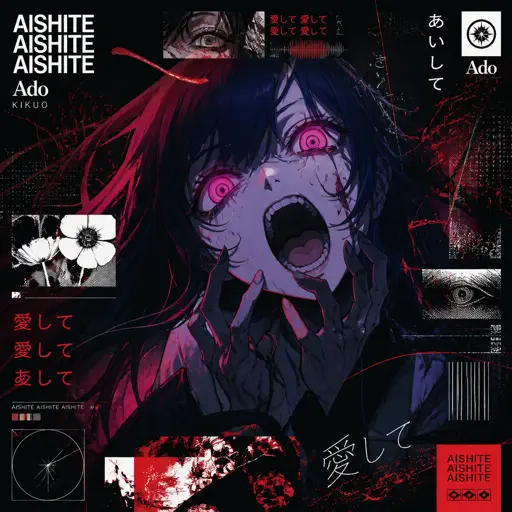
Aishite Aishite Aishite
Ado
Hard
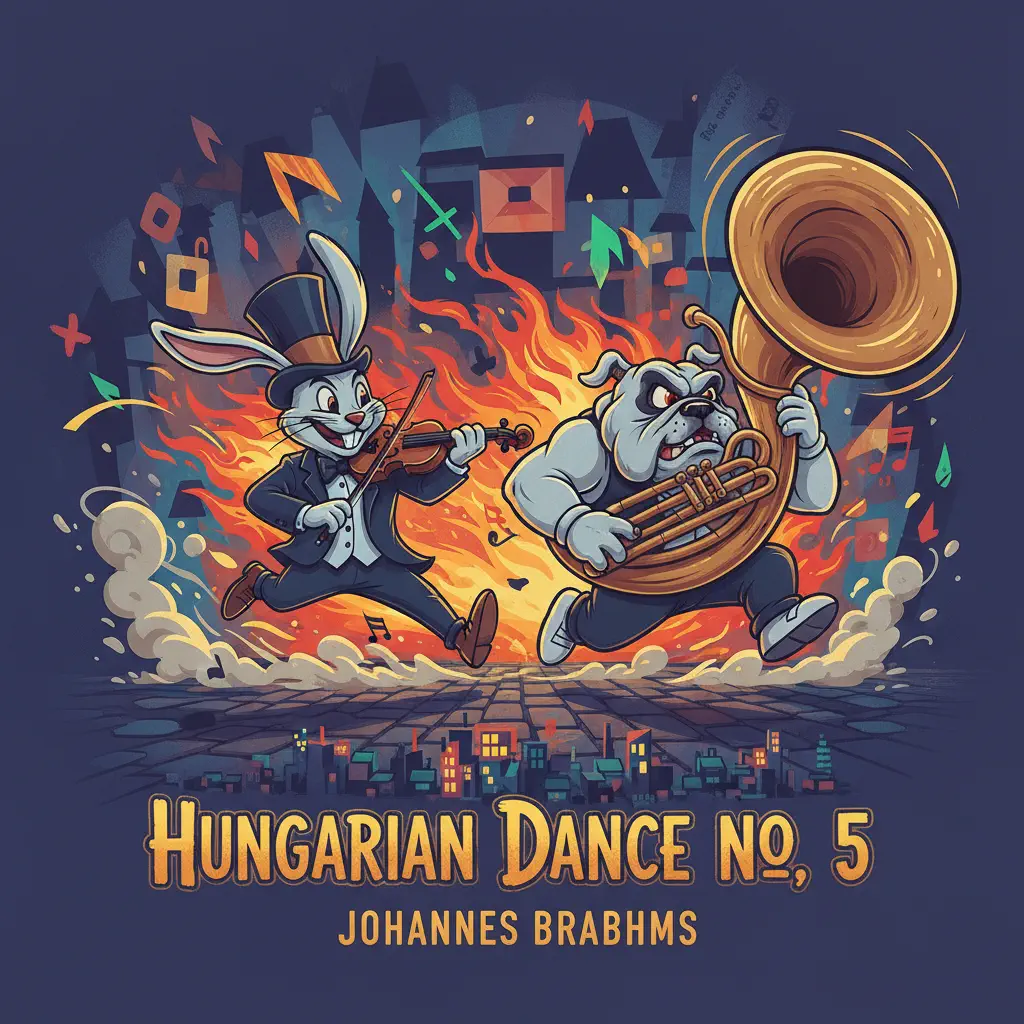
Hungarian Dance No. 5
Johannes Brahms
Recommended Sheets

It's A Dream
Snow Strippers
Normal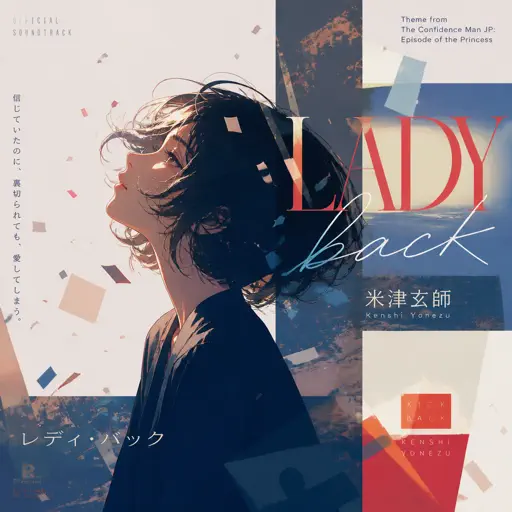
Pretender
OFFICIAL HIGE DANDISM
Hard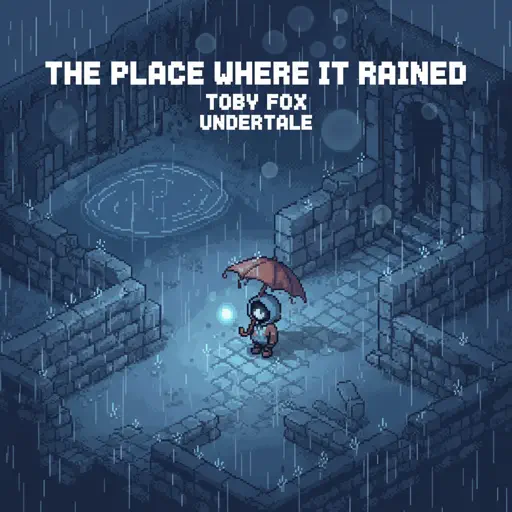
The place where it rained
Toby Fox
Normal
Hello
OMFG
Hard
Black Knife (from Deltarune)
Toby Fox
Hard
Touch You
Yarichin Bitch Club
Normal
Cure (VIVINOS - ALNST)
AKUGETSU
Hard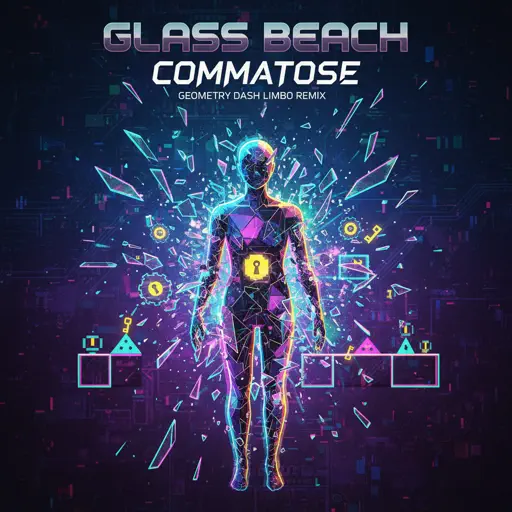
commatose - geometry dash
glass beach
Hard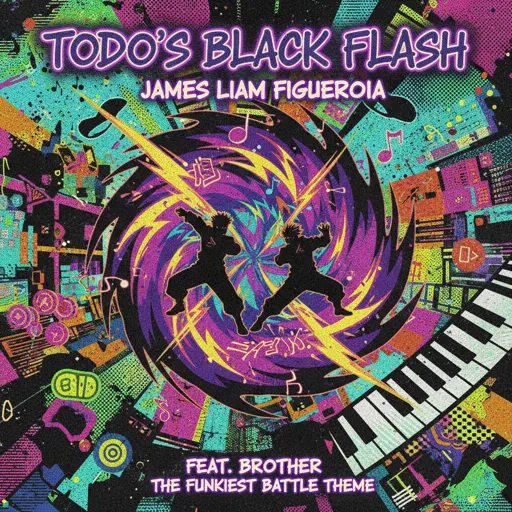
Todo's Black Flash - Jujutsu Kaisen
James Liam Figueroa
Hard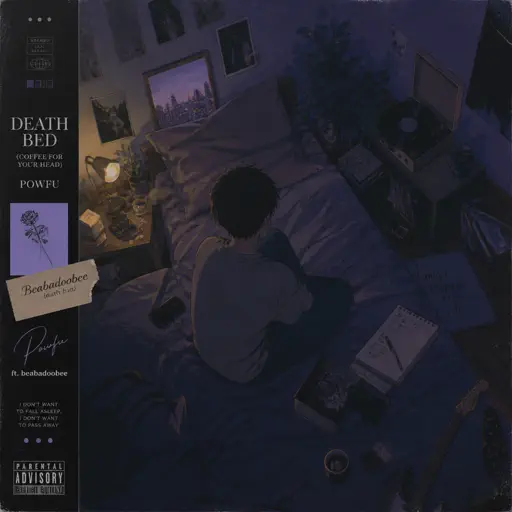
death bed (coffee for your head)
Powfu
Normal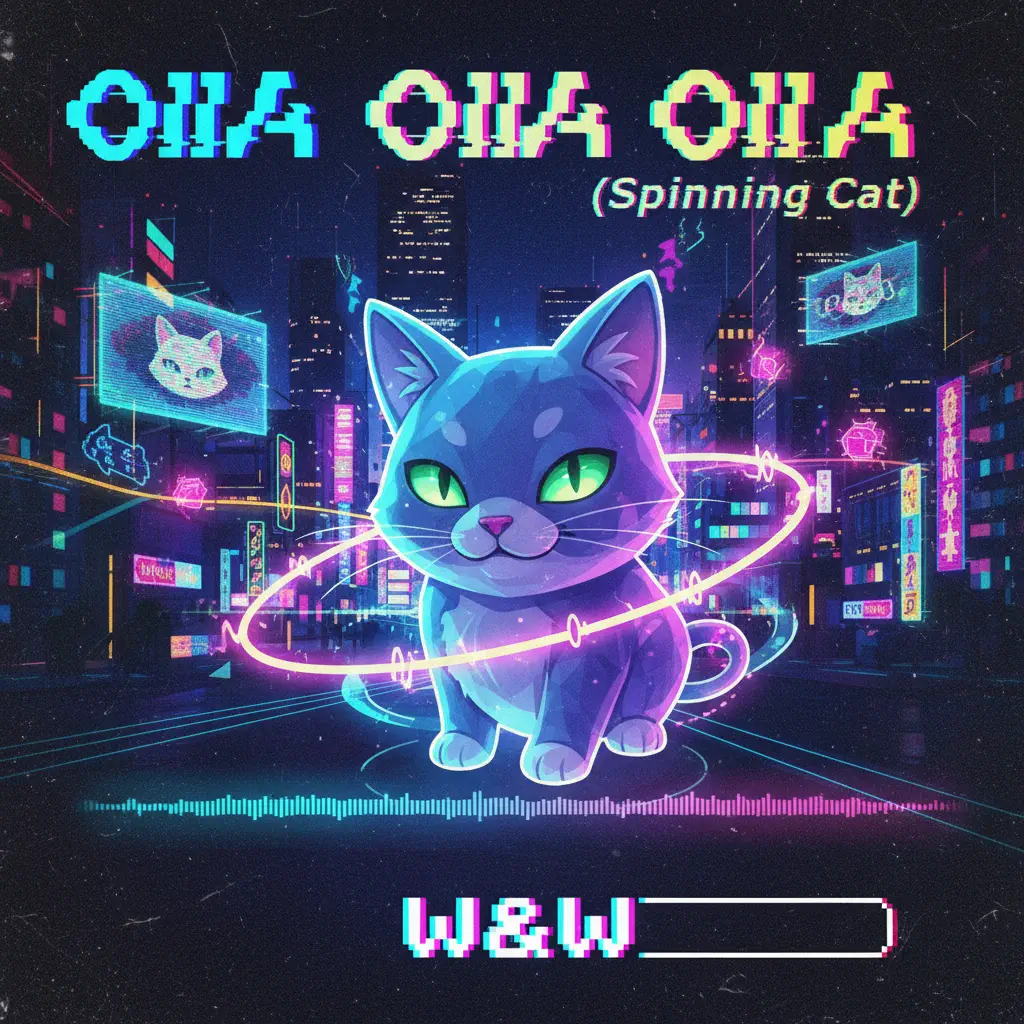
OIIA OIIA (Spinning Cat)
W&W
Normal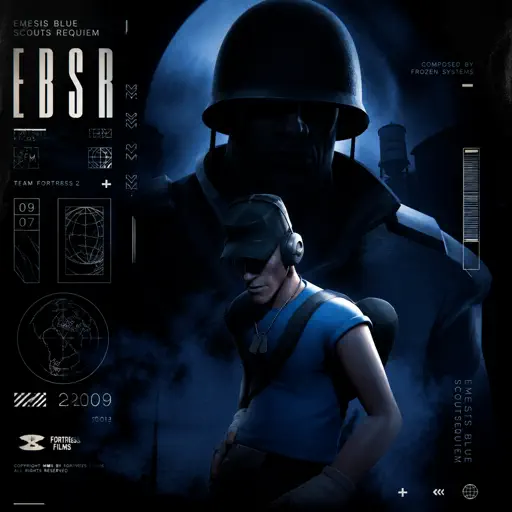
Emesis Blue Scouts Requiem
Fortress Films
Hard
99 Luftballons
Nena
Normal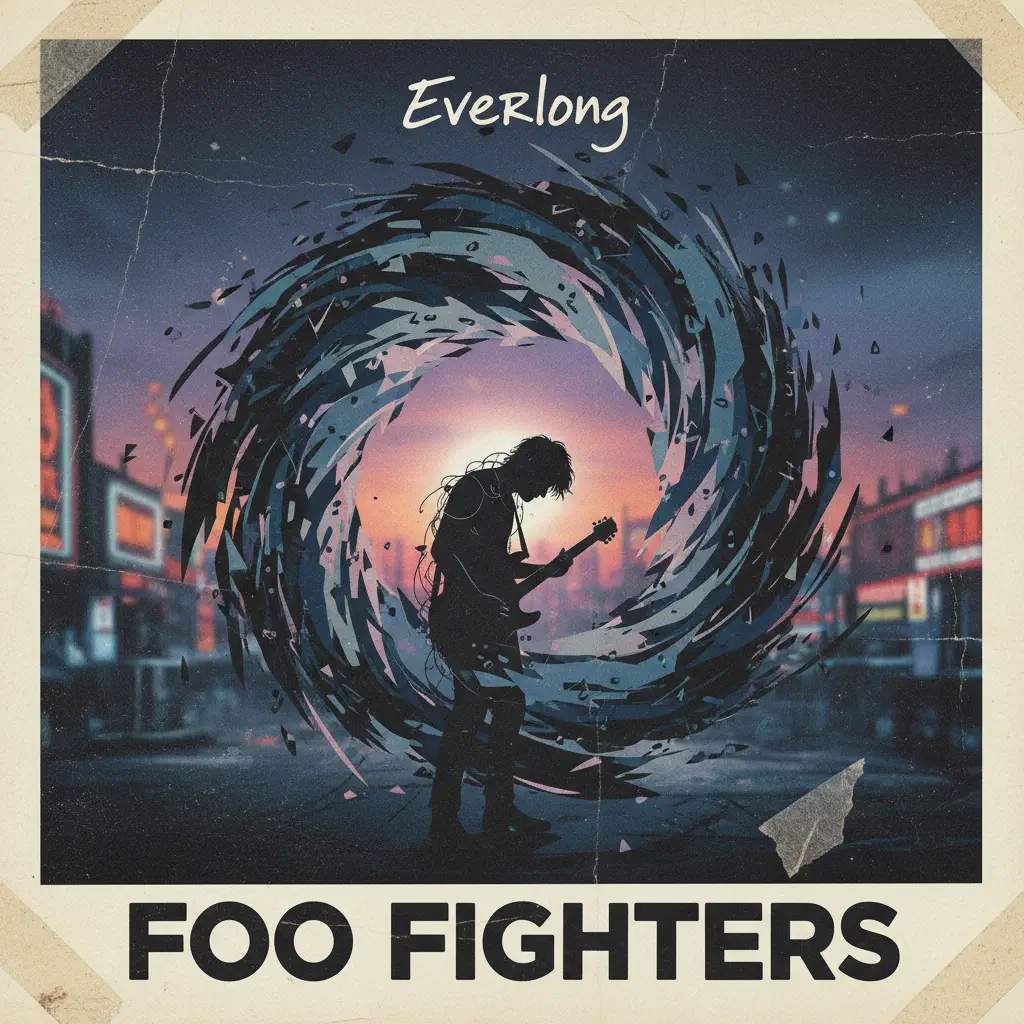
Everlong
Foo Fighters
Hard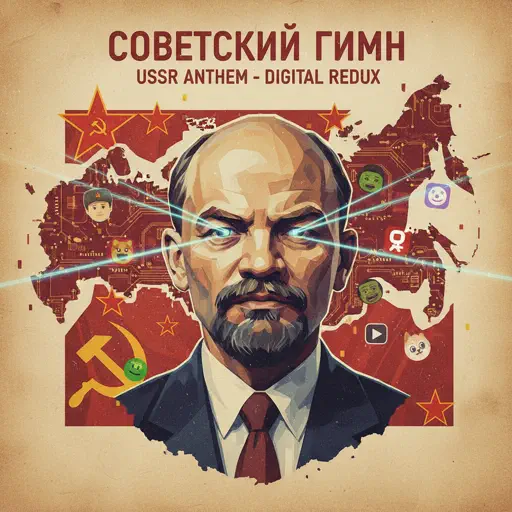
Soviet Anthem - USSR Anthem
USSR
Normal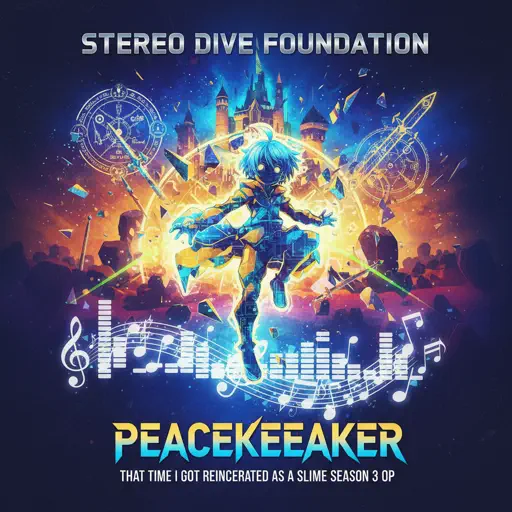
That Time I Got Reincarnated as a Slime Season 3 OP - PEACEKEEPER
STEREO DIVE FOUNDATION
Hard
To The Shore's End OST
By Wuthering Waves
Normal
Who Will Know - Shin Godzilla
Shiro SAGISU
Normal
Beautiful Girl
INXS
Normal
IDOL
Yoasobi
NormalFrequently Asked Questions
What is Roblox Piano Practice Online?
This is a free online tool that lets you practice Roblox virtual piano sheets in your browser. No downloads required - just pick a song and start practicing.
How do I use this online practice tool?
1. Select a song from the recommendations or use the search function. 2. Click play and the sheet will auto-scroll with highlighted notes. 3. Watch the virtual piano keyboard for highlighted keys and practice along. 4. Use speed control to slow down playback - perfect for beginners.
Can I play using my keyboard?
Yes! The virtual piano supports computer keyboard input. The keys correspond to the standard Roblox piano layout (1234567890qwerty...). You can practice on your keyboard while following the sheet.
What does the Transpose feature do?
Transpose raises or lowers the pitch of the sheet. Some Roblox piano games have different default tunings, so transpose helps match the correct pitch. Usually adjusting by +12 or -12 semitones works.
Does this tool work on mobile?
Yes, but desktop provides the best experience. On mobile you can view the sheet and virtual piano demo, but keyboard input requires a computer. We recommend using a desktop for the best practice experience.
How do I find sheets suitable for my level?
Below you'll find recommendations sorted by difficulty: Easy for beginners, Normal for intermediate players, and Hard/Expert for advanced challenges. You can also use the search function to find songs by title or artist.