

Roblox Piano Practice Online
Loading piano...
Practice Guide
Quick guide on how to use the online piano practice tool.
What is this?
This tool allows you to practice playing virtual piano sheets directly in your browser. It simulates a piano keyboard and helps you learn the notes and rhythm before playing in Roblox.
How to Practice Online
Use your computer keyboard or mouse to play the virtual piano keys directly. As the sheet music plays, the corresponding keys on the virtual piano will light up to help you follow along. You can also copy the sheet code to use directly in Roblox.
Discover Sheets
Random Shuffle: Click the Shuffle button in the center of the top control bar to instantly load a random new song without reloading the page.
Search: Click the Search button next to Shuffle to open the search window. Type a song title or artist name to quickly find and switch to the sheet you want to practice.
Playback Controls
- Play/Pause: Start or stop playback.
- 1xSpeed: Adjust tempo (0.5x - 2.0x).
- KTranspose: Shift the pitch up or down.
- SSustain: Toggle sustain pedal effect.
Easy Mode

Easy
Sleeping City Funk
Emotional Recycling Bin

Easy
Immortal
Playboi Carti

Easy
Nice To Know - BFDIA 19 Cake At Stake Intro
BFDIA 19

Easy
Pimp Hoe
Mike Sherm

Easy
Mockingbird
Eminem

Easy
Gravity Falls Main Title Theme
Brad Breeck

Easy
Fur Elise
Beethoven

Easy
Mist
EsDeeKid

Easy
If You Love These People (Man of Steel)
Hans Zimmer

Easy
Cupid (Twin Version)
Fifty Fifty
Normal Mode

Normal
Blister In The Sun
Violent Femmes

Normal
In The Stars
Benson Boone
Normal
This Is Pure Love - Jujutsu Kaisen 呪術廻戦
Alisa Okehazama
Normal
Erika
German soldier song

Normal
FEAR
NF
Normal
Ich nehm dich bei der Hand (simsalagrimm)
David Wiesner

Normal
undercover
Baby Smoove

Normal
Sweater Weather
The Neighbourhood
Normal
Ocarina Of Time Theme (The Legend Of Zelda)
Legend of Zelda
Normal
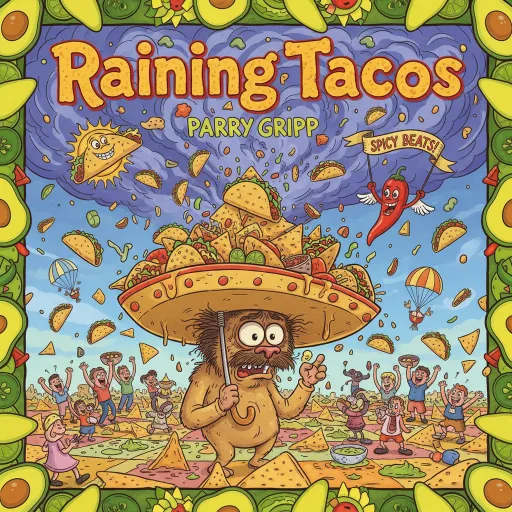
Raining Tacos
Parry Gripp
Hard Mode
Hard
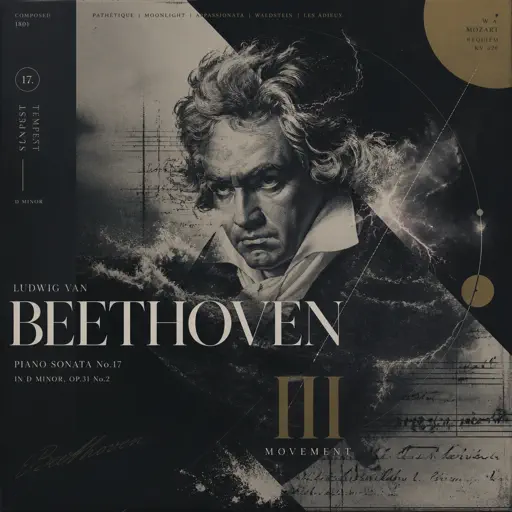
Tempest Sonata 3rd Movement
Ludwig van Beethoven
Hard
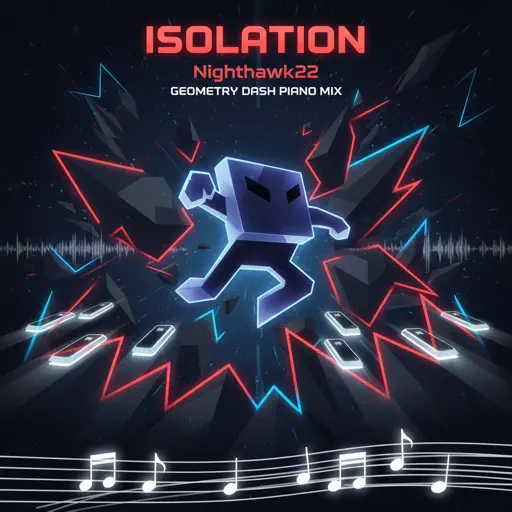
Isolation
Nighthawk22
Hard
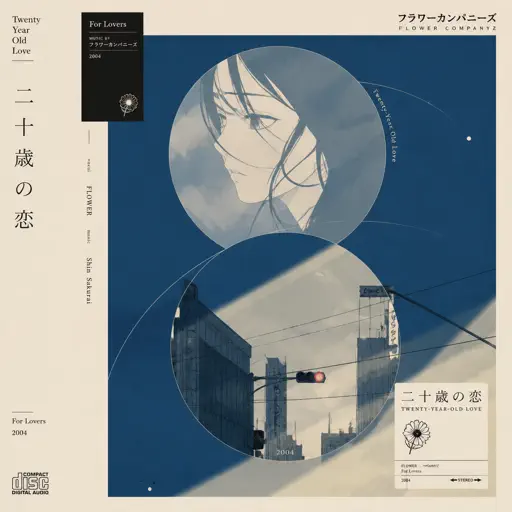
Hatachi No Koi
Lamp
Hard
My R - Yellow Cardigan
Rachie
Hard
FF9CAE (Color and Electricity c00lkidd Theme)
Metalovania

Hard
Beanie
Chezile

Hard
We Are The Champions
Queen
Hard
After LIKE
IVE

Hard
Mazeppa
Franz Liszt

Hard
FUKOUNA GIRL
STOMACH BOOK
Recommended Sheets

SPAGHETTI
LE SSERAFIM
Normal
School Rooftop
Hisohkah
Normal
Another Rain (Halo 3: ODST)
Martin O'Donnell
Normal
U.N. Owen Was Her?
Flandre's Theme
Hard
Gnarly
KATSEYE
Hard
weathergirl
FLAVOR FOLEY
Hard
Dernière Danse
Indila
Normal
Pesan Terakhir
Lyodra
Normal
FOREVER (Murder Drones)
AJ Dispirito
Hard
Megalomayhem (Undertale AU)
CHARTY
Hard
Forever Young
Alphaville
Normal
Careless Whisper
George Michael
Hard
Signalling - 次元通信
AnythingBecomeMoe
Hard
High School Sweethearts
Melanie Martinez
Normal
Windfall
TheFatRat
Hard
Flamewall - Geometry Dash
Camellia
Normal
Fix You
Coldplay
Hard
Duvet
bôa (Serial Experiments Lain)
Normal
The Bonnie Song (FNAF)
Groundbreaking
Normal
Dormant Craving (WIP) - Arknights
Erik Castro
NormalFrequently Asked Questions
What is Roblox Piano Practice Online?
This is a free online tool that lets you practice Roblox virtual piano sheets in your browser. No downloads required - just pick a song and start practicing.
How do I use this online practice tool?
1. Select a song from the recommendations or use the search function. 2. Click play and the sheet will auto-scroll with highlighted notes. 3. Watch the virtual piano keyboard for highlighted keys and practice along. 4. Use speed control to slow down playback - perfect for beginners.
Can I play using my keyboard?
Yes! The virtual piano supports computer keyboard input. The keys correspond to the standard Roblox piano layout (1234567890qwerty...). You can practice on your keyboard while following the sheet.
What does the Transpose feature do?
Transpose raises or lowers the pitch of the sheet. Some Roblox piano games have different default tunings, so transpose helps match the correct pitch. Usually adjusting by +12 or -12 semitones works.
Does this tool work on mobile?
Yes, but desktop provides the best experience. On mobile you can view the sheet and virtual piano demo, but keyboard input requires a computer. We recommend using a desktop for the best practice experience.
How do I find sheets suitable for my level?
Below you'll find recommendations sorted by difficulty: Easy for beginners, Normal for intermediate players, and Hard/Expert for advanced challenges. You can also use the search function to find songs by title or artist.