
Roblox Piano Practice Online
Loading piano...
Practice Guide
Quick guide on how to use the online piano practice tool.
What is this?
This tool allows you to practice playing virtual piano sheets directly in your browser. It simulates a piano keyboard and helps you learn the notes and rhythm before playing in Roblox.
How to Practice Online
Use your computer keyboard or mouse to play the virtual piano keys directly. As the sheet music plays, the corresponding keys on the virtual piano will light up to help you follow along. You can also copy the sheet code to use directly in Roblox.
Discover Sheets
Random Shuffle: Click the Shuffle button in the center of the top control bar to instantly load a random new song without reloading the page.
Search: Click the Search button next to Shuffle to open the search window. Type a song title or artist name to quickly find and switch to the sheet you want to practice.
Playback Controls
- Play/Pause: Start or stop playback.
- 1xSpeed: Adjust tempo (0.5x - 2.0x).
- KTranspose: Shift the pitch up or down.
- SSustain: Toggle sustain pedal effect.
Easy Mode

Easy
Where You Lead
Carole King

Easy
Cupid (Twin Version)
Fifty Fifty

Easy
Mist
EsDeeKid

Easy
Balcony
Cave Story

Easy
Fur Elise
Beethoven

Easy
Sleeping City Funk
Emotional Recycling Bin

Easy
Nice To Know - BFDIA 19 Cake At Stake Intro
BFDIA 19

Easy
Immortal
Playboi Carti

Easy
If You Love These People (Man of Steel)
Hans Zimmer

Easy
Mockingbird
Eminem
Normal Mode
Normal
Igloo
KISS OF LIFE
Normal
Survive the Night - Five Nights at Freddy's 2
MandoPony
Normal
Song of Storms (The Legend of Zelda)
Legend of Zelda
Normal
Tetris Theme
Video Game Players
Normal
changes
XXXTENTACION
Normal
Voyager
Xdinary Heroes
Normal
MONTAGEM DOMER Funk
Paizo
Normal
We Are Charlie Kirk
Spalexma
Normal
Snake
Yorushika
Normal
Twins at the carousel
Kikuo
Hard Mode
Hard
Ready Or Not (c00lkidd Chase From Forsaken)
Forsaken
Hard
Tripping on Love
Ashley Collins
Hard
Boyfriend
Dove Cameron

Hard
Where'd All the Time Go?
Dr. Dog
Hard
The Shepherd's Boy - Breaking The Wall - Doctor Who
Murray Gold
Hard
au revoir
Malice Mizer
Hard
FoxSong (Alisa theme)
Tiny Bunny

Hard
Get Jinxed
League of Legends

Hard
Santeria
Sublime

Hard
We Are! - ウィーアー! - One Piece
Hiroshi Kitadani
Recommended Sheets
La Maritza x White Blossoms
Valentino Coleman
Normal
Port Ormos (Day)
Yu-Peng Chen
Hard
Minecraft Theme
C418
Normal
Stick Season
Noah Kahan
Normal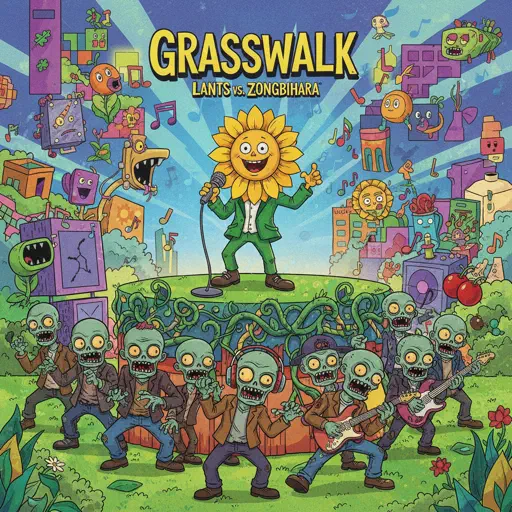
Grasswalk - Plants vs. Zombies
Laura Shigihara
Normal
XOXO
Feng
Hard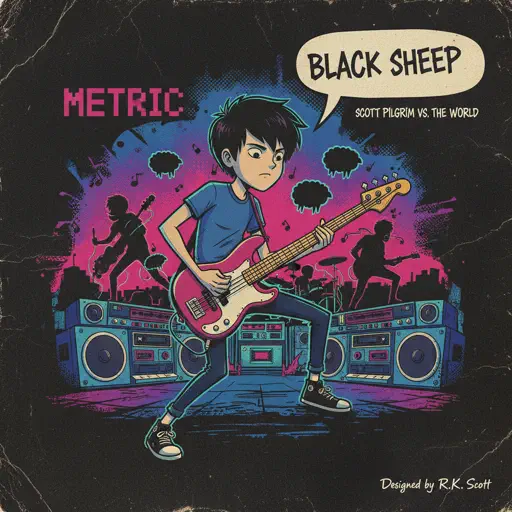
Black Sheep
Metric
Normal
Ada titik-titik di ujung doa
Sal Priadi
Normal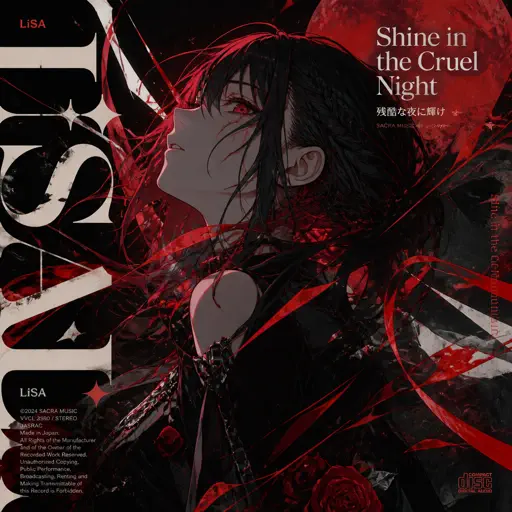
Shine in the Cruel Night 残酷な夜に輝け
LiSA
Hard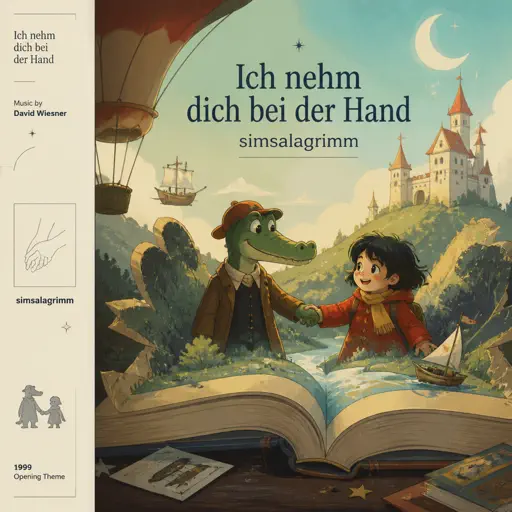
Ich nehm dich bei der Hand (simsalagrimm)
David Wiesner
Normal
Clash Royale Intro Sound
Supercell
Normal
The Sailor Song
Toy-Box
Normal
Blue Bird 青鳥 - Naruto Shippuden
Akano
Normal
IFHY
Tyler, The Creator
Hard
Mia & Sebastian’s Theme - La La Land
Justin Hurwitz
Normal
FNAF Song 1
The Living Tombstone
Normal
I DO ME
KiiiKiii
Normal
Noticed
Lil Mosey
Hard
一个人的浪漫 (一起来看流星雨)
Yu Hao Ming
Normal
Toxic
BoyWithUke
NormalFrequently Asked Questions
What is Roblox Piano Practice Online?
This is a free online tool that lets you practice Roblox virtual piano sheets in your browser. No downloads required - just pick a song and start practicing.
How do I use this online practice tool?
1. Select a song from the recommendations or use the search function. 2. Click play and the sheet will auto-scroll with highlighted notes. 3. Watch the virtual piano keyboard for highlighted keys and practice along. 4. Use speed control to slow down playback - perfect for beginners.
Can I play using my keyboard?
Yes! The virtual piano supports computer keyboard input. The keys correspond to the standard Roblox piano layout (1234567890qwerty...). You can practice on your keyboard while following the sheet.
What does the Transpose feature do?
Transpose raises or lowers the pitch of the sheet. Some Roblox piano games have different default tunings, so transpose helps match the correct pitch. Usually adjusting by +12 or -12 semitones works.
Does this tool work on mobile?
Yes, but desktop provides the best experience. On mobile you can view the sheet and virtual piano demo, but keyboard input requires a computer. We recommend using a desktop for the best practice experience.
How do I find sheets suitable for my level?
Below you'll find recommendations sorted by difficulty: Easy for beginners, Normal for intermediate players, and Hard/Expert for advanced challenges. You can also use the search function to find songs by title or artist.