
Roblox Piano Practice Online
Loading piano...
Practice Guide
Quick guide on how to use the online piano practice tool.
What is this?
This tool allows you to practice playing virtual piano sheets directly in your browser. It simulates a piano keyboard and helps you learn the notes and rhythm before playing in Roblox.
How to Practice Online
Use your computer keyboard or mouse to play the virtual piano keys directly. As the sheet music plays, the corresponding keys on the virtual piano will light up to help you follow along. You can also copy the sheet code to use directly in Roblox.
Discover Sheets
Random Shuffle: Click the Shuffle button in the center of the top control bar to instantly load a random new song without reloading the page.
Search: Click the Search button next to Shuffle to open the search window. Type a song title or artist name to quickly find and switch to the sheet you want to practice.
Playback Controls
- Play/Pause: Start or stop playback.
- 1xSpeed: Adjust tempo (0.5x - 2.0x).
- KTranspose: Shift the pitch up or down.
- SSustain: Toggle sustain pedal effect.
Easy Mode

Easy
Gravity Falls Main Title Theme
Brad Breeck

Easy
Mist
EsDeeKid

Easy
Cupid (Twin Version)
Fifty Fifty

Easy
Balcony
Cave Story

Easy
Sleeping City Funk
Emotional Recycling Bin

Easy
Pimp Hoe
Mike Sherm

Easy
If You Love These People (Man of Steel)
Hans Zimmer

Easy
Harvey
Alex G

Easy
Nice To Know - BFDIA 19 Cake At Stake Intro
BFDIA 19

Easy
Immortal
Playboi Carti
Normal Mode

Normal
Zelda's Lullaby
Legend of Zelda
Normal
BON VOYAGE (one piece)
BON BON BLANCO
Normal
Great Balls Of Fire
Jerry Lee Lewis
Normal
7 Years
Lukas Graham
Normal
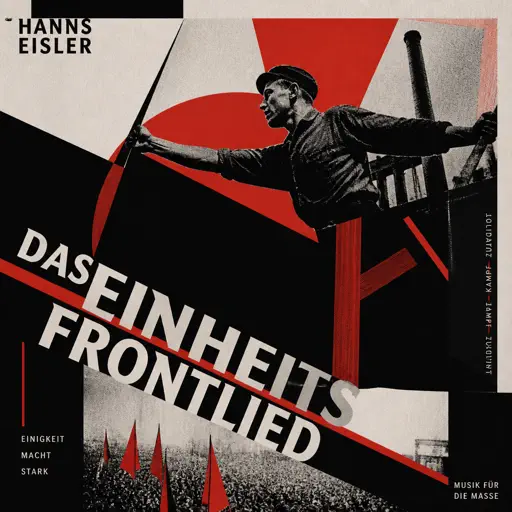
Das Einheitsfrontlied
Hanns Eisler
Normal
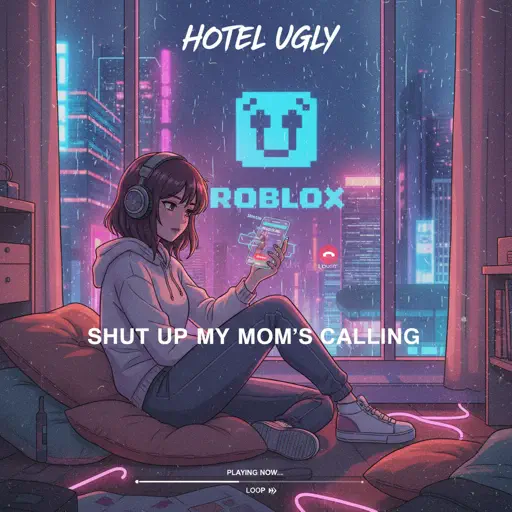
Shut up My Moms Calling
Hotel Ugly
Normal
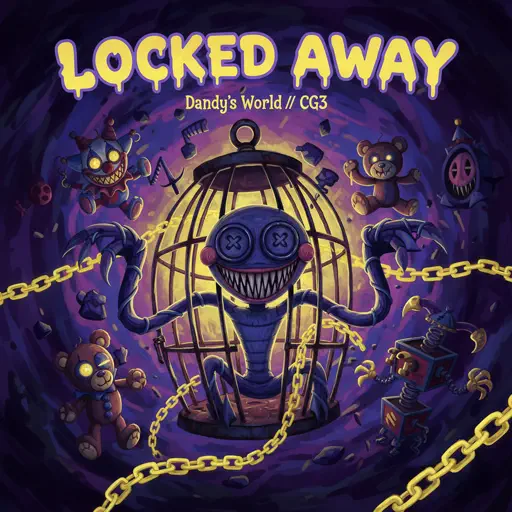
Locked Away (Dandy's World)
CG5

Normal
Date - Your Name (君の名は)
RADWIMPS
Normal
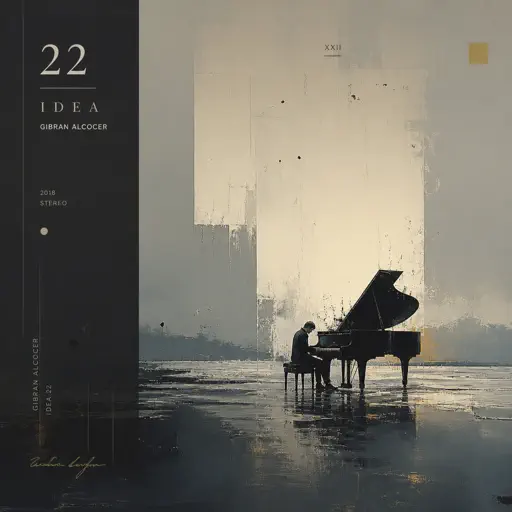
Idea 22
Gibran Alcocer

Normal
undercover
Baby Smoove
Hard Mode
Hard
Running Soul
yrii egor
Hard
Black Knife (from Deltarune)
Toby Fox
Hard
Heartaches
Al Bowlly

Hard
Where Our Blue is
Tatsuya Kitani
Hard
Ready Or Not (c00lkidd Chase From Forsaken)
Forsaken
Hard
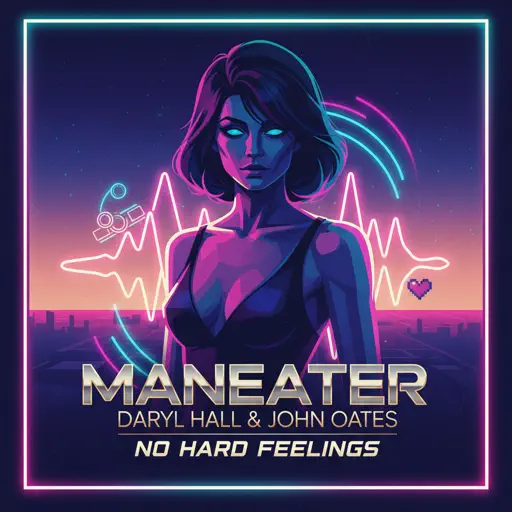
Maneater
Daryl Hall & John Oates
Hard
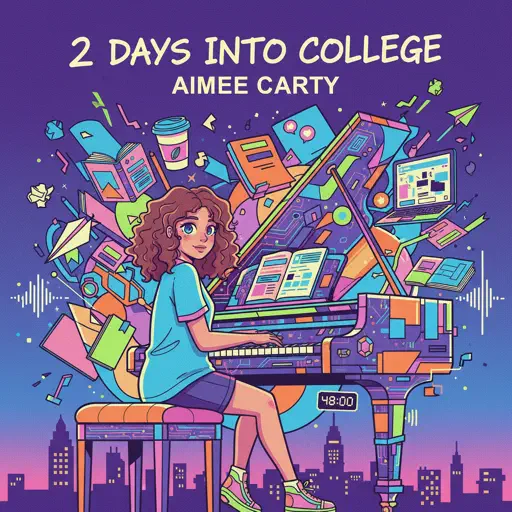
2 days into college
Aimee Carty
Hard
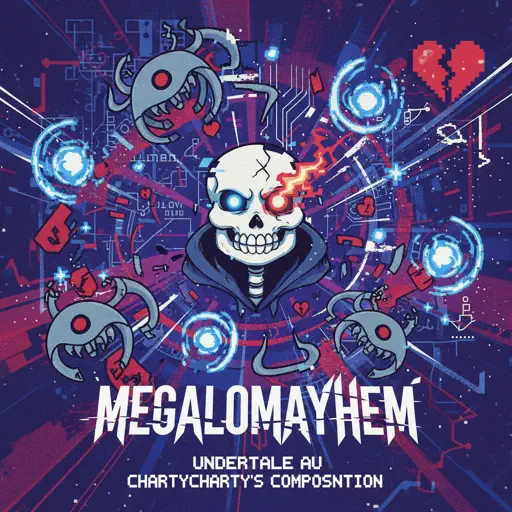
Megalomayhem (Undertale AU)
CHARTY

Hard
White Star Line March
Clifford Putnam
Hard
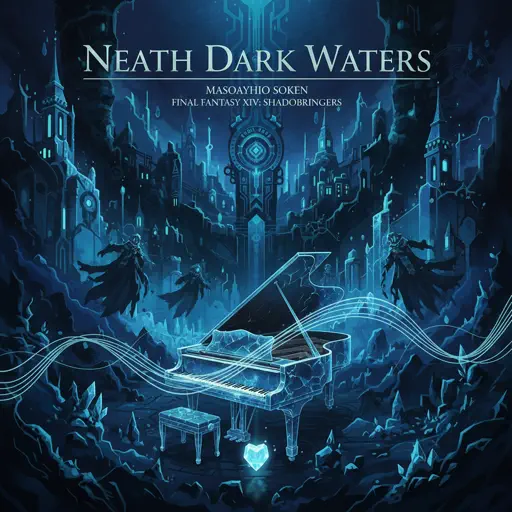
Neath Dark Waters - Final Fantasy XIV
Masayoshi Soken
Recommended Sheets
Wicked Game
Chris Isaak
Normal
Where'd All the Time Go?
Dr. Dog
Hard
Kamado Tanjirou no Uta (竈門炭治郎のうた) - Demon Slayer
Go Shiina
Normal
Payphone
Maroon 5
Normal
Hungarian Dance No. 5
Johannes Brahms
Hard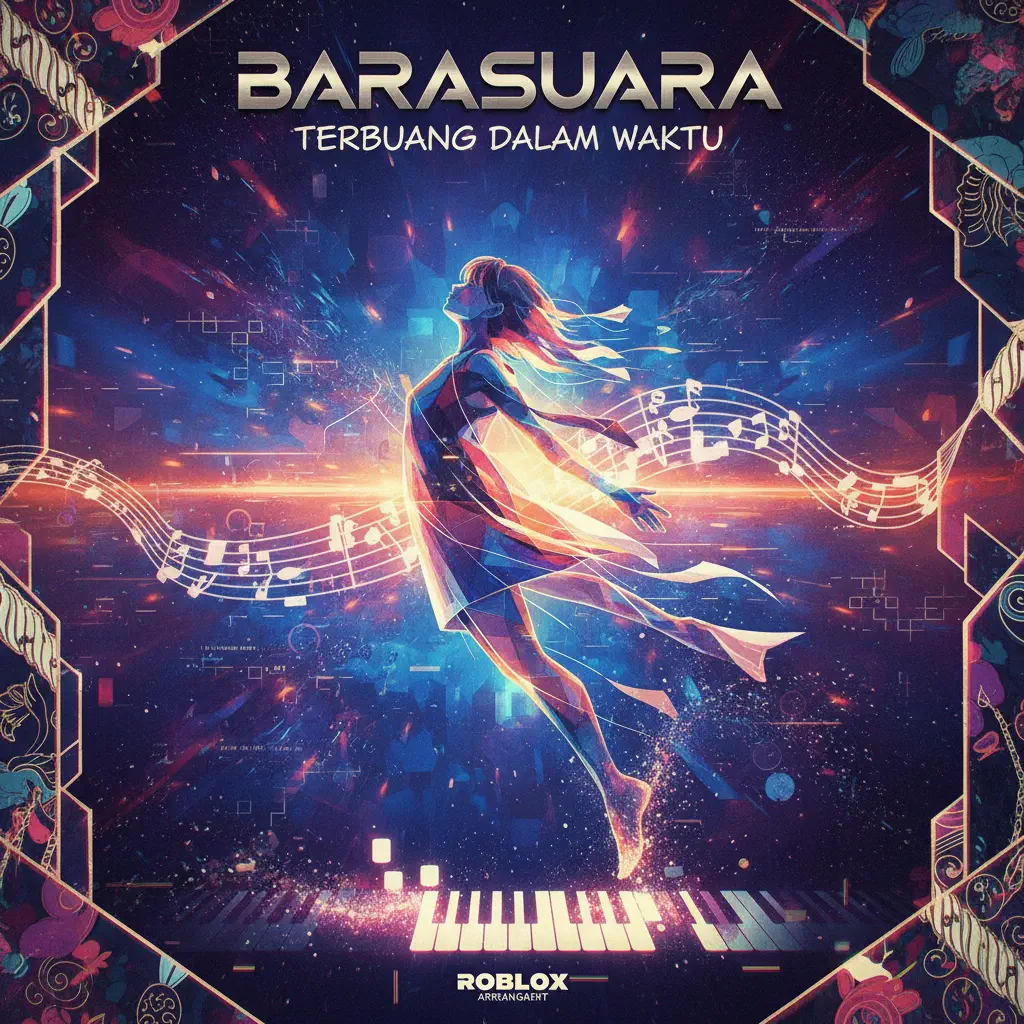
Terbuang Dalam Waktu
Barasuara
Normal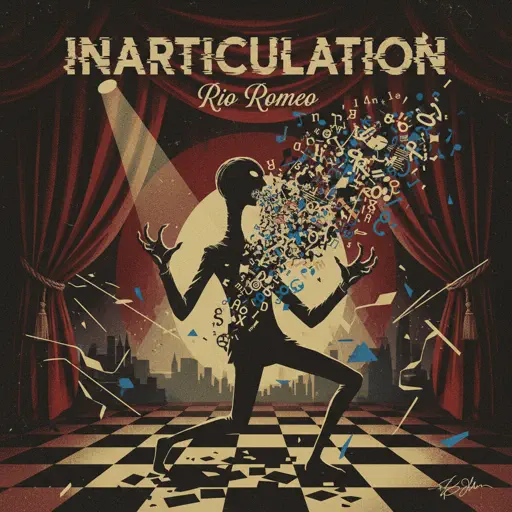
Inarticulation
Rio Romeo
Normal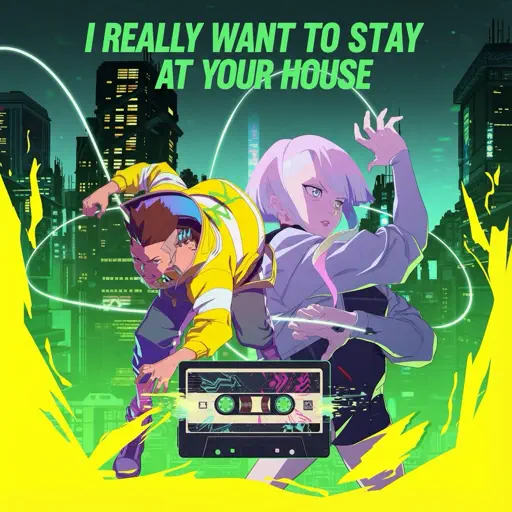
I Really want to stay at your house (Cyberpunk: Edgerunners)
Rosa Walton
Hard
Your Reality
Doki Doki Literature Club!
Normal
The 7 Seas
F-777
Normal
Supermassive Black Hole
Muse
Normal
Eyes Without A Face
Billy Idol
Normal
Who Will Know - Shin Godzilla
Shiro SAGISU
Normal
Kyles mom's a bitch (South Park)
Trey Parker
Hard
Made In Japan
Buck Owens
Normal
Kids - From Stranger Things
Kyle Dixon & Michael Stein
Normal
Gone Angels - Library of Ruina
Mili
Hard
Cornfield Chase (interstellar)
Hans Zimmer
Hard
TEA TIME WALTZ - SONIC.exe Outcome Memories
aerozity
Hard
Valentine
Laufey
HardFrequently Asked Questions
What is Roblox Piano Practice Online?
This is a free online tool that lets you practice Roblox virtual piano sheets in your browser. No downloads required - just pick a song and start practicing.
How do I use this online practice tool?
1. Select a song from the recommendations or use the search function. 2. Click play and the sheet will auto-scroll with highlighted notes. 3. Watch the virtual piano keyboard for highlighted keys and practice along. 4. Use speed control to slow down playback - perfect for beginners.
Can I play using my keyboard?
Yes! The virtual piano supports computer keyboard input. The keys correspond to the standard Roblox piano layout (1234567890qwerty...). You can practice on your keyboard while following the sheet.
What does the Transpose feature do?
Transpose raises or lowers the pitch of the sheet. Some Roblox piano games have different default tunings, so transpose helps match the correct pitch. Usually adjusting by +12 or -12 semitones works.
Does this tool work on mobile?
Yes, but desktop provides the best experience. On mobile you can view the sheet and virtual piano demo, but keyboard input requires a computer. We recommend using a desktop for the best practice experience.
How do I find sheets suitable for my level?
Below you'll find recommendations sorted by difficulty: Easy for beginners, Normal for intermediate players, and Hard/Expert for advanced challenges. You can also use the search function to find songs by title or artist.