
Roblox Piano Practice Online
Loading piano...
Practice Guide
Quick guide on how to use the online piano practice tool.
What is this?
This tool allows you to practice playing virtual piano sheets directly in your browser. It simulates a piano keyboard and helps you learn the notes and rhythm before playing in Roblox.
How to Practice Online
Use your computer keyboard or mouse to play the virtual piano keys directly. As the sheet music plays, the corresponding keys on the virtual piano will light up to help you follow along. You can also copy the sheet code to use directly in Roblox.
Discover Sheets
Random Shuffle: Click the Shuffle button in the center of the top control bar to instantly load a random new song without reloading the page.
Search: Click the Search button next to Shuffle to open the search window. Type a song title or artist name to quickly find and switch to the sheet you want to practice.
Playback Controls
- Play/Pause: Start or stop playback.
- 1xSpeed: Adjust tempo (0.5x - 2.0x).
- KTranspose: Shift the pitch up or down.
- SSustain: Toggle sustain pedal effect.
Easy Mode

Easy
Sleeping City Funk
Emotional Recycling Bin

Easy
Where You Lead
Carole King

Easy
Nice To Know - BFDIA 19 Cake At Stake Intro
BFDIA 19

Easy
Balcony
Cave Story

Easy
Gravity Falls Main Title Theme
Brad Breeck

Easy
LET ME SEE YA MOVE!
Lumi Athena

Easy
Mockingbird
Eminem

Easy
Cupid (Twin Version)
Fifty Fifty

Easy
Mist
EsDeeKid

Easy
If You Love These People (Man of Steel)
Hans Zimmer
Normal Mode

Normal
School Rooftop
Hisohkah

Normal
Come As You Are
Nirvana
Normal
Sun's Coming Up
Tame Impala
Normal
Married Life (Carl and Ellie) - Pixar's Up Theme
Michael Giacchino

Normal
There's a Great Big Beautiful Tomorrow
Robert Sherman
Normal
Magasin
Eraserheads

Normal
The Sailor Song
Toy-Box

Normal
Polaroid Love
ENHYPEN

Normal
The Perfect Christmas - Dandy's World
BlushCrunch Studio
Normal
Clarity
Zedd
Hard Mode
Hard
2 days into college
Aimee Carty
Hard
Compass
Mili (Limbus Company)
Hard
Running the Show - The Amazing Digital Circus
John Michael Hopkins
Hard
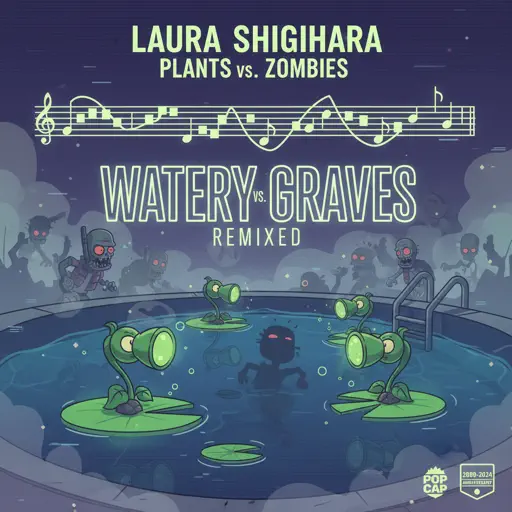
Watery Graves (Plants vs. Zombies)
Laura Shigihara

Hard
IFHY
Tyler, The Creator
Hard
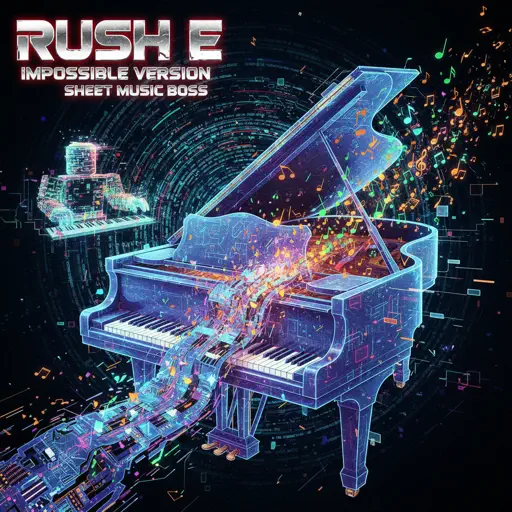
Rush E (Impossible Version)
Sheet Music Boss
Hard
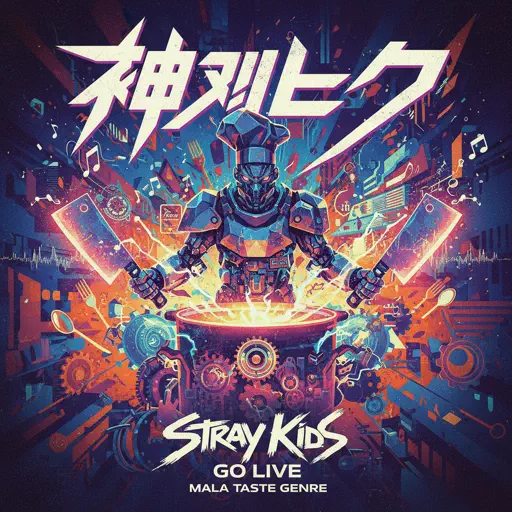
God’s Menu 神메뉴
Stray Kids
Hard
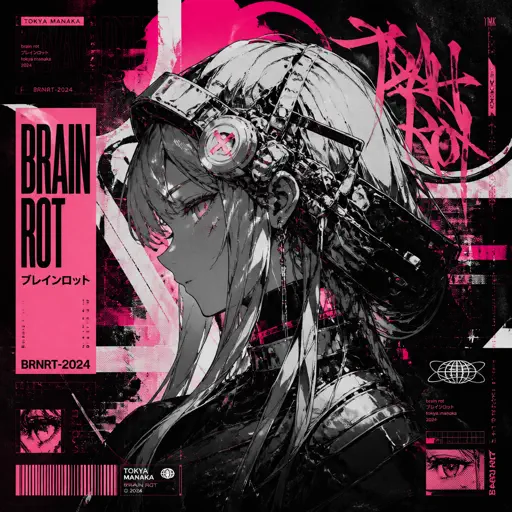
Brain Rot ブレインロット
Tokya Manaka
Hard
My R - Yellow Cardigan
Rachie
Hard
Ready Or Not (c00lkidd Chase From Forsaken)
Forsaken
Recommended Sheets
Glued
Melanie Martinez
Hard
Drowning Love
Chasing Kou
Normal
Let Down
Radiohead
Normal
slow summer eve - Chainsaw Man
kensuke ushio
Hard
Takut
Vierra
Normal
A Thousand Miles
Vanessa Carlton
Normal
The Night Begins to Shine - Teen Titans GO!
B.E.R.
Normal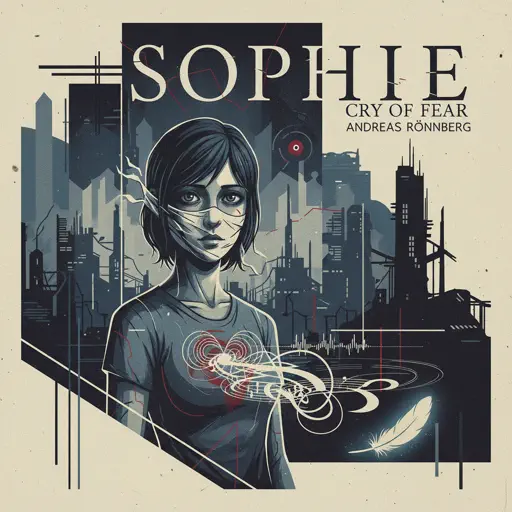
Sophie (Cry of Fear)
Andreas Rönnberg
Normal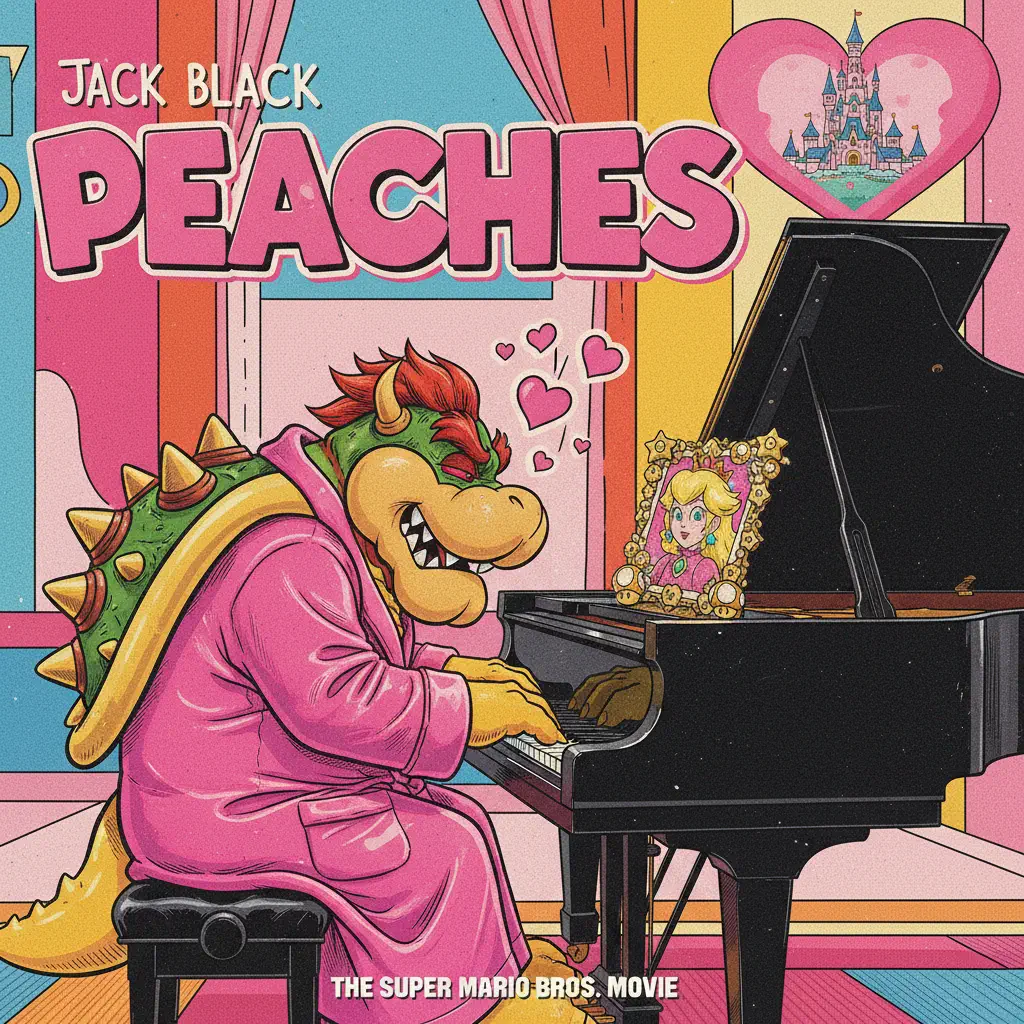
Peaches (The Super Mario Bros. Movie)
Jack Black
Normal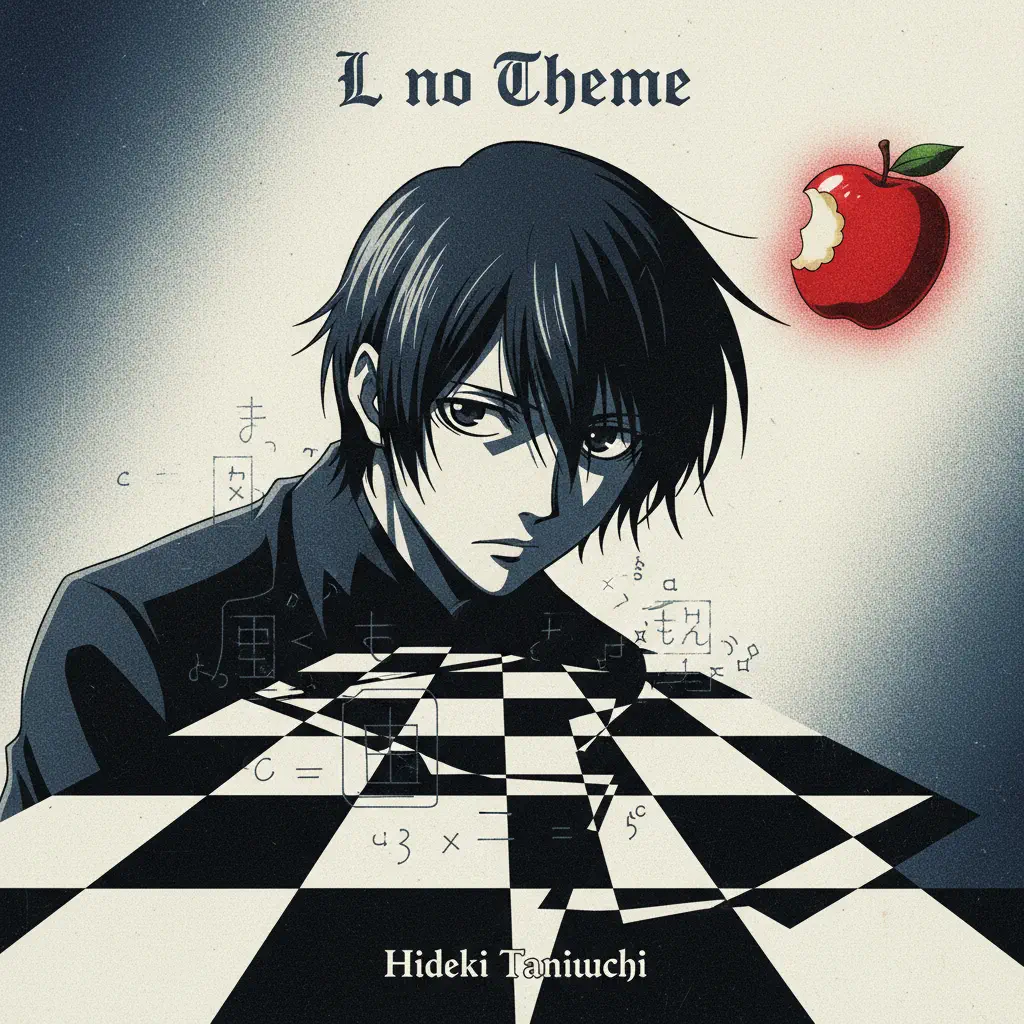
L no Theme - Death Note
Hideki Taniuchi
Normal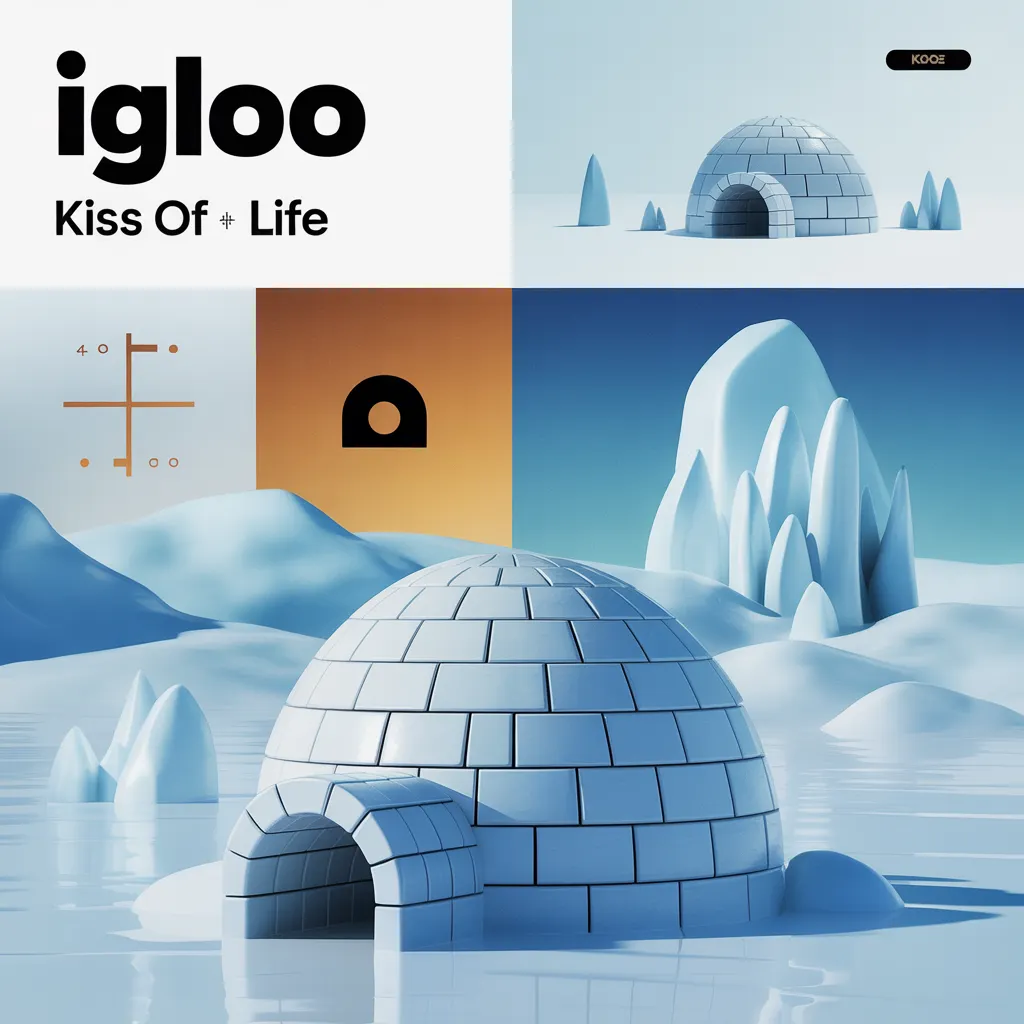
Igloo
KISS OF LIFE
Normal
Same Blue
Blue Box OP
Normal
Praise
Elevation Worship
Normal
Gurenge - 紅蓮華 - Demon Slayer
LiSA
Normal
Smooth Operator
Sade
Normal
Aerie - Minecraft
Lena Raine
Normal
Life Goes On
Oliver Tree
Normal
Dexter - The blood theme
The blood theme
Normal
Creation of Hatred
Forsaken
Normal
Waiting For You
Alex G
NormalFrequently Asked Questions
What is Roblox Piano Practice Online?
This is a free online tool that lets you practice Roblox virtual piano sheets in your browser. No downloads required - just pick a song and start practicing.
How do I use this online practice tool?
1. Select a song from the recommendations or use the search function. 2. Click play and the sheet will auto-scroll with highlighted notes. 3. Watch the virtual piano keyboard for highlighted keys and practice along. 4. Use speed control to slow down playback - perfect for beginners.
Can I play using my keyboard?
Yes! The virtual piano supports computer keyboard input. The keys correspond to the standard Roblox piano layout (1234567890qwerty...). You can practice on your keyboard while following the sheet.
What does the Transpose feature do?
Transpose raises or lowers the pitch of the sheet. Some Roblox piano games have different default tunings, so transpose helps match the correct pitch. Usually adjusting by +12 or -12 semitones works.
Does this tool work on mobile?
Yes, but desktop provides the best experience. On mobile you can view the sheet and virtual piano demo, but keyboard input requires a computer. We recommend using a desktop for the best practice experience.
How do I find sheets suitable for my level?
Below you'll find recommendations sorted by difficulty: Easy for beginners, Normal for intermediate players, and Hard/Expert for advanced challenges. You can also use the search function to find songs by title or artist.