
Roblox Piano Practice Online
Loading piano...
Practice Guide
Quick guide on how to use the online piano practice tool.
What is this?
This tool allows you to practice playing virtual piano sheets directly in your browser. It simulates a piano keyboard and helps you learn the notes and rhythm before playing in Roblox.
How to Practice Online
Use your computer keyboard or mouse to play the virtual piano keys directly. As the sheet music plays, the corresponding keys on the virtual piano will light up to help you follow along. You can also copy the sheet code to use directly in Roblox.
Discover Sheets
Random Shuffle: Click the Shuffle button in the center of the top control bar to instantly load a random new song without reloading the page.
Search: Click the Search button next to Shuffle to open the search window. Type a song title or artist name to quickly find and switch to the sheet you want to practice.
Playback Controls
- Play/Pause: Start or stop playback.
- 1xSpeed: Adjust tempo (0.5x - 2.0x).
- KTranspose: Shift the pitch up or down.
- SSustain: Toggle sustain pedal effect.
Easy Mode

Easy
Sleeping City Funk
Emotional Recycling Bin

Easy
Gravity Falls Main Title Theme
Brad Breeck

Easy
LET ME SEE YA MOVE!
Lumi Athena

Easy
Balcony
Cave Story

Easy
Pimp Hoe
Mike Sherm

Easy
Mist
EsDeeKid

Easy
Harvey
Alex G

Easy
If You Love These People (Man of Steel)
Hans Zimmer

Easy
Fur Elise
Beethoven

Easy
Nice To Know - BFDIA 19 Cake At Stake Intro
BFDIA 19
Normal Mode
Normal
Case Closed (From Detective Conan)
Gosho Aoyama
Normal
LDR
Shoti
Normal
Payphone
Maroon 5
Normal
Risk It All
Bruno Mars
Normal
Let It Go (From Frozen)
Idina Menzel

Normal
World's Smallest Violin
AJR
Normal
Moog City 2 - Minecraft
C418
Normal
Shoota
Playboi Carti & Lil Uzi Vert

Normal
Hall of Fame
The Script
Normal
Talking to the Moon
Bruno Mars
Hard Mode
Hard
Papaoutai
Stromae

Hard
A Winter Night's Lazzo - Genshin Impact
Yu-Peng Chen
Hard
Song of the Stars
TOMORROW X TOGETHER
Hard
Rush E (Full Version)
Sheet Music Boss
Hard
Le Monde - From Talk to Me
Richard Carter
Hard
Fight Til I'm Good Enough
The Living Tombstone
Hard
Pi The Song With 3.1415 Million Notes (Auto-Play Only)
TheSuperMarioBros2

Hard
Where Our Blue is
Tatsuya Kitani
Hard
My R - Yellow Cardigan
Rachie

Hard
IFHY
Tyler, The Creator
Recommended Sheets
Mangu
Fourtwnty ft. Charita Utami
Hard
Jax Toy (THE AMAZING DIGITAL CIRCUS)
Jakeneutron
Normal
Devils Never Cry (スタッフロール)
Tetsuya Shibata
Normal
Turning Page
Sleeping At Last
Normal
NEXT TO YOU - Parasyte OST
Ken Arai
Hard
Alien Blues
Vundabar
Normal
Bahagia Lagi
Piche Kota
Hard
Save Your Tears
The Weeknd
Normal
Tough Luck
Laufey
Normal
PLAYING WITH FIRE
AZALI
Hard
Hero too
Kyoka Jiro
Normal
Star Shopping
Lil Peep
Normal
Memory Reboot
VØJ
Normal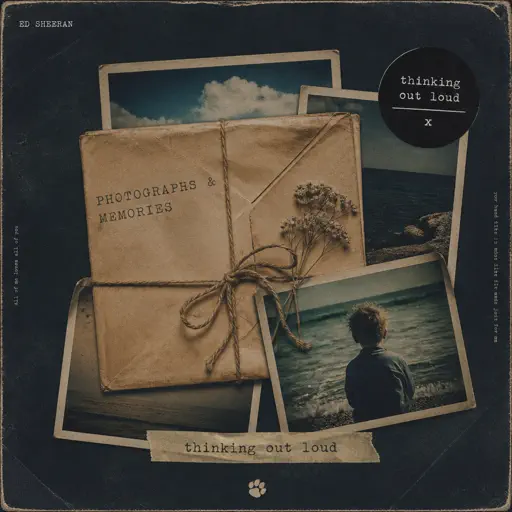
Photograph
Ed Sheeran
Normal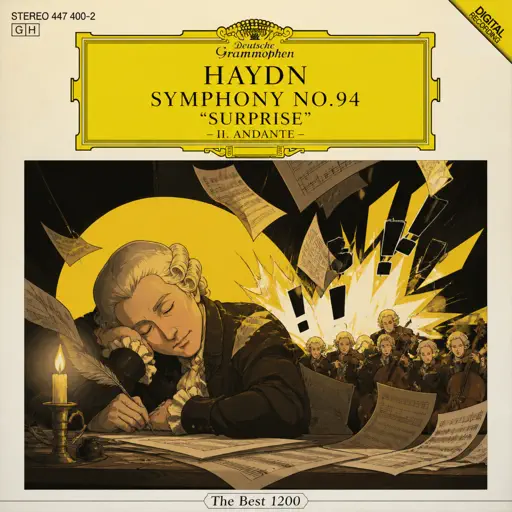
Haydn Surprise Symphony No. 94 Movement 2
Haydn
Hard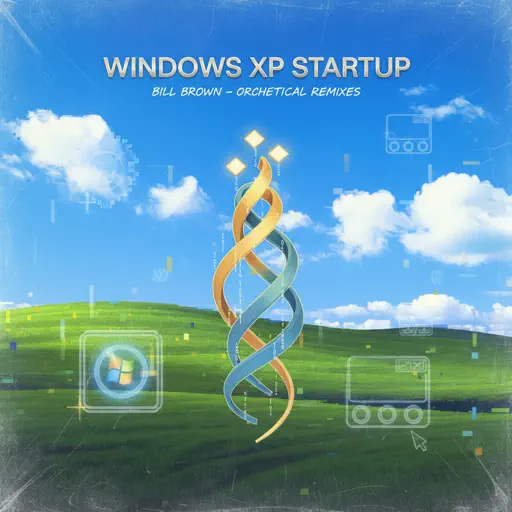
Windows XP Startup
Windows
Normal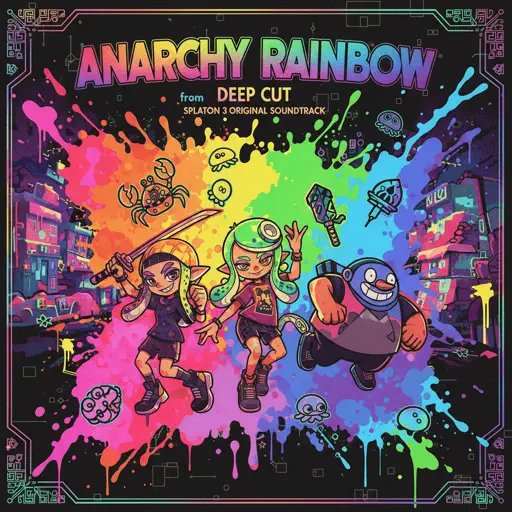
Anarchy Rainbow (from "Splatoon 3")
Splatoon 3
Hard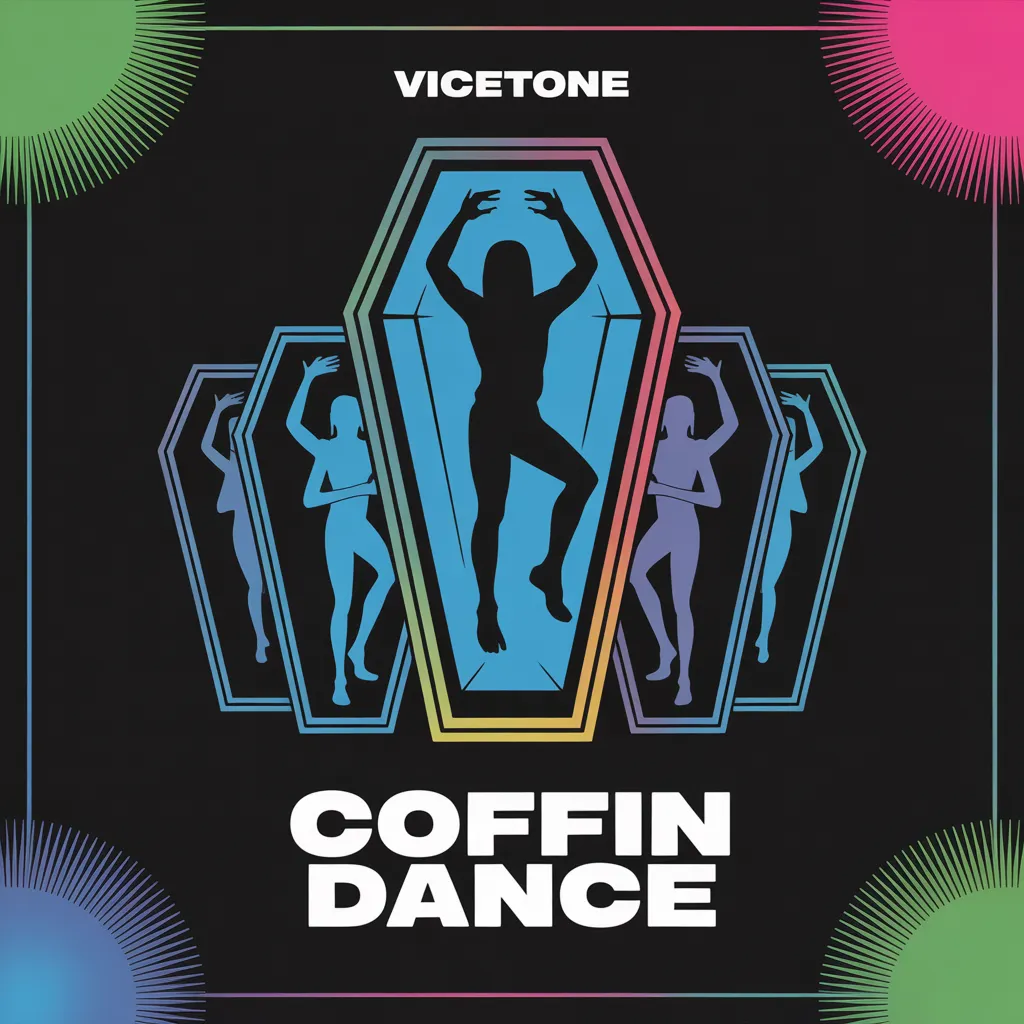
Coffin Dance
Vicetone
Normal
Dan Dan Kokoro Hikareteku (Dragon Ball GT)
Jann-Aron JP
Hard
Faded
Alan Walker
NormalFrequently Asked Questions
What is Roblox Piano Practice Online?
This is a free online tool that lets you practice Roblox virtual piano sheets in your browser. No downloads required - just pick a song and start practicing.
How do I use this online practice tool?
1. Select a song from the recommendations or use the search function. 2. Click play and the sheet will auto-scroll with highlighted notes. 3. Watch the virtual piano keyboard for highlighted keys and practice along. 4. Use speed control to slow down playback - perfect for beginners.
Can I play using my keyboard?
Yes! The virtual piano supports computer keyboard input. The keys correspond to the standard Roblox piano layout (1234567890qwerty...). You can practice on your keyboard while following the sheet.
What does the Transpose feature do?
Transpose raises or lowers the pitch of the sheet. Some Roblox piano games have different default tunings, so transpose helps match the correct pitch. Usually adjusting by +12 or -12 semitones works.
Does this tool work on mobile?
Yes, but desktop provides the best experience. On mobile you can view the sheet and virtual piano demo, but keyboard input requires a computer. We recommend using a desktop for the best practice experience.
How do I find sheets suitable for my level?
Below you'll find recommendations sorted by difficulty: Easy for beginners, Normal for intermediate players, and Hard/Expert for advanced challenges. You can also use the search function to find songs by title or artist.