

Roblox Piano Practice Online
Loading piano...
Practice Guide
Quick guide on how to use the online piano practice tool.
What is this?
This tool allows you to practice playing virtual piano sheets directly in your browser. It simulates a piano keyboard and helps you learn the notes and rhythm before playing in Roblox.
How to Practice Online
Use your computer keyboard or mouse to play the virtual piano keys directly. As the sheet music plays, the corresponding keys on the virtual piano will light up to help you follow along. You can also copy the sheet code to use directly in Roblox.
Discover Sheets
Random Shuffle: Click the Shuffle button in the center of the top control bar to instantly load a random new song without reloading the page.
Search: Click the Search button next to Shuffle to open the search window. Type a song title or artist name to quickly find and switch to the sheet you want to practice.
Playback Controls
- Play/Pause: Start or stop playback.
- 1xSpeed: Adjust tempo (0.5x - 2.0x).
- KTranspose: Shift the pitch up or down.
- SSustain: Toggle sustain pedal effect.
Easy Mode

Easy
Sleeping City Funk
Emotional Recycling Bin

Easy
Nice To Know - BFDIA 19 Cake At Stake Intro
BFDIA 19

Easy
Mist
EsDeeKid

Easy
Gravity Falls Main Title Theme
Brad Breeck

Easy
If You Love These People (Man of Steel)
Hans Zimmer

Easy
Immortal
Playboi Carti

Easy
Where You Lead
Carole King

Easy
Mockingbird
Eminem

Easy
Fur Elise
Beethoven

Easy
Harvey
Alex G
Normal Mode
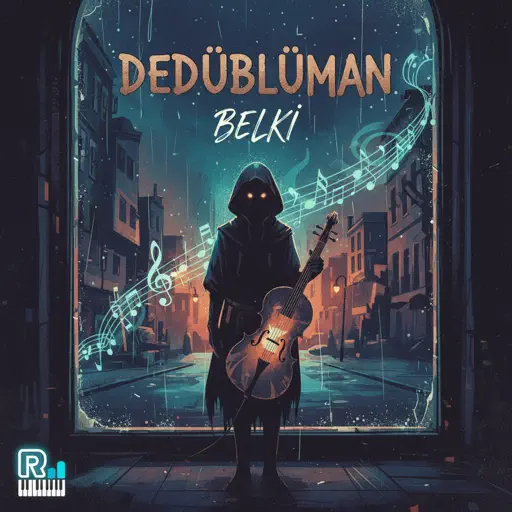
Normal
Belki
Dedublüman
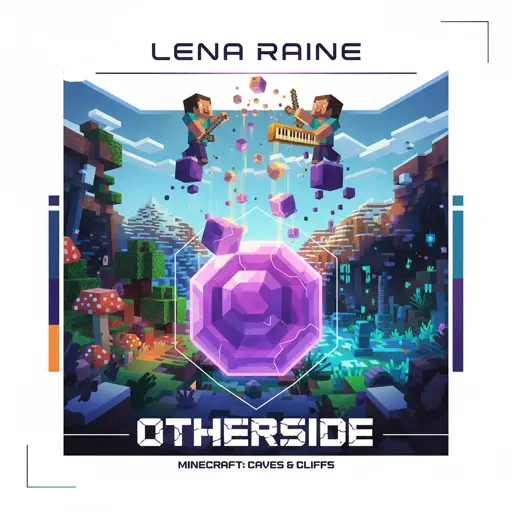
Normal
otherside - Minecraft: Caves & Cliffs
Lena Raine
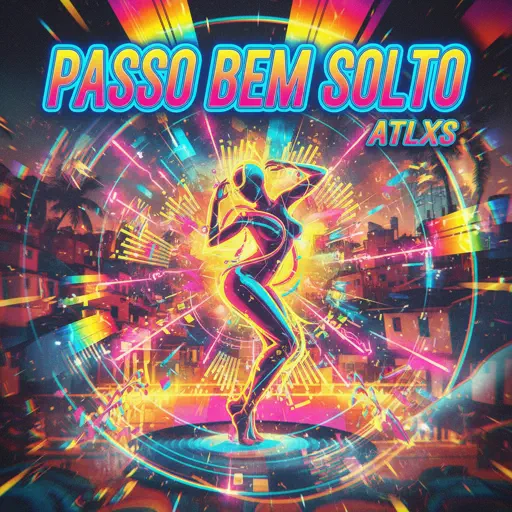
Normal
PASSO BEM SOLTO
ATLXS
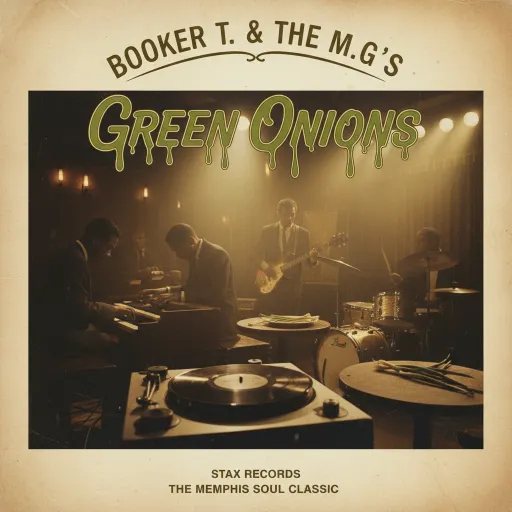
Normal
Green Onions
Booker T. & the M.G.'s
Normal
Another Rain (Halo 3: ODST)
Martin O'Donnell
Normal
LET THE WORLD BURN
Chris Grey

Normal
Lupang Hinirang (Philippine National Anthem)
Legend The Band
Normal
Love Me Again
John Newman
Normal
Nocturne in C-Sharp Minor
Frédéric Chopin
Normal
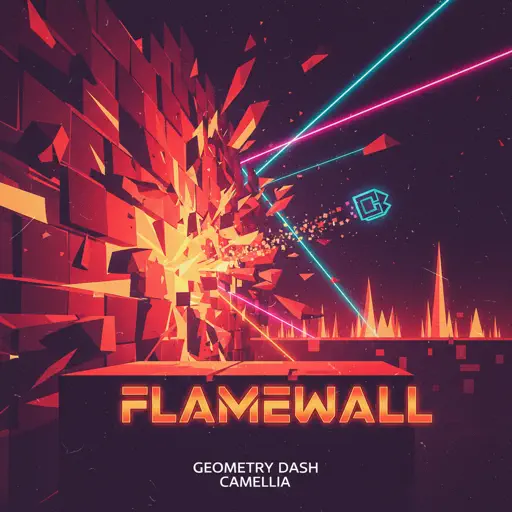
Flamewall - Geometry Dash
Camellia
Hard Mode


Recommended Sheets
Nothing's New
Rio Romeo
Hard
Jožin Z Bažin
Ivan Mládek
Normal
Melancholy
Tiny Bunny
Normal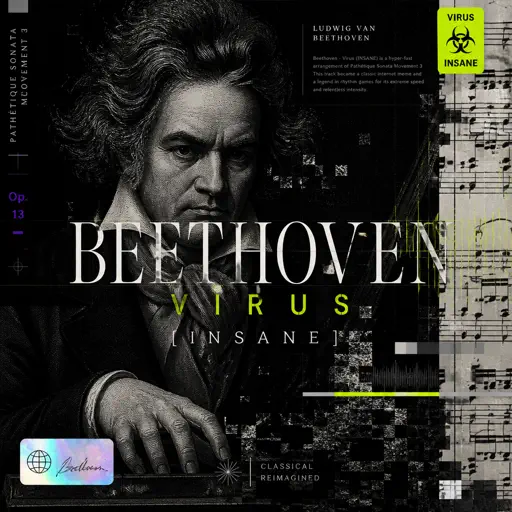
Beethoven - Virus (INSANE)
Ludwig van Beethoven
Hard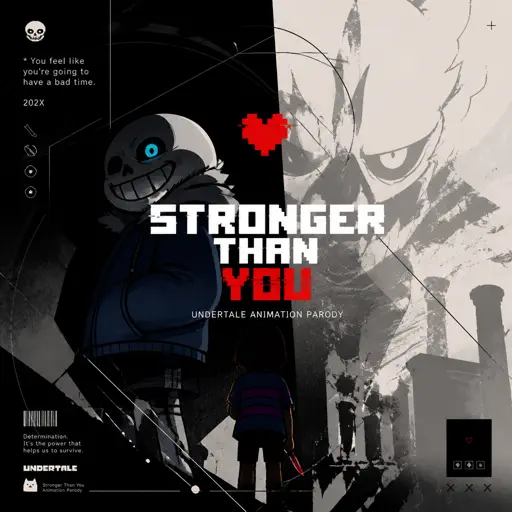
Stronger Than You - Undertale Animation Parody
Undertale
Normal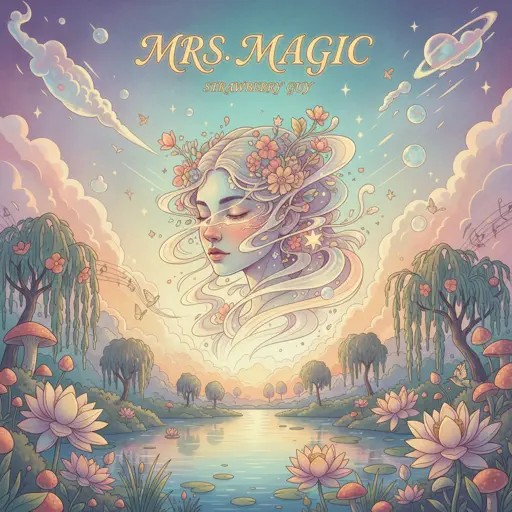
Mrs Magic
Strawberry Guy
Hard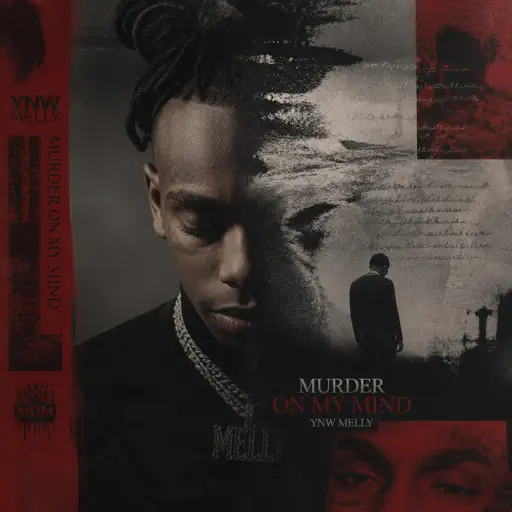
Murder on My Mind
YNW Melly
Hard
Unslept
Miraidempa
Normal
Young Girl A
siinamota
Normal
Into the Infinity Castle (From "Demon Slayer")
Jimmy's Atelier
Normal
Je te laisserai des mots
Patrick Watson
Normal
Bergentrückung / ASGORE
Toby Fox
Normal
Closer
The Chainsmokers
Normal
Suzume すずめ
RADWIMPS
Normal
7 Years
Lukas Graham
Normal
Red Like Roses, Pt. 1 - RWBY
Jeff Williams
Normal
Futile Devices
Sufjan Stevens
Normal
Sedia Aku Sebelum Hujan
Idgitaf
Hard
Cat Vibing To Ievan Polkka Swing
Cat Vibing Meme
Normal
Moonlight Sonata 3rd Mvt.
Beethoven
NormalFrequently Asked Questions
What is Roblox Piano Practice Online?
This is a free online tool that lets you practice Roblox virtual piano sheets in your browser. No downloads required - just pick a song and start practicing.
How do I use this online practice tool?
1. Select a song from the recommendations or use the search function. 2. Click play and the sheet will auto-scroll with highlighted notes. 3. Watch the virtual piano keyboard for highlighted keys and practice along. 4. Use speed control to slow down playback - perfect for beginners.
Can I play using my keyboard?
Yes! The virtual piano supports computer keyboard input. The keys correspond to the standard Roblox piano layout (1234567890qwerty...). You can practice on your keyboard while following the sheet.
What does the Transpose feature do?
Transpose raises or lowers the pitch of the sheet. Some Roblox piano games have different default tunings, so transpose helps match the correct pitch. Usually adjusting by +12 or -12 semitones works.
Does this tool work on mobile?
Yes, but desktop provides the best experience. On mobile you can view the sheet and virtual piano demo, but keyboard input requires a computer. We recommend using a desktop for the best practice experience.
How do I find sheets suitable for my level?
Below you'll find recommendations sorted by difficulty: Easy for beginners, Normal for intermediate players, and Hard/Expert for advanced challenges. You can also use the search function to find songs by title or artist.