
Roblox Piano Practice Online
Loading piano...
Practice Guide
Quick guide on how to use the online piano practice tool.
What is this?
This tool allows you to practice playing virtual piano sheets directly in your browser. It simulates a piano keyboard and helps you learn the notes and rhythm before playing in Roblox.
How to Practice Online
Use your computer keyboard or mouse to play the virtual piano keys directly. As the sheet music plays, the corresponding keys on the virtual piano will light up to help you follow along. You can also copy the sheet code to use directly in Roblox.
Discover Sheets
Random Shuffle: Click the Shuffle button in the center of the top control bar to instantly load a random new song without reloading the page.
Search: Click the Search button next to Shuffle to open the search window. Type a song title or artist name to quickly find and switch to the sheet you want to practice.
Playback Controls
- Play/Pause: Start or stop playback.
- 1xSpeed: Adjust tempo (0.5x - 2.0x).
- KTranspose: Shift the pitch up or down.
- SSustain: Toggle sustain pedal effect.
Easy Mode










Normal Mode
Normal
I Will Survive
Gloria Gaynor
Normal
Photograph
Ed Sheeran
Normal
The Less I Know The Better
Tame Impala
Normal
My Way
Frank Sinatra

Normal
Aerie - Minecraft
Lena Raine
Normal
Daisy Bell
Harry Dacre
Normal
Fly Me to the Moon
Frank Sinatra
Normal
Risk It All
Bruno Mars
Normal
Patience
Tame Impala
Normal
Nocturne in E-Flat Major, Op. 9, No. 2
Frédéric Chopin
Hard Mode

Hard
Your Idol (KPop Demon Hunters)
Saja Boys
Hard
Santeria
Sublime
Hard
Passacaglia
Handel/Halvorsen
Hard
Fame is a Gun
Addison Rae
Hard
Hotel California
Eagles
Hard
Time Is Tearing Us Apart - Until Then OST
Kyle Patrick Naval
Hard
Serenade
Franz Schubert
Hard
Hungarian Rhapsody No. 2
Franz Liszt
Hard
Port Ormos (Day)
Yu-Peng Chen
Hard
Boyfriend
Dove Cameron
Recommended Sheets
Borderline
Tame Impala
Normal
Shoota
Playboi Carti & Lil Uzi Vert
Normal
Forever Young
Alphaville
Normal
Red Like Roses, Pt. 2 - RWBY
Jeff Williams
Hard
As Time Flies
Ty's Music
Normal
ocean eyes
Billie Eilish
Normal
Last Surprise (Persona 5)
Persona 5
Hard
Les
Childish Gambino
Normal
The Perfect Girl (such a strange girl)
Mareux
Hard
Perfect
Ed Sheeran
Normal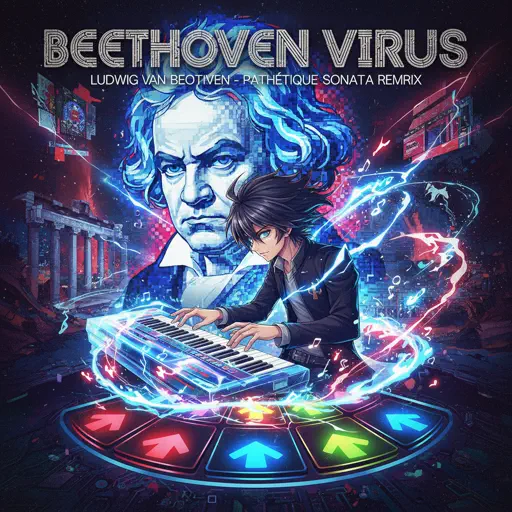
Beethoven Virus
Ludwig van Beethoven
Hard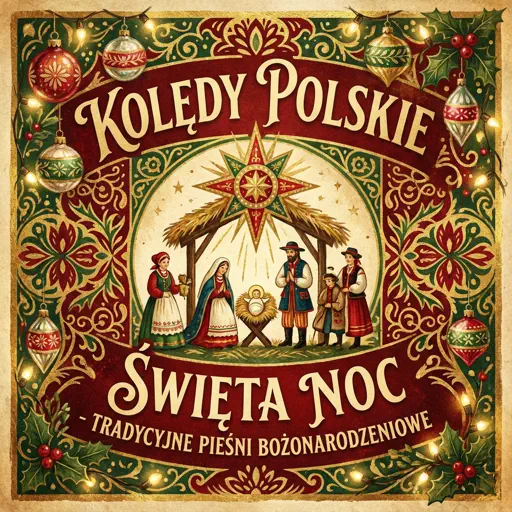
Pójdźmy wszyscy do stajenki - polish chrismas song
Zespół Dziecięcy Fasolki
Normal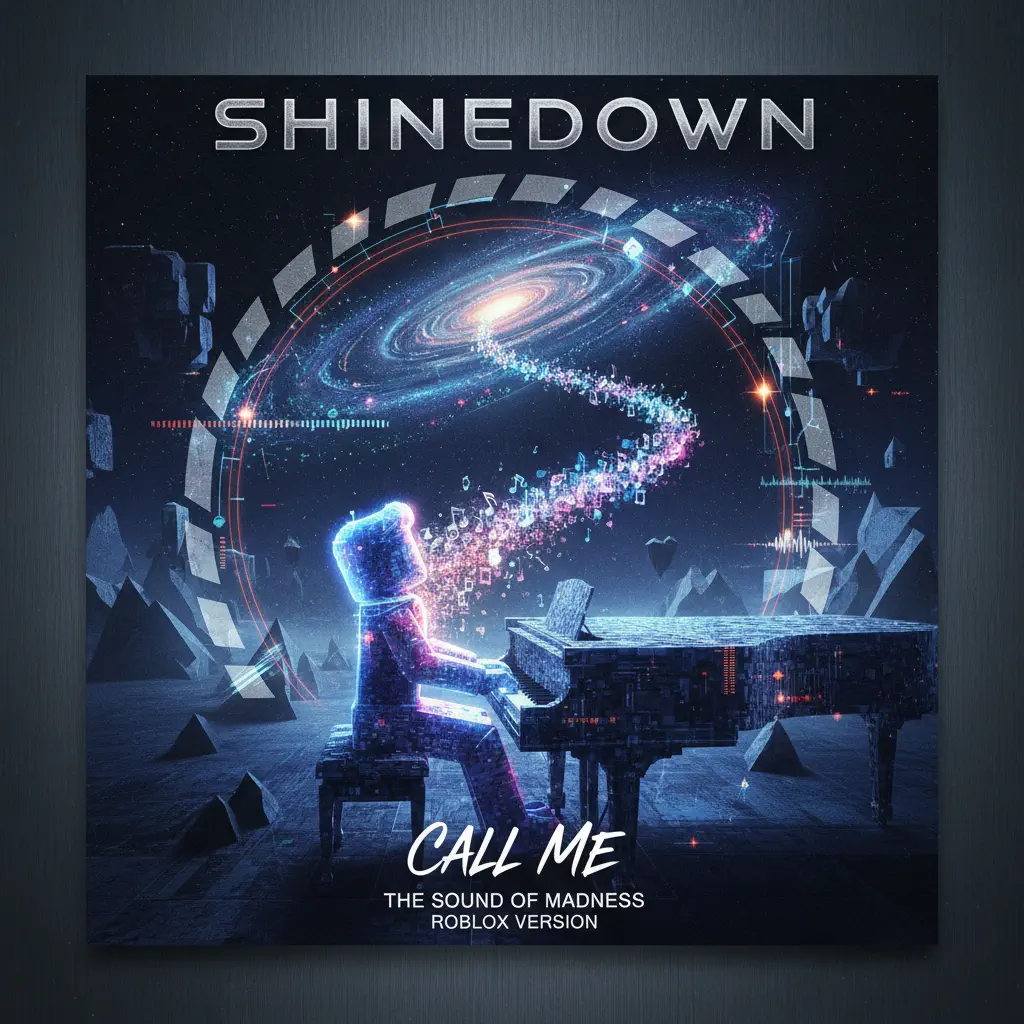
Call Me
Shinedown
Normal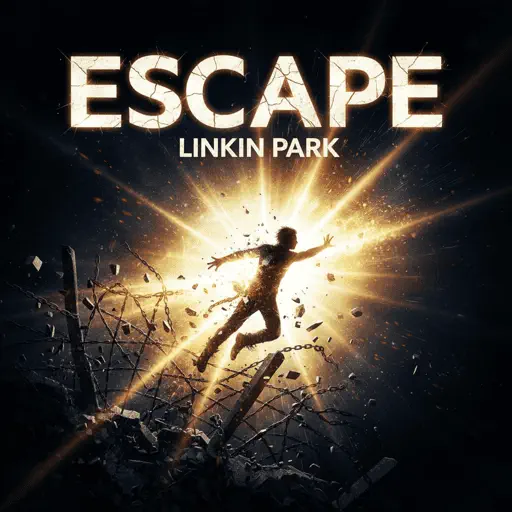
Escape
Nemzzz
Normal
Sphere
Creo
Hard
Rein Me In
Sam Fender
Hard
King of Karaoke (K歌之王)
Eason Chan
Normal
Senbonzakura
KuroUsa-P
Normal
Windows XP Startup
Windows
Normal
FNAF Song 1
The Living Tombstone
NormalFrequently Asked Questions
What is Roblox Piano Practice Online?
This is a free online tool that lets you practice Roblox virtual piano sheets in your browser. No downloads required - just pick a song and start practicing.
How do I use this online practice tool?
1. Select a song from the recommendations or use the search function. 2. Click play and the sheet will auto-scroll with highlighted notes. 3. Watch the virtual piano keyboard for highlighted keys and practice along. 4. Use speed control to slow down playback - perfect for beginners.
Can I play using my keyboard?
Yes! The virtual piano supports computer keyboard input. The keys correspond to the standard Roblox piano layout (1234567890qwerty...). You can practice on your keyboard while following the sheet.
What does the Transpose feature do?
Transpose raises or lowers the pitch of the sheet. Some Roblox piano games have different default tunings, so transpose helps match the correct pitch. Usually adjusting by +12 or -12 semitones works.
Does this tool work on mobile?
Yes, but desktop provides the best experience. On mobile you can view the sheet and virtual piano demo, but keyboard input requires a computer. We recommend using a desktop for the best practice experience.
How do I find sheets suitable for my level?
Below you'll find recommendations sorted by difficulty: Easy for beginners, Normal for intermediate players, and Hard/Expert for advanced challenges. You can also use the search function to find songs by title or artist.