
Roblox Piano Practice Online
Loading piano...
Practice Guide
Quick guide on how to use the online piano practice tool.
What is this?
This tool allows you to practice playing virtual piano sheets directly in your browser. It simulates a piano keyboard and helps you learn the notes and rhythm before playing in Roblox.
How to Practice Online
Use your computer keyboard or mouse to play the virtual piano keys directly. As the sheet music plays, the corresponding keys on the virtual piano will light up to help you follow along. You can also copy the sheet code to use directly in Roblox.
Discover Sheets
Random Shuffle: Click the Shuffle button in the center of the top control bar to instantly load a random new song without reloading the page.
Search: Click the Search button next to Shuffle to open the search window. Type a song title or artist name to quickly find and switch to the sheet you want to practice.
Playback Controls
- Play/Pause: Start or stop playback.
- 1xSpeed: Adjust tempo (0.5x - 2.0x).
- KTranspose: Shift the pitch up or down.
- SSustain: Toggle sustain pedal effect.
Easy Mode

Easy
Gravity Falls Main Title Theme
Brad Breeck

Easy
Nice To Know - BFDIA 19 Cake At Stake Intro
BFDIA 19

Easy
Immortal
Playboi Carti

Easy
Sleeping City Funk
Emotional Recycling Bin

Easy
LET ME SEE YA MOVE!
Lumi Athena

Easy
Mist
EsDeeKid

Easy
Where You Lead
Carole King

Easy
Cupid (Twin Version)
Fifty Fifty

Easy
Balcony
Cave Story

Easy
Pimp Hoe
Mike Sherm
Normal Mode

Normal
Location Unknown (Brooklyn Session)
HONNE & BEKA
Normal
Tetris Theme
Video Game Players

Normal
Clarity
Zedd
Normal
Fantaisie Impromptu, Op. 66
Frédéric Chopin
Normal
BANG BANG BANG - Chainsaw Man Song
BBpanzu
Normal
ClutterFunk (Geometry Dash lvl 11)
Waterflame
Normal
505
Arctic Monkeys

Normal
if looks could kill
Destroy Lonely
Normal
death bed (coffee for your head)
Powfu
Normal
MONTAGEM ALQUIMIA
h6itam
Hard Mode
Hard
SAD!
XXXTENTACION
Hard
Cornfield Chase (interstellar)
Hans Zimmer
Hard
Glued
Melanie Martinez

Hard
Kokoronashi (心做し)
majiko

Hard
We Are The Champions
Queen
Hard
SEG_FAULT (From Underverse)
NyxTheShield
Hard
The One Who's Running the Show - The Amazing Digital Circus
Gooseworx

Hard
Cure (VIVINOS - ALNST)
AKUGETSU
Hard
Stuck Inside
Living Tombstone

Hard
Bella Ciao - Música Original de la Serie la Casa de Papel
La Casa De Papel
Recommended Sheets

STAR☆T☆RAIN - 推しの子 Oshi no Ko
Yusuke Onodera
Hard
Ievan Polkka
Hatsune Miku
Normal
Winter (The Four Seasons)
Vivaldi
Hard
Daisy Bell
Harry Dacre
NormalNice To Know - BFDIA 19 Cake At Stake Intro
BFDIA 19
Easy
STAY
The Kid LAROI and Justin Bieber
Normal
Rick Roll
Rick Astley
Normal
Umapyoi Densetsu - Uma Musume Pretty Derby (うまぴょい伝説)
Cygames
Normal
Stay Calm
Griffinilla, Jeff Burgess
Normal
Tabibito no Uta - Jobless Reincarnation
Mushoku Tensei
Hard
Army Dreamers
Kate Bush
Normal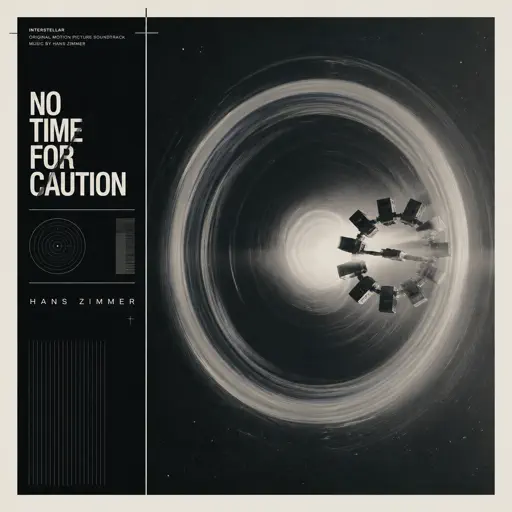
No Time for Caution - Interstellar
Hans Zimmer
Hard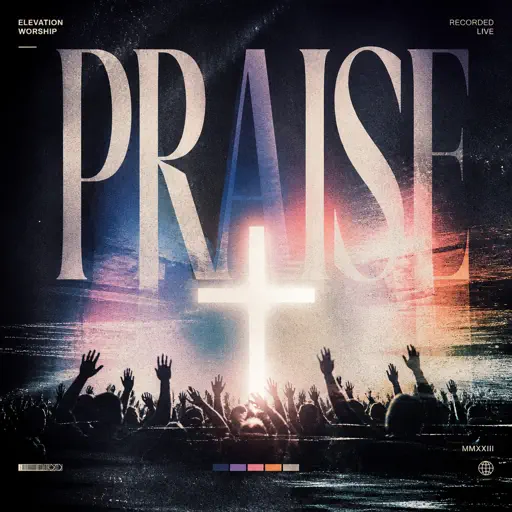
Praise
Elevation Worship
Normal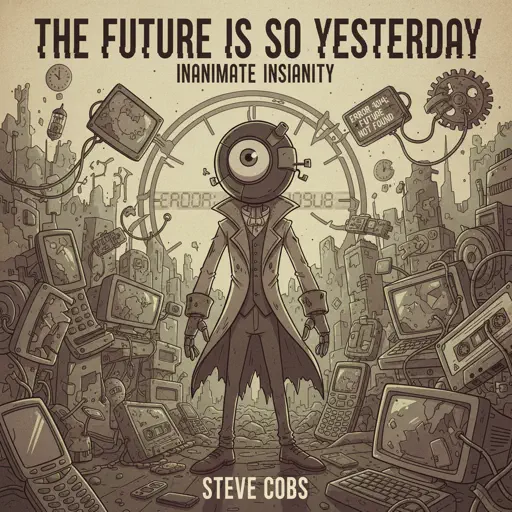
The Future Is So Yesterday
Inanimate Insanity
Normal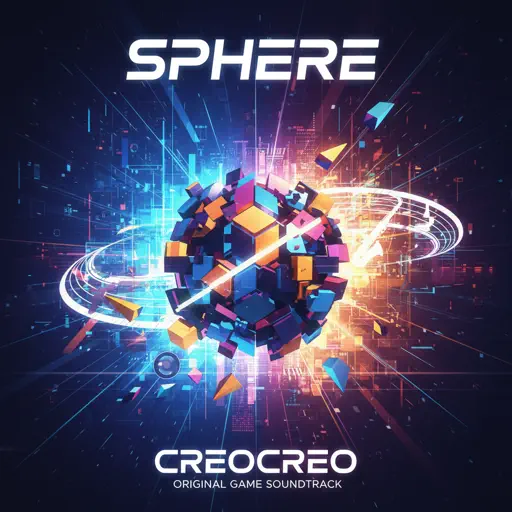
Sphere
Creo
Hard
Anything
Adrianne Lenker
Normal
We are Bulletproof : the Eternal
BTS
Normal
Fourth Chorus (from Silksong)
Christopher Larkin
Normal
World's Smallest Violin
AJR
Normal
The Night We Met
Lord Huron
NormalFrequently Asked Questions
What is Roblox Piano Practice Online?
This is a free online tool that lets you practice Roblox virtual piano sheets in your browser. No downloads required - just pick a song and start practicing.
How do I use this online practice tool?
1. Select a song from the recommendations or use the search function. 2. Click play and the sheet will auto-scroll with highlighted notes. 3. Watch the virtual piano keyboard for highlighted keys and practice along. 4. Use speed control to slow down playback - perfect for beginners.
Can I play using my keyboard?
Yes! The virtual piano supports computer keyboard input. The keys correspond to the standard Roblox piano layout (1234567890qwerty...). You can practice on your keyboard while following the sheet.
What does the Transpose feature do?
Transpose raises or lowers the pitch of the sheet. Some Roblox piano games have different default tunings, so transpose helps match the correct pitch. Usually adjusting by +12 or -12 semitones works.
Does this tool work on mobile?
Yes, but desktop provides the best experience. On mobile you can view the sheet and virtual piano demo, but keyboard input requires a computer. We recommend using a desktop for the best practice experience.
How do I find sheets suitable for my level?
Below you'll find recommendations sorted by difficulty: Easy for beginners, Normal for intermediate players, and Hard/Expert for advanced challenges. You can also use the search function to find songs by title or artist.