
Roblox Piano Practice Online
Loading piano...
Practice Guide
Quick guide on how to use the online piano practice tool.
What is this?
This tool allows you to practice playing virtual piano sheets directly in your browser. It simulates a piano keyboard and helps you learn the notes and rhythm before playing in Roblox.
How to Practice Online
Use your computer keyboard or mouse to play the virtual piano keys directly. As the sheet music plays, the corresponding keys on the virtual piano will light up to help you follow along. You can also copy the sheet code to use directly in Roblox.
Discover Sheets
Random Shuffle: Click the Shuffle button in the center of the top control bar to instantly load a random new song without reloading the page.
Search: Click the Search button next to Shuffle to open the search window. Type a song title or artist name to quickly find and switch to the sheet you want to practice.
Playback Controls
- Play/Pause: Start or stop playback.
- 1xSpeed: Adjust tempo (0.5x - 2.0x).
- KTranspose: Shift the pitch up or down.
- SSustain: Toggle sustain pedal effect.
Easy Mode

Easy
Nice To Know - BFDIA 19 Cake At Stake Intro
BFDIA 19

Easy
LET ME SEE YA MOVE!
Lumi Athena

Easy
Sleeping City Funk
Emotional Recycling Bin

Easy
Balcony
Cave Story

Easy
Where You Lead
Carole King

Easy
If You Love These People (Man of Steel)
Hans Zimmer

Easy
Mist
EsDeeKid

Easy
Pimp Hoe
Mike Sherm

Easy
Cupid (Twin Version)
Fifty Fifty

Easy
Harvey
Alex G
Normal Mode
Normal
Counting Stars
One Republic
Normal
Survive the Night - Five Nights at Freddy's 2
MandoPony

Normal
Sukidakara
Yuika

Normal
Beaches
beabadoobee

Normal
Dernière Danse
Indila
Normal
convenience
jaydes
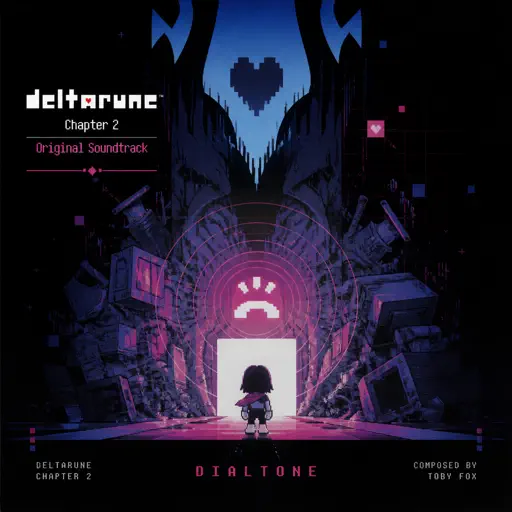
Normal
Dialtone - Deltarune Chapter 2 OST
Toby Fox
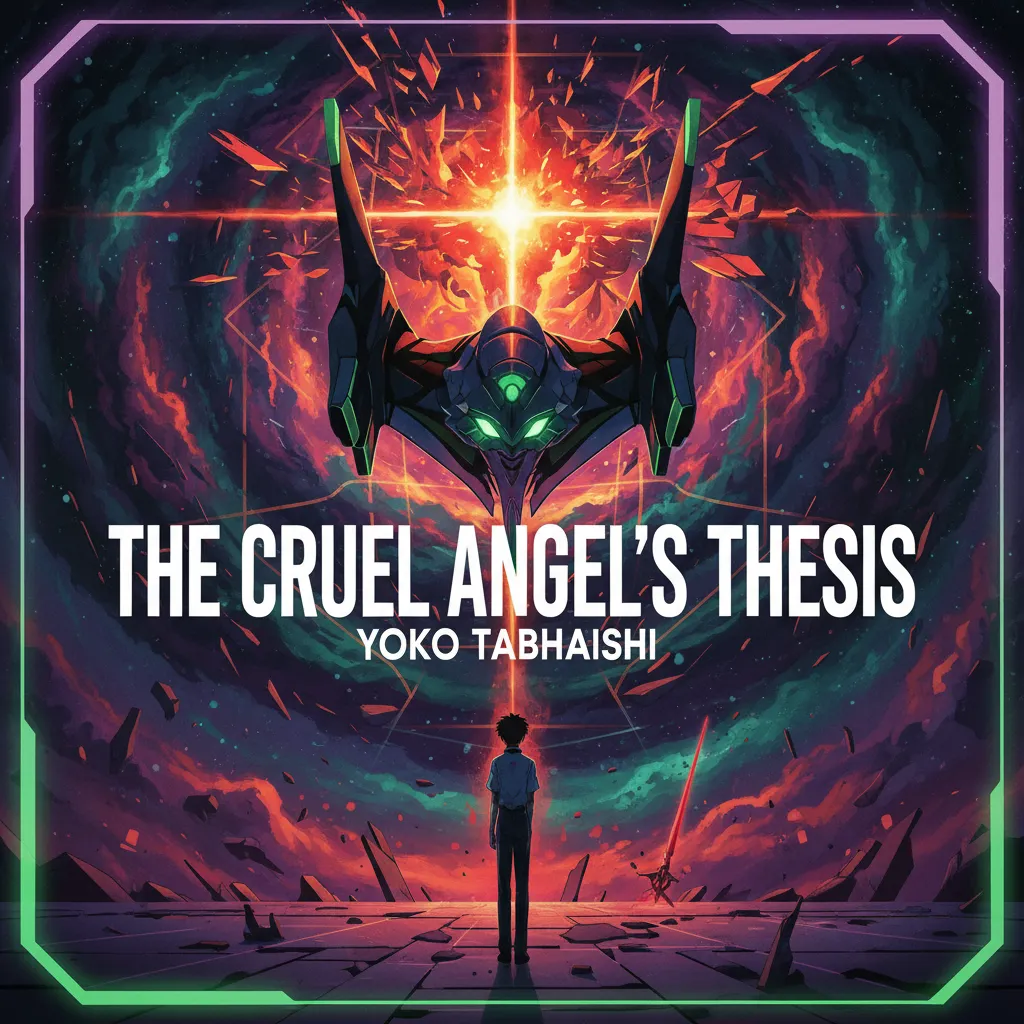
Normal
The Cruel Angel's Thesis (Evangelion)
Yoko Takahashi
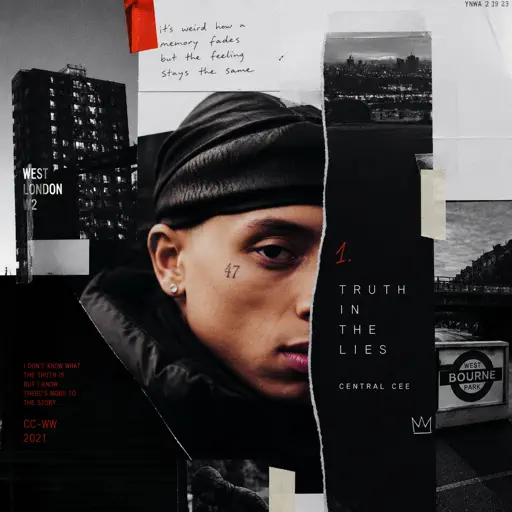
Normal
Truth In The Lies
Central Cee
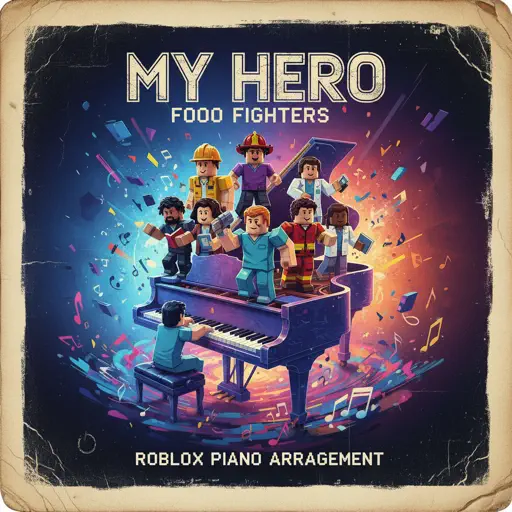
Normal
My Hero
Foo Fighters
Hard Mode
Hard
Unreggcognizable
Forsaken OST

Hard
Me Gustas Tu
Manu Chao

Hard
Tết Đong Đầy
KHOA

Hard
Gratitude
Brandon Lake

Hard
Kawaikute Gomen
HoneyWorks
Hard
greedy
Tate McRae
Hard
Take What You Want
Post Malone
Hard
CanCan
Jacques Offenbach
Hard
Vague Reason - Jujutsu Kaisen S2 OST (Nanami Theme)
Yoshimasa Terui
Hard
Todo's Black Flash - Jujutsu Kaisen
James Liam Figueroa
Recommended Sheets
Belki
Dedublüman
Normal
Final Duet (Omori)
Pedro Silva
Normal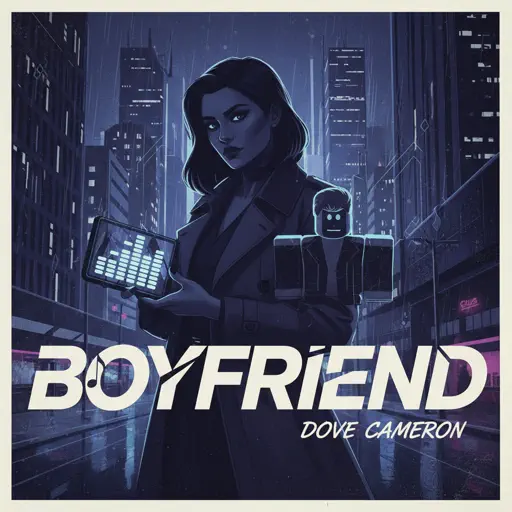
Boyfriend
Dove Cameron
Hard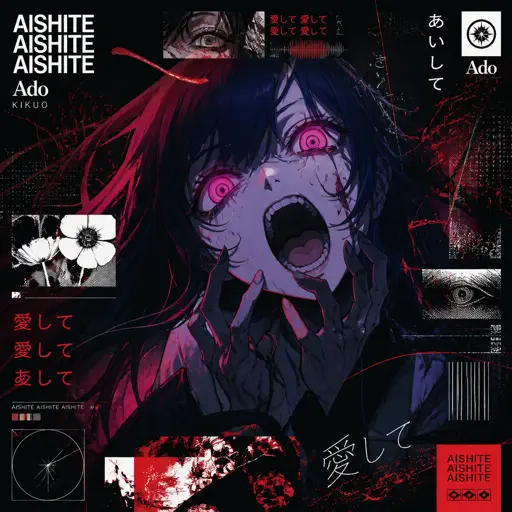
Aishite Aishite Aishite
Ado
Hard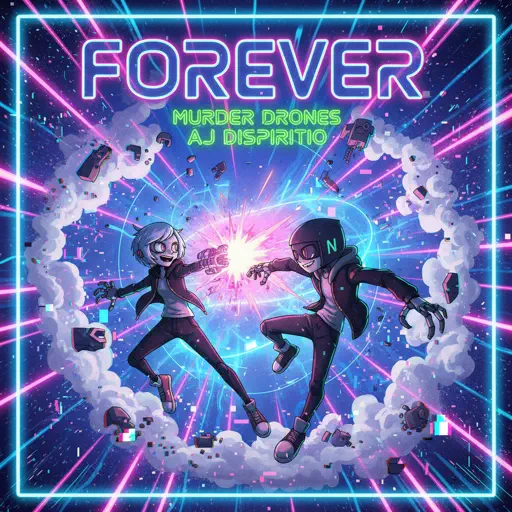
FOREVER (Murder Drones)
AJ Dispirito
Hard
Hazy Moon
Miku Sanaa
Normal
Lonely
Akon
Normal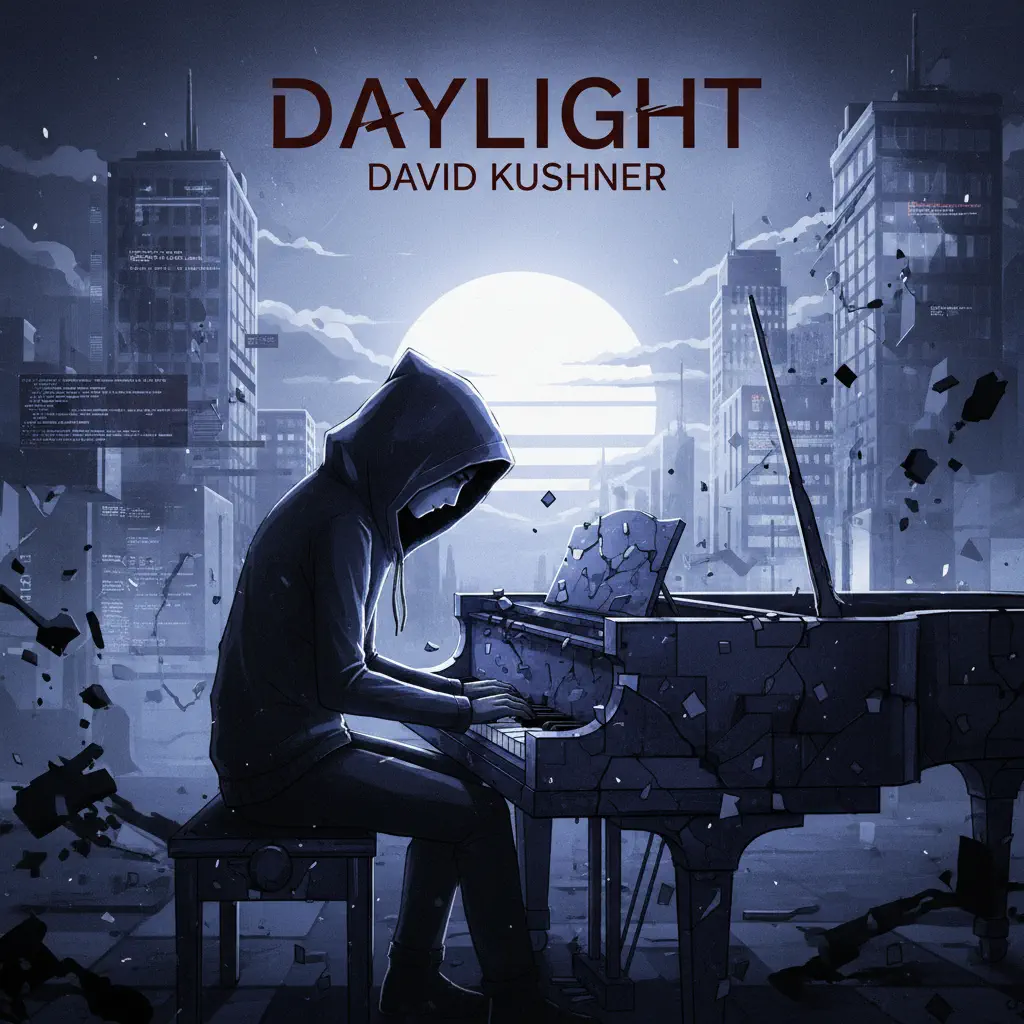
Daylight
David Kushner
Normal
Still D.R.E.
Dr. Dre
Hard
Innocence
Daniel Caesar
Normal
Skybase
Standartskill
Normal
Chest Pain (I Love)
Malcolm Todd
Normal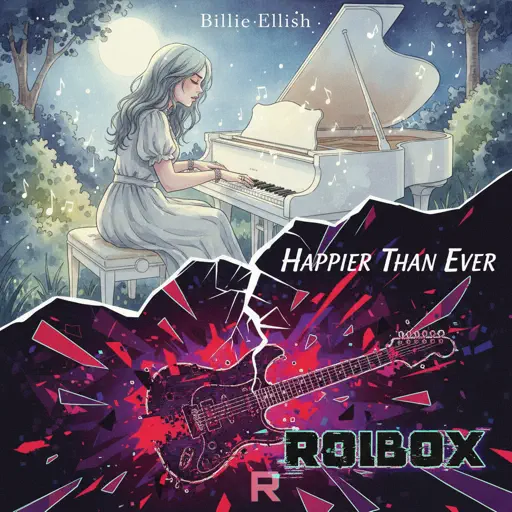
Happier Than Ever
Billie Eilish
Normal
Love Destiny
Ice Saranyu
Normal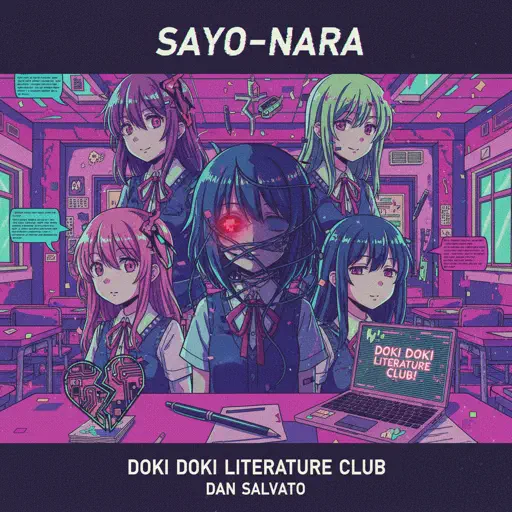
Sayo-Nara (Doki Doki Literature Club)
Dan Salvato
Normal
Wasteland (from the series Arcane League of Legends)
Royal & the Serpent
Hard
Josuke's Theme (JoJo's Bizarre Adventure: Diamond is Unbreakable)
Yugo Kanno
Hard
A Tender Feeling (Sword Art Online)
Yuki Kajiura
Normal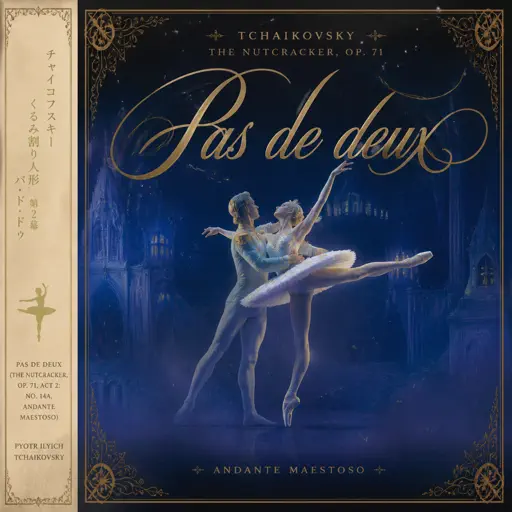
Pas de deux (The Nutcracker, Op. 71, Act 2: No. 14a, Andante maestoso)
Pyotr Ilyich Tchaikovsky
HardPimp Hoe
Mike Sherm
EasyFrequently Asked Questions
What is Roblox Piano Practice Online?
This is a free online tool that lets you practice Roblox virtual piano sheets in your browser. No downloads required - just pick a song and start practicing.
How do I use this online practice tool?
1. Select a song from the recommendations or use the search function. 2. Click play and the sheet will auto-scroll with highlighted notes. 3. Watch the virtual piano keyboard for highlighted keys and practice along. 4. Use speed control to slow down playback - perfect for beginners.
Can I play using my keyboard?
Yes! The virtual piano supports computer keyboard input. The keys correspond to the standard Roblox piano layout (1234567890qwerty...). You can practice on your keyboard while following the sheet.
What does the Transpose feature do?
Transpose raises or lowers the pitch of the sheet. Some Roblox piano games have different default tunings, so transpose helps match the correct pitch. Usually adjusting by +12 or -12 semitones works.
Does this tool work on mobile?
Yes, but desktop provides the best experience. On mobile you can view the sheet and virtual piano demo, but keyboard input requires a computer. We recommend using a desktop for the best practice experience.
How do I find sheets suitable for my level?
Below you'll find recommendations sorted by difficulty: Easy for beginners, Normal for intermediate players, and Hard/Expert for advanced challenges. You can also use the search function to find songs by title or artist.