
Roblox Piano Practice Online
Loading piano...
Practice Guide
Quick guide on how to use the online piano practice tool.
What is this?
This tool allows you to practice playing virtual piano sheets directly in your browser. It simulates a piano keyboard and helps you learn the notes and rhythm before playing in Roblox.
How to Practice Online
Use your computer keyboard or mouse to play the virtual piano keys directly. As the sheet music plays, the corresponding keys on the virtual piano will light up to help you follow along. You can also copy the sheet code to use directly in Roblox.
Discover Sheets
Random Shuffle: Click the Shuffle button in the center of the top control bar to instantly load a random new song without reloading the page.
Search: Click the Search button next to Shuffle to open the search window. Type a song title or artist name to quickly find and switch to the sheet you want to practice.
Playback Controls
- Play/Pause: Start or stop playback.
- 1xSpeed: Adjust tempo (0.5x - 2.0x).
- KTranspose: Shift the pitch up or down.
- SSustain: Toggle sustain pedal effect.
Easy Mode

Easy
Nice To Know - BFDIA 19 Cake At Stake Intro
BFDIA 19

Easy
Sleeping City Funk
Emotional Recycling Bin

Easy
Balcony
Cave Story

Easy
Mockingbird
Eminem

Easy
Pimp Hoe
Mike Sherm

Easy
If You Love These People (Man of Steel)
Hans Zimmer

Easy
Immortal
Playboi Carti

Easy
Gravity Falls Main Title Theme
Brad Breeck

Easy
Fur Elise
Beethoven

Easy
Mist
EsDeeKid
Normal Mode
Normal
Peaches (The Super Mario Bros. Movie)
Jack Black
Normal
Jesters Pity
The Coffin of Andy and Leyley

Normal
Rises the Moon
Liana Flores
Normal
Nocturne in E-Flat Major, Op. 9, No. 2
Frédéric Chopin

Normal
Ghost Girl
TOMORROW X TOGETHER

Normal
PASSO BEM SOLTO
ATLXS

Normal
Red Swan
YOSHIKI

Normal
LEMONADE
aespa

Normal
Arabella
Arctic Monkeys

Normal
Ai đưa em về - LOW CORTISOL DANCE
TIA
Hard Mode
Hard
I'm From Another Dimension (Star Vs The Forces of Evil)
Brad Breeck
Hard
Attack of the Killer Queen (from Deltarune)
Toby Fox

Hard
BEST FRIEND from KinitoPET
Genichris

Hard
Winter (The Four Seasons)
Vivaldi

Hard
Zankyou Sanka - 残響散歌 - Demon Slayer
Aimer
Hard
Komm, Süsser Tod (Come Sweet Death)
Arianne
Hard
Isolation
Nighthawk22
Hard
Michael in the Bathroom - Be More Chill
George Salazar
Hard
Defeat Everyone! - TPOT 19 Soundtrack
Ian Woodside

Hard
Man I Need
Olivia Dean
Recommended Sheets

Le ciel
Malice Mizer
Normal
Idea 22
Gibran Alcocer
Normal
Goddess
Laufey
Normal
Told You So
Nathan Evans
Normal
A Winter Night's Lazzo - Genshin Impact
Yu-Peng Chen
Hard
Sunny Day 晴天
Jay Chou 周杰倫
Normal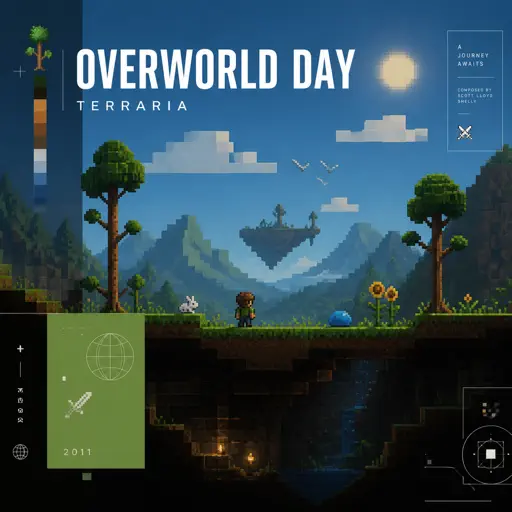
Overworld Day - Terraria
Terraria
Hard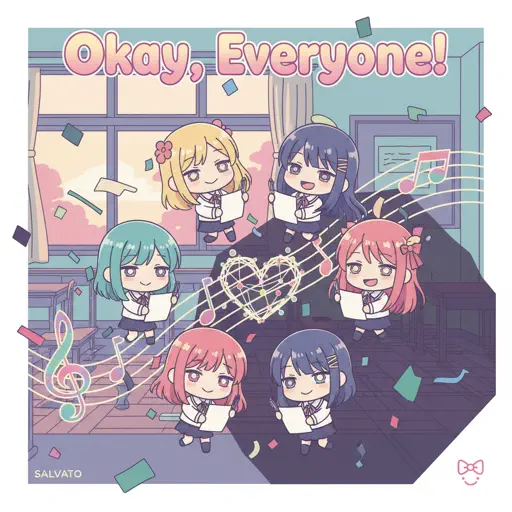
Okay, Everyone!
Doki Doki Literature Club
Hard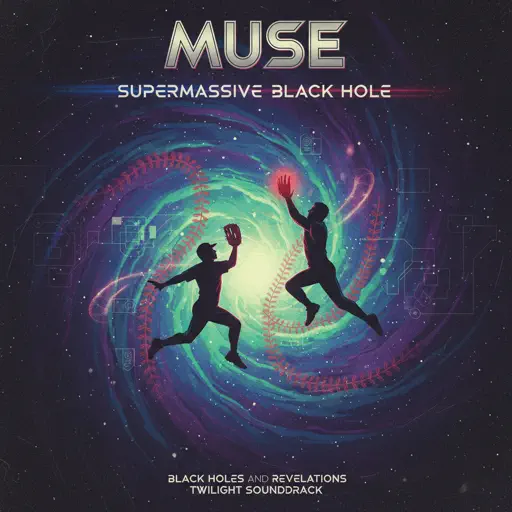
Supermassive Black Hole
Muse
Normal
Pójdźmy wszyscy do stajenki - polish chrismas song
Zespół Dziecięcy Fasolki
Normal
ALAKAZAM
Luther
Normal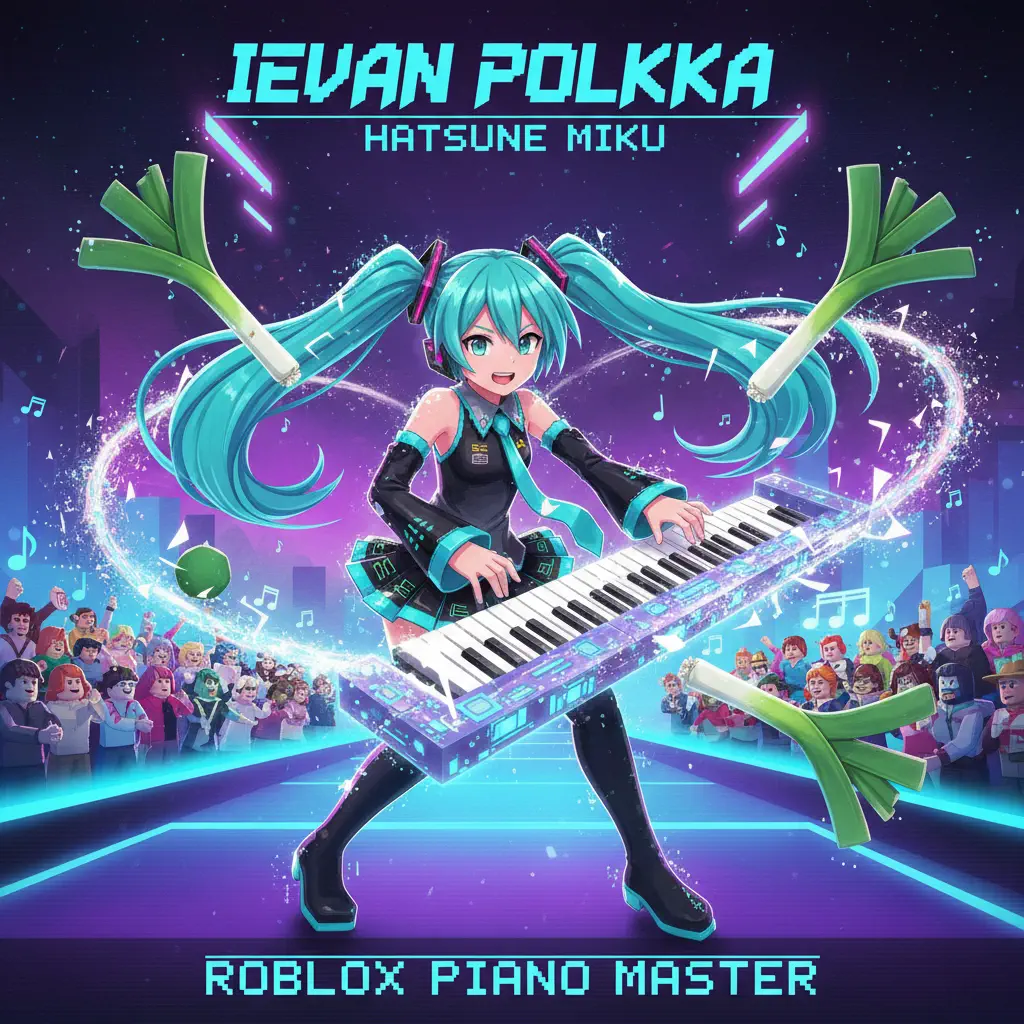
Ievan Polkka
Hatsune Miku
Normal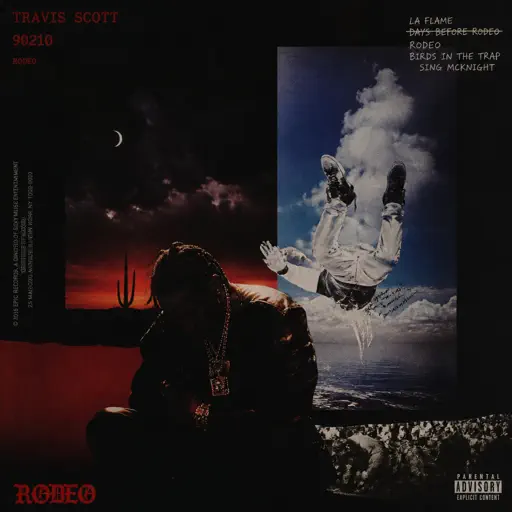
90210
Travis Scott
Hard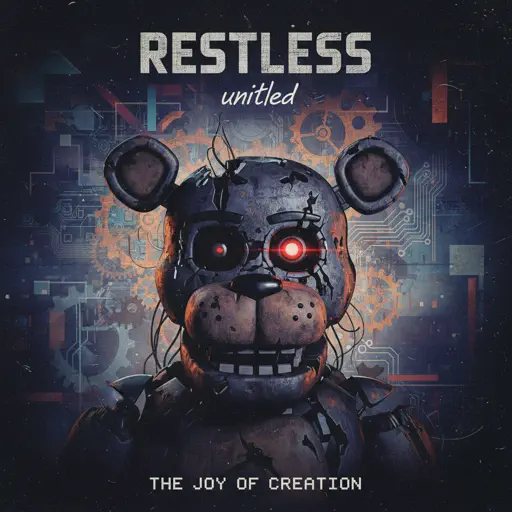
Restless
untitled
Normal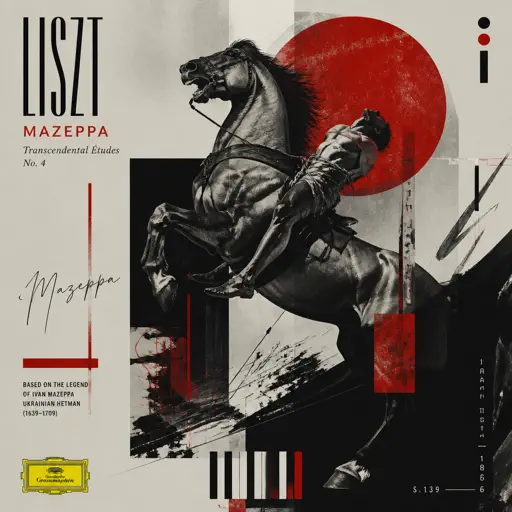
Mazeppa
Franz Liszt
Hard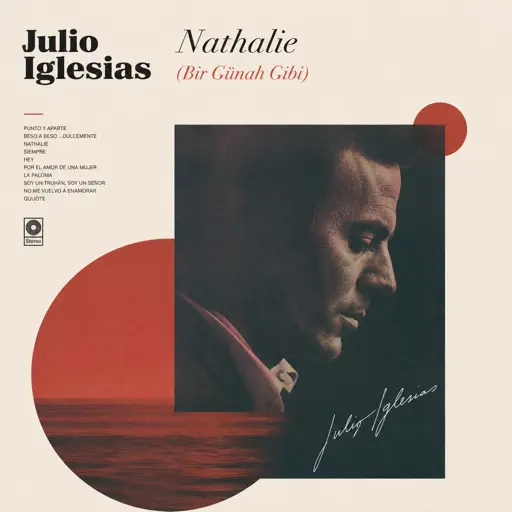
Nathalie - Bir Günah Gibi
Julio Iglesias
Normal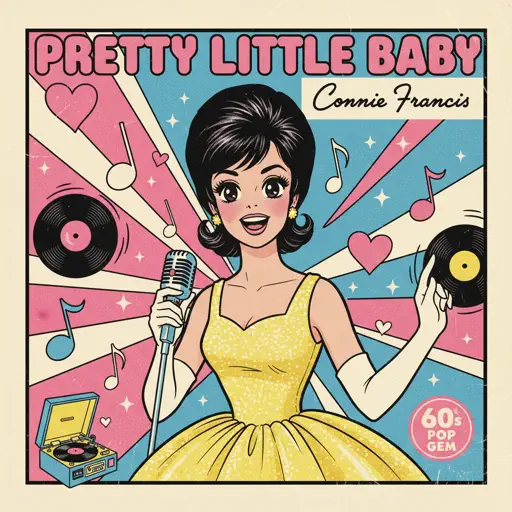
Pretty Little Baby
Connie Francis
Hard
Bella Ciao - Música Original de la Serie la Casa de Papel
La Casa De Papel
Hard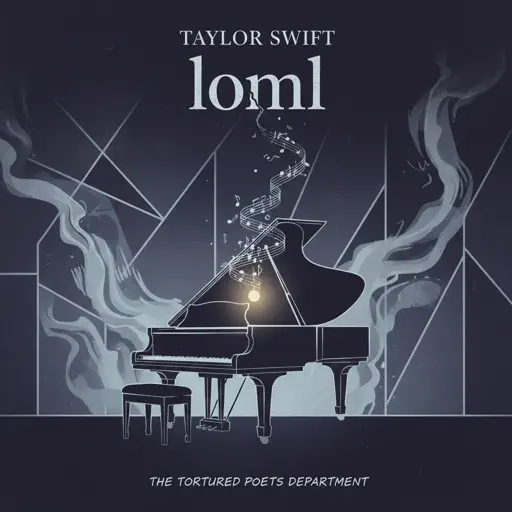
loml
Taylor Swift
Normal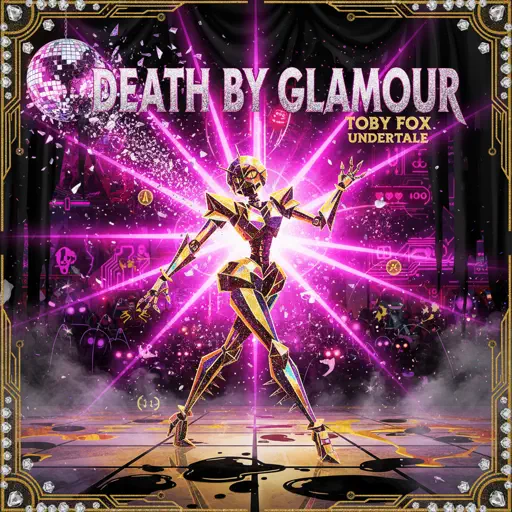
Death By Glamour
Toby Fox
NormalFrequently Asked Questions
What is Roblox Piano Practice Online?
This is a free online tool that lets you practice Roblox virtual piano sheets in your browser. No downloads required - just pick a song and start practicing.
How do I use this online practice tool?
1. Select a song from the recommendations or use the search function. 2. Click play and the sheet will auto-scroll with highlighted notes. 3. Watch the virtual piano keyboard for highlighted keys and practice along. 4. Use speed control to slow down playback - perfect for beginners.
Can I play using my keyboard?
Yes! The virtual piano supports computer keyboard input. The keys correspond to the standard Roblox piano layout (1234567890qwerty...). You can practice on your keyboard while following the sheet.
What does the Transpose feature do?
Transpose raises or lowers the pitch of the sheet. Some Roblox piano games have different default tunings, so transpose helps match the correct pitch. Usually adjusting by +12 or -12 semitones works.
Does this tool work on mobile?
Yes, but desktop provides the best experience. On mobile you can view the sheet and virtual piano demo, but keyboard input requires a computer. We recommend using a desktop for the best practice experience.
How do I find sheets suitable for my level?
Below you'll find recommendations sorted by difficulty: Easy for beginners, Normal for intermediate players, and Hard/Expert for advanced challenges. You can also use the search function to find songs by title or artist.