
Roblox Piano Practice Online
Loading piano...
Practice Guide
Quick guide on how to use the online piano practice tool.
What is this?
This tool allows you to practice playing virtual piano sheets directly in your browser. It simulates a piano keyboard and helps you learn the notes and rhythm before playing in Roblox.
How to Practice Online
Use your computer keyboard or mouse to play the virtual piano keys directly. As the sheet music plays, the corresponding keys on the virtual piano will light up to help you follow along. You can also copy the sheet code to use directly in Roblox.
Discover Sheets
Random Shuffle: Click the Shuffle button in the center of the top control bar to instantly load a random new song without reloading the page.
Search: Click the Search button next to Shuffle to open the search window. Type a song title or artist name to quickly find and switch to the sheet you want to practice.
Playback Controls
- Play/Pause: Start or stop playback.
- 1xSpeed: Adjust tempo (0.5x - 2.0x).
- KTranspose: Shift the pitch up or down.
- SSustain: Toggle sustain pedal effect.
Easy Mode
Easy
Harvey
Alex G
Easy
Gravity Falls Main Title Theme
Brad Breeck

Easy
Cupid (Twin Version)
Fifty Fifty

Easy
Pimp Hoe
Mike Sherm
Easy
Nice To Know - BFDIA 19 Cake At Stake Intro
BFDIA 19
Easy
LET ME SEE YA MOVE!
Lumi Athena
Easy
Anlatamam from Kara Sevda Roblox Piano Sheet <meta name="description" content="Anlatamam - Kara Sevda (Endless Love)
Toygar Işıklı Roblox virtual piano | Intro: [e6] [a] [p] [a] [s]... | Copy the full sheet"/> <meta property="og:title" content="Anlatamam from Kara Sevda
Easy
Mockingbird
Eminem
Easy
Balcony
Cave Story
Easy
Immortal
Playboi Carti
Normal Mode
Normal
To The Shore's End OST
By Wuthering Waves
Normal
玫瑰少年 Thiếu Niên Hoa Hồng
Strictlyviolin荀博

Normal
WILDFLOWER
Billie Eilish
Normal
Im Sorry Mom
Marino
Normal
UNDERSTAND
keshi
Normal
The World Looks White, The World Looks Red
Heaven Pierce Her
Normal
Animal Crossing New Horizons - Main Theme
Nintendo
Normal
Dearly Beloved - KINGDOM HEARTS II
Yoko Shimomura
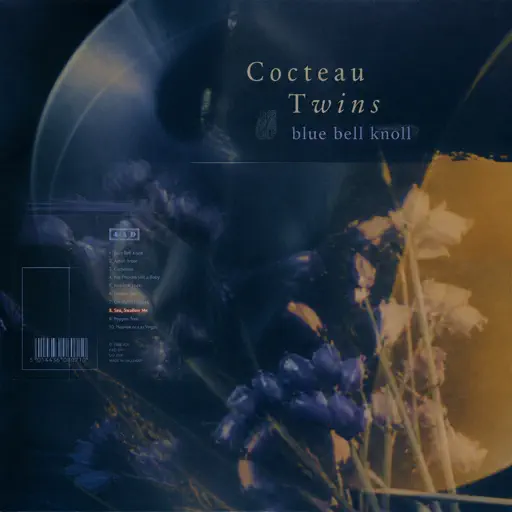
Normal
Sea, Swallow Me
Cocteau Twins
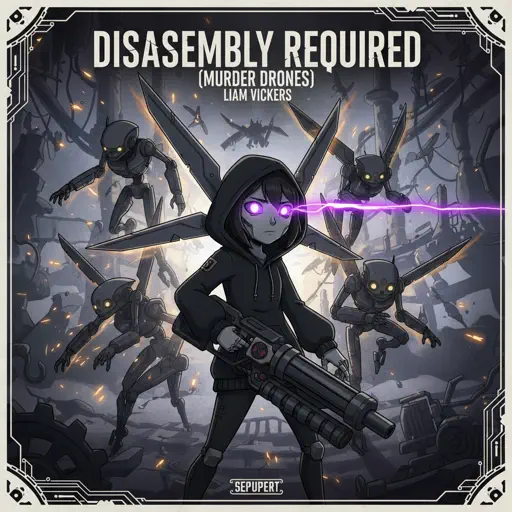
Normal
Disassembly Required (Murder Drones)
Liam Vickers
Hard Mode
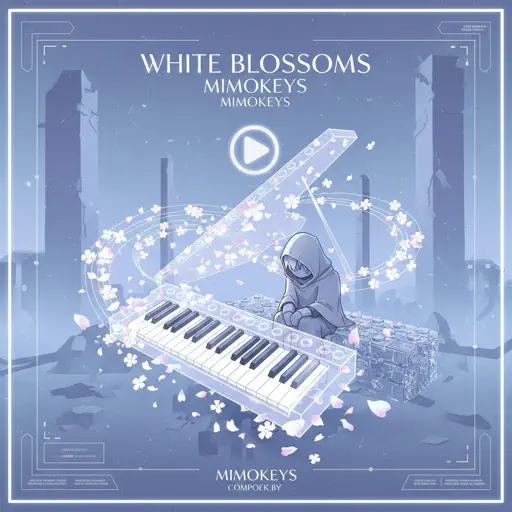
Hard
White Blossoms
Mimokeys
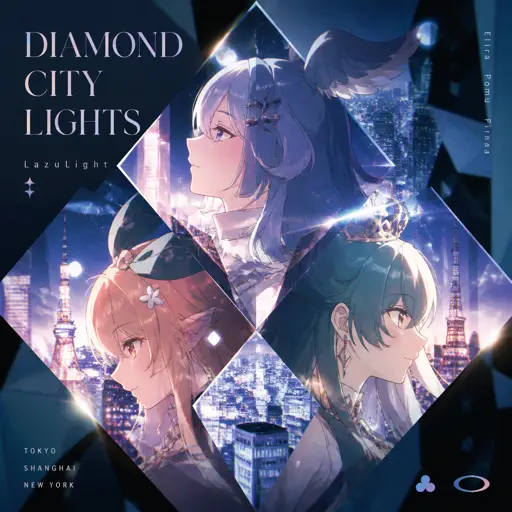
Hard
Diamond City Lights
LazuLight
Hard
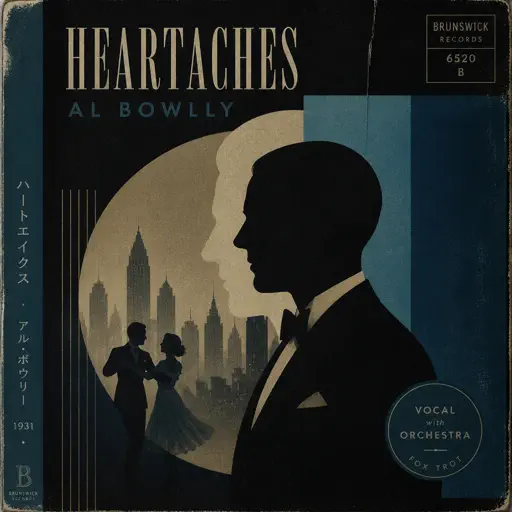
Heartaches
Al Bowlly
Hard
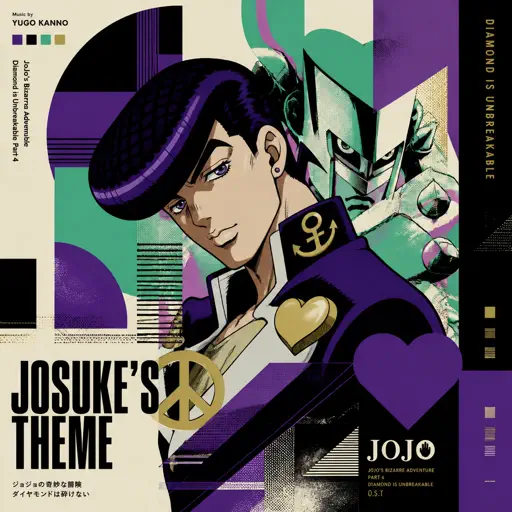
Josuke's Theme (JoJo's Bizarre Adventure: Diamond is Unbreakable)
Yugo Kanno
Hard
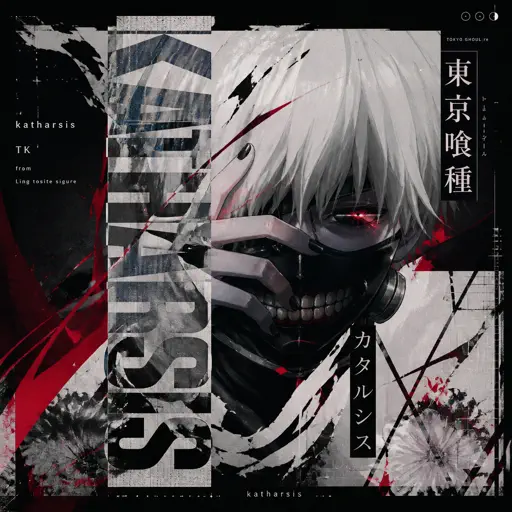
katharsis - Tokyo Ghoul
TK from Ling tosite sigure
Hard
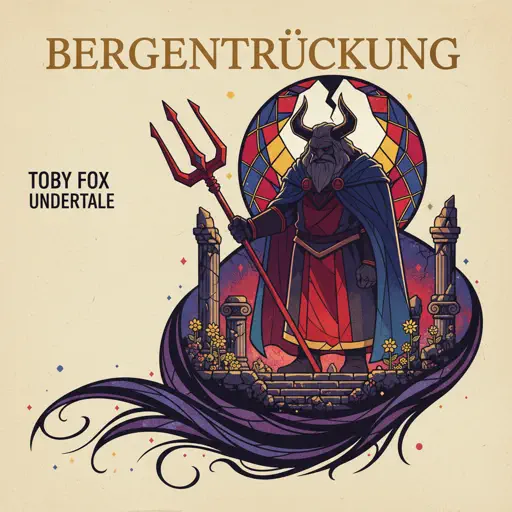
Bergentrückung
Toby Fox
Hard
Buddy Holly
Weezer (get weezered meme)
Hard
Resonance
Home
Hard
Otsukare Summer
HALCALI

Hard
Tết Đong Đầy
KHOA
Recommended Sheets
Jeopardy! Main Theme
Geek Music
Normal
i like the way you kiss me
Artemas
Hard
The Night We Met
Lord Huron
Normal
Show Me How
Men I Trust
Normal
Golden Brown
The Stranglers
Normal
Ready Or Not (c00lkidd Chase From Forsaken)
Forsaken
Hard
Fortnite Festive Christmas lobby music
Fortnite
Hard
Payphone
Maroon 5
Normal
Symphony
Clean Bandit feat. Zara Larsson
Normal
My Hero
Foo Fighters
Normal
Hey Kids
Molina
Normal
Creep
Scott Bradlee's Postmodern Jukebox
Hard
Zenzenzense 前前前世 -君の名は
RADWIMPS
Hard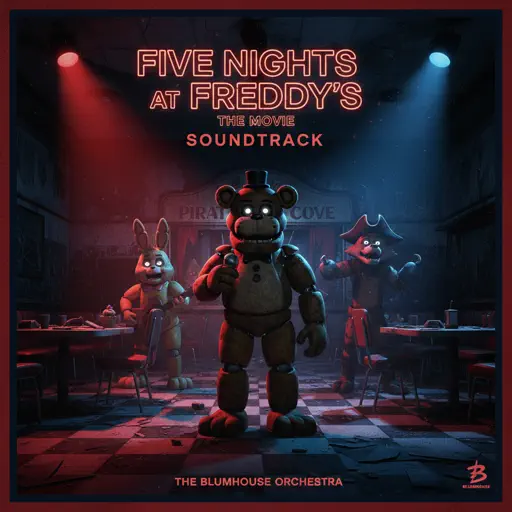
Five Nights at Freddy's Movie
The Newton Brothers
Hard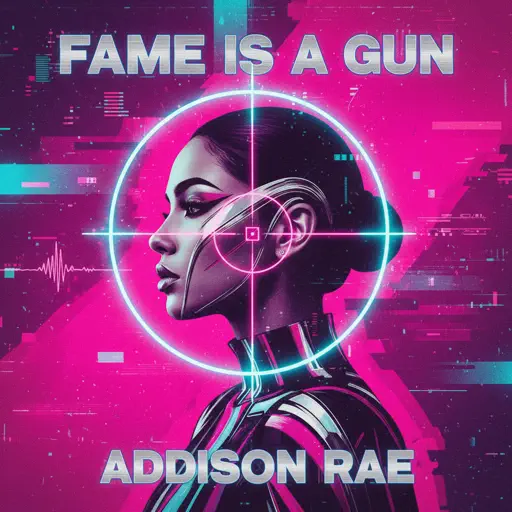
Fame is a Gun
Addison Rae
Hard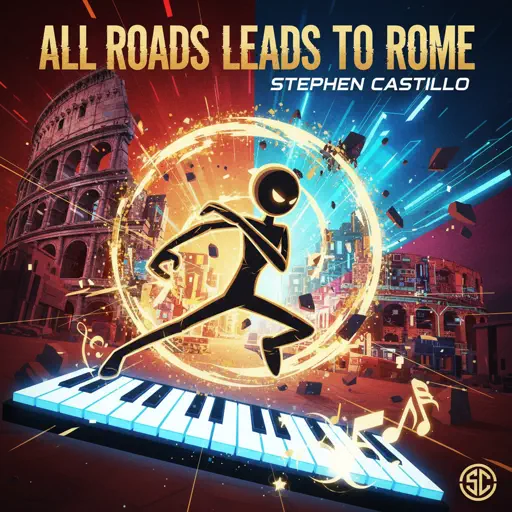
All Roads Leads To Rome
Stephen Castillo
Normal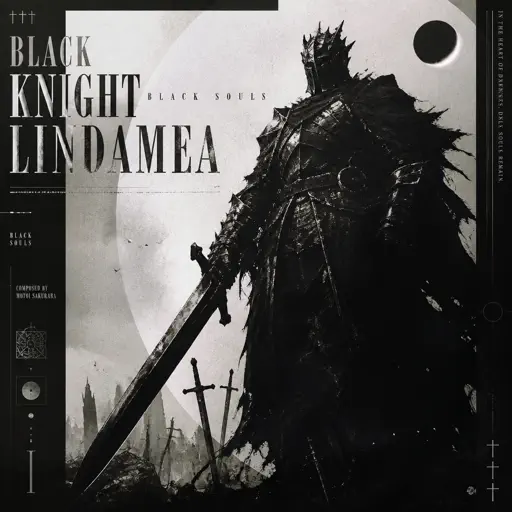
Black Knight Lindamea
Black Souls
Hard
undercover
Baby Smoove
Normal
Zankyou Sanka - 残響散歌 - Demon Slayer
Aimer
Hard
The Lost Soul Down
NBSPLV
NormalFrequently Asked Questions
What is Roblox Piano Practice Online?
This is a free online tool that lets you practice Roblox virtual piano sheets in your browser. No downloads required - just pick a song and start practicing.
How do I use this online practice tool?
1. Select a song from the recommendations or use the search function. 2. Click play and the sheet will auto-scroll with highlighted notes. 3. Watch the virtual piano keyboard for highlighted keys and practice along. 4. Use speed control to slow down playback - perfect for beginners.
Can I play using my keyboard?
Yes! The virtual piano supports computer keyboard input. The keys correspond to the standard Roblox piano layout (1234567890qwerty...). You can practice on your keyboard while following the sheet.
What does the Transpose feature do?
Transpose raises or lowers the pitch of the sheet. Some Roblox piano games have different default tunings, so transpose helps match the correct pitch. Usually adjusting by +12 or -12 semitones works.
Does this tool work on mobile?
Yes, but desktop provides the best experience. On mobile you can view the sheet and virtual piano demo, but keyboard input requires a computer. We recommend using a desktop for the best practice experience.
How do I find sheets suitable for my level?
Below you'll find recommendations sorted by difficulty: Easy for beginners, Normal for intermediate players, and Hard/Expert for advanced challenges. You can also use the search function to find songs by title or artist.