
Roblox Piano Practice Online
Loading piano...
Practice Guide
Quick guide on how to use the online piano practice tool.
What is this?
This tool allows you to practice playing virtual piano sheets directly in your browser. It simulates a piano keyboard and helps you learn the notes and rhythm before playing in Roblox.
How to Practice Online
Use your computer keyboard or mouse to play the virtual piano keys directly. As the sheet music plays, the corresponding keys on the virtual piano will light up to help you follow along. You can also copy the sheet code to use directly in Roblox.
Discover Sheets
Random Shuffle: Click the Shuffle button in the center of the top control bar to instantly load a random new song without reloading the page.
Search: Click the Search button next to Shuffle to open the search window. Type a song title or artist name to quickly find and switch to the sheet you want to practice.
Playback Controls
- Play/Pause: Start or stop playback.
- 1xSpeed: Adjust tempo (0.5x - 2.0x).
- KTranspose: Shift the pitch up or down.
- SSustain: Toggle sustain pedal effect.
Easy Mode
Easy
Balcony
Cave Story
Easy
Fur Elise
Beethoven
Easy
Harvey
Alex G
Easy
LET ME SEE YA MOVE!
Lumi Athena
Easy
Sleeping City Funk
Emotional Recycling Bin
Easy
Where You Lead
Carole King
Easy
Immortal
Playboi Carti
Easy
Anlatamam from Kara Sevda Roblox Piano Sheet <meta name="description" content="Anlatamam - Kara Sevda (Endless Love)
Toygar Işıklı Roblox virtual piano | Intro: [e6] [a] [p] [a] [s]... | Copy the full sheet"/> <meta property="og:title" content="Anlatamam from Kara Sevda

Easy
Cupid (Twin Version)
Fifty Fifty
Easy
Nice To Know - BFDIA 19 Cake At Stake Intro
BFDIA 19
Normal Mode
Hard Mode
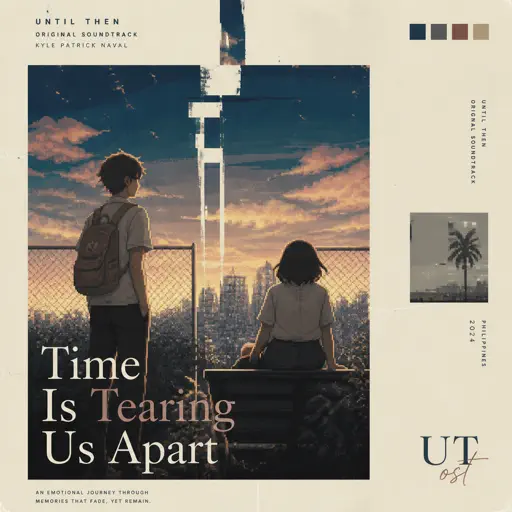
Hard
Time Is Tearing Us Apart - Until Then OST
Kyle Patrick Naval
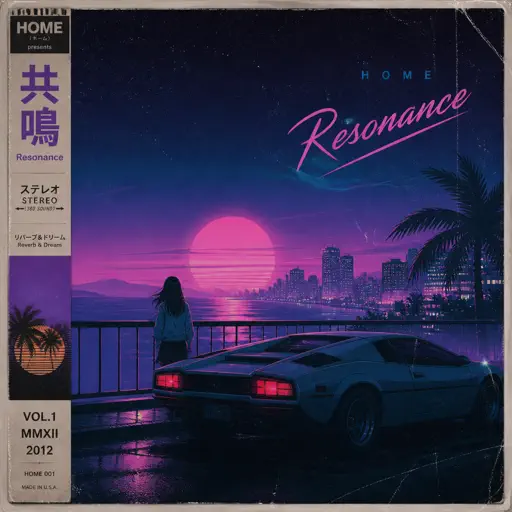
Hard
Resonance
Home
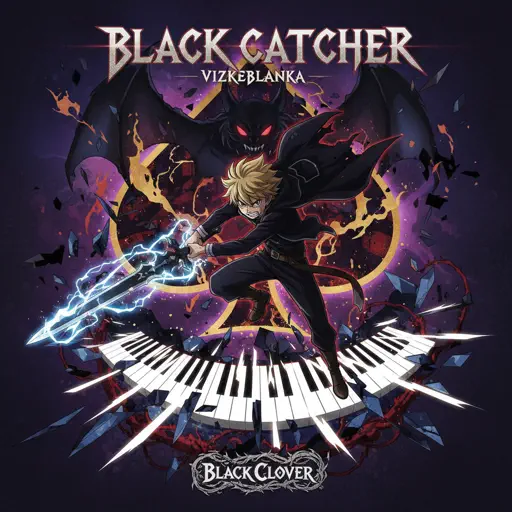
Hard
Black Catcher (Black Clover)
VK Blanka
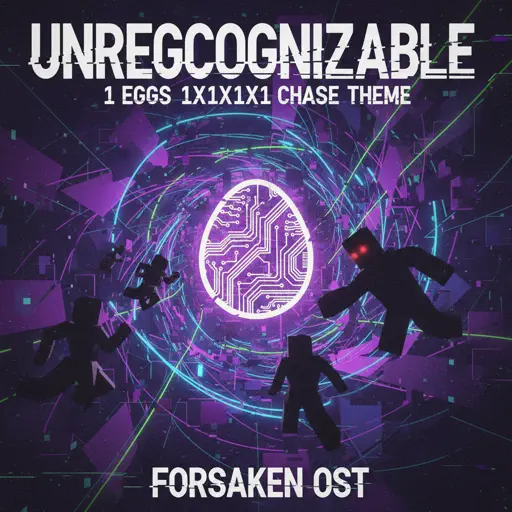
Hard
Unreggcognizable
Forsaken OST
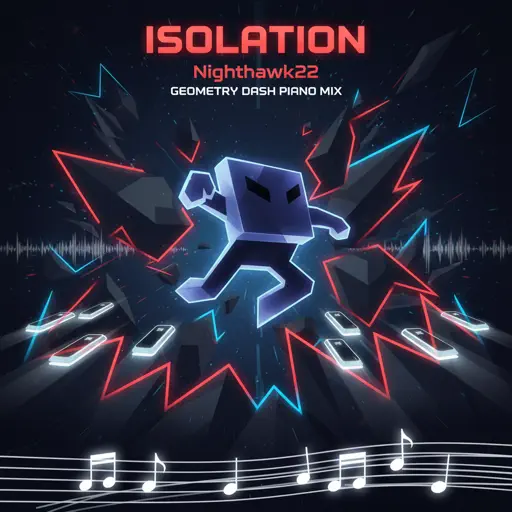
Hard
Isolation
Nighthawk22
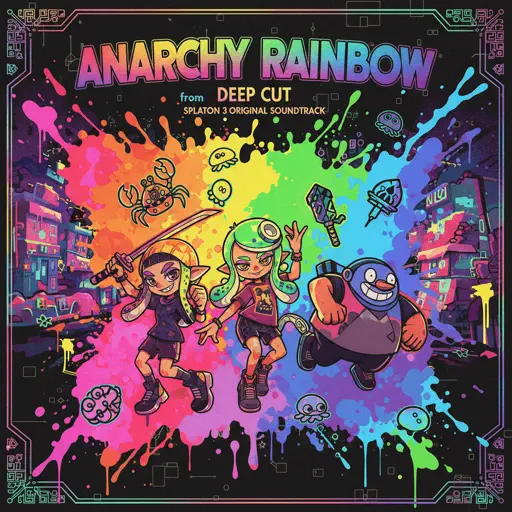
Hard
Anarchy Rainbow (from "Splatoon 3")
Splatoon 3
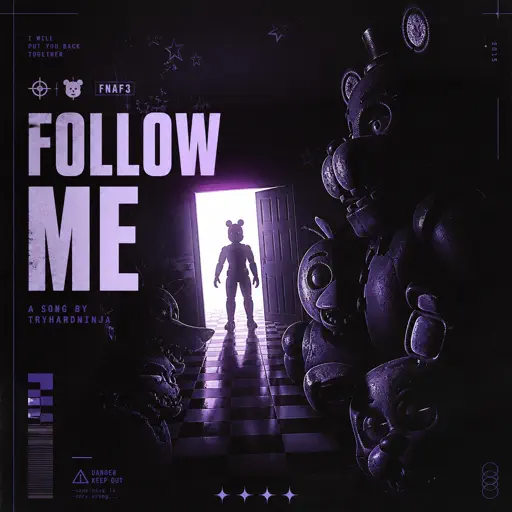
Hard
Follow Me (FNAF SONG)
Tryhardninja
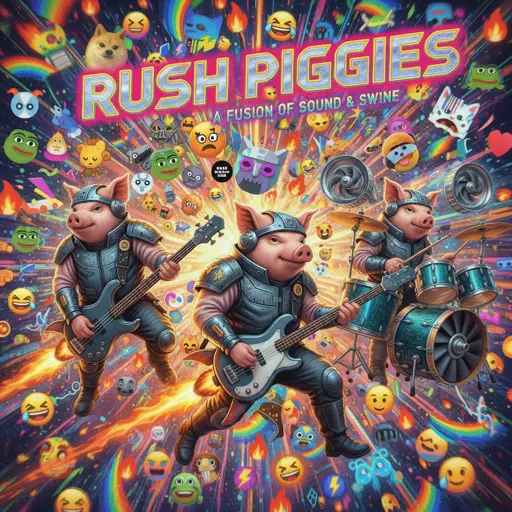
Hard
Rush Piggies
Sheet Music Boss
Hard
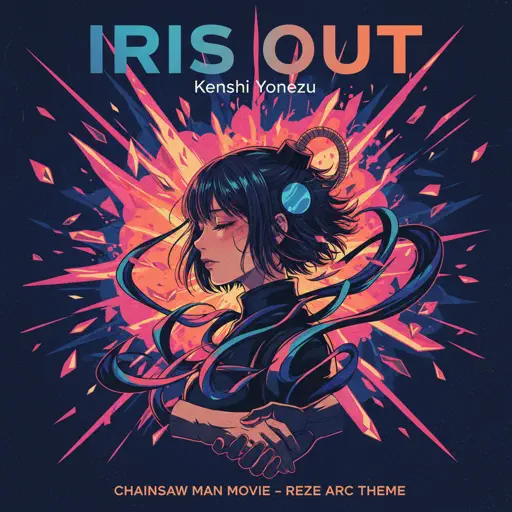
IRIS OUT - Chainsaw Man Movie
Kenshi Yonezu
Hard
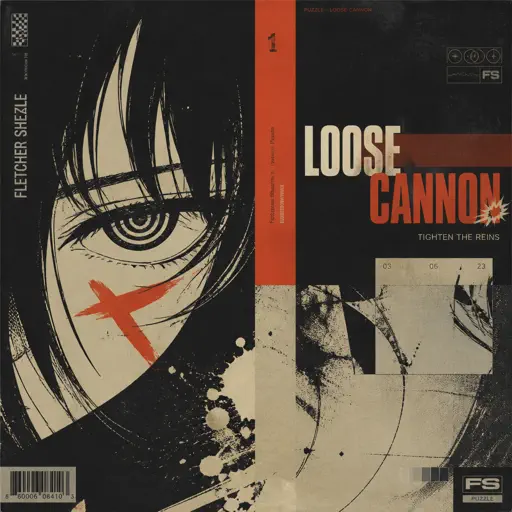
Loose Cannon
Puzzle
Recommended Sheets
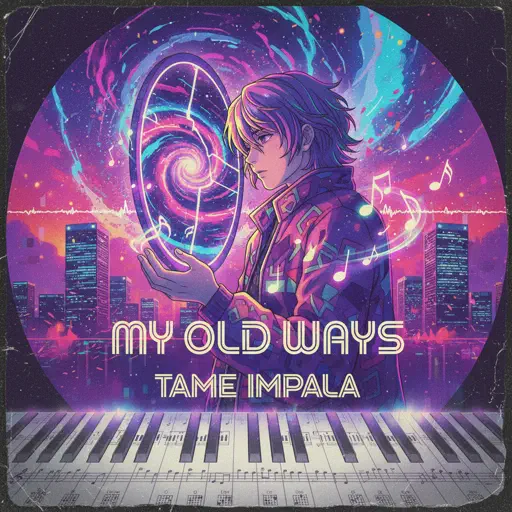
My Old Ways
Tame Impala
Normal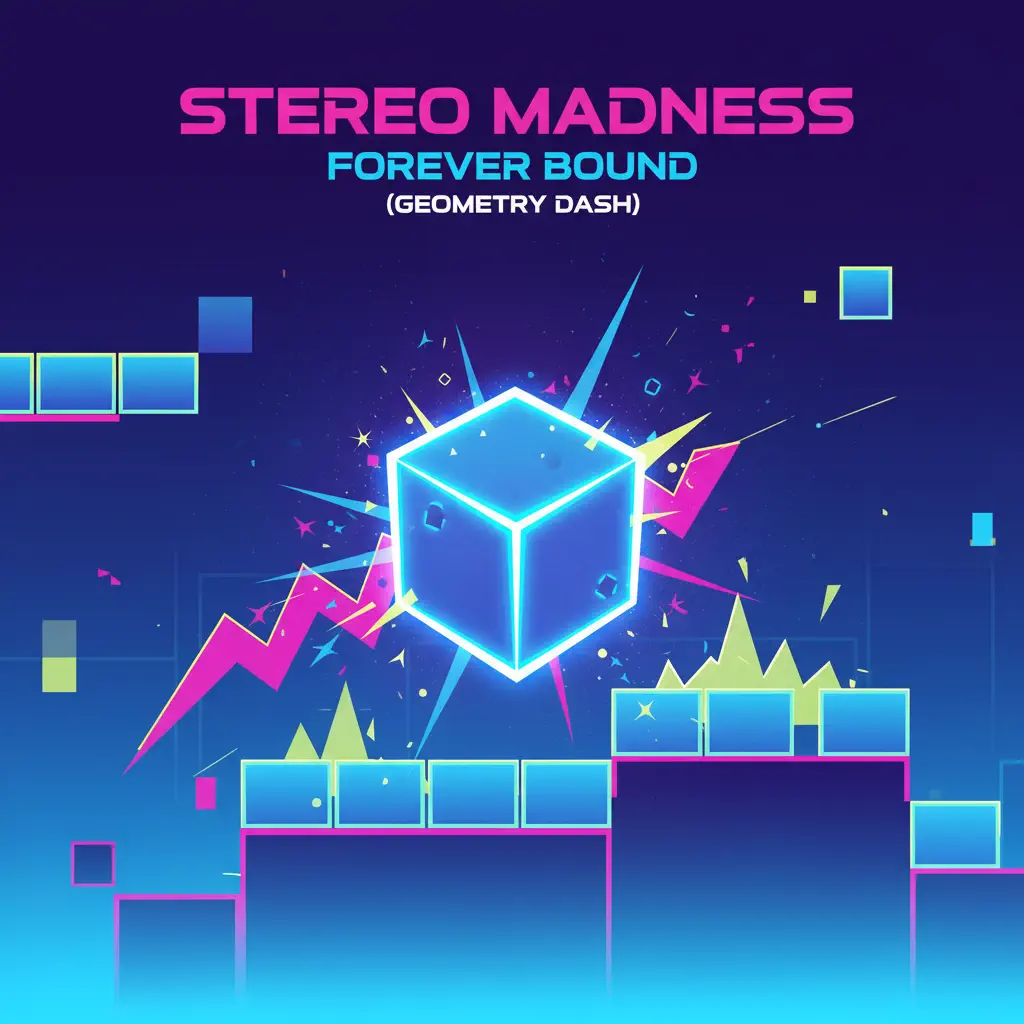
Stereo Madness (Geometry Dash)
Forever Bound
Normal
Need 2
Pinegrove
Normal
Hello Charlotte EP 2 OST
Farewell
Normal
Runaway
AURORA
Normal
Maple Leaf Rag
Scott Joplin
Normal
Poker Face
Lady Gaga
Normal
Blind Spots - Minecraft
C418
Hard
Paint It, Black
The Rolling Stones
Hard
Eternity
Alex Warren
Normal
Ride Like the Wind
Christopher Cross
Normal
Pou music - Connect/Cliff Jump/Cliff Dash/Jet Pou
GotaProduction
Normal
Sweet Boy
Malcolm Todd
Hard
Wonderwall
Oasis
Hard
Agony
Yung Lean
Hard
Kid Cudi
Playboi Carti
Normal
Lava Chicken
Minecraft Movie
Normal
cut my fingers off
Ethan Bortnick
Hard
Battle Hymn of the Republic
Julia Ward Howe
Normal
End of Beginning
Djo
NormalFrequently Asked Questions
What is Roblox Piano Practice Online?
This is a free online tool that lets you practice Roblox virtual piano sheets in your browser. No downloads required - just pick a song and start practicing.
How do I use this online practice tool?
1. Select a song from the recommendations or use the search function. 2. Click play and the sheet will auto-scroll with highlighted notes. 3. Watch the virtual piano keyboard for highlighted keys and practice along. 4. Use speed control to slow down playback - perfect for beginners.
Can I play using my keyboard?
Yes! The virtual piano supports computer keyboard input. The keys correspond to the standard Roblox piano layout (1234567890qwerty...). You can practice on your keyboard while following the sheet.
What does the Transpose feature do?
Transpose raises or lowers the pitch of the sheet. Some Roblox piano games have different default tunings, so transpose helps match the correct pitch. Usually adjusting by +12 or -12 semitones works.
Does this tool work on mobile?
Yes, but desktop provides the best experience. On mobile you can view the sheet and virtual piano demo, but keyboard input requires a computer. We recommend using a desktop for the best practice experience.
How do I find sheets suitable for my level?
Below you'll find recommendations sorted by difficulty: Easy for beginners, Normal for intermediate players, and Hard/Expert for advanced challenges. You can also use the search function to find songs by title or artist.