
Roblox Piano Practice Online
Loading piano...
Practice Guide
Quick guide on how to use the online piano practice tool.
What is this?
This tool allows you to practice playing virtual piano sheets directly in your browser. It simulates a piano keyboard and helps you learn the notes and rhythm before playing in Roblox.
How to Practice Online
Use your computer keyboard or mouse to play the virtual piano keys directly. As the sheet music plays, the corresponding keys on the virtual piano will light up to help you follow along. You can also copy the sheet code to use directly in Roblox.
Discover Sheets
Random Shuffle: Click the Shuffle button in the center of the top control bar to instantly load a random new song without reloading the page.
Search: Click the Search button next to Shuffle to open the search window. Type a song title or artist name to quickly find and switch to the sheet you want to practice.
Playback Controls
- Play/Pause: Start or stop playback.
- 1xSpeed: Adjust tempo (0.5x - 2.0x).
- KTranspose: Shift the pitch up or down.
- SSustain: Toggle sustain pedal effect.
Easy Mode
Easy
Mist
EsDeeKid
Easy
Sleeping City Funk
Emotional Recycling Bin
Easy
Mockingbird
Eminem
Easy
Harvey
Alex G
Easy
Immortal
Playboi Carti
Easy
Fur Elise
Beethoven
Easy
Nice To Know - BFDIA 19 Cake At Stake Intro
BFDIA 19
Easy
Where You Lead
Carole King
Easy
Gravity Falls Main Title Theme
Brad Breeck
Easy
LET ME SEE YA MOVE!
Lumi Athena
Normal Mode
Normal
Oobja - Main Theme
Various Artists
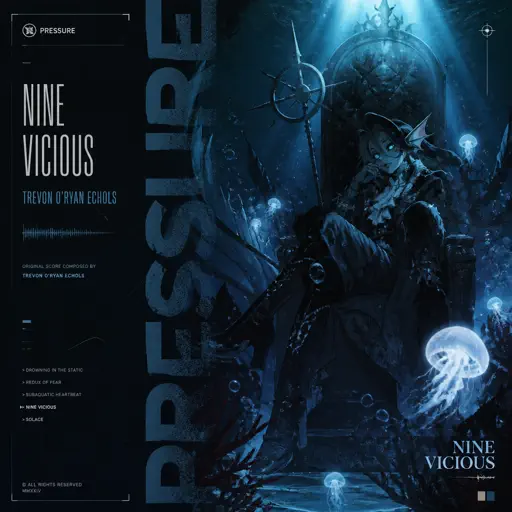
Normal
Trevon O'Ryan Echols
Nine Vicious
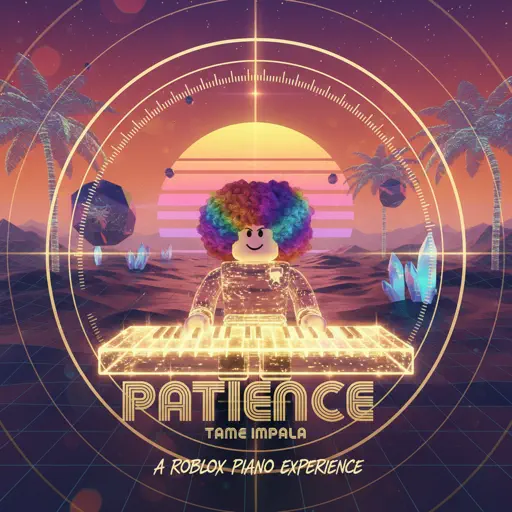
Normal
Patience
Tame Impala
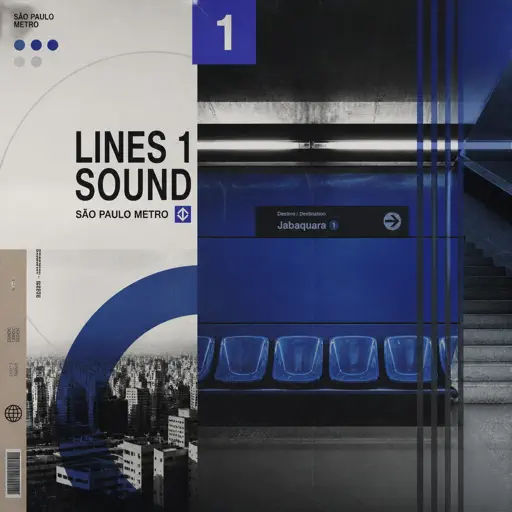
Normal
Lines 1 Sound São Paulo Metro
Metro-SP
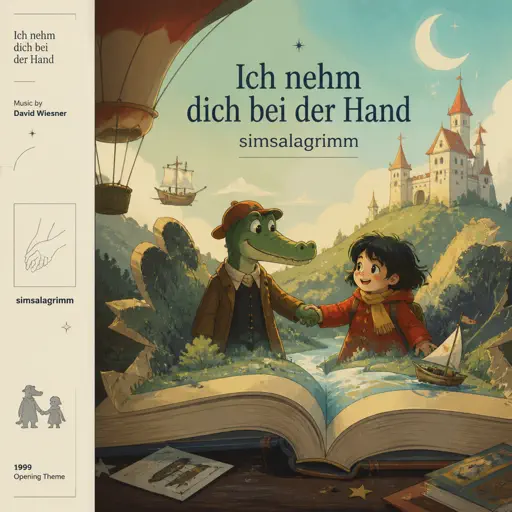
Normal
Ich nehm dich bei der Hand (simsalagrimm)
David Wiesner
Normal
Golden
HUNTR/X
Normal
Bande Organisee
Jul
Normal
Flying
Anathema
Normal
Passionfruit
Drake
Normal
Blinding Lights
The Weeknd
Hard Mode
Hard
Paint It, Black
The Rolling Stones
Hard
Ruler of My Heart (VIVINOS - ALNST)
Alien stage
Hard
Bergentrückung
Toby Fox
Hard
Loose Cannon
Puzzle
Hard
Normal
BTS
Hard
Tried Our Best
Drake
Hard
Kyles mom's a bitch (South Park)
Trey Parker
Hard
Looping the Rooms
rusino

Hard
STAR☆T☆RAIN - 推しの子 Oshi no Ko
Yusuke Onodera
Hard
Por Una Cabeza
Carlos Gardel
Recommended Sheets
Past Lives
BØRNS
Normal
Upside Down
Diana Ross
Hard
Pou music - Connect/Cliff Jump/Cliff Dash/Jet Pou
GotaProduction
Normal
Magasin
Eraserheads
Normal
The Nights
Avicii
Normal
Nowhere To Run
Stegosaurus Rex
Hard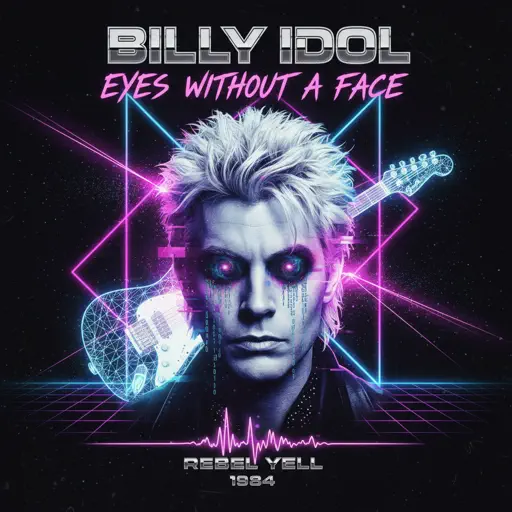
Eyes Without A Face
Billy Idol
Normal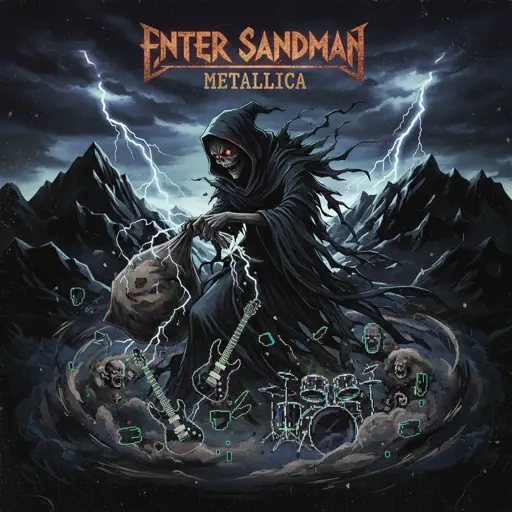
Enter Sandman
Metallica
Normal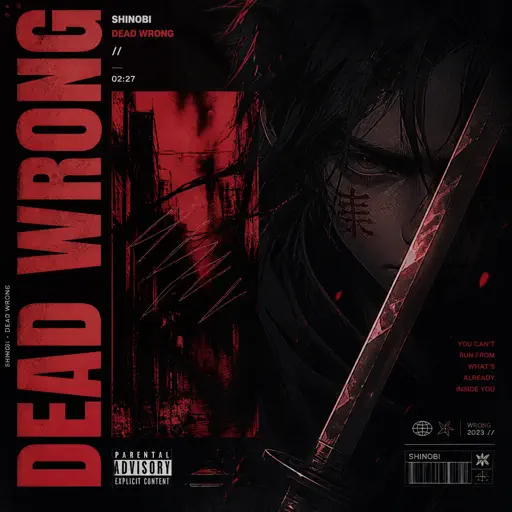
Dead Wrong
Shinobi
Hard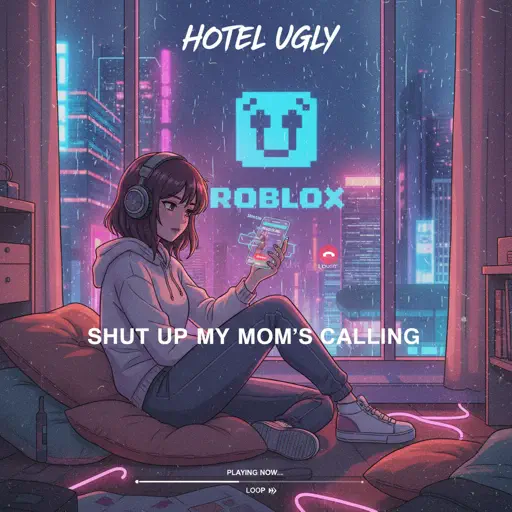
Shut up My Moms Calling
Hotel Ugly
Normal
The Entertainer
Scott Joplin
Hard
Berdly - Deltarune
Toby Fox
Normal
loml
Taylor Swift
Normal
Battle Hymn of the Republic
Julia Ward Howe
Normal
U.N. Owen Was Her?
Flandre's Theme
Hard
Hey There Delilah
Plain White T's
Normal
A Thousand Years
John Michael Howell
Normal
Sweet Child O' Mine
Guns N' Roses
Hard
Eternity
Alex Warren
Normal
Waltz In A Minor
Frédéric Chopin
NormalFrequently Asked Questions
What is Roblox Piano Practice Online?
This is a free online tool that lets you practice Roblox virtual piano sheets in your browser. No downloads required - just pick a song and start practicing.
How do I use this online practice tool?
1. Select a song from the recommendations or use the search function. 2. Click play and the sheet will auto-scroll with highlighted notes. 3. Watch the virtual piano keyboard for highlighted keys and practice along. 4. Use speed control to slow down playback - perfect for beginners.
Can I play using my keyboard?
Yes! The virtual piano supports computer keyboard input. The keys correspond to the standard Roblox piano layout (1234567890qwerty...). You can practice on your keyboard while following the sheet.
What does the Transpose feature do?
Transpose raises or lowers the pitch of the sheet. Some Roblox piano games have different default tunings, so transpose helps match the correct pitch. Usually adjusting by +12 or -12 semitones works.
Does this tool work on mobile?
Yes, but desktop provides the best experience. On mobile you can view the sheet and virtual piano demo, but keyboard input requires a computer. We recommend using a desktop for the best practice experience.
How do I find sheets suitable for my level?
Below you'll find recommendations sorted by difficulty: Easy for beginners, Normal for intermediate players, and Hard/Expert for advanced challenges. You can also use the search function to find songs by title or artist.