
Roblox Piano Practice Online
Loading piano...
Practice Guide
Quick guide on how to use the online piano practice tool.
What is this?
This tool allows you to practice playing virtual piano sheets directly in your browser. It simulates a piano keyboard and helps you learn the notes and rhythm before playing in Roblox.
How to Practice Online
Use your computer keyboard or mouse to play the virtual piano keys directly. As the sheet music plays, the corresponding keys on the virtual piano will light up to help you follow along. You can also copy the sheet code to use directly in Roblox.
Discover Sheets
Random Shuffle: Click the Shuffle button in the center of the top control bar to instantly load a random new song without reloading the page.
Search: Click the Search button next to Shuffle to open the search window. Type a song title or artist name to quickly find and switch to the sheet you want to practice.
Playback Controls
- Play/Pause: Start or stop playback.
- 1xSpeed: Adjust tempo (0.5x - 2.0x).
- KTranspose: Shift the pitch up or down.
- SSustain: Toggle sustain pedal effect.
Easy Mode
Easy
Sleeping City Funk
Emotional Recycling Bin
Easy
Gravity Falls Main Title Theme
Brad Breeck
Easy
Mockingbird
Eminem
Easy
Balcony
Cave Story
Easy
Mist
EsDeeKid

Easy
Cupid (Twin Version)
Fifty Fifty
Easy
Nice To Know - BFDIA 19 Cake At Stake Intro
BFDIA 19
Easy
Fur Elise
Beethoven
Easy
LET ME SEE YA MOVE!
Lumi Athena
Easy
Immortal
Playboi Carti
Normal Mode
Normal
Discord
The Living Tombstone
Normal
Locked Away (Dandy's World)
CG5
Normal
Return to Versailles
Joshua Kyan Aalampour
Normal
Devils Never Cry (スタッフロール)
Tetsuya Shibata

Normal
Hazy Moon
Miku Sanaa
Normal
YOUR WAY'S BETTER
Forrest Frank
Normal
Phantom
EsDeeKid
Normal
Alphabet Song (Abc Song)
Unknown Artist
Normal
I WANNA BE YOUR SLAVE
Måneskin

Normal
As It Was
Harry Styles
Hard Mode
Hard
November Rain
Guns N' Roses
Hard
Fortnite Festive Christmas lobby music
Fortnite

Hard
Guanshan Wine
Deng Shen Me Jun

Hard
Shinzo wo Sasageyo ! - 心臓を捧げよ! - Attack on Titan
Linked Horizon
Hard
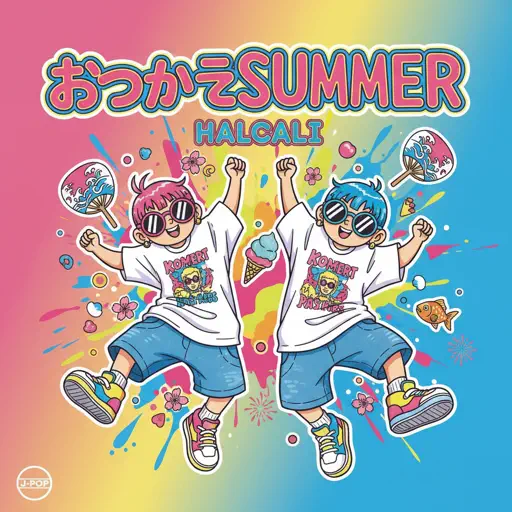
Otsukare Summer
HALCALI
Hard
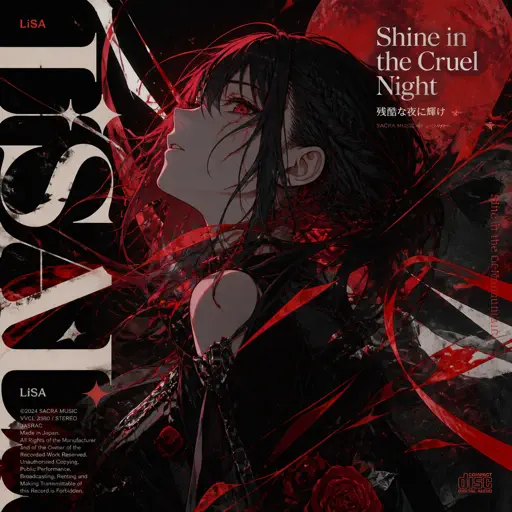
Shine in the Cruel Night 残酷な夜に輝け
LiSA
Hard
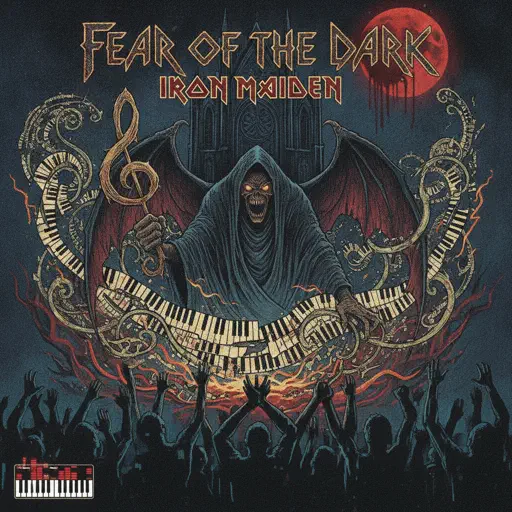
Fear of the Dark
Iron Maiden
Hard
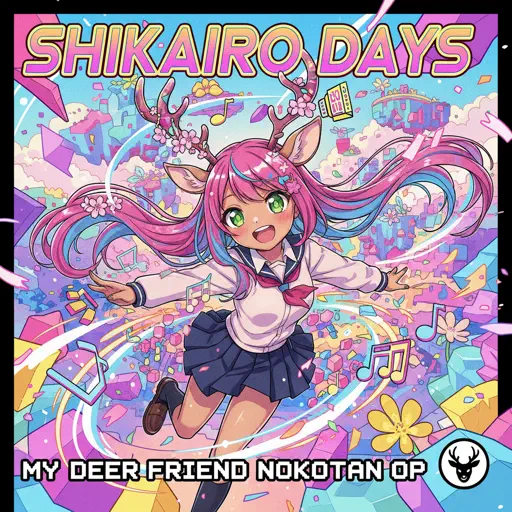
Shikairo Days/シカ色デイズ
My Deer Friend Nokotan OP
Hard
Signalling - 次元通信
AnythingBecomeMoe
Hard
Sweet Child O' Mine
Guns N' Roses
Recommended Sheets
Lost Woods (The Legend of Zelda: Ocarina of Time)
Legend of Zelda
Normal
Phép Màu (Đàn Cá Gỗ OST)
MAYDAYs
Normal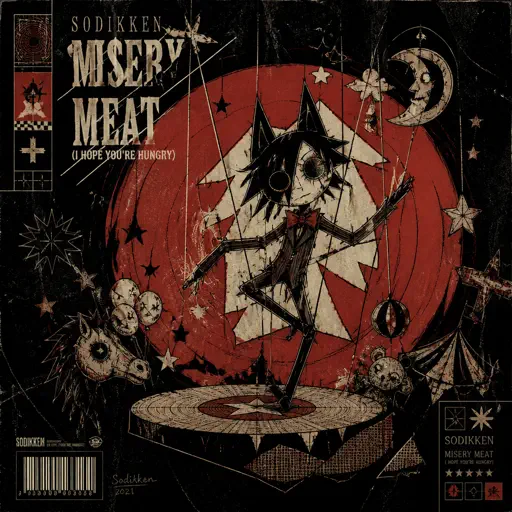
Misery Meat (i hope your hungry)
Sodikken
Hard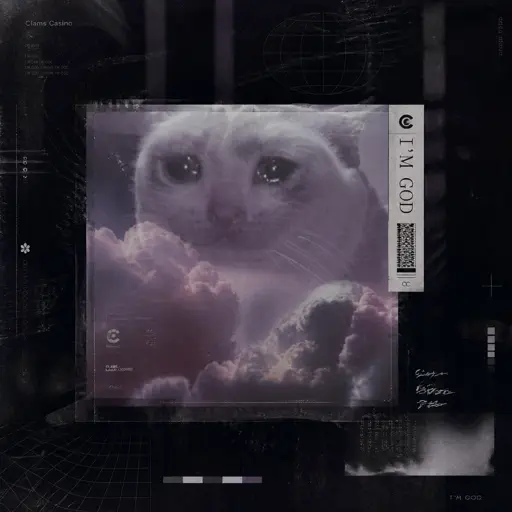
I'm God
Clams Casino
Normal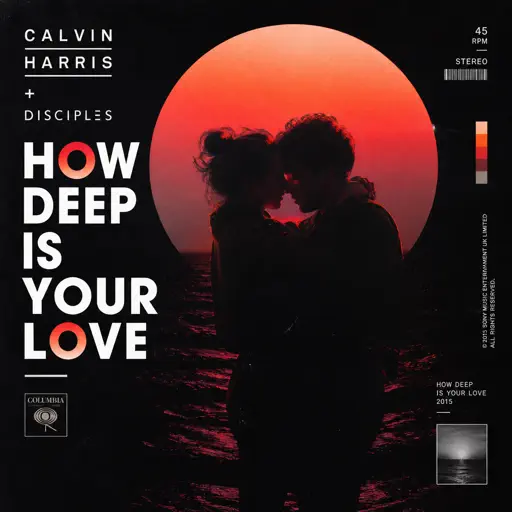
How Deep Is Your Love
Calvin Harris
Normal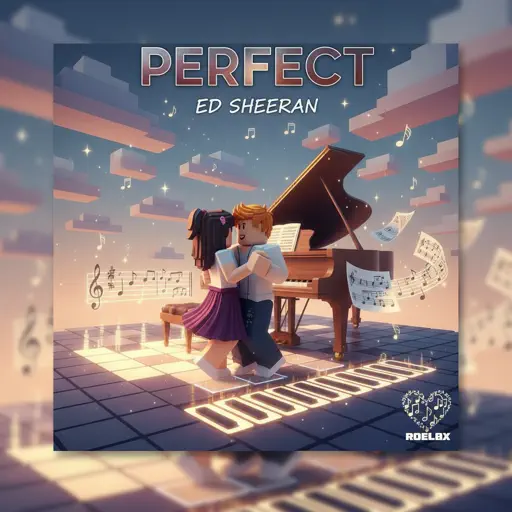
Perfect
Ed Sheeran
Normal
Homestuck Terezi's Theme
CopacetiCat
Normal
La Vie en Rose
Edith Piaf
Hard
Spring (The Four Seasons)
Vivaldi
Normal
Bergentrückung
Toby Fox
HardAlphabet Song (Abc Song)
Unknown Artist
Normal
Fame is a Gun
Addison Rae
Hard
Your Love Is My Drug (8 Bit Slowed)
EtxrnalL
Normal
Hava Harp Okulu Marşı
TSK Armoni Mızıkası
Normal
Chamber Of Reflection
Mac DeMarco
Normal
Car's Outside
James Arthur
Normal
Wonderwall
Oasis
Hard
All Star
Smash Mouth
NormalSweet Child O' Mine
Guns N' Roses
Hard
Home Again
Park Lane
NormalFrequently Asked Questions
What is Roblox Piano Practice Online?
This is a free online tool that lets you practice Roblox virtual piano sheets in your browser. No downloads required - just pick a song and start practicing.
How do I use this online practice tool?
1. Select a song from the recommendations or use the search function. 2. Click play and the sheet will auto-scroll with highlighted notes. 3. Watch the virtual piano keyboard for highlighted keys and practice along. 4. Use speed control to slow down playback - perfect for beginners.
Can I play using my keyboard?
Yes! The virtual piano supports computer keyboard input. The keys correspond to the standard Roblox piano layout (1234567890qwerty...). You can practice on your keyboard while following the sheet.
What does the Transpose feature do?
Transpose raises or lowers the pitch of the sheet. Some Roblox piano games have different default tunings, so transpose helps match the correct pitch. Usually adjusting by +12 or -12 semitones works.
Does this tool work on mobile?
Yes, but desktop provides the best experience. On mobile you can view the sheet and virtual piano demo, but keyboard input requires a computer. We recommend using a desktop for the best practice experience.
How do I find sheets suitable for my level?
Below you'll find recommendations sorted by difficulty: Easy for beginners, Normal for intermediate players, and Hard/Expert for advanced challenges. You can also use the search function to find songs by title or artist.