Roblox Piano Sheets - Windows XP Startup by Windows
Normal

Windows XP StartupRoblox Piano Sheet

by Windows

Updated · Apr 19, 2026

windows xpmemeambientorchestralsound design
5.0(0)
~40 NPM

Windows XP Startup Music Sheet

Roblox piano sheets music player performance of Windows XP Startup

About Windows XP Startup Roblox Piano Sheets

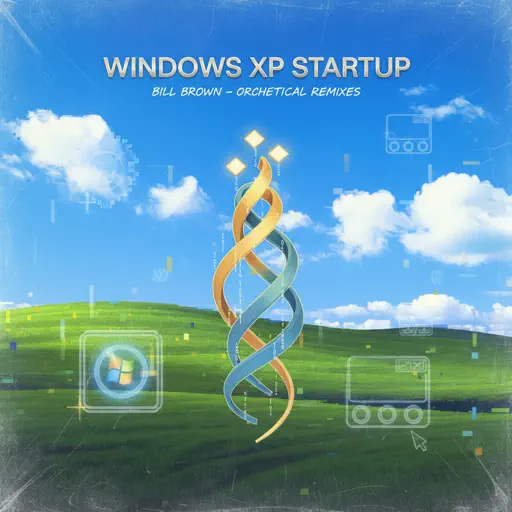
The Windows XP Startup chime stands as one of the most recognizable pieces of sound design in history, serving as the official welcoming committee for an entire generation of PC users. Originally crafted by Bill Brown to accompany the launch of the Microsoft operating system in 2001, this brief orchestral flourish evolved from a simple functional alert into a definitive cultural icon. It captures a specific era of tech optimism, blending a sense of digital discovery with a certain warmth that modern software often lacks. Beyond its role as a nostalgic relic, the track has achieved a strange kind of immortality through countless memes and internet remixes, remaining a piece of media that almost everyone on the planet can identify within seconds. Bringing this sequence to a virtual keyboard is a fantastic choice because it packs a massive emotional punch into a very small window of time. The playing feel is primarily rhythmic and builds with a gentle but firm crescendo, moving at a moderate pace that relies on lush chordal spacing rather than complex, finger-twisting melodies. It is a satisfying, punchy little sequence that sounds incredible when the layering is handled correctly, offering a fast way to tap into some heavy-hitting tech nostalgia during any session.

Windows XP Startup Roblox Piano Sheets Playing Tips

  • Break the arrangement into short sections first instead of trying to run the whole chart in one go.
  • Use the tempo and sustain controls above to lock in the hardest phrases cleanly.
  • Watch for repeating patterns, because mastering those usually gives the biggest speed boost.
  • If you plan to perform it in-game, rehearse the transitions between the signature sections separately.

Explore More