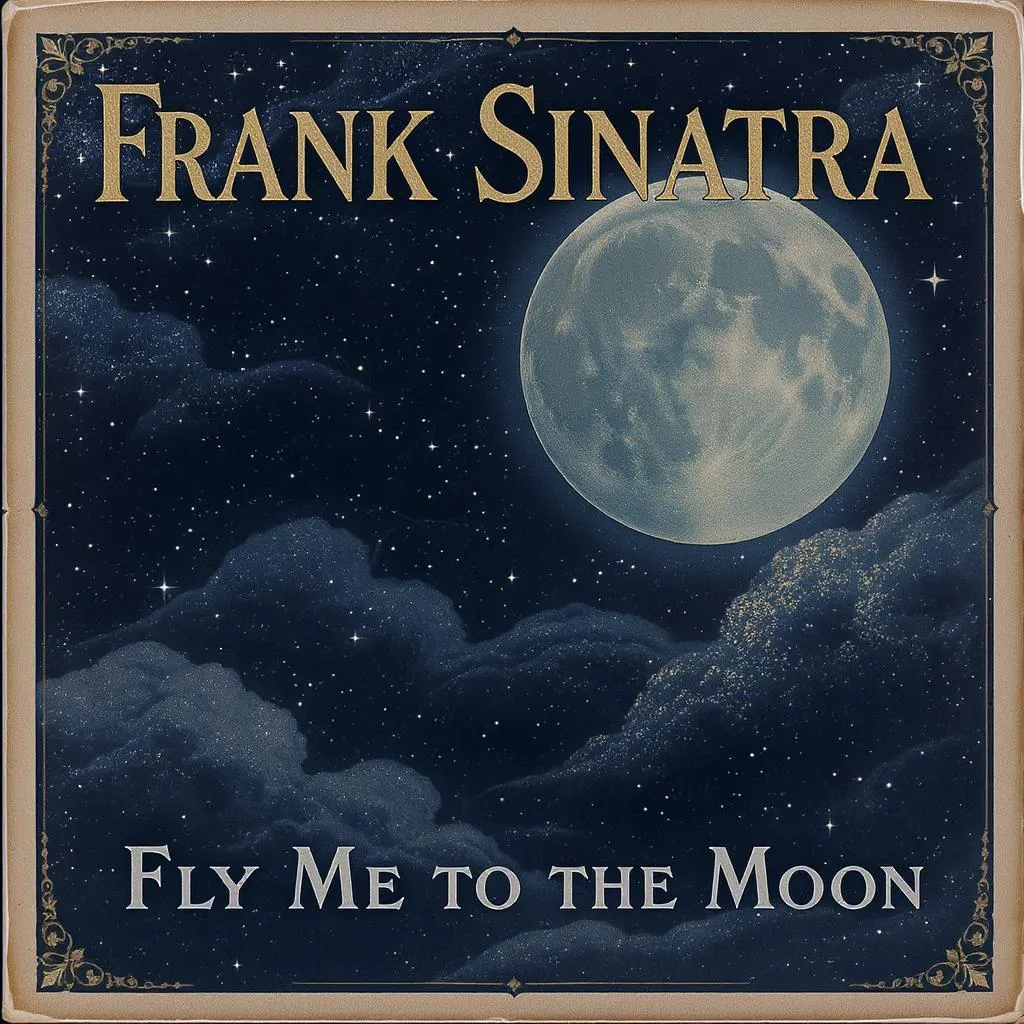
Roblox Piano Sheets - Fly Me to the Moon by Frank Sinatra
Normal

Fly Me to the MoonRoblox Piano Sheet

by Frank Sinatra

Updated · Jan 15, 2026

jazzhot
4.5(172)
151
21
~126.67 NPM

Fly Me to the Moon Music Sheet

Speed:1.00x
Key:0
Sustain
lkjhghjlkjhgf
jhgfdfgjHgfds
sdjj
lkh
sdhh
kjhg
lkjhghjlkjhgf
jhgfdfgjHgfds
sdjj
lkx
xxllkzl
Loading piano...
📊76 notes
About 0.6 minutes
📝156 characters
📄10 lines

Roblox piano sheets music player performance of Fly Me to the Moon

Last updated · Jan 15, 2026Normaljazzhot

Note Count

76

Full sheet length including repeats.

Tempo DNA

126.67 NPM

Notes per minute estimate.

Chord Size

1

Count of simultaneous keys.

Sections

1

Automatic structural markers.

Fly Me to the Moon Story Lab

Fly Me to the Moon by Frank Sinatra has become a recognizable anthem inside the jazz, hot scene. Fly Me to the Moon by the legendary Frank Sinatra! This song is a true gem of the Great American Songbook, though it was actually written by Bart Howard in 1954. Sinatra's 1964 rendition, with Quincy Jones's iconic arrangement, made it globally famous. It's cherished for its romantic lyrics and incredibly smooth, swing This arrangement keeps the storyline intact so Roblox players can relive the original emotions while practicing on a virtual keyboard.

From a technical lens, the sheet spreads roughly 76 playable notes over 11 lines, hovering around 126.67 notes per minute. Expect normal-level jumps plus chords up to 1 notes, so pacing and hand preparation become essential.

If you enjoy narrative-driven music with contrasting sections, this sheet rewards you with dynamic transitions every 2 segments. It is ideal for intermediate Roblox pianists aiming to improve consistency while still sounding concert-ready.

Original Note

Fly Me to the Moon by the legendary Frank Sinatra! This song is a true gem of the Great American Songbook, though it was actually written by Bart Howard in 1954. Sinatra's 1964 rendition, with Quincy Jones's iconic arrangement, made it globally famous. It's cherished for its romantic lyrics and incredibly smooth, swinging jazz feel that just transports you. For Roblox piano, Fly Me to the Moon is fantastically versatile, suitable for all skill levels. Beginners can focus on playing the beautiful, simple melody line, it's a great way to practice legato and rhythm without getting overwhelmed. For intermediate players, you can start adding basic chords in your left hand to give it more body, really capturing that classic jazz harmony. If you're an advanced player, this is where you can truly shine! Experiment with more complex jazz voicings, a walking bassline, or even some subtle improvised fills to emulate that big band feel. The key to mastering this song on Roblox is to capture its elegant, swinging rhythm, don't rush the tempo; let the music breathe and flow naturally. It's all about creating that cool, sophisticated vibe, perfect for any virtual lounge!

Try next

Practice Guide

Warm-up Mapping

Ease into the Fly Me to the Moon motif by looping Lines 1-11 at 60 BPM while marking finger groups.

Focus range: Lines 1-11

  • Count aloud before every chord change to lock in consistent spacing.
  • Use a light touch so that repeated brackets stay even.

Technique Focus

Target syncopations across Lines 1-11 by drilling at 80 BPM with sustain toggles.

Focus range: Lines 1-11

  • Group any 1-note chords in a single wrist motion.
  • Alternate between +2 and -2 transpose on the virtual piano to test accuracy.

Performance Run

Connect all sections for 0.6 minutes at show tempo, focusing on story arcs.

Focus range: Lines 1-11

  • Record one full take and review transitions that dip in volume.
  • Finish with an exaggerated fermata to give the Roblox crowd closure.

Technique Focus

Four actionable reminders to keep your hands relaxed across Fly Me to the Moon.

🎯

Accent the top notes of every bracket to keep Fly Me to the Moon punchy even when playing quietly.

🧊

Leave micro-pauses during the 0% rest passages so listeners feel deliberate phrasing.

🧱

Peak density hits ~67 characters per chunk; relax forearms beforehand.

Target a steady 126.67 NPM; use the built-in metronome or the speed slider for calibration.

Suggested Tempo Ladder

Beginner

76 NPM

Intermediate

108 NPM

Advanced

133 NPM

Structure Timeline

Intro

Calm

Lines 111

About Fly Me to the Moon Roblox Piano Sheet

Fly Me to the Moon Roblox Piano Sheet is a wonderful piece by Frank Sinatra. This Fly Me to the Moon Roblox Piano Sheet contains 76 notes with Normal difficulty, perfect for playing on Roblox virtual piano.

Fly Me to the Moon Roblox Piano Sheet Background

Fly Me to the Moon by the legendary Frank Sinatra! This song is a true gem of the Great American Songbook, though it was actually written by Bart Howard in 1954. Sinatra's 1964 rendition, with Quincy Jones's iconic arrangement, made it globally famous. It's cherished for its romantic lyrics and incredibly smooth, swinging jazz feel that just transports you. For Roblox piano, Fly Me to the Moon is fantastically versatile, suitable for all skill levels. Beginners can focus on playing the beautiful, simple melody line, it's a great way to practice legato and rhythm without getting overwhelmed. For intermediate players, you can start adding basic chords in your left hand to give it more body, really capturing that classic jazz harmony. If you're an advanced player, this is where you can truly shine! Experiment with more complex jazz voicings, a walking bassline, or even some subtle improvised fills to emulate that big band feel. The key to mastering this song on Roblox is to capture its elegant, swinging rhythm, don't rush the tempo; let the music breathe and flow naturally. It's all about creating that cool, sophisticated vibe, perfect for any virtual lounge!
Fly Me to the Moon Roblox Piano Sheet Playing Tips

  • When practicing this Fly Me to the Moon Roblox Piano Sheet, pay attention to rhythm changes, especially in the chorus.
  • For this Fly Me to the Moon Roblox Piano Sheet, start practicing at a slower tempo.
  • Play this Fly Me to the Moon Roblox Piano Sheet using the virtual piano in Roblox game for best results.
  • Copy the Fly Me to the Moon Roblox Piano Sheet notes above and start playing now.

Dynamic FAQ

Q1. What is the quickest way to memorize Fly Me to the Moon?

Loop the motif "k j h g" and write finger numbers directly above each bracket. Once that feels natural, combine it with the built-in virtual piano for tactile memory.

Q2. How long before I can play it smoothly?

Most intermediate players need two focused sessions to connect every section. Schedule one day for pattern drilling and another day for a complete 0.6-minute performance run.

Q3. What should I focus on if the difficulty says Normal?

Prioritize control over flashy speed. Roblox audiences respond better to clean note releases and confident rests than to rushed passages.

FAQ & How to Play
How do I use these Roblox piano sheets?
These sheets are designed for Roblox virtual pianos. You can play them manually by typing the keys shown on your keyboard, or copy the sheet code into an auto-player script if you have one.
What do the symbols in the sheet mean?
[abc]: Notes inside brackets should be played simultaneously (chord). |: Represents a bar line or a pause. Numbers/Symbols: Correspond to the keys on your physical keyboard.
Why does the song sound off-key?
This might be due to transposition settings. Some Roblox piano games have different default tunings. Try using the "Transpose" feature in the player (often +12 or -12 semitones) until it sounds right.
Can I play this on mobile/tablet?
Yes, but it is more difficult. These sheets are primarily designed for computer keyboards (QWERTY layout). On a touchscreen, you would need to memorize which virtual keys correspond to the characters.
Where can I find more sheets like Fly Me to the Moon?
You can check the "Recommended" on the right or "You May Also Like" at the bottom. Also, use the search bar at the top to browse by categories (e.g., Anime, Gaming).

Explore More